
Save time and money with our discounts!
In cart {{totalProductsCount}} item(s)
Your cart is empty
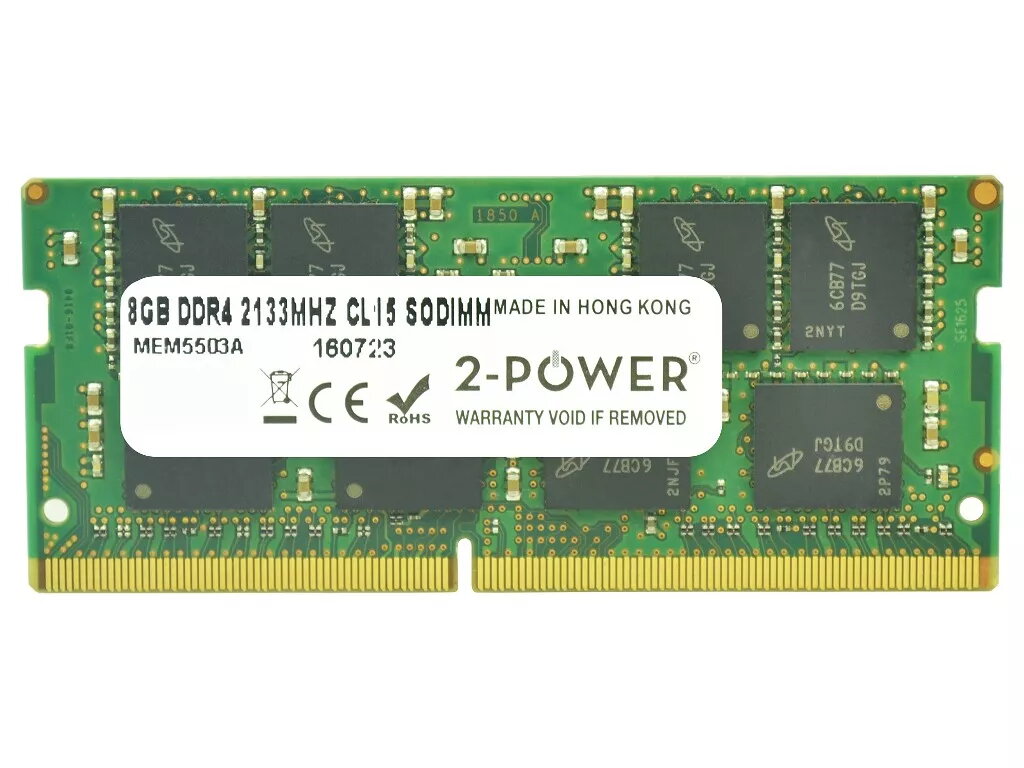
Memory Module 2-Power 2P-S26391-F1602-L800 8 GB DDR4 2133 MHz
The 2-Power 2P-S26391-F1602-L800 is an 8 GB DDR4 2133 MHz memory module for laptops. With CAS latency 15 and a single-module configuration, it boosts system responsiveness and supports multitasking and demanding applications without replacing the entire machine. The module is manufactured by 2-Power and is covered by a lifetime warranty.
This 8 GB DDR4 module increases application load times and system responsiveness, allows running multiple programs simultaneously, and provides a straightforward performance upgrade for compatible laptops. 2-Power guarantees 100% compatibility for their memory products and backs the module with a lifetime warranty.
Power off the laptop and disconnect it from power. Open the memory compartment or bottom cover according to the laptop manufacturer's instructions. Remove any existing module if necessary by gently releasing the retention clips and pulling the module out at an angle. Insert the 2-Power DDR4 SO-DIMM into the slot at the same angle until it clicks into place, then press down until the retention clips lock. Reassemble the laptop, reconnect power, and start the system; the new memory should be recognized automatically. Check BIOS/UEFI or the operating system to confirm the updated capacity.
Before upgrading, verify your laptop supports DDR4 2133 MHz SO-DIMM modules and that the maximum supported memory and slot configuration are compatible with an 8 GB module. Handle the module by its edges and observe anti-static precautions during installation.
{{highlightedFeature.featureTitle}}:
{{getProductFeatureValueById(product, highlightedFeature.featureId)}}
{{ productComparisonGenerationError }}
