
Dreame vacuums for fast and efficient cleaning!
In cart {{totalProductsCount}} item(s)
Your cart is empty
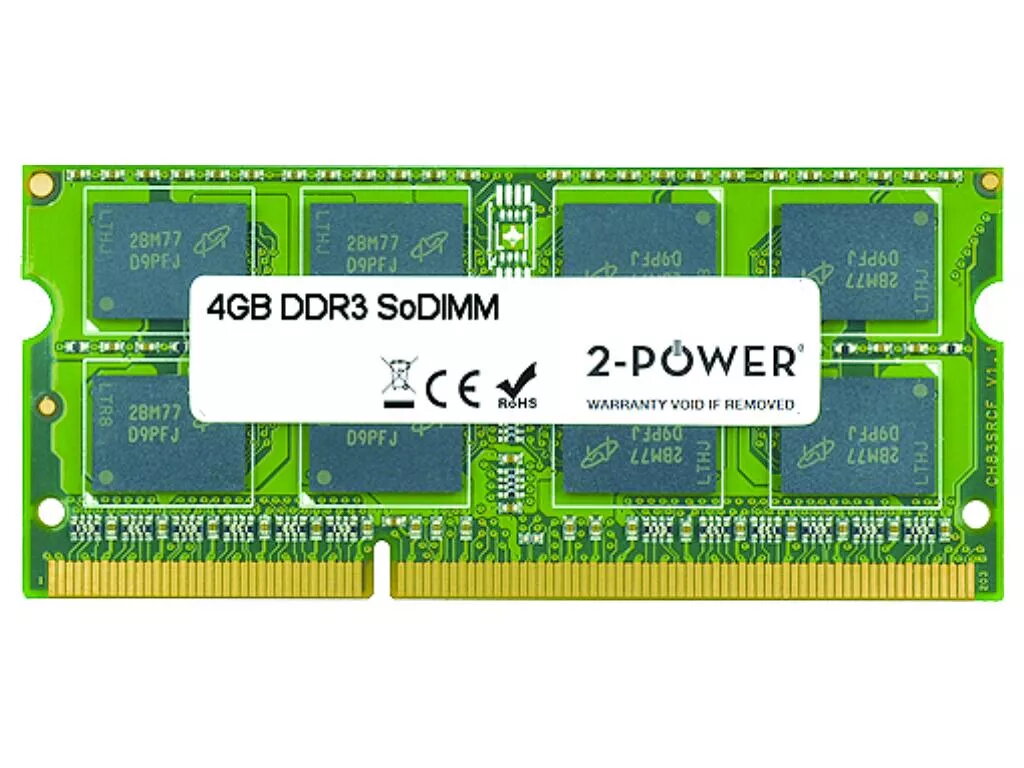
Memory Module 2-Power 2P-S26391-F933-L400 4 GB DDR3L 1600 MHz
The 2-Power 2P-S26391-F933-L400 memory module is a 4 GB DDR3L RAM module with a 1600 MHz clock speed and CAS latency 11, designed primarily for laptop use. It upgrades system memory to improve responsiveness and multitasking without requiring a full device replacement. The product is covered by a lifetime warranty and is offered with guaranteed compatibility by the 2-Power brand.
This 4 GB DDR3L 1600 MHz module increases system responsiveness, reduces application load times and allows smoother multitasking on compatible laptops. Low-voltage DDR3L design helps maintain energy efficiency while providing stable performance. 2-Power guarantees compatibility and backs the module with a lifetime warranty for long-term reliability.
Power off the laptop and disconnect it from any power source. Open the memory compartment or remove the back cover according to the laptop manufacturer’s instructions. If replacing an existing module, gently release the retaining clips and remove the old SO-DIMM. Align the notch of the 2-Power DDR3L module with the socket and insert it at an angle, then press down until the retaining clips lock into place. Reassemble the laptop and power it on; the system should recognize the new memory automatically. Consult your laptop manual for specific disassembly steps and safety precautions.
Verify motherboard and BIOS support for DDR3L 1600 MHz modules and check the maximum supported memory per slot before installation. Handle the module by its edges and avoid static discharge by grounding yourself. For optimal performance, install modules in matched pairs where the system supports dual-channel operation.
{{highlightedFeature.featureTitle}}:
{{getProductFeatureValueById(product, highlightedFeature.featureId)}}
{{ productComparisonGenerationError }}
