Save time and money with our discounts!
In cart {{totalProductsCount}} item(s)
Your cart is empty
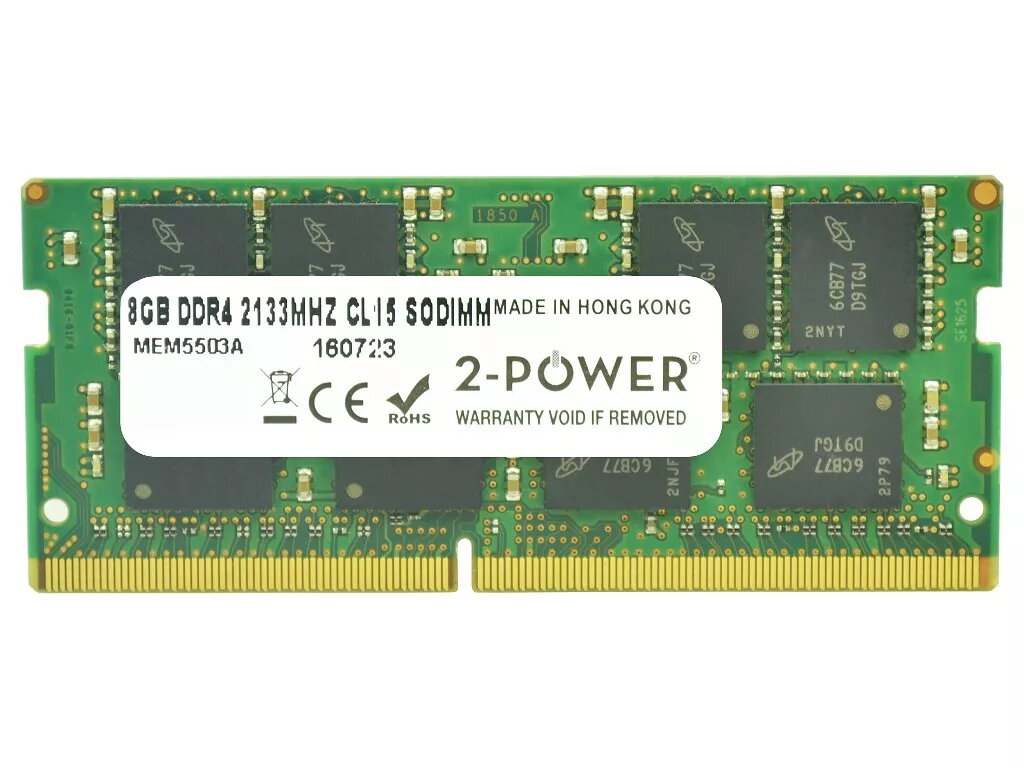
2-Power 8GB DDR4 2133MHz CL15 SoDIMM Memory for Laptop
2-Power 8GB DDR4 2133MHz CL15 SoDIMM Memory for Laptop provides an 8GB DDR4 module at 2133 MHz with CL15 latency, designed to upgrade laptop RAM for improved responsiveness and smoother multitasking. The module is compatible with systems that accept DDR4 SoDIMM memory and is covered by a lifetime warranty from 2-Power.
This 2-Power memory upgrade increases available system memory to reduce slowdowns when running multiple applications, offers a 2133 MHz clock speed for stable data transfer, and uses CL15 timing for balanced latency and performance. The SoDIMM form factor is specifically intended for laptop installations, and 2-Power guarantees compatibility across supported devices with lifetime warranty coverage.
Power off the laptop and disconnect it from any power source. Open the access panel or remove the back cover following the laptop manufacturer's instructions. Locate the existing SoDIMM slot, gently release the retaining clips, and remove the old module if present. Align the notch of the 2-Power DDR4 2133MHz CL15 SoDIMM with the slot and insert it at a slight angle, pressing down until the retaining clips engage. Reassemble the laptop, reconnect power, and start the system; the operating system should recognize the new memory automatically. Check BIOS/UEFI or system settings to confirm the increased capacity if needed.
Ensure your laptop supports DDR4 SoDIMM modules at 2133 MHz and check the maximum supported memory per slot and total system memory before installation. Handle the memory module by the edges and avoid touching the gold contacts. If uncertain about compatibility or installation, consult the laptop manual or a qualified technician.
{{highlightedFeature.featureTitle}}:
{{getProductFeatureValueById(product, highlightedFeature.featureId)}}
{{ productComparisonGenerationError }}