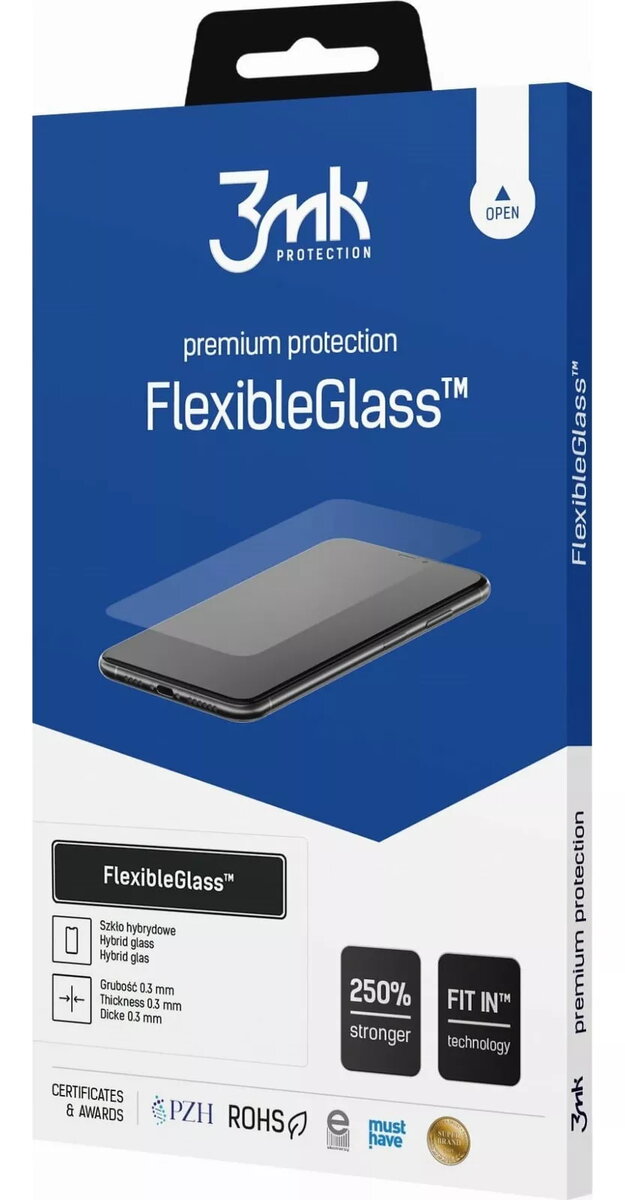
The 3MK FlexibleGlass screen protector for Hammerhead Karoo 3 is a high-quality hybrid accessory designed to safeguard your cycling computer display. By combining the flexibility of a protective film with the durability of tempered glass, this product offers a reliable shield against scratches, impacts, and daily wear. It is engineered to maintain the original touch sensitivity and visual clarity of your device, ensuring that your navigation and performance data remain easy to read during every ride.
Advantages
This screen protector stands out due to its unique hybrid structure, which prevents the cracking and shattering common in traditional glass protectors. Its thin profile ensures a seamless fit that does not interfere with the aesthetics or functionality of the Hammerhead Karoo 3. The installation process is straightforward, and the material is designed to resist fingerprints and smudges, keeping your screen clean even in challenging outdoor conditions.
Suitable for
- Protecting the screen of the Hammerhead Karoo 3 cycling computer
- Cyclists riding in diverse weather conditions
- Users looking for a balance between impact resistance and screen responsiveness
When it may not be suitable
This screen protector may not be suitable if you require extreme, military-grade impact protection against heavy blunt force, as its primary design focus is on scratch resistance and everyday durability. Additionally, it is specifically engineered for the Hammerhead Karoo 3 and will not fit other cycling computer models.
Key specifications
- Hybrid material combining film and glass properties
- High scratch resistance
- Maintains full touch screen sensitivity
- Precise fit for Hammerhead Karoo 3
- Fingerprint and smudge resistant surface
How to use
Before applying the protector, ensure the screen of your Hammerhead Karoo 3 is completely clean and free of dust, oils, or moisture using a microfiber cloth. Carefully align the protector with the edges of the display, ensuring all cutouts match the device layout. Gently press the center of the protector and allow the adhesive to spread across the surface, pushing any trapped air bubbles toward the edges.
What to consider before purchase
- Ensure your device model is exactly the Hammerhead Karoo 3
- Clean the screen thoroughly before installation to avoid trapped dust
- Check the alignment before final application to ensure a perfect fit
Usage recommendations
For the best results, perform the installation in a dust-free environment and avoid touching the adhesive side of the protector during application to maintain optimal clarity.