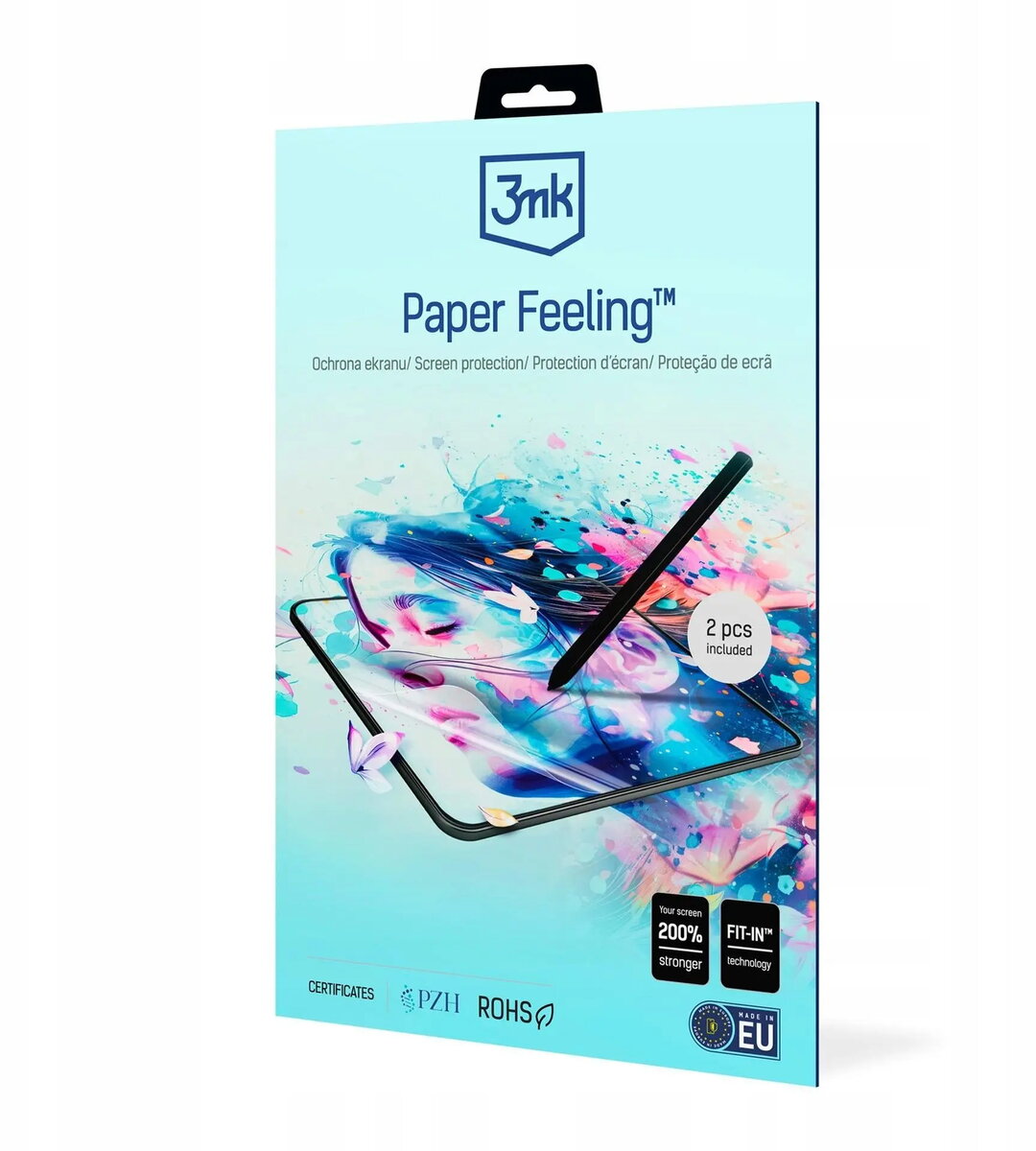
The 3MK Paper Feeling screen protector for Onyx Boox Tab X C (up to 15") is a matte film designed to reproduce the tactile sensation of paper on large e-ink and LCD tablet displays. It reduces glossy reflections and diffuses light to improve readability while offering a slightly textured surface that increases friction for stylus input. The protector is intended to guard the display against scratches, smudges and everyday wear without significantly altering touch sensitivity or display clarity.
Advantages
This screen protector provides a paper-like texture that improves control with passive and active styli and helps to reduce slipping during writing. The matte surface reduces glare and visible fingerprints, maintaining a comfortable reading experience under various lighting conditions. The thin construction preserves touch responsiveness and keeps the screen visually clear while delivering basic scratch protection and reduced smudge visibility.
Suitable for
- Reading e-books and documents on the Onyx Boox Tab X C or similar tablets up to 15"
- Note-taking and handwriting with a stylus when a paper-like feel is preferred
- Sketching or light drawing where improved tactile feedback is required
- Everyday use where scratch resistance and reduced reflections are beneficial
When it may not be suitable
This protector is not intended as a heavy-duty impact shield and will not prevent damage from strong drops or blunt force. Users seeking maximum screen shatter protection or full glass-like optical clarity may prefer a tempered glass protector instead. Because of the matte, textured surface, extremely fine details or color vibrancy may appear slightly altered compared with untreated glossy displays.
Key specifications
- Surface finish: matte, paper-feel texture
- Compatibility: designed for tablets up to 15" display size, optimized for Onyx Boox Tab X C
- Primary functions: scratch protection, anti-glare, improved stylus friction
- Thickness: thin film construction to preserve touch sensitivity
- Optical effect: slight diffusion of reflections to reduce glare
How to use
Clean the tablet screen thoroughly with a lint-free cloth and any included cleaning materials to remove dust and oils. Align the protector with the display edges and any cutouts, then apply it slowly from one edge to the other to minimize air bubbles. Use a soft card or squeegee to press out remaining bubbles and ensure firm adhesion. If needed, gently lift and reapply small areas to remove trapped dust before final placement. Allow a short settling period before intensive stylus use to ensure full adhesion.
What to consider before purchase
- Confirm the protector size is suitable for your device display up to 15" and optimized for Onyx Boox Tab X C
- Decide if a matte, textured surface fits your preference for display clarity versus tactile feedback
- Remember this film offers scratch and smudge resistance but is not a substitute for heavy-impact protection
Usage recommendations
For best results, apply the protector in a clean, dust-free environment and use a soft-tipped stylus to benefit from the paper-like feel while avoiding excessive pressure that could affect adhesion. Periodically clean the surface with a microfiber cloth to maintain clarity and tactile performance.