
Dreame vacuums for fast and efficient cleaning!
In cart {{totalProductsCount}} item(s)
Your cart is empty
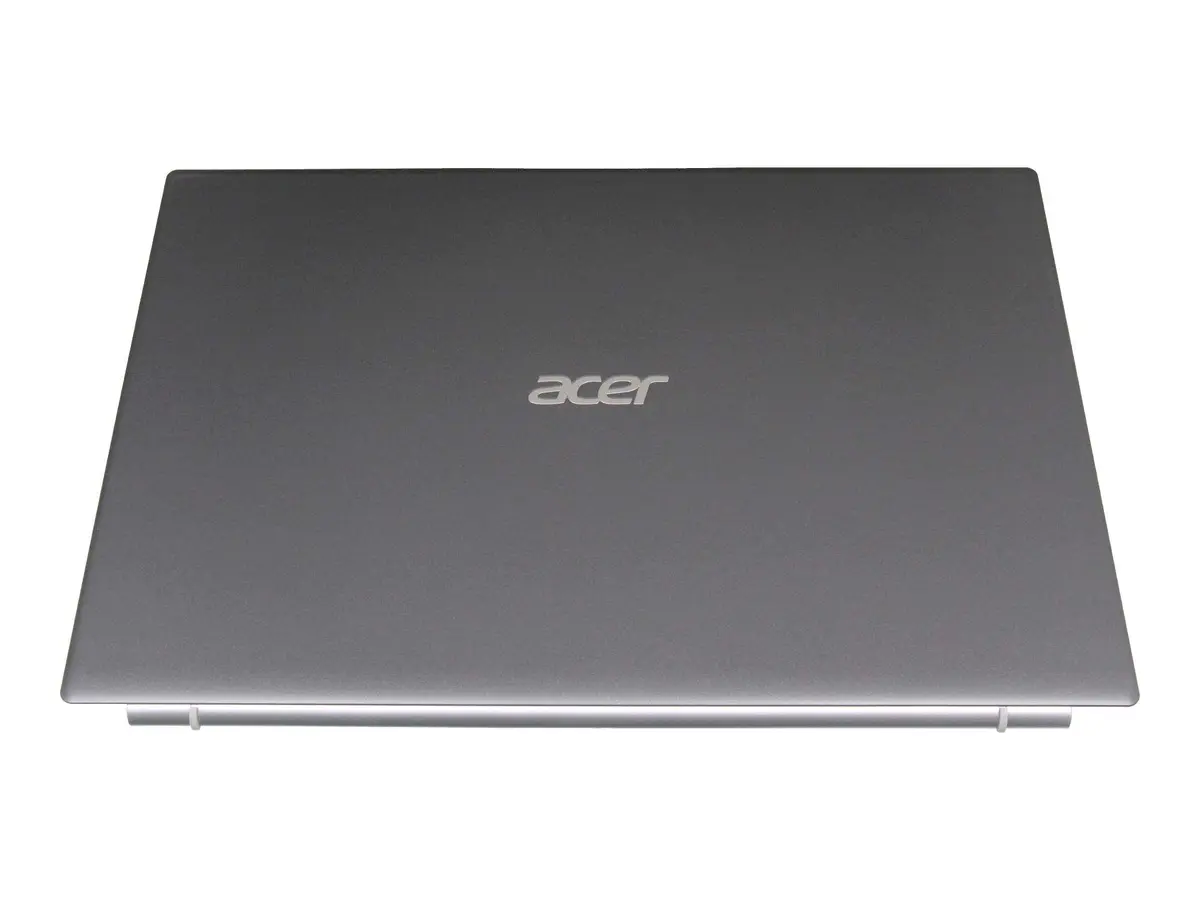
LCD Cover Acer 60.EGHN2.001 — replacement laptop screen back housing, black
Replacement LCD cover for Acer laptops finished in black that serves as the back housing for the laptop display. This component provides structural support for the screen assembly, protects internal display components from dust and impact, and secures hinge and mounting points. It is designed for repair or refurbishment of compatible Acer models where the original display back housing is cracked, scratched, or otherwise damaged, helping to restore the laptop’s appearance and mechanical stability.
The cover is manufactured to match original fitment dimensions and mounting positions, ensuring proper alignment of the display panel and hinges. Its rigid construction helps maintain screen stability during opening and closing cycles while protecting delicate display components. Finished in black, the housing restores a uniform exterior look and conceals previous cosmetic damage. Using a dedicated replacement cover reduces the need for full-screen assembly replacements and can lower repair cost and turnaround time.
Power down the laptop, remove the battery if possible, and disconnect any external power sources before beginning. Carefully detach the display assembly from the base by removing bezel screws and any retaining clips, then separate the display panel from the damaged back cover following manufacturer guidance to avoid flexing the LCD. Transfer hinges, mounting brackets, rubber buffers, and any cable guides to the replacement cover, align the display panel and secure it with the original screws. Reattach the bezel and reconnect display cables, verify hinge movement and screen alignment, then power on the laptop to test the display functionality.
Handle the display panel with care to avoid pressure on the LCD surface. Use appropriate precision tools and keep track of screws and small parts during disassembly. If unsure about compatibility or repair steps, consult a professional technician or an authorized service center to ensure correct installation and to avoid damage to the display or internal components.
{{highlightedFeature.featureTitle}}:
{{getProductFeatureValueById(product, highlightedFeature.featureId)}}
{{ productComparisonGenerationError }}
