
Hurry and order now – up to 50% off!
In cart {{totalProductsCount}} item(s)
Your cart is empty
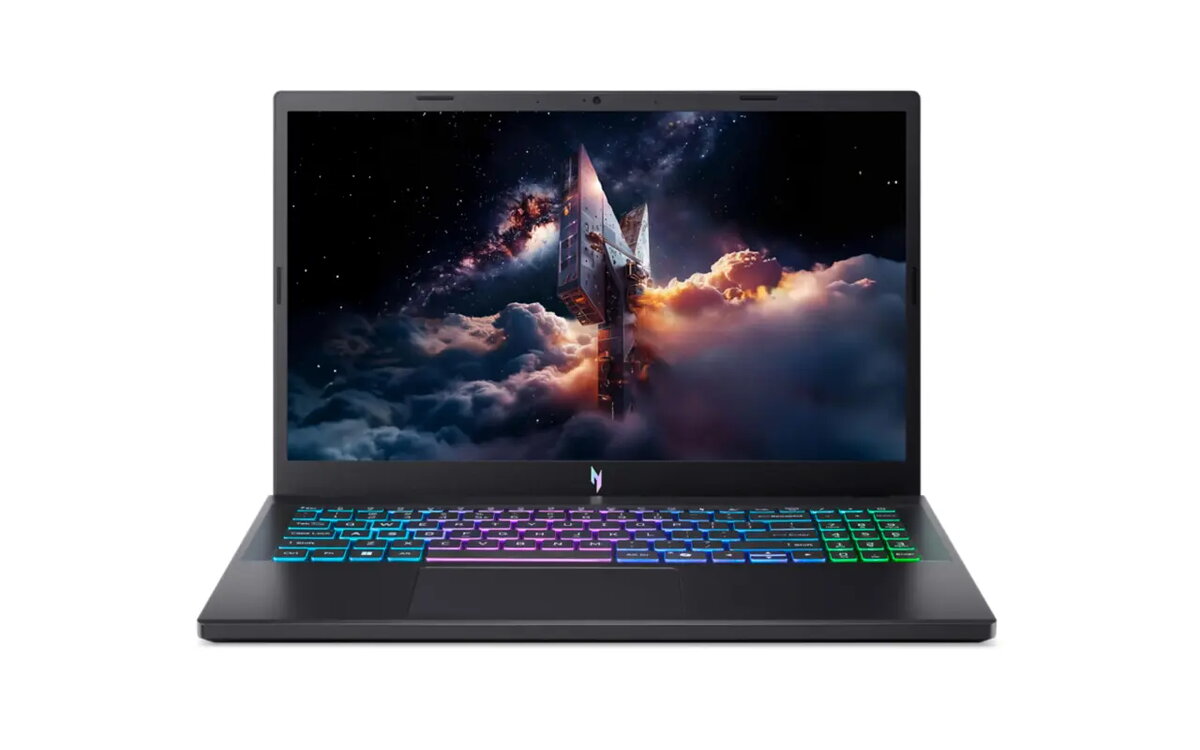
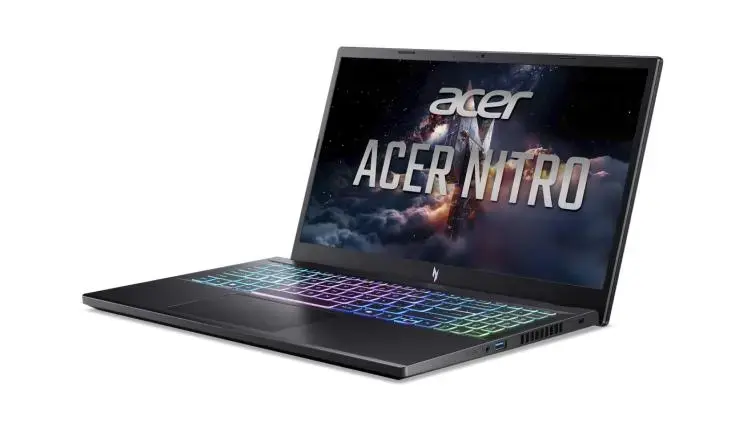
Laptop Acer Nitro V 15 ANV15-A31-R3VA — AMD Ryzen 7 170, 15.6" Full HD, 16 GB DDR5, 512 GB SSD, NVIDIA GeForce RTX 5060, Wi‑Fi 6E, Windows 11 Home, Bl...
The Acer Nitro V 15 ANV15-A31-R3VA is a 15.6" clamshell laptop designed to balance gaming performance and portability. It pairs an AMD Ryzen 7 170 processor (base 3.2 GHz) with discrete NVIDIA GeForce RTX 5060 graphics and integrated Radeon 680M, a Full HD 1920×1080 IPS display, 16 GB DDR5 memory and a 512 GB SSD, running Windows 11 Home. The configuration supports fast-paced gaming, streaming and everyday multitasking while offering Wi‑Fi 6E connectivity and a black chassis.
This laptop delivers high frame-rate gaming and responsive multitasking thanks to a modern AMD CPU combined with an RTX 5060 GPU. The 15.6" IPS Full HD panel offers smooth visuals suitable for gaming and media, while DDR5 memory and an SSD provide snappy system performance and quick load times. Built-in features such as AI-enhanced NVIDIA technologies, NitroSense system controls, and Acer’s webcam and audio enhancements improve streaming, recording and communication workflows.
This model may not be ideal if you need an ultraportable device with very long battery life or an exceptionally lightweight chassis, as gaming laptops typically prioritize performance over minimal weight. It may also be unnecessary for users with only basic office or web tasks who do not require discrete graphics or advanced cooling controls.
Set up the laptop by completing Windows 11 initial configuration and installing the latest drivers from Acer or NVIDIA for best performance. Use NitroSense to monitor temperatures and adjust fan and performance profiles for gaming or quiet operation. For streaming or recording, enable Acer ProCam and Acer PurifiedVoice/PurifiedView features to improve webcam framing and reduce background noise. Keep the system updated and use the SSD for your operating system and frequently used applications to maintain responsiveness.
For optimal gaming and streaming, run the latest GPU drivers, use NitroSense to switch to a high-performance profile during gameplay, and enable DLSS/AI-enhanced features where supported to boost frame rates while keeping visual quality. Regularly back up important data from the 512 GB SSD if you store large media or game files.
{{highlightedFeature.featureTitle}}:
{{getProductFeatureValueById(product, highlightedFeature.featureId)}}
{{ productComparisonGenerationError }}
