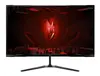
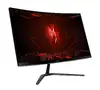
-
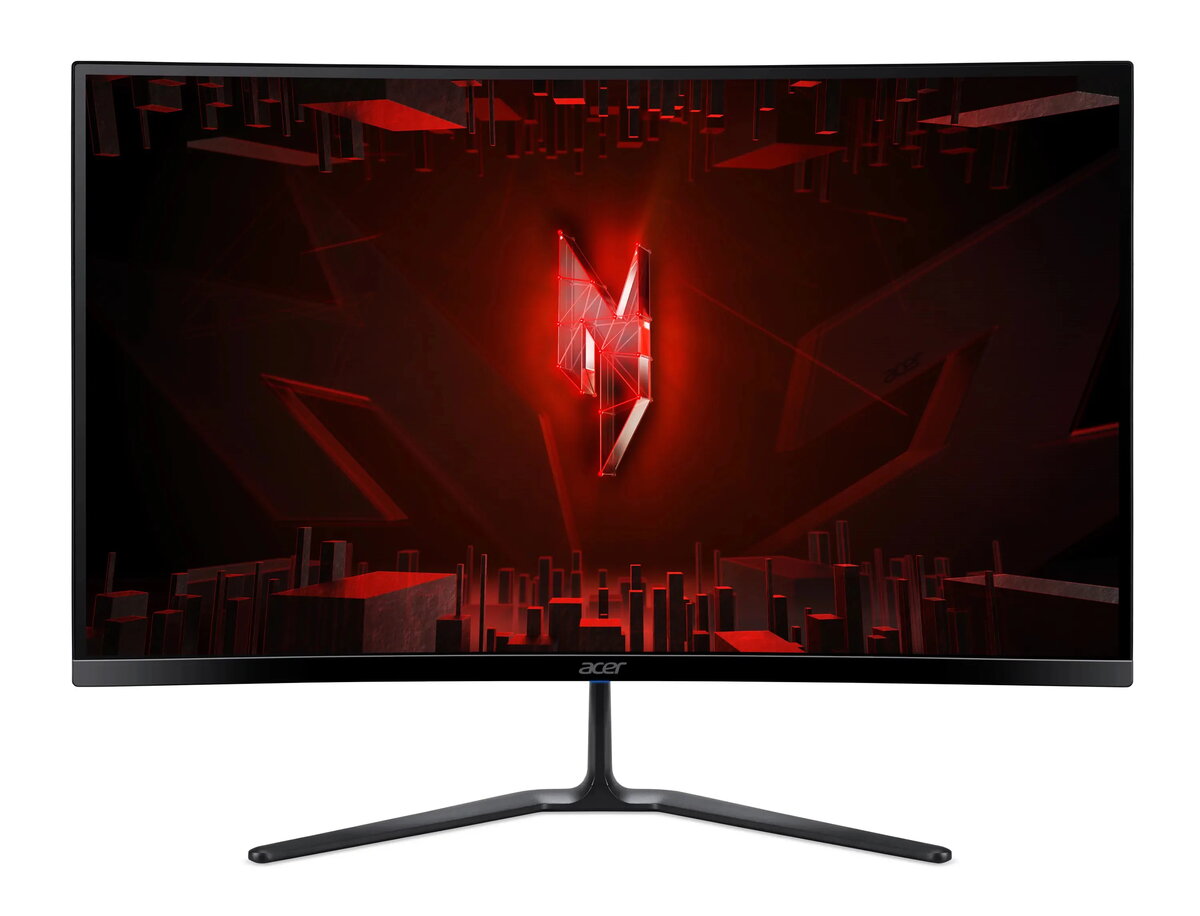
Display diagonal:
Size of the display for this product, measured diagonally, usually in inches.
-
27 "
-
Display resolution:
The number of distinct pixels in each dimension that can be displayed. It is usually quoted as width × height, with the units in pixels: for example, "1024 × 768" means the width is 1024 pixels and the height is 768 pixels. The higher the number of pixels, the sharper the image.
-
1920 x 1080
-
HD type:
Type of supported High Definition (e.g. Full HD, 4K Ultra HD).
-
Full HD
-
Panel type:
-
VA
-
Display technology:
The technology used in the display e.g. plasma, LED.
-
LED
-
Power consumption (standby):
The amount of electricity that is consumed when the product is on standby.
-
0.5 W
-
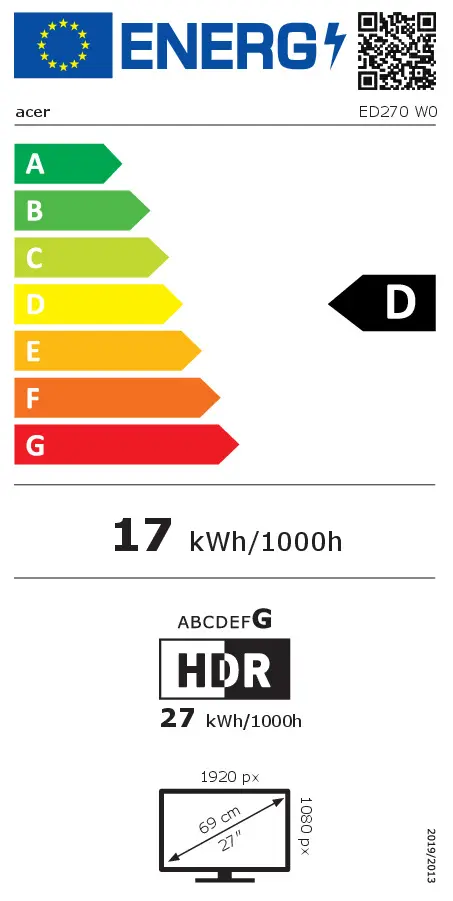
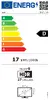
Energy efficiency class (HDR):
Energy efficiency class is a standard classification that is used all over Europe and which is understandable at first sight. Products can be efficiently compared according to classes, starting from A (the most energy efficient class), and ending with G (the most energy-intensive class). The classification of energy efficiency is based on annual energy consumption which is being calculated on the basis of several different parameters.
-
G
-
Energy efficiency class (SDR):
Energy efficiency class is a standard classification that is used all over Europe and which is understandable at first sight. Products can be efficiently compared according to classes, starting from A (the most energy efficient class), and ending with G (the most energy-intensive class). The classification of energy efficiency is based on annual energy consumption which is being calculated on the basis of several different parameters.
-
D
-
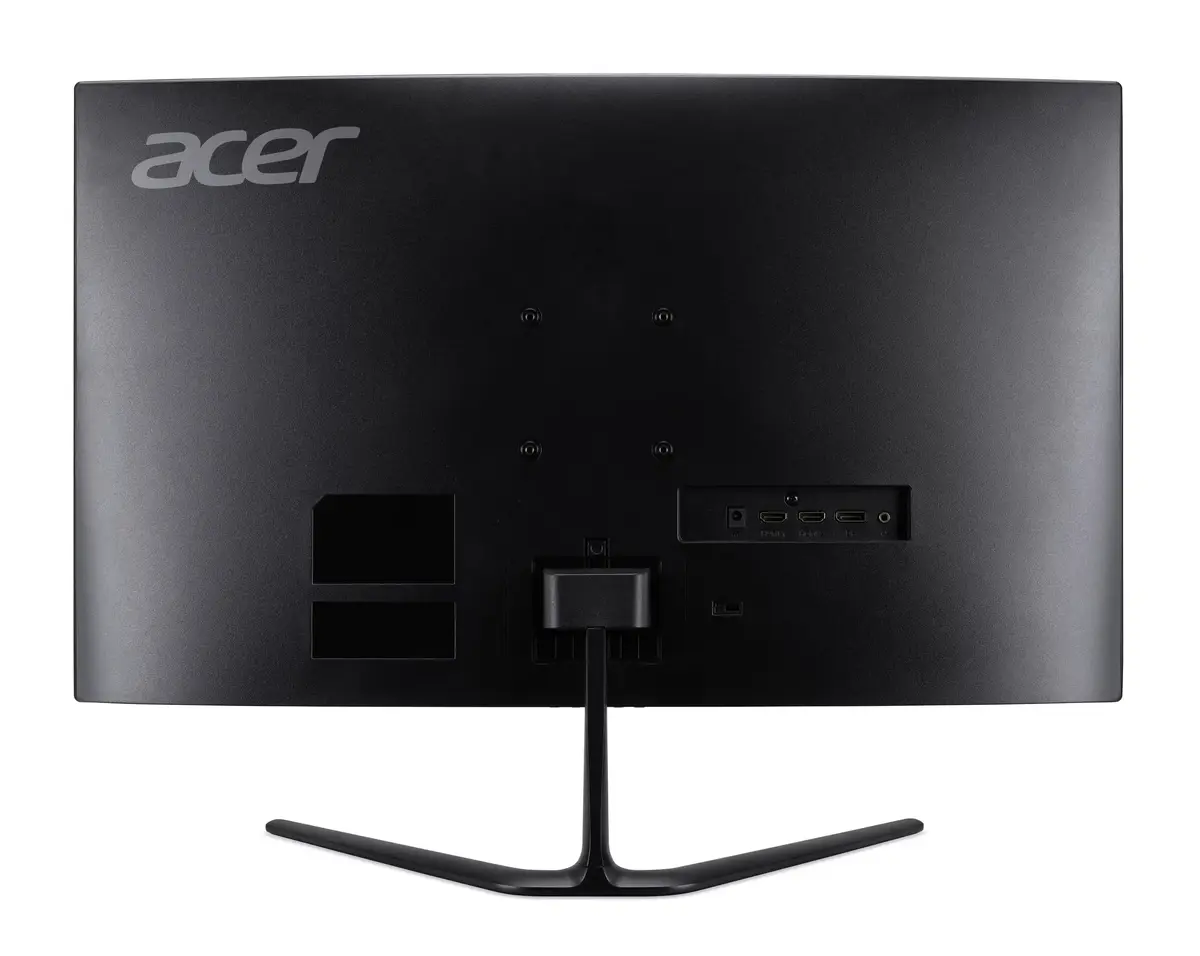
VESA mounting:
-
Yes
-
DisplayPorts quantity:
Number of DisplayPorts. A DisplayPort is a digital display interface developed by the Video Electronics Standards Association (VESA). The interface is primarily used to connect a video source to a display device such as a computer monitor, though it can also be used to carry audio, USB, and other forms of data.
-
1
-
Headphone out:
The socket for connecting headphones to the device.
-
Yes
-
HDMI:
HDMI (High-Definition Multimedia Interface) is a compact audio/video interface for transferring uncompressed video data and compressed/uncompressed digital audio data from a HDMI-compliant device ("the source device") to a compatible computer monitor, video projector, digital television, or digital audio device. HDMI is a digital replacement for existing analog video standards.
-
Yes
-
HDMI ports quantity:
The number of sockets (ports) for HDMI connections. HDMI (High-Definition Multimedia Interface) is a compact audio/video interface for transferring uncompressed video data and compressed/uncompressed digital audio data from a HDMI-compliant device ("the source device") to a compatible computer monitor, video projector, digital television, or digital audio device. HDMI is a digital replacement for existing analog video standards.
-
2
-
Market positioning:
Under which category can the device be positioned in the market, e.g. camera phone.
-
Gaming
-
AMD FreeSync:
The product includes AMD Freesync Technology for the dynamic synchronization of the graphic card and the monitor in order to avoid screen tearing.
-
Yes
-
Built-in speaker(s):
The device contains speaker(s) to produce sound.
-
Yes
-
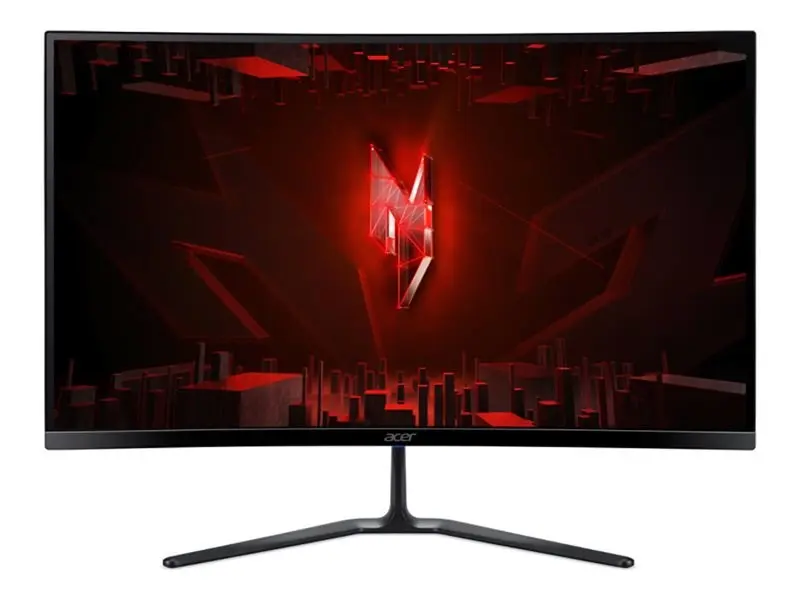
Product colour:
The colour e.g. red, blue, green, black, white.
-
Black