
Filters you can trust. Pure water every day.
In cart {{totalProductsCount}} item(s)
Your cart is empty
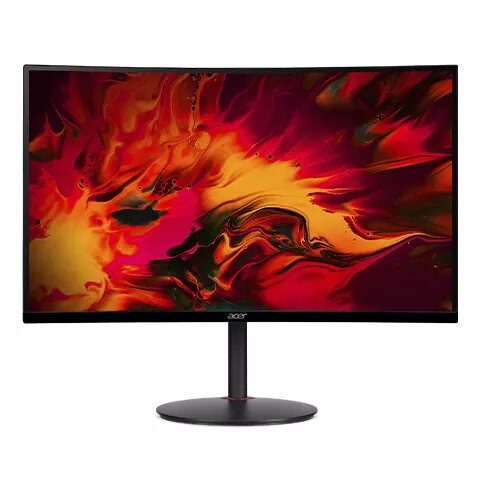
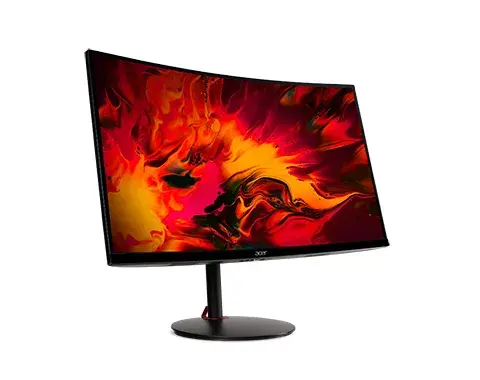
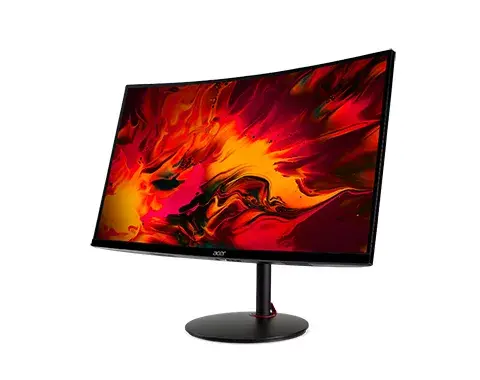
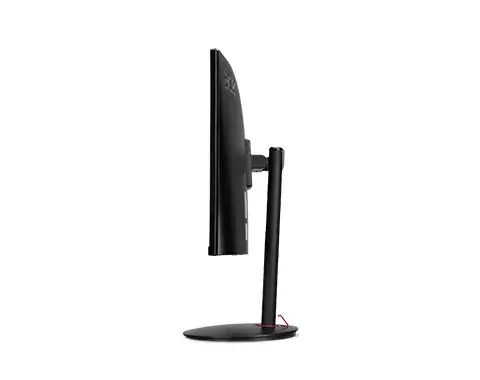
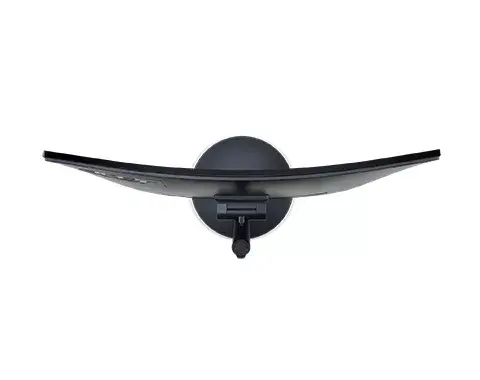
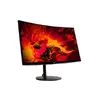
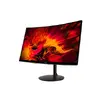
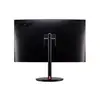
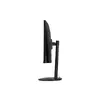
Acer NITRO XZ270UPbmiiphx 27-inch Curved LCD Monitor, Quad HD 2560 x 1440, 1ms Response Time
The Acer NITRO XZ270UPbmiiphx is a 27-inch curved LCD monitor engineered to provide an immersive visual experience for gamers and multimedia enthusiasts. With a sharp Quad HD resolution of 2560 x 1440 pixels, this display delivers crisp details and vibrant imagery. The curved screen design helps to reduce eye strain and draws the viewer into the content, while the 1ms response time ensures smooth motion during fast-paced action sequences.
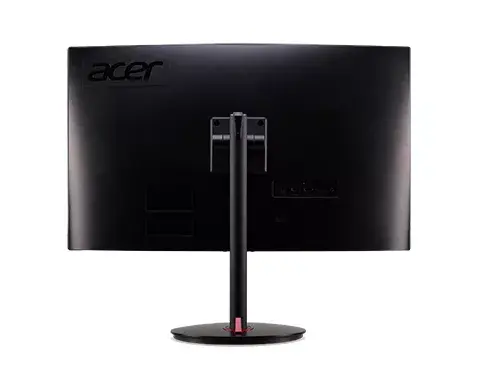
This monitor stands out due to its combination of high-resolution clarity and rapid response performance. The VA panel technology provides deep contrast and consistent color reproduction across the screen. Ergonomic features, including height adjustment, allow users to customize their viewing position for extended comfort during long sessions. Additionally, the inclusion of built-in speakers and VESA mounting compatibility adds versatility to any desktop setup, making it a practical solution for both entertainment and productivity.
This monitor may not be the optimal choice for professional color-critical work, such as high-end graphic design or print production, where specialized color accuracy is required. Users who prioritize a multi-monitor setup with extensive peripheral connectivity might find the lack of a built-in USB hub limiting.
To set up the Acer NITRO XZ270UPbmiiphx, connect the monitor to your computer using a compatible video cable. Once connected, adjust the height and tilt of the stand to align the screen with your eye level for optimal ergonomics. You can access the on-screen display menu using the buttons on the monitor to adjust brightness, contrast, and color settings to suit your environment. If you intend to mount the monitor on a wall or an arm, ensure you use a compatible VESA mount bracket.
For the best visual experience, position the monitor at arm's length and adjust the height so that the top of the screen is at or slightly below eye level. Regularly clean the screen with a soft, dry microfiber cloth to maintain image clarity.
{{highlightedFeature.featureTitle}}:
{{getProductFeatureValueById(product, highlightedFeature.featureId)}}
{{ productComparisonGenerationError }}
Device manufacturer code
Device manufacturer
iagonal of the visible part of the screen expressed in centimeters and inches.
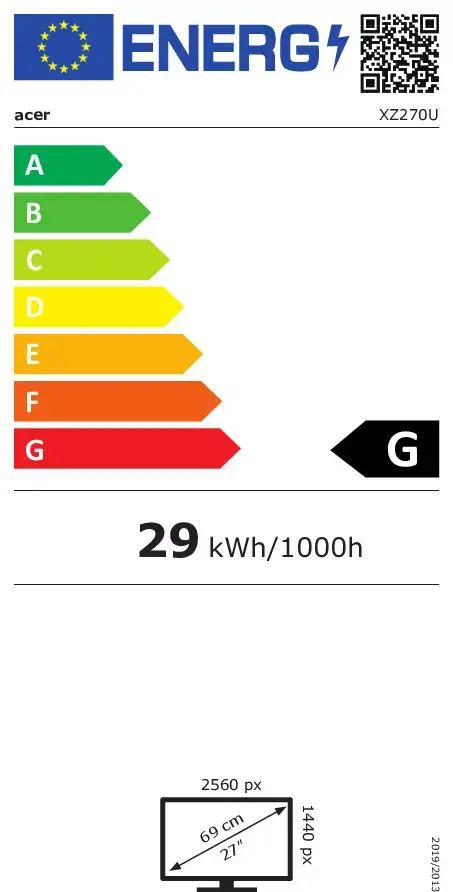
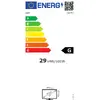
Energy efficiency class is a standard classification that is used all over Europe and which is understandable at first sight. Products can be efficiently compared according to classes, starting from A (the most energy efficient class), and ending with G (the most energy-intensive class). The classification of energy efficiency is based on annual energy consumption which is being calculated on the basis of several different parameters.
Power consumption in switched-on state expressed in W.
