


Powerful EcoFlow stations for energy anywhere!
In cart {{totalProductsCount}} item(s)
Your cart is empty
Monitor Acer Vero CB242YGbipr 24" IPS FHD 1920x1080 120Hz 1ms 250cd/m² VGA/HDMI/DP AdaptiveSync Black
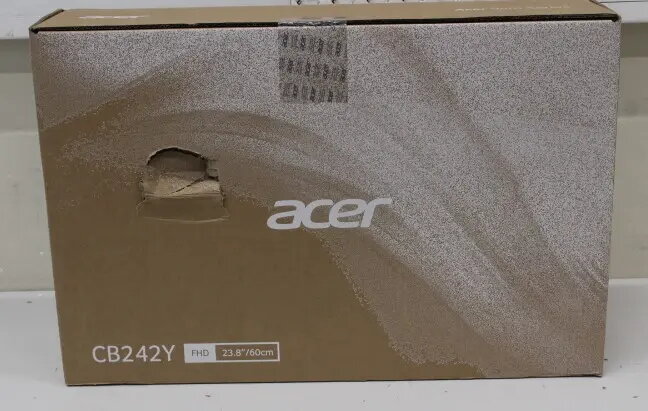
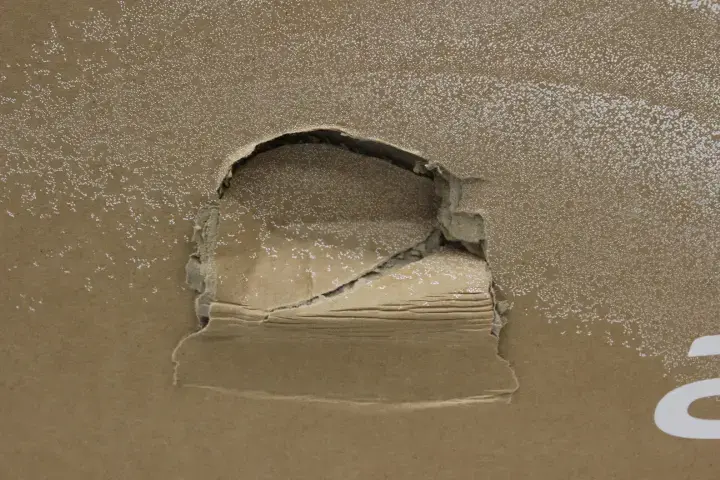
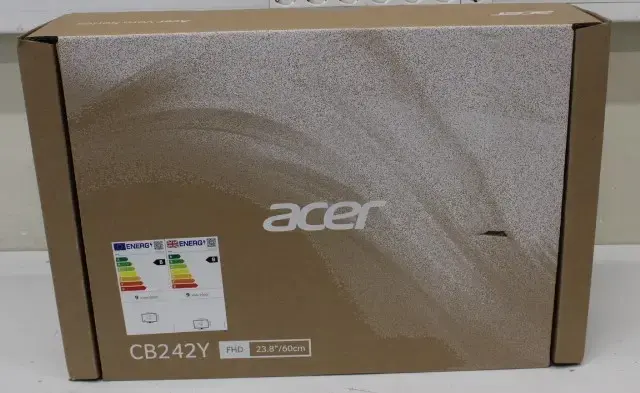
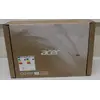
Acer Vero CB242YGbipr is a 24" IPS FHD monitor with 1920×1080 resolution and a 16:9 aspect ratio designed for everyday computing, multimedia and smooth gaming. The display supports a 120 Hz refresh rate and AdaptiveSync for reduced tearing, and delivers a 1 ms (VRB) response time with 250 cd/m² typical brightness. Connectivity options include VGA, HDMI and DisplayPort interfaces. The product is sold with damaged packaging and covered by a 24-month warranty. Model identifier: UM.QB2EE.G06SO, EAN: 2000001399217.
This Acer Vero monitor combines IPS viewing angles with Full HD clarity and a 120 Hz refresh rate to provide stable color reproduction and smoother motion than standard 60 Hz panels. AdaptiveSync support helps minimize screen tearing and stutter when paired with compatible GPUs. The 1 ms (VRB) response specification reduces visible trailing during fast scenes, while multiple input ports (VGA, HDMI, DisplayPort) ensure compatibility with a wide range of desktops and laptops. The monitor’s documented brightness of 250 cd/m² is suitable for typical indoor lighting conditions.
Place the monitor on a stable desk surface and connect it to a video source using VGA, HDMI or DisplayPort depending on the available output on your computer. Power on both devices and select the correct input via the monitor’s on-screen display (OSD) menu. For higher frame rates, configure your graphics card to output at 120 Hz and enable AdaptiveSync in the GPU control panel if available. Adjust brightness, contrast and color settings from the OSD to match your viewing environment. Use standard display drivers provided by your operating system or install Acer’s recommended drivers for full functionality.
For best visual results in gaming and fast-moving content, enable the 120 Hz refresh rate and AdaptiveSync together with appropriate GPU settings. Position the monitor at eye level and maintain a viewing distance of about an arm’s length for comfortable daily use. Because the unit may have damaged packaging, inspect the product and accessories upon receipt and report any transit issues within the warranty period.
{{highlightedFeature.featureTitle}}:
{{getProductFeatureValueById(product, highlightedFeature.featureId)}}