
Filters you can trust. Pure water every day.
In cart {{totalProductsCount}} item(s)
Your cart is empty
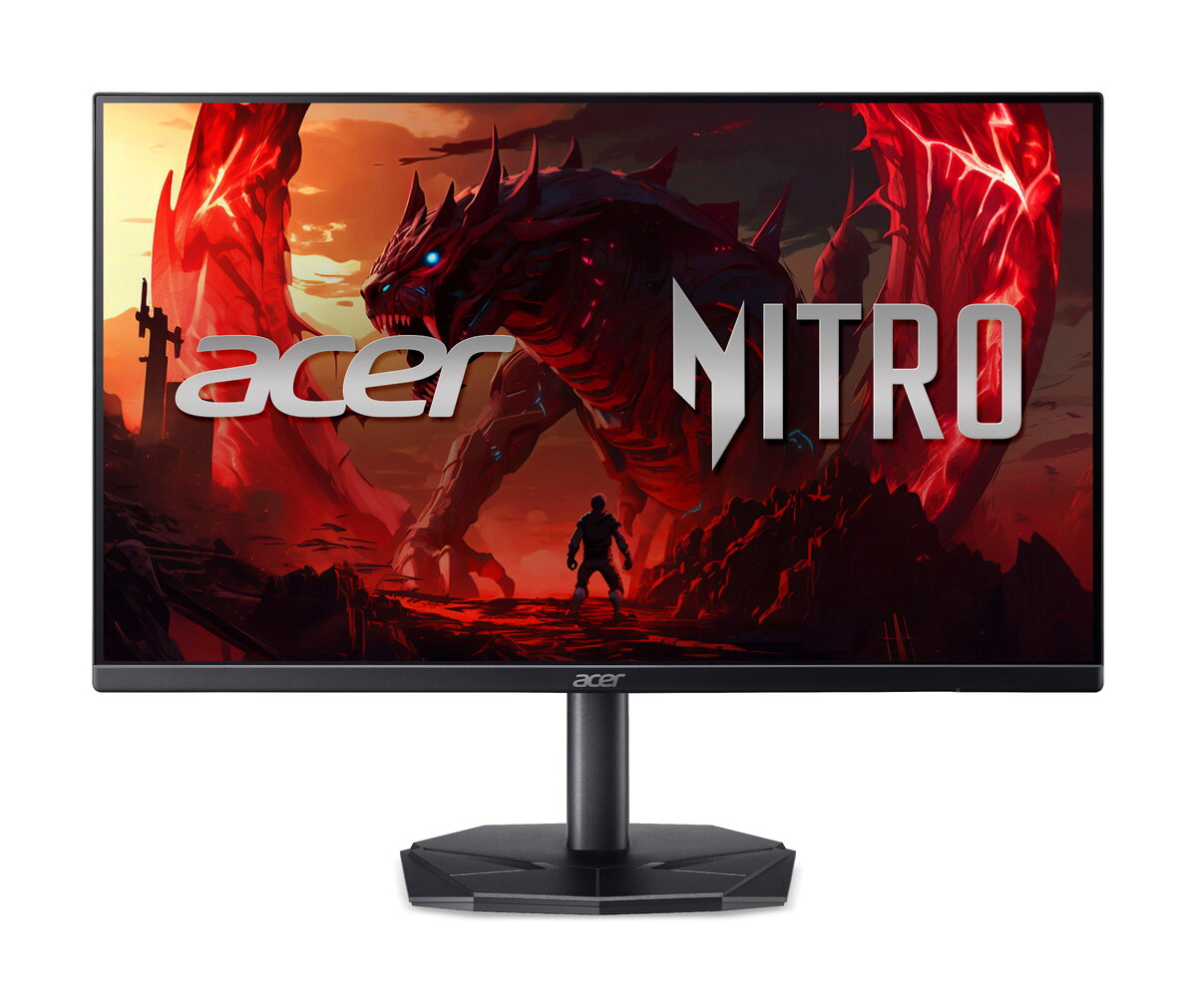
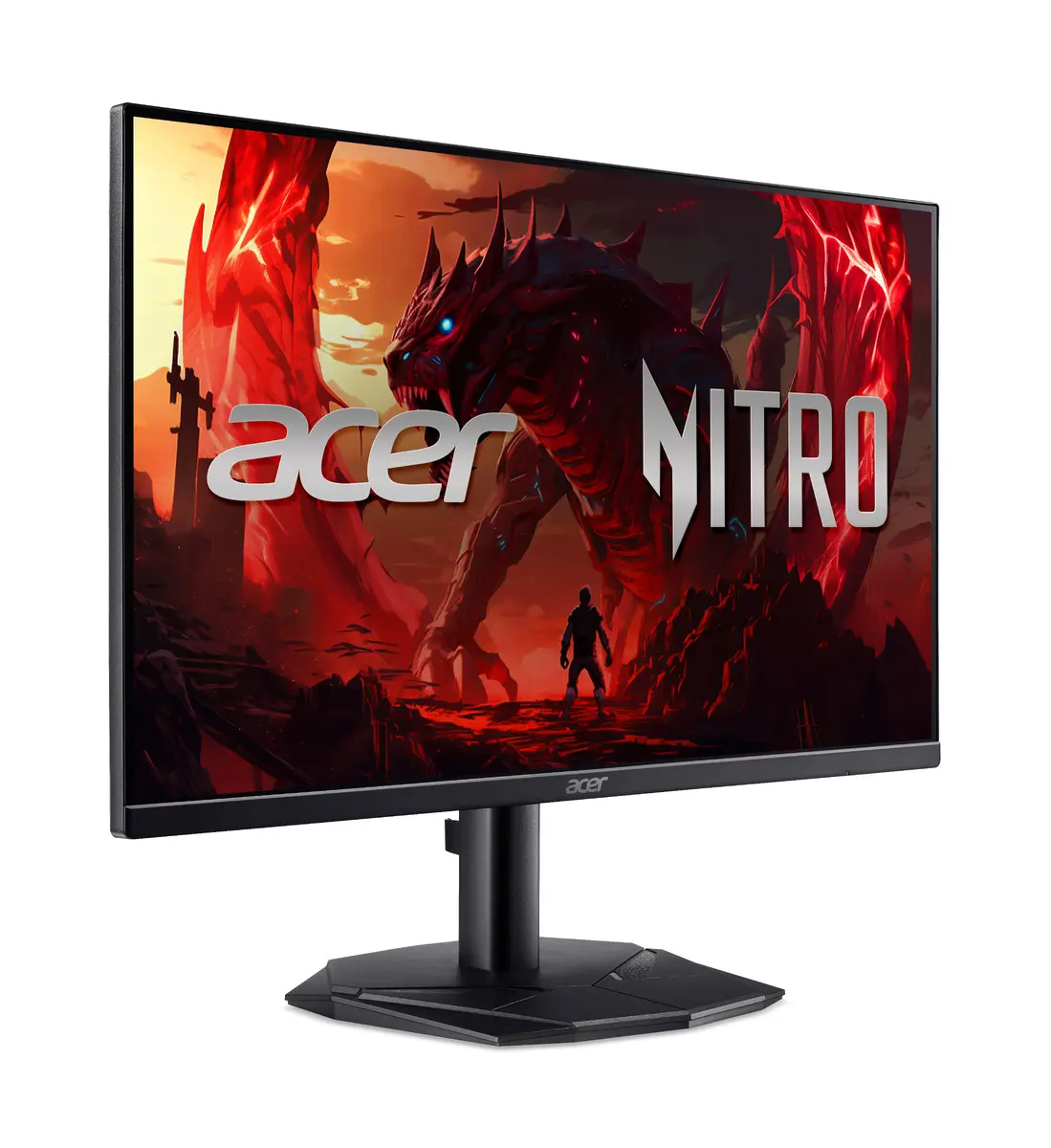
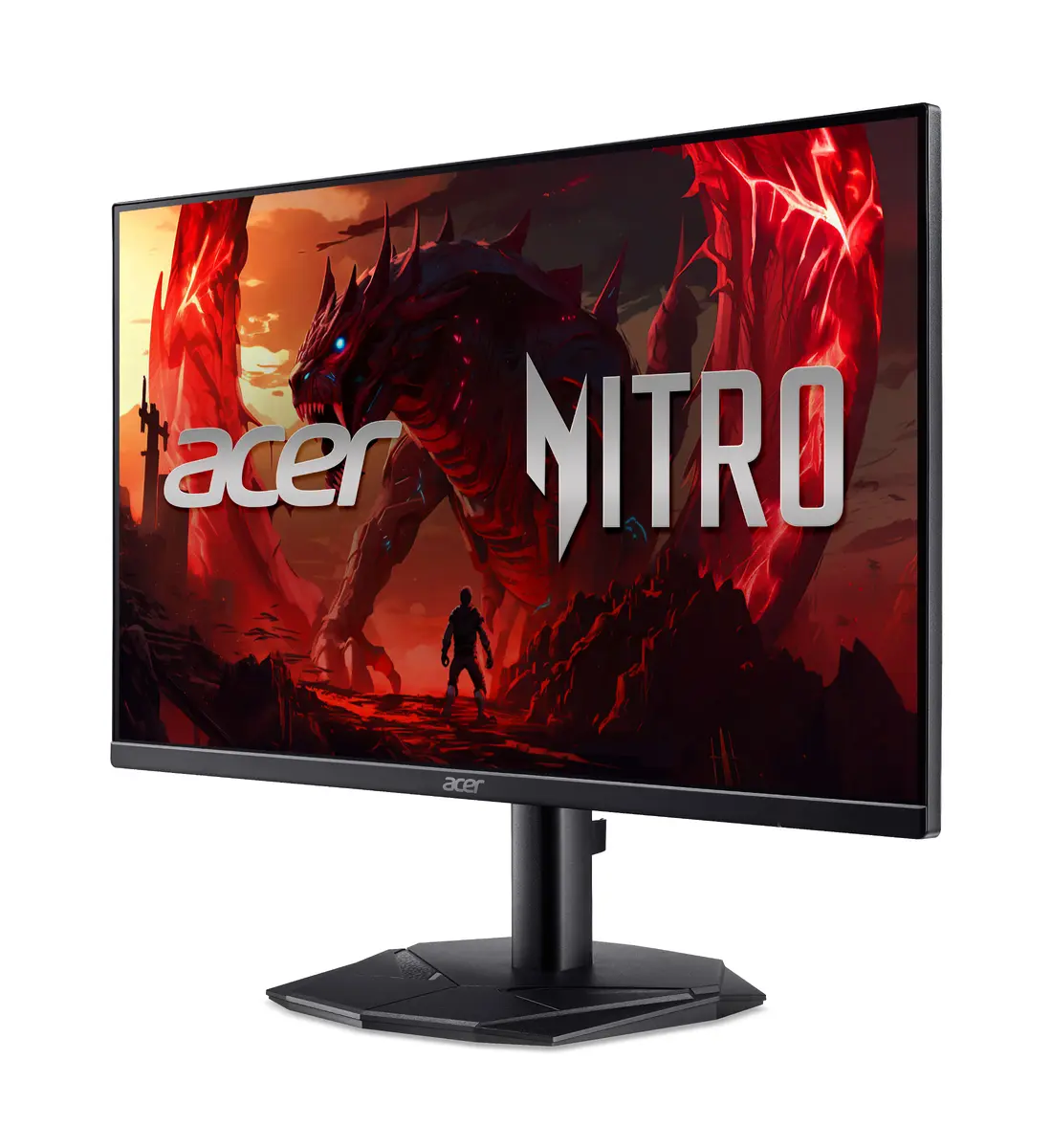
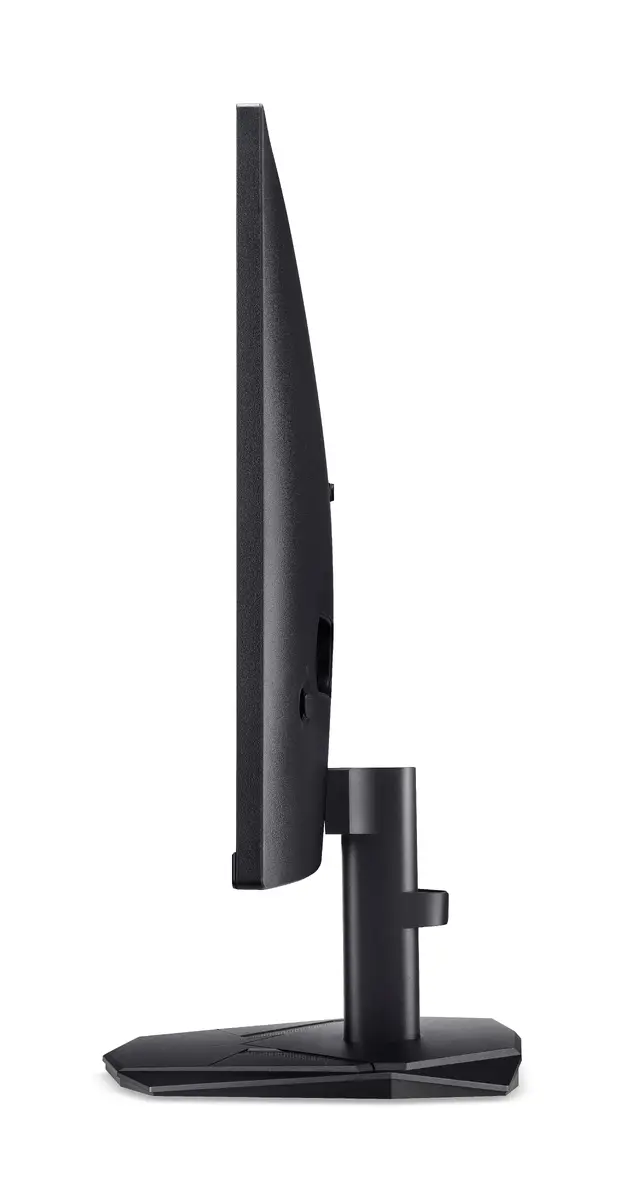
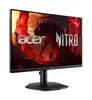
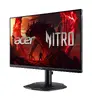
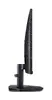
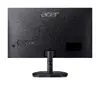
Acer Nitro KG240YP0bi 23.8-inch Full HD LED Monitor, 1920 x 1080, VA Panel, 4ms Response Time
The Acer Nitro KG240YP0bi is a 23.8-inch Full HD LED monitor designed to provide a reliable visual experience for both gaming and professional office environments. Featuring a high-quality VA panel with a 1920 x 1080 resolution, this flat-screen display delivers sharp images and consistent color reproduction. Its sleek black aesthetic integrates seamlessly into any workspace, while the robust build quality ensures long-term durability for daily use.
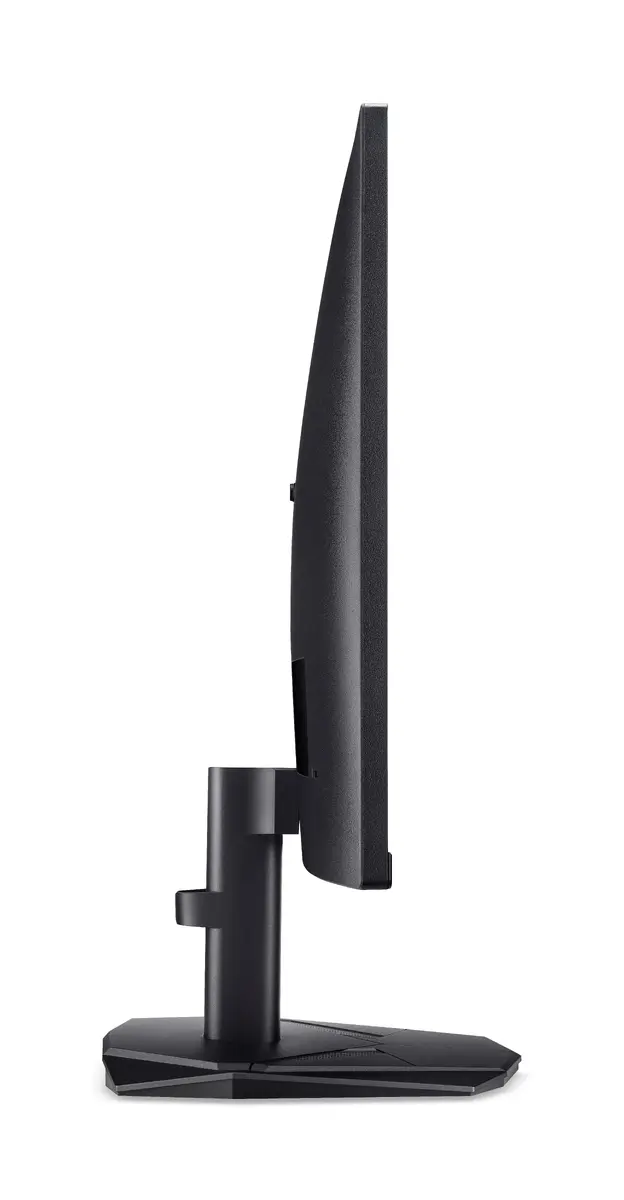
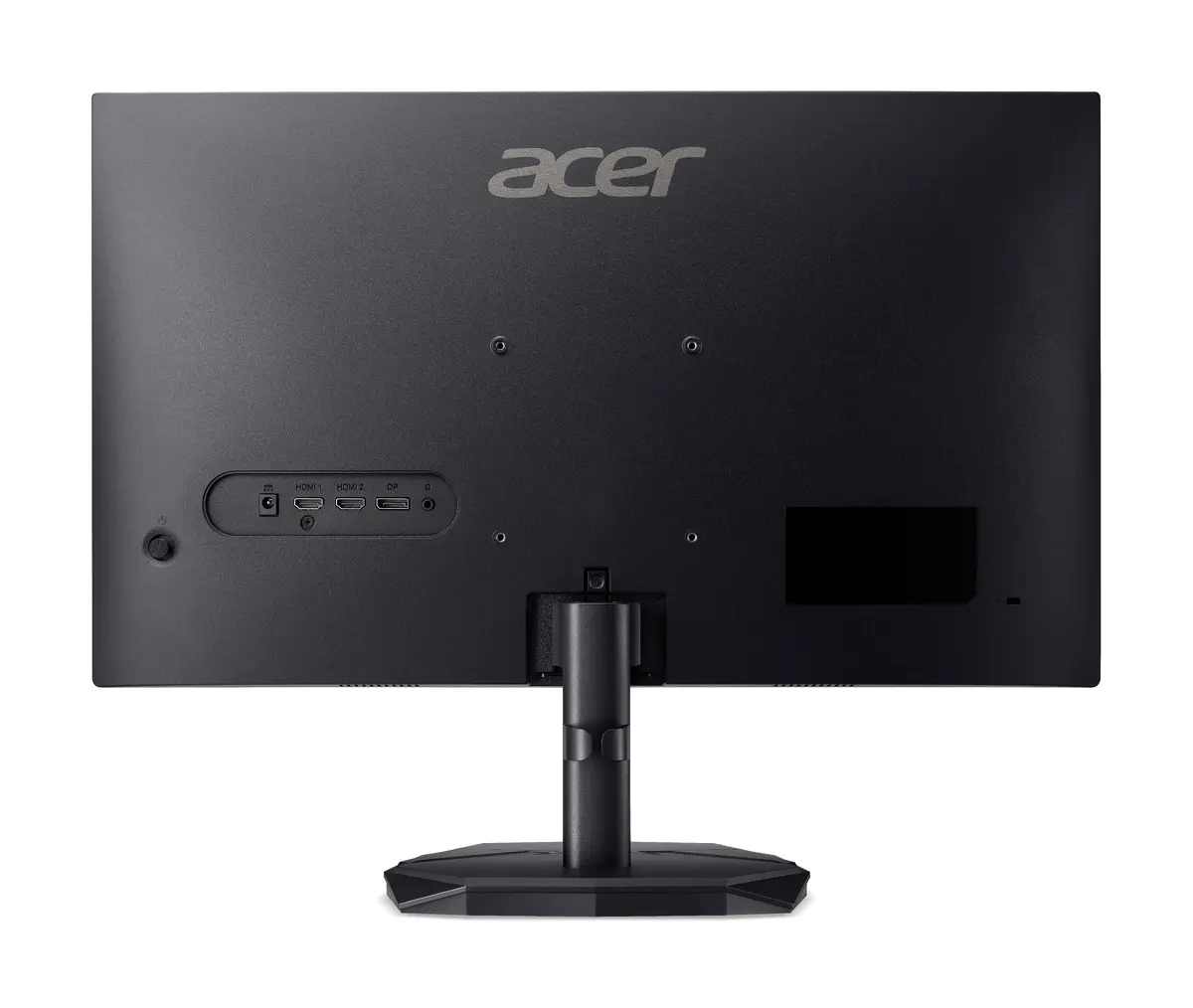
This monitor stands out due to its impressive 4000:1 contrast ratio, which allows for deep blacks and vibrant colors, enhancing the overall depth of your content. The 178-degree wide viewing angle ensures that the image remains clear and accurate even when viewed from the side. With a 4ms response time and a 144Hz refresh rate, the display provides smooth motion handling, making it highly effective for fast-paced gaming and fluid navigation through documents or media. Furthermore, the VESA mount compatibility offers flexibility for users who prefer to use monitor arms or wall mounts to save desk space.
This monitor may not be the ideal choice for professional-grade color grading or graphic design work where extreme color accuracy and wide color gamut coverage are critical. Additionally, users who require built-in speakers or an integrated USB hub for peripheral connectivity will need to look for alternative solutions, as this model focuses on core display performance.
To set up the Acer Nitro KG240YP0bi, connect the monitor to your computer using a compatible HDMI cable. Once powered on, you can adjust the display settings through the on-screen menu to optimize brightness, contrast, and color temperature according to your lighting conditions. Ensure the monitor is placed on a stable surface or securely attached to a VESA-compatible mount at eye level to maintain ergonomic comfort during extended periods of use.
For the best visual experience, it is recommended to use the monitor at its native 1920 x 1080 resolution and ensure that your graphics card drivers are updated to support the 144Hz refresh rate.
{{highlightedFeature.featureTitle}}:
{{getProductFeatureValueById(product, highlightedFeature.featureId)}}
{{ productComparisonGenerationError }}
Device manufacturer code
Device manufacturer
iagonal of the visible part of the screen expressed in centimeters and inches.
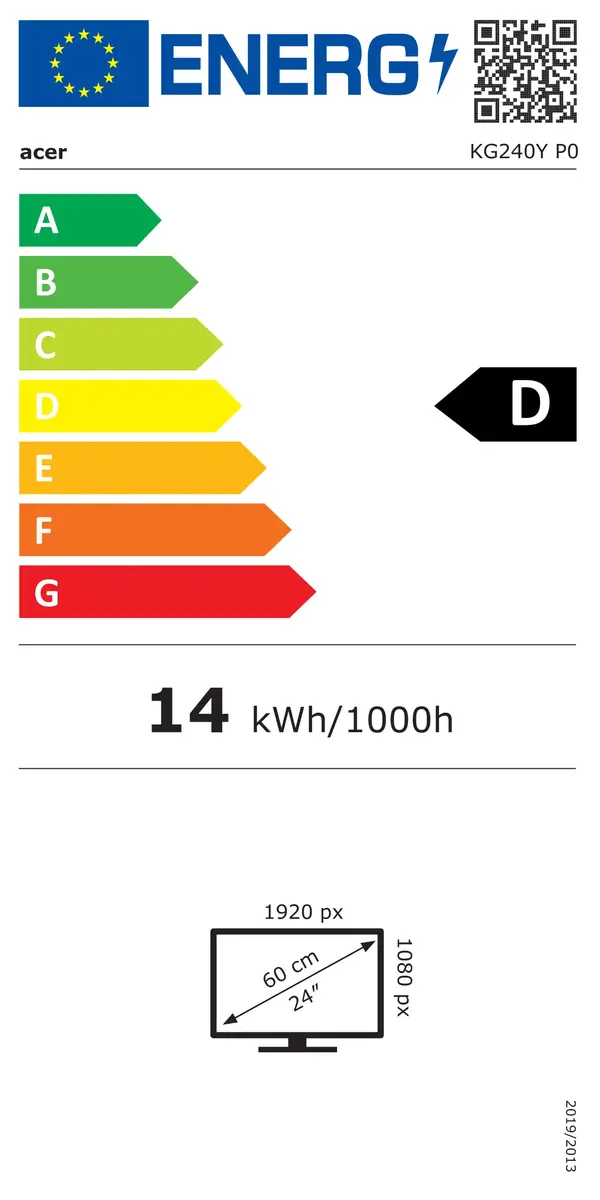
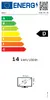
Energy efficiency class is a standard classification that is used all over Europe and which is understandable at first sight. Products can be efficiently compared according to classes, starting from A (the most energy efficient class), and ending with G (the most energy-intensive class). The classification of energy efficiency is based on annual energy consumption which is being calculated on the basis of several different parameters.
Power consumption in switched-on state expressed in W.
