Save time and money with our discounts!
In cart {{totalProductsCount}} item(s)
Your cart is empty
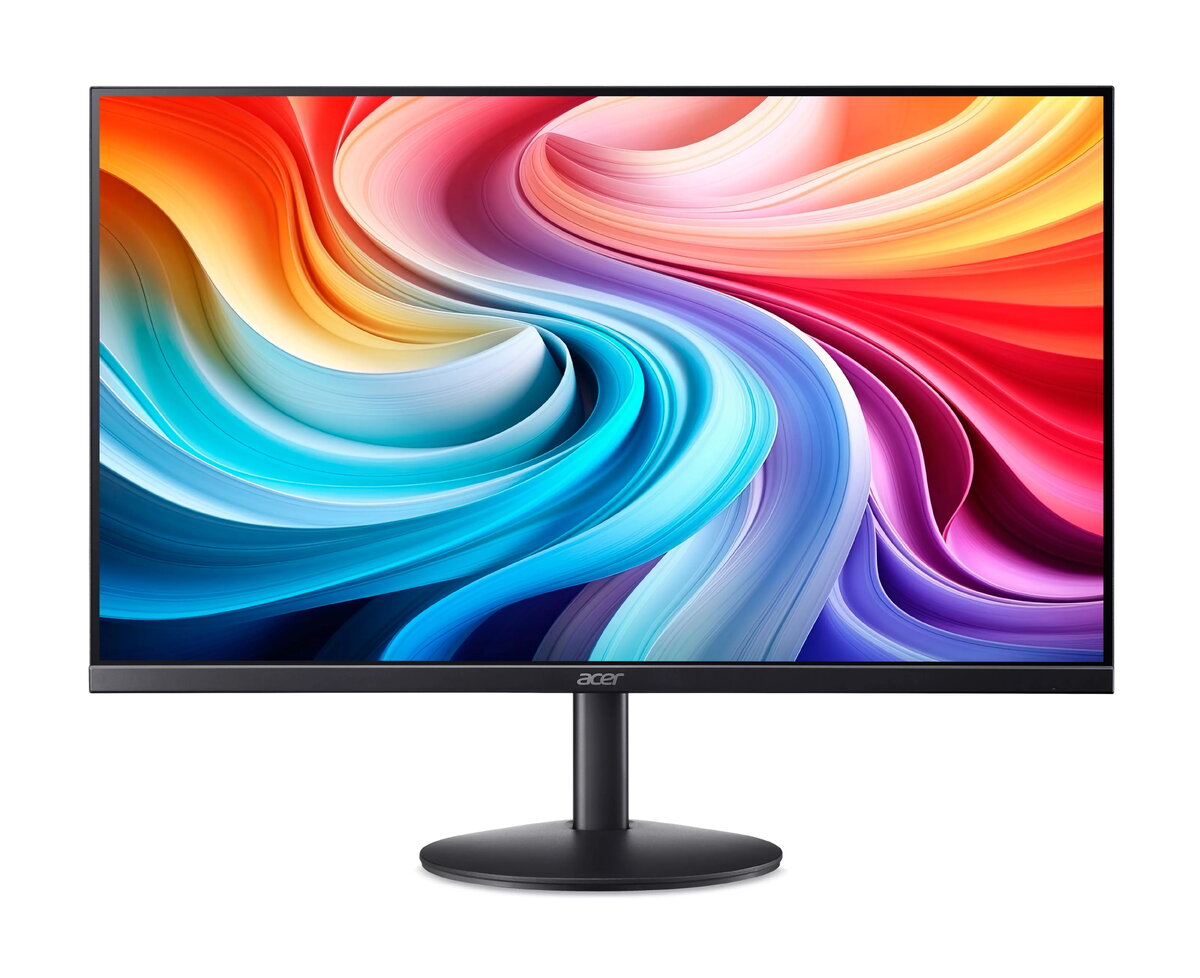
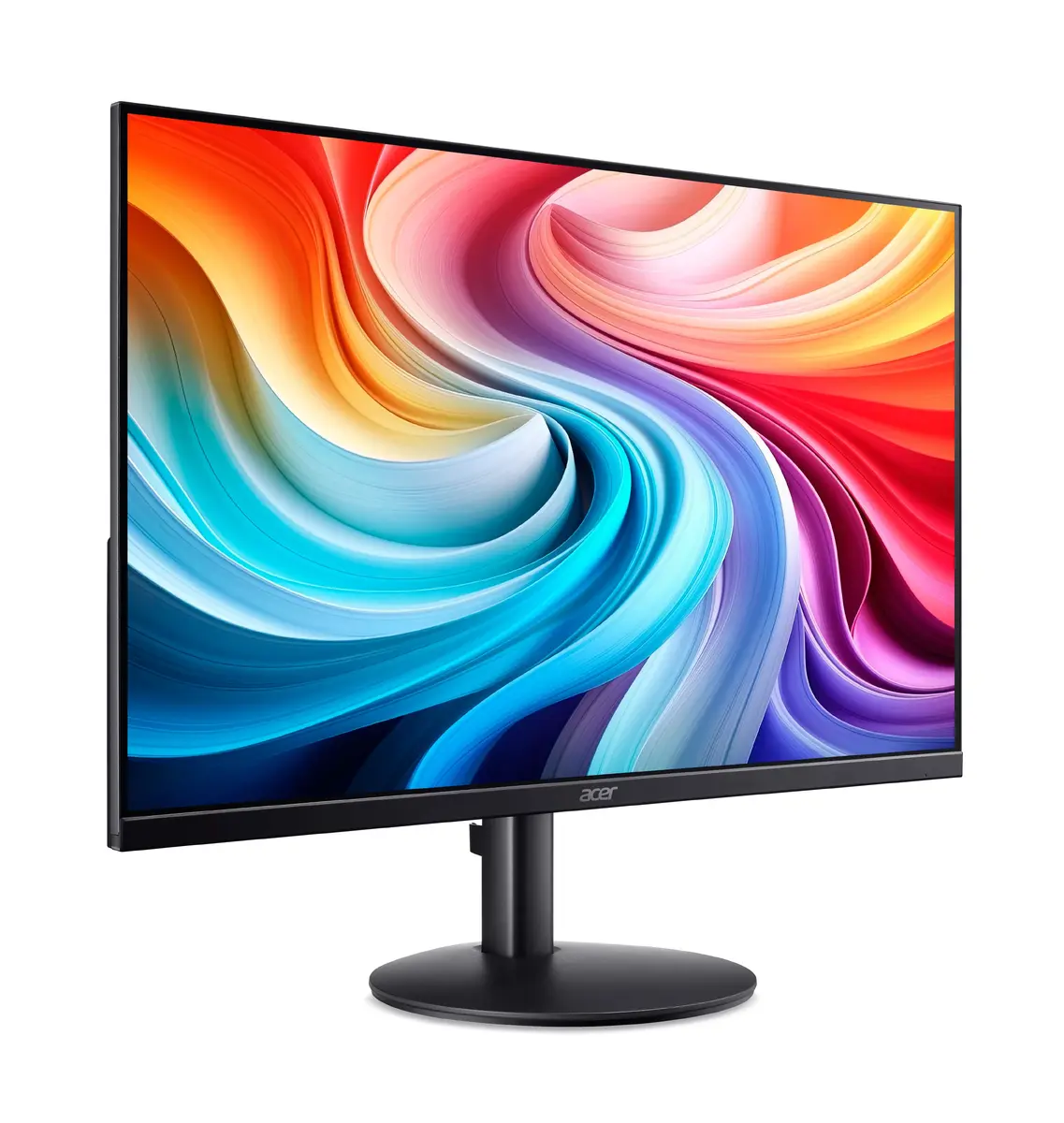
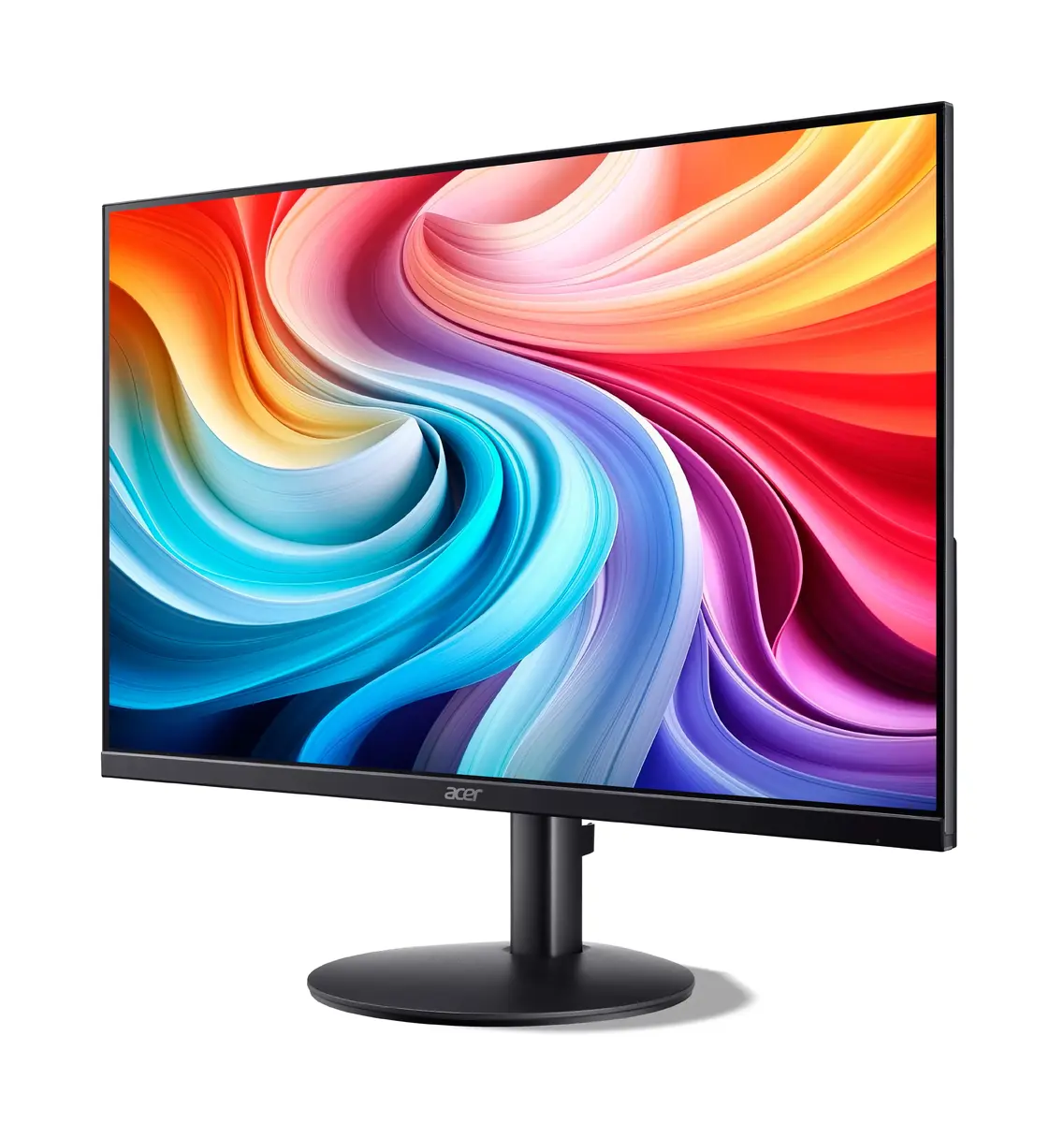
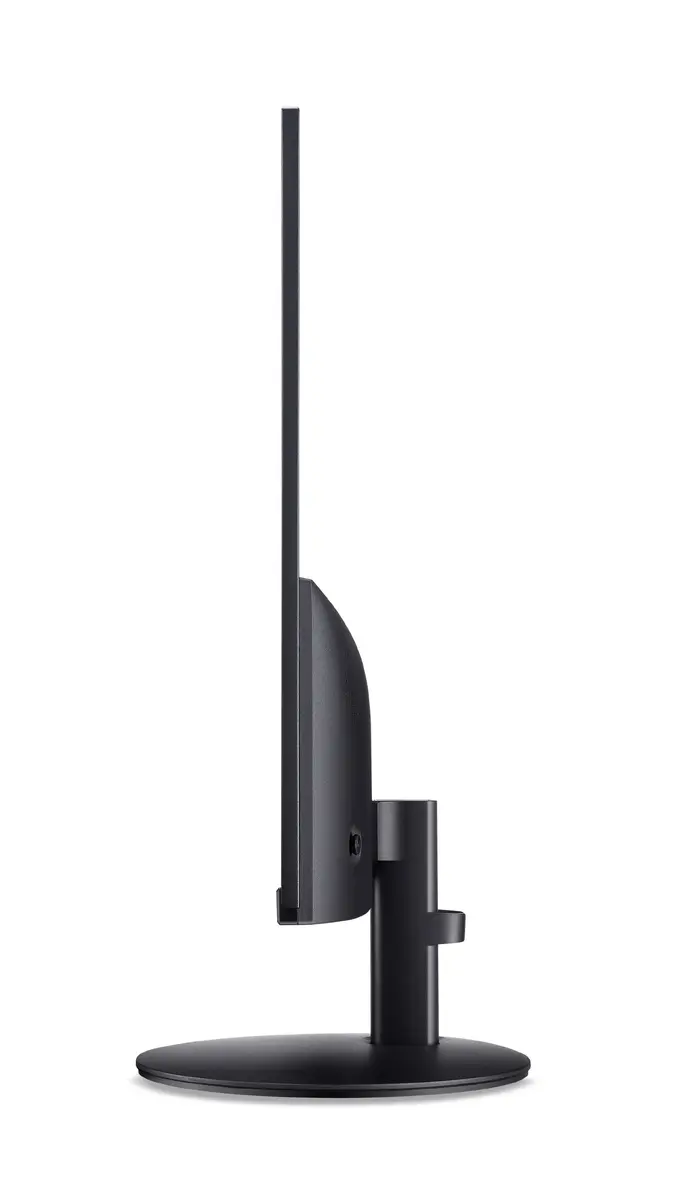
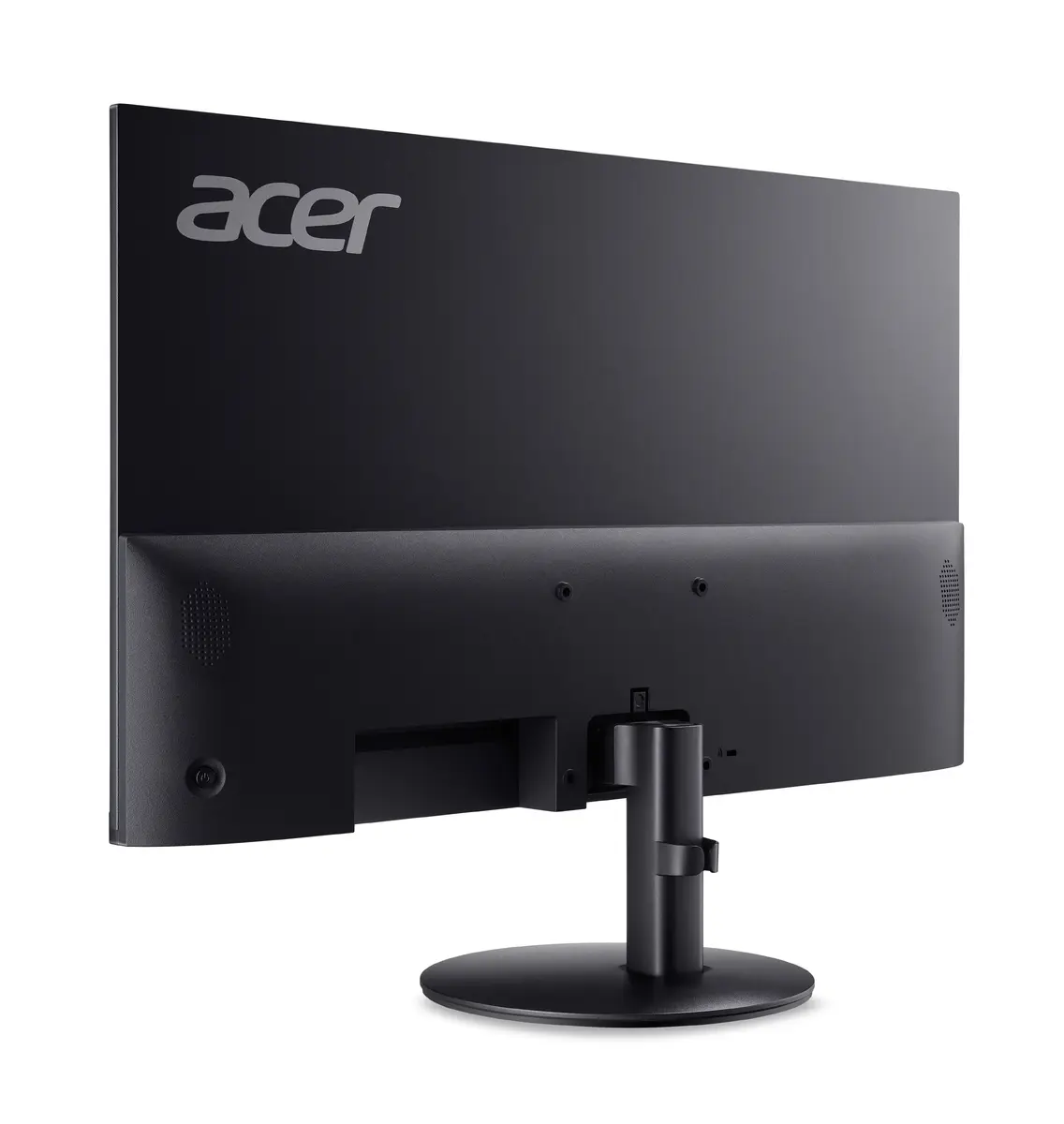
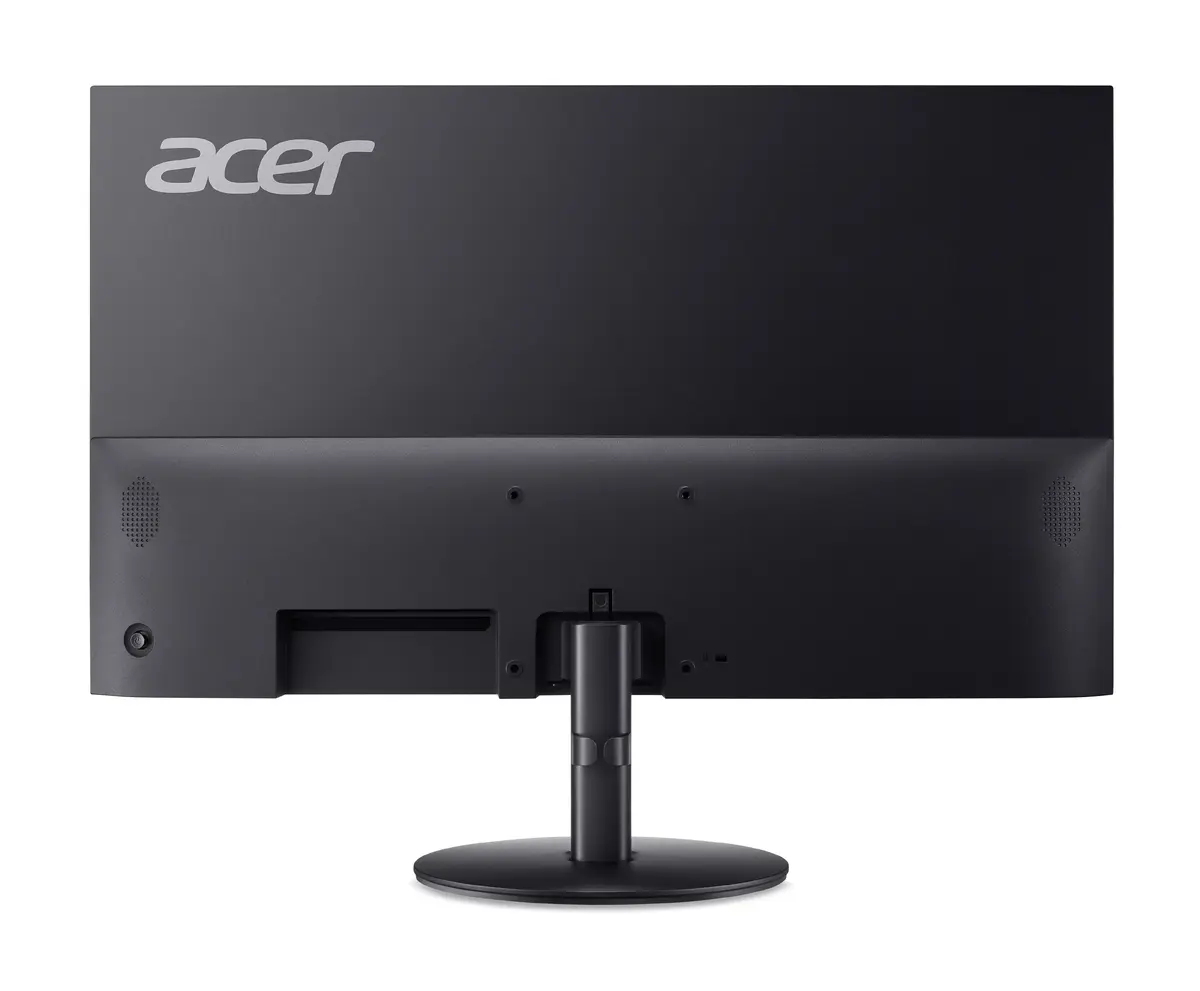
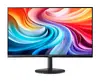
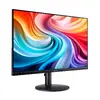
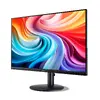
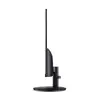
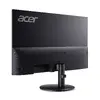
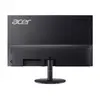
Monitor Acer SA222Q E 21.5" (54.6 cm) Full HD 1920x1080 IPS 1 ms Black with speakers and VESA
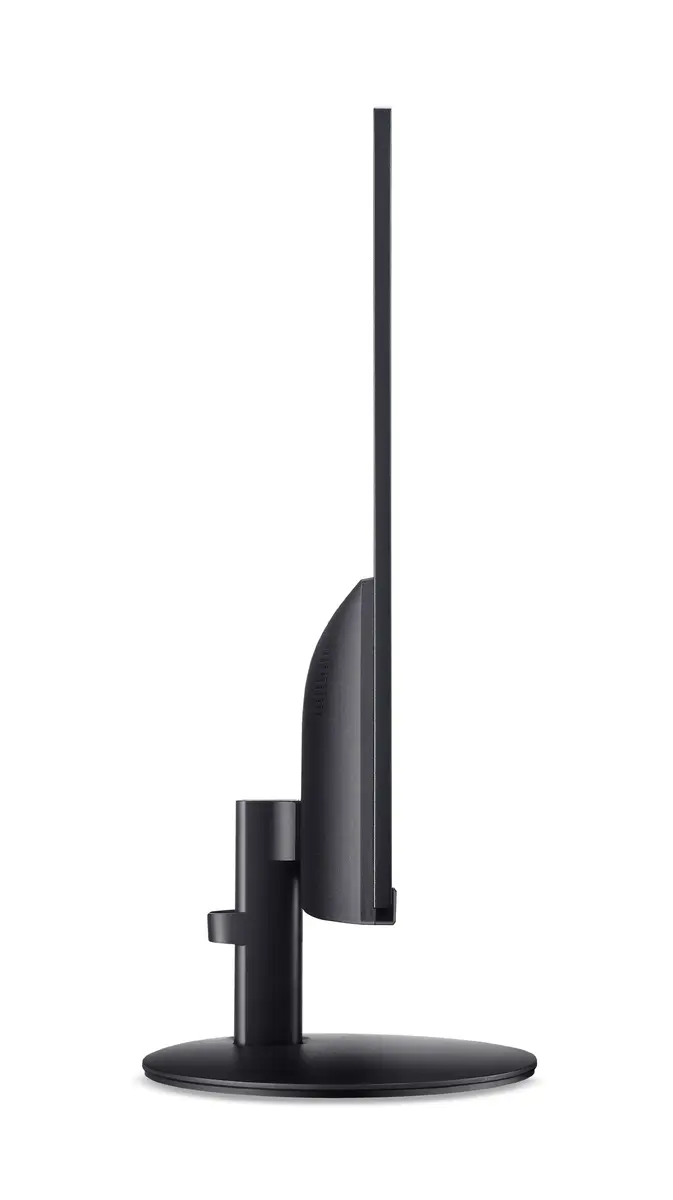
The Acer SA222Q E is a 21.5" (54.6 cm) Full HD monitor with a 1920 × 1080 resolution and an IPS panel that delivers wide 178°/178° viewing angles. The flat-screen design is notably slim and includes built-in stereo speakers and VESA mounting compatibility for wall or arm installation. With a 1 ms response time and AMD FreeSync support, the display is designed to reduce motion blur and tearing, making it suitable for everyday office tasks, multimedia playback and web browsing while maintaining a compact footprint and straightforward connectivity.
The IPS panel provides consistent color and contrast across wide viewing angles, while the 1920 × 1080 Full HD resolution produces clear text and detailed images for productivity and media. A fast 1 ms response time combined with AMD FreeSync technology helps minimise ghosting and screen tearing in fast-moving content. Built-in speakers remove the need for external audio devices for casual listening, and VESA mounting enables flexible installation on walls or monitor arms. The slim ZeroFrame design saves desk space and creates a tidy, modern setup.
Place the monitor on a stable desk surface or attach it to a compatible VESA arm or wall mount following the mounting instructions. Connect the video source using the appropriate cable from your computer or media device, then connect power and switch the monitor on. Adjust display settings such as brightness, contrast and color mode through the on-screen menu to match your working environment. Enable AMD FreeSync via your graphics card settings and the monitor menu if your source supports it to reduce tearing in motion-intensive content.
For comfortable prolonged use, position the top of the screen at or slightly below eye level and maintain an arm’s length viewing distance. Use moderate brightness and enable any available low-blue-light or flicker-free modes when working for extended periods. When wall-mounting, ensure the mount supports the monitor’s size and weight and follow VESA installation guidelines.
{{highlightedFeature.featureTitle}}:
{{getProductFeatureValueById(product, highlightedFeature.featureId)}}
{{ productComparisonGenerationError }}
Device manufacturer code
Device manufacturer
iagonal of the visible part of the screen expressed in centimeters and inches.
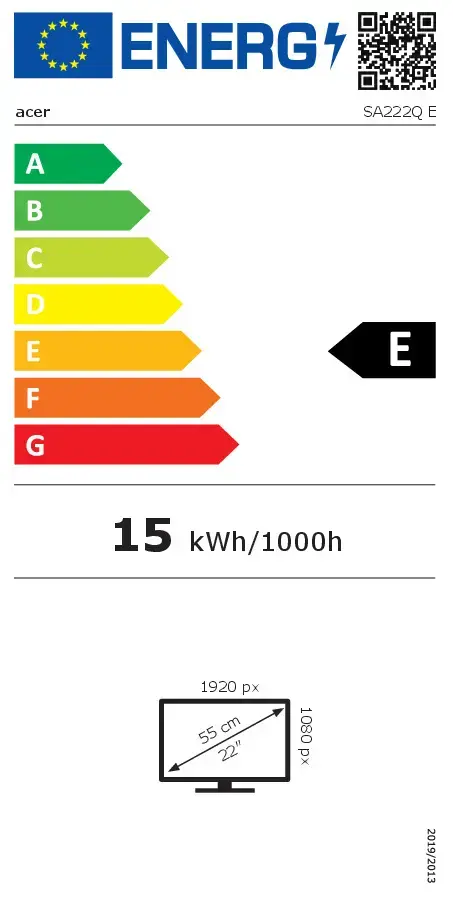
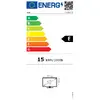
Energy efficiency class is a standard classification that is used all over Europe and which is understandable at first sight. Products can be efficiently compared according to classes, starting from A (the most energy efficient class), and ending with G (the most energy-intensive class). The classification of energy efficiency is based on annual energy consumption which is being calculated on the basis of several different parameters.
Power consumption in switched-on state expressed in W.