Save time and money with our discounts!
In cart {{totalProductsCount}} item(s)
Your cart is empty
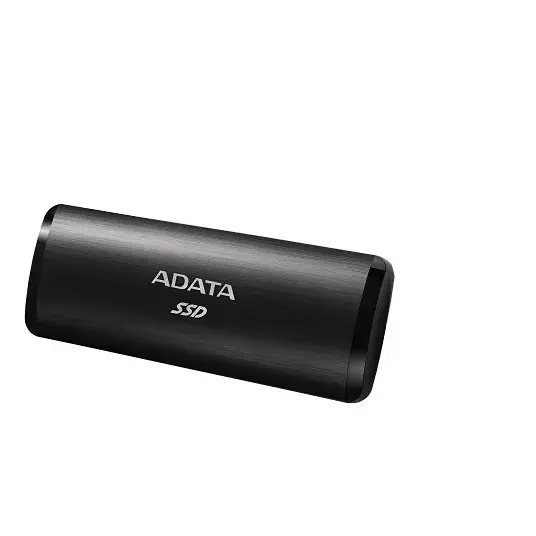
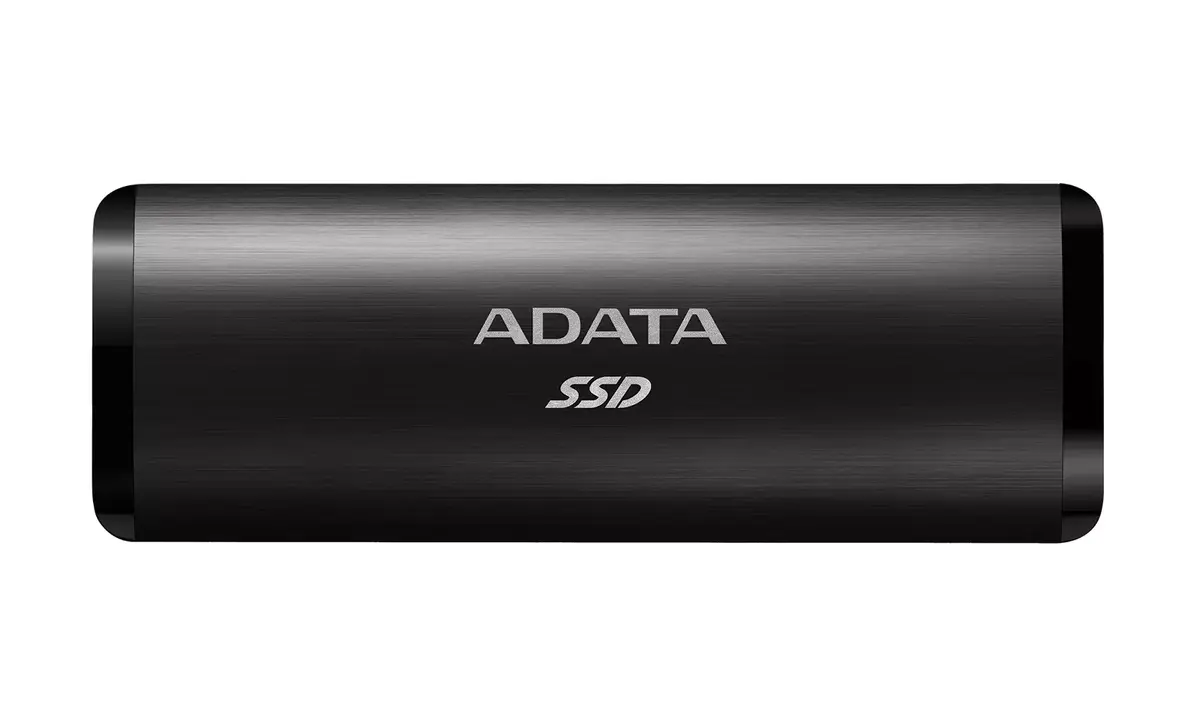
SSD disk ADATA 1 TB external USB Type-C 3.2 Gen 2 SE760
The ADATA SE760 1 TB external SSD combines elegant aesthetics with high-speed performance in a portable storage solution. Featuring a sturdy metal shell with a clean hairline-brushed surface, this sleek black drive is designed for users who need reliable and fast data transfer on the go. Utilizing the USB 3.2 Gen 2 interface and a reversible USB Type-C connector, the device delivers read speeds of up to 1000 MB/s, making file management, media sharing, and game loading significantly faster than traditional hard drives.
The external solid-state drive offers exceptionally fast read speeds of up to 1000 MB/s, allowing large files such as 4K movies to be transferred in a matter of seconds. Its lack of mechanical components makes it smaller, quieter, and more resistant to physical shock and vibration compared to standard hard drives, ensuring enhanced data protection. The durable metal housing provides a stylish and professional appearance while maintaining high portability. Additionally, the reversible USB Type-C connector ensures effortless connection without the need to check orientation, and plug-and-play compatibility enables seamless usage across different operating systems.
This external SSD does not feature hardware-based encryption or password protection, making it less suitable for environments that require strict hardware-level data security. It also lacks support for Wi-Fi and Thunderbolt technology, meaning it relies entirely on wired USB Type-C connections.
Connect the external SSD to a compatible device using the provided USB Type-C cable. Because the drive supports plug-and-play functionality, no additional driver installation is required for Windows, Mac OS, or Android systems. Simply plug the reversible connector into your device port to immediately begin transferring, storing, or accessing your files and games.
To maintain optimal performance and longevity, safely eject the external SSD from your operating system before disconnecting the cable, and avoid exposing the metal housing to extreme temperatures or moisture.
{{highlightedFeature.featureTitle}}:
{{getProductFeatureValueById(product, highlightedFeature.featureId)}}
{{ productComparisonGenerationError }}