Filters you can trust. Pure water every day.
In cart {{totalProductsCount}} item(s)
Your cart is empty
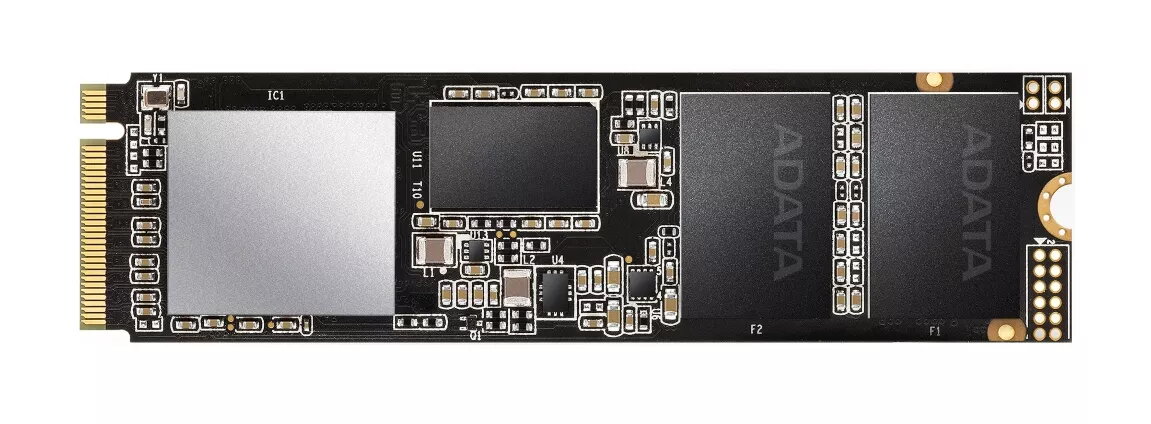
SSD disk XPG 1 TB M.2 PCI Express 3.0 NVMe SX8200 Pro
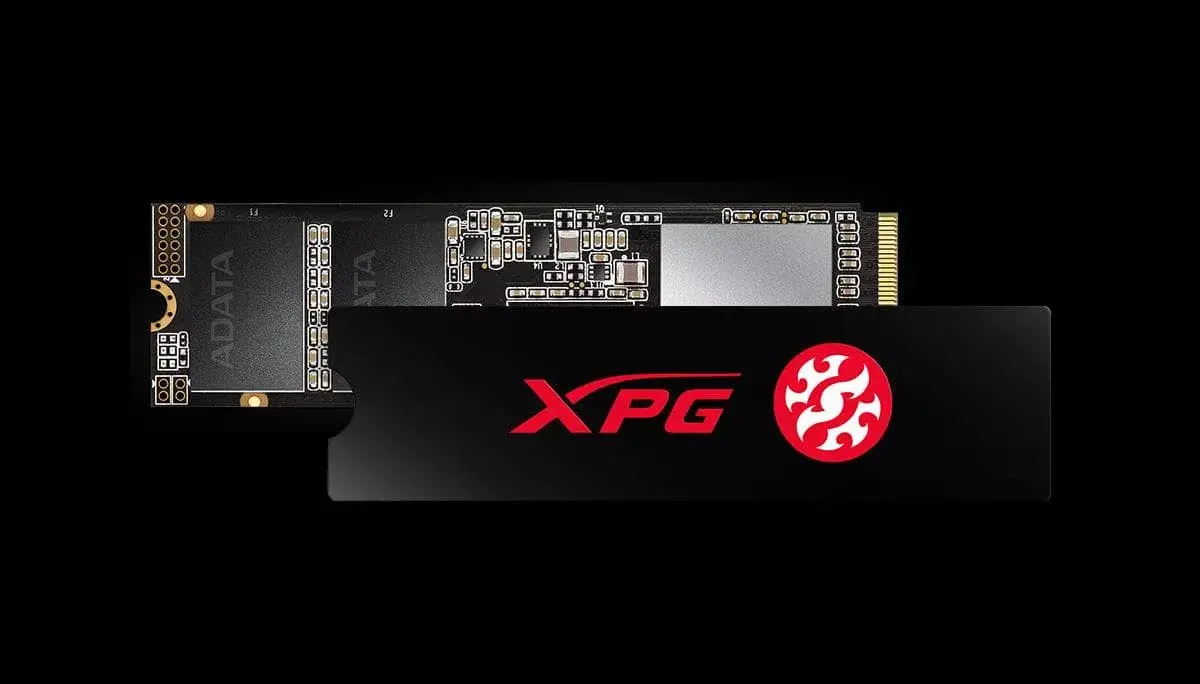
The XPG SX8200 Pro 1 TB M.2 PCIe 3.0 NVMe SSD delivers high-performance storage in a compact M.2 2280 form factor. With sustained peak sequential read and write speeds of up to 3500 MB/s and 3000 MB/s and NVMe 1.3 support, this ADATA-branded drive is intended for PC enthusiasts, gamers and users who require fast system responsiveness and improved multitasking. Built on 3D TLC NAND with support for SLC caching and a DRAM cache buffer, the SX8200 Pro balances speed, capacity and durability while offering data-protection features such as LDPC ECC, E2E data protection and a RAID engine. A black XPG heatsink with pre-applied thermal compound is included in the box for optional installation.
The SX8200 Pro provides very high sequential and random performance thanks to its PCIe Gen3x4 interface and NVMe 1.3 protocol, enabling faster application load times and reduced system latency. SLC caching combined with a DRAM cache buffer accelerates both sequential and 4K random read/write operations. 3D NAND construction increases density and efficiency compared with 2D NAND, while LDPC ECC, E2E protection and a RAID engine contribute to improved data integrity and longer drive lifespan.
Install the SX8200 Pro into a free M.2 2280 PCIe slot on a compatible desktop or laptop motherboard, securing it with the M.2 screw. If you prefer improved thermal performance, attach the included XPG heatsink using the pre-applied thermal compound following the heatsink instructions. After physical installation, initialize and format the drive in the operating system or clone an existing drive if performing a system migration. Ensure the motherboard firmware and OS NVMe drivers are up to date for optimal performance.
For sustained high-performance tasks such as prolonged video rendering or heavy write workloads, ensure adequate cooling and confirm the system supports PCIe 3.0 x4. Regularly back up important data and keep firmware up to date to maintain reliability and data integrity.
{{highlightedFeature.featureTitle}}:
{{getProductFeatureValueById(product, highlightedFeature.featureId)}}
{{ productComparisonGenerationError }}