Save time and money with our discounts!
In cart {{totalProductsCount}} item(s)
Your cart is empty
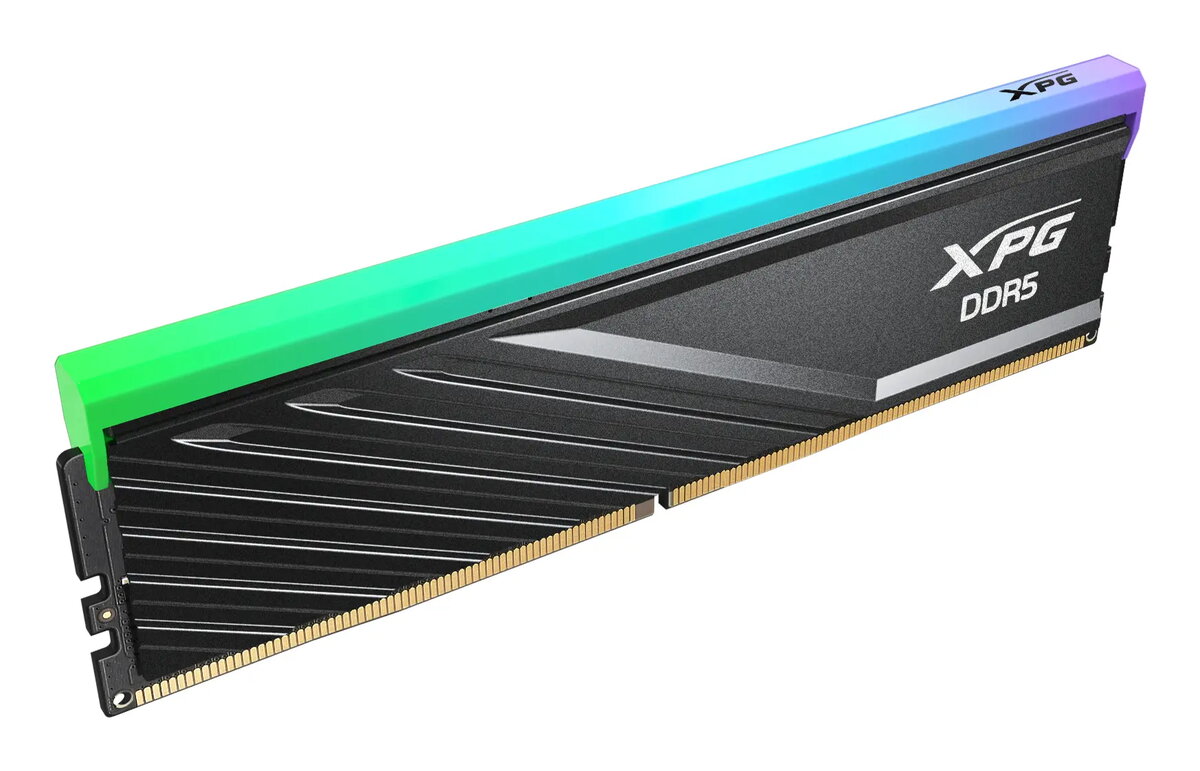
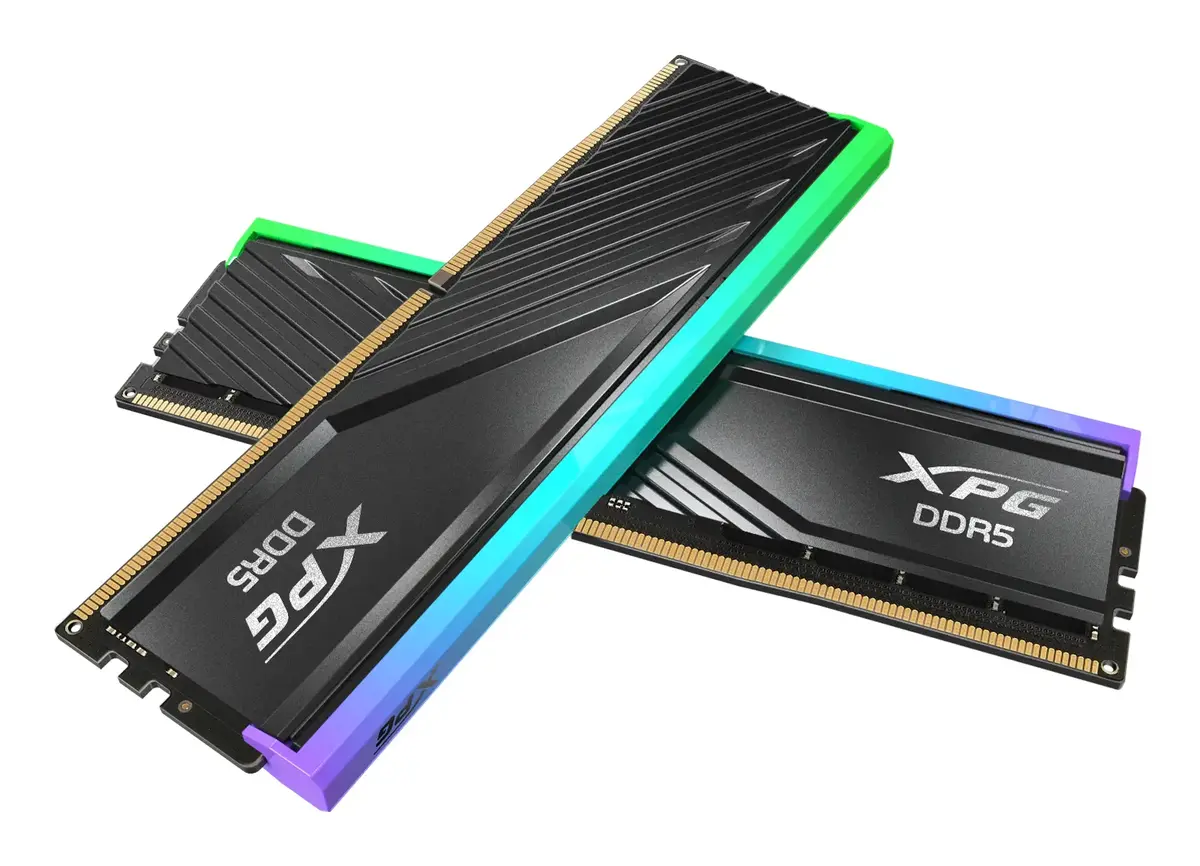
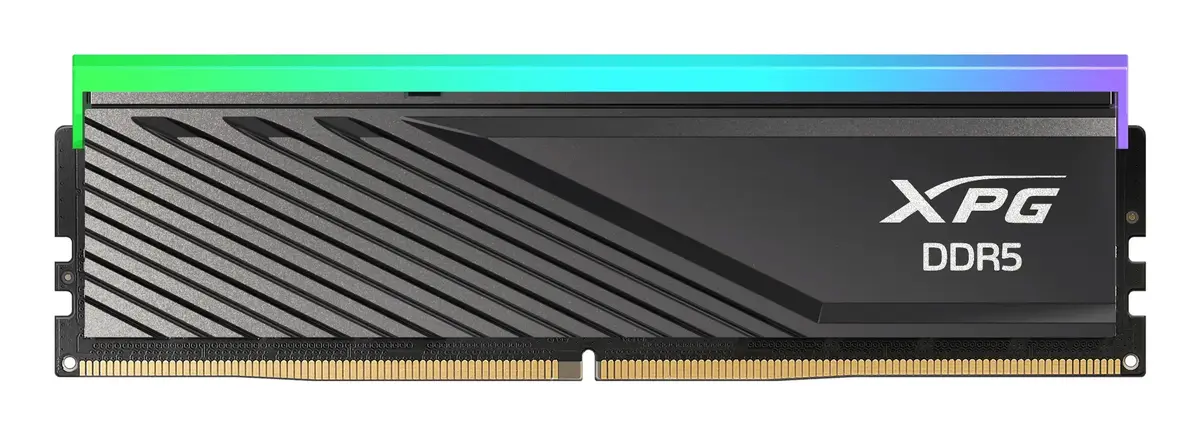
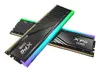
Memory DIMM 8 GB DDR5-5600 ADATA XPG Lancer Blade RGB (1x8 GB) INTEL XMP AMD EXPO, black
The ADATA XPG Lancer Blade RGB 8 GB DDR5-5600 single DIMM is a low-profile desktop memory module designed for systems that support DDR5. It delivers a 5600 MT/s transfer rate and supports Intel XMP 3.0 and AMD EXPO profiles for straightforward performance tuning. The module features a compact black heatsink that fits in smaller cases and minimizes interference with large CPU coolers, plus addressable RGB lighting controllable via major motherboard RGB utilities or XPG Prime software.
The low-profile heatsink provides compatibility with tight builds while maintaining thermal performance. Built-in Power Management IC (PMIC) and reduced operating voltages improve power efficiency and supply stability. On-die ECC increases stability by correcting certain memory errors in real time. RGB lighting offers customization options including static, breathing, comet, and Music Mode, and can be synchronized with other XPG Prime-supported components. Support for Intel XMP and AMD EXPO simplifies overclocking and system optimization without manual BIOS tuning.
Power down the PC and disconnect the power cable before installing the memory module. Open the case and locate an empty 288-pin DDR5 DIMM slot. Align the module with the slot so the notch matches the socket, gently press down until the retention clips engage. After installation, reconnect power and boot the system. To enable higher performance, enter the BIOS or UEFI and enable the Intel XMP 3.0 or AMD EXPO profile that matches the module’s rated speed and voltage, or use motherboard software to apply the profile. For RGB control, use the motherboard vendor’s lighting software or XPG Prime to select effects and synchronize compatible devices.
Install the module in the slot recommended by your motherboard manual for single-channel operation. When combining modules, use identical specifications for best compatibility. Ensure your motherboard BIOS supports DDR5 and the advertised XMP/EXPO profiles; update the BIOS if necessary. When overclocking, monitor system stability and temperatures and apply profiles one at a time to confirm compatibility.
{{highlightedFeature.featureTitle}}:
{{getProductFeatureValueById(product, highlightedFeature.featureId)}}
{{ productComparisonGenerationError }}