JBL speakers and headphones for pure and deep sound!
In cart {{totalProductsCount}} item(s)
Your cart is empty
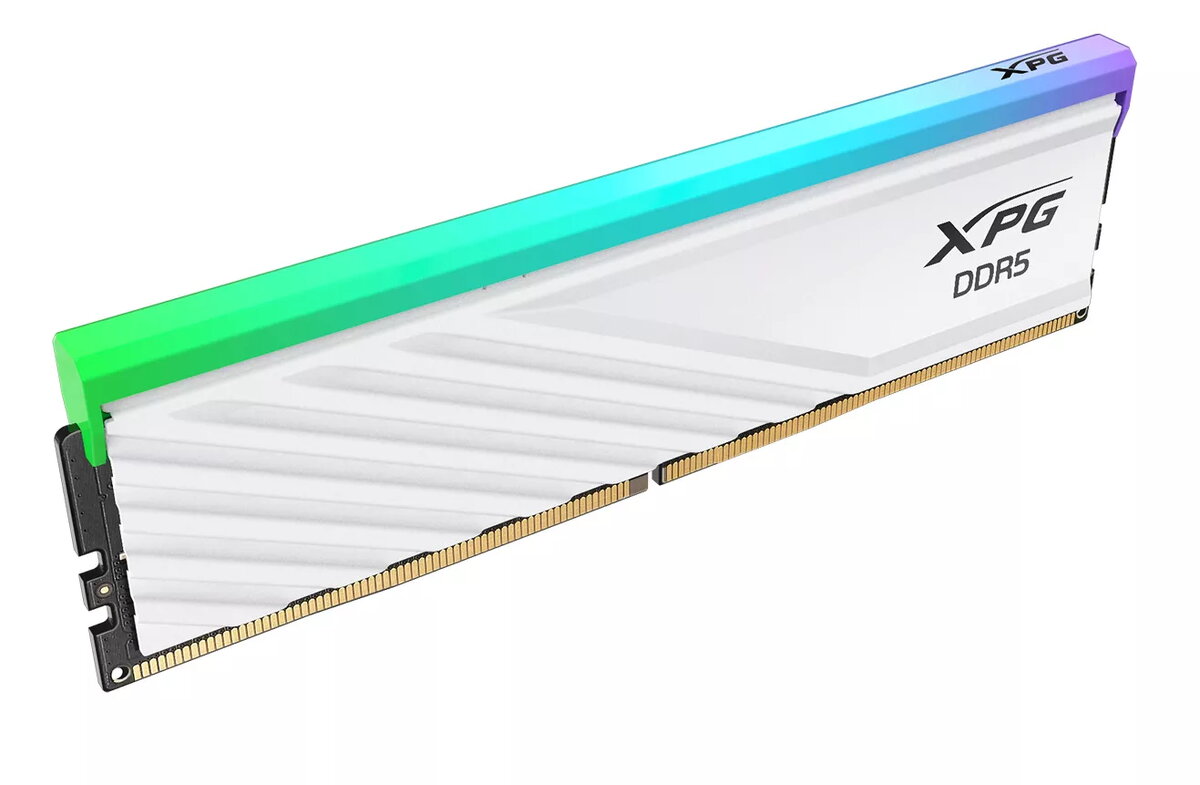
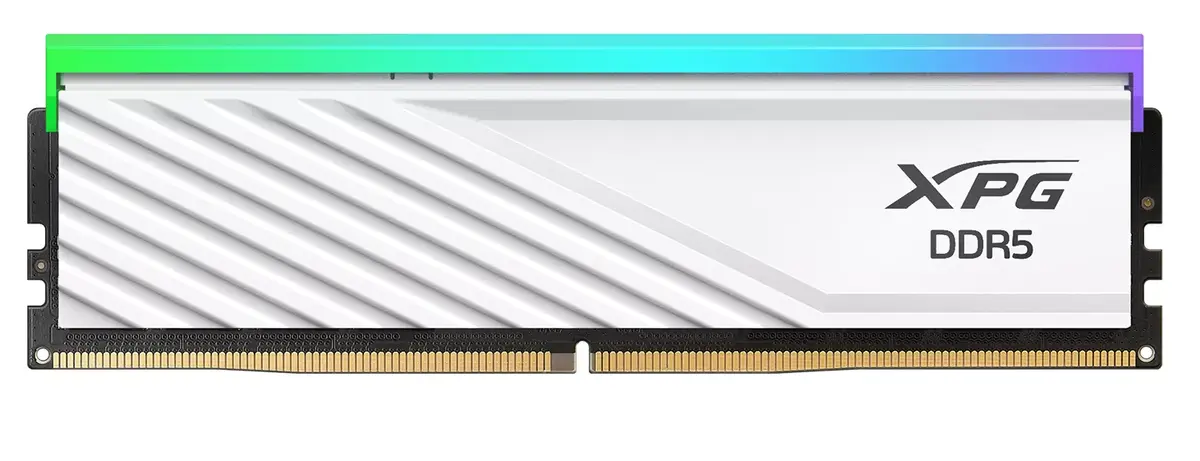
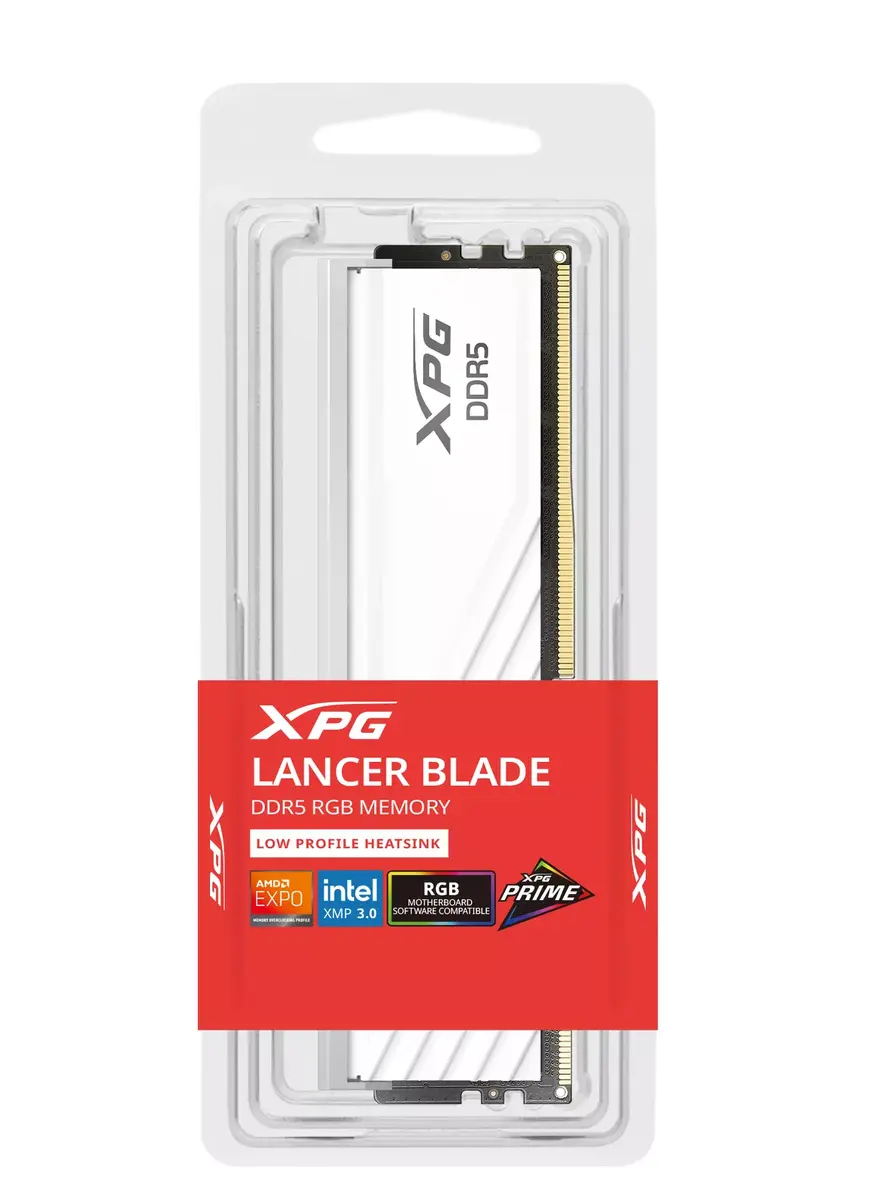
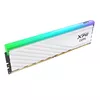
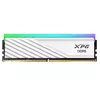
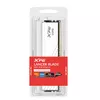
Memory Module ADATA LANCER BLADE RGB DDR5 16 GB 6000 MHz
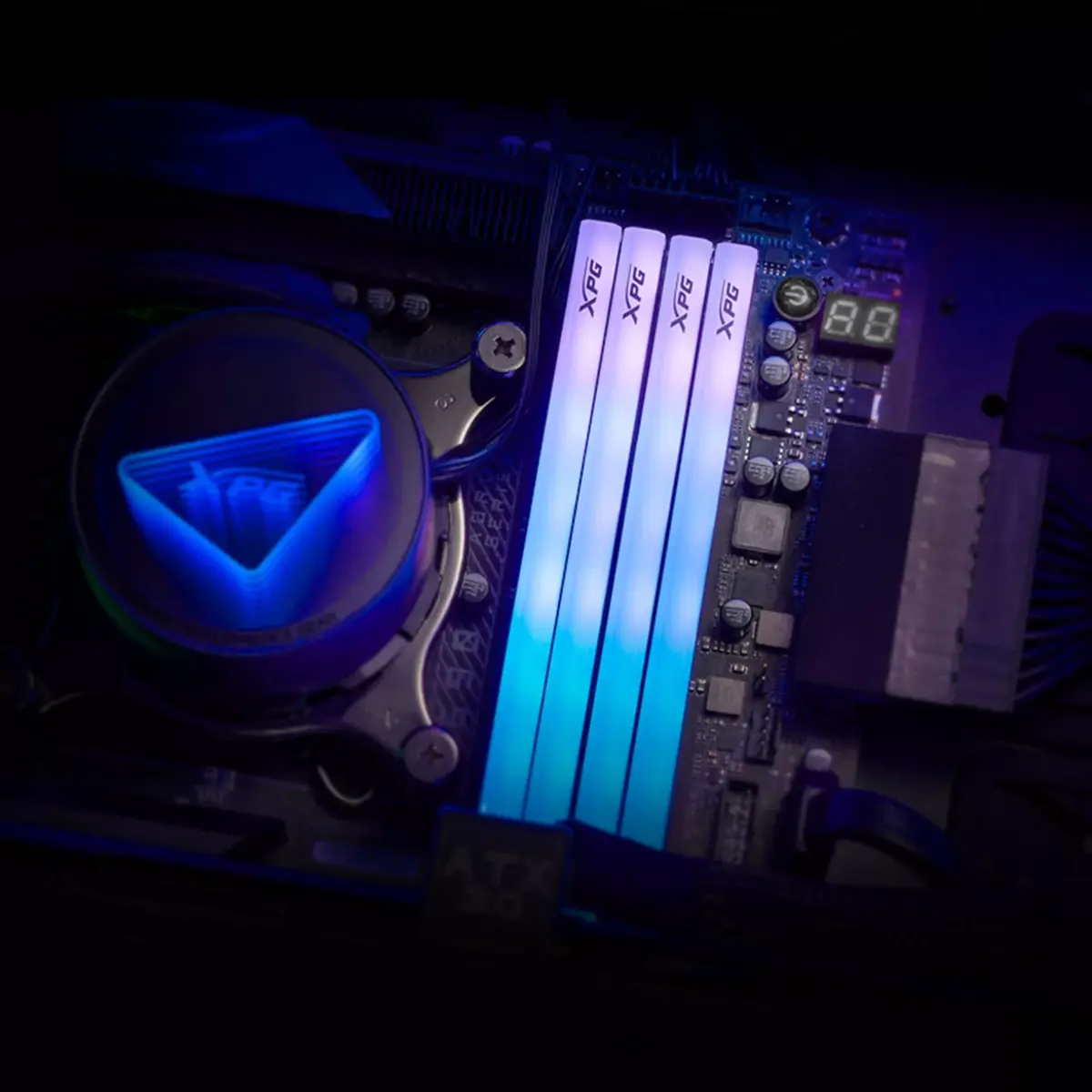
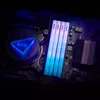
The ADATA LANCER BLADE RGB DDR5 16 GB 6000 MHz is a low-profile 288‑pin DIMM memory module designed for desktop PCs. It delivers 16 GB of DDR5 memory at 6000 MHz with CL30 timing, on-die ECC for real-time error correction, and an integrated Power Management IC (PMIC) for improved power stability and efficiency. The module supports Intel XMP 3.0 and AMD EXPO profiles for simplified overclocking and compatibility with modern platforms, and features customizable RGB lighting that can be controlled via major motherboard software or XPG Prime.
The compact low-profile heatsink allows installation in smaller cases and avoids interference with large tower CPU coolers while providing a clean geometric aesthetic. Integrated PMIC enhances voltage stability and reduces operating voltage compared to DDR4, improving power efficiency. On-die ECC increases reliability by correcting memory errors in real time. Support for Intel XMP 3.0 and AMD EXPO simplifies overclocking and platform compatibility. Customizable RGB lighting and XPG Prime synchronization enable coordinated lighting across compatible components.
Install the module into an available 288‑pin DDR5 DIMM slot on a compatible motherboard following the motherboard manufacturer's installation instructions and static-safety precautions. To enable rated speeds, load the corresponding Intel XMP 3.0 or AMD EXPO profile in the BIOS/UEFI. For RGB control, use your motherboard vendor's RGB software or install XPG Prime — if using XPG Prime, close other RGB control applications first to avoid conflicts. If switching from MSI lighting software, uninstall MSI's utility and reboot the system before installing XPG Prime.
Use with motherboards that explicitly support DDR5, Intel XMP 3.0 or AMD EXPO to ensure stability. Avoid running multiple RGB control programs simultaneously to prevent lighting conflicts. For multi-module systems, install matched modules in recommended DIMM slots and enable the appropriate memory profile in BIOS for best performance and stability.
{{highlightedFeature.featureTitle}}:
{{getProductFeatureValueById(product, highlightedFeature.featureId)}}
{{ productComparisonGenerationError }}