Hurry and order now – up to 50% off!
In cart {{totalProductsCount}} item(s)
Your cart is empty
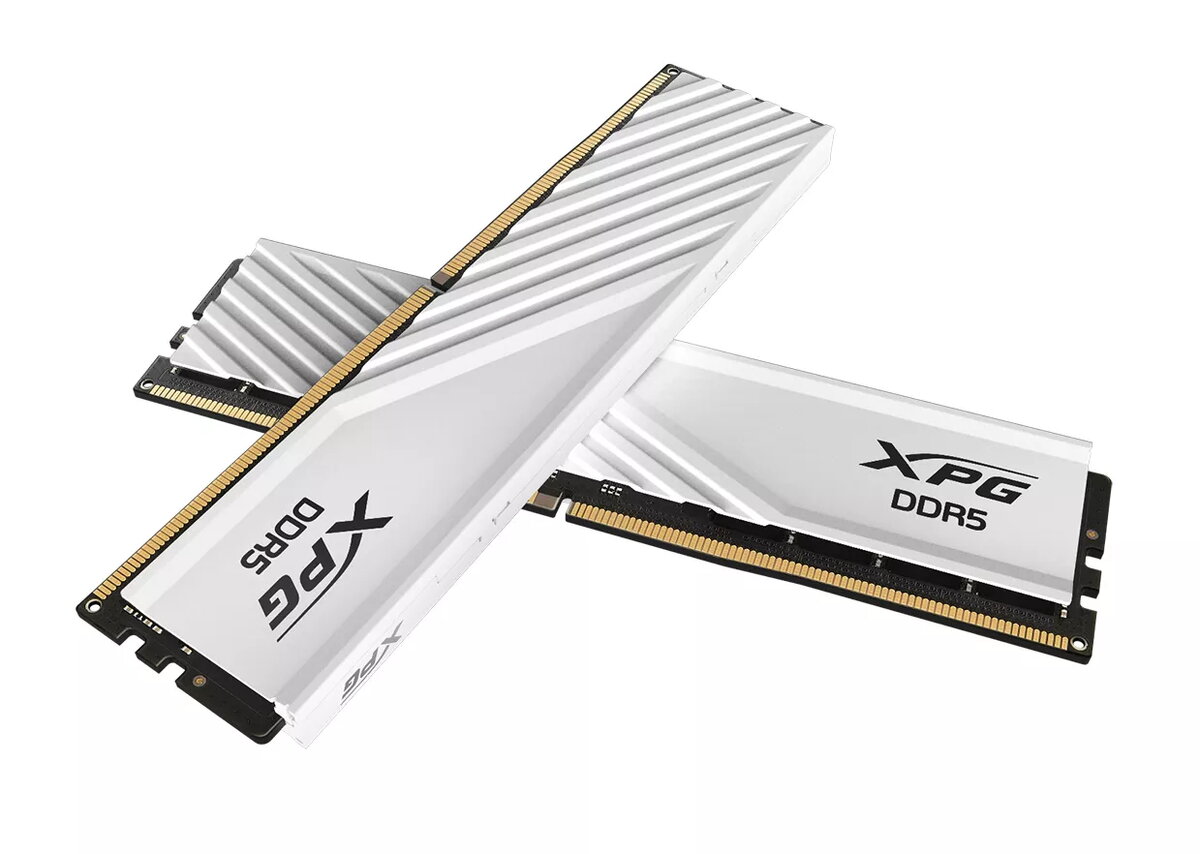
Memory Module XPG LANCER BLADE DDR5 32 GB 6000 MHz
The XPG LANCER BLADE DDR5 32 GB 6000 MHz memory module is a high-performance component designed to elevate the speed and stability of modern desktop computers. Featuring a total capacity of 32 GB arranged in a dual-channel configuration of two 16 GB sticks, this memory kit provides the bandwidth necessary for intensive computing tasks. Its low-profile heatsink design ensures compatibility with compact PC cases and large CPU air coolers, while the clean white aesthetic integrates seamlessly into modern system builds.
This memory module utilizes advanced DDR5 technology to deliver superior data transfer rates compared to previous generations. The inclusion of an integrated Power Management IC improves power efficiency and voltage stability during operation. Furthermore, the on-die error correcting code (ECC) functionality actively monitors and corrects data errors in real-time, which significantly enhances system reliability. With support for both Intel XMP 3.0 and AMD EXPO, users can achieve optimized performance profiles without the need for complex manual BIOS adjustments.
This memory module is not compatible with motherboards that only support DDR4 memory slots, as the physical pin configuration and electrical signaling are different. Additionally, users with older hardware platforms that do not support the DDR5 standard will be unable to utilize this product.
To install the memory, ensure your computer is powered off and disconnected from the power source. Open your PC case and locate the DIMM slots on your motherboard. Carefully align the notch on the memory module with the key in the slot and press down firmly until the locking tabs click into place. Once installed, boot your computer and enter the BIOS settings to enable the XMP or EXPO profile to ensure the memory operates at its rated 6000 MHz speed.
For the best performance and stability, always install the modules in the recommended slots specified by your motherboard manufacturer, typically the second and fourth slots from the CPU, to ensure optimal dual-channel operation.
{{highlightedFeature.featureTitle}}:
{{getProductFeatureValueById(product, highlightedFeature.featureId)}}
{{ productComparisonGenerationError }}