JBL speakers and headphones for pure and deep sound!
In cart {{totalProductsCount}} item(s)
Your cart is empty
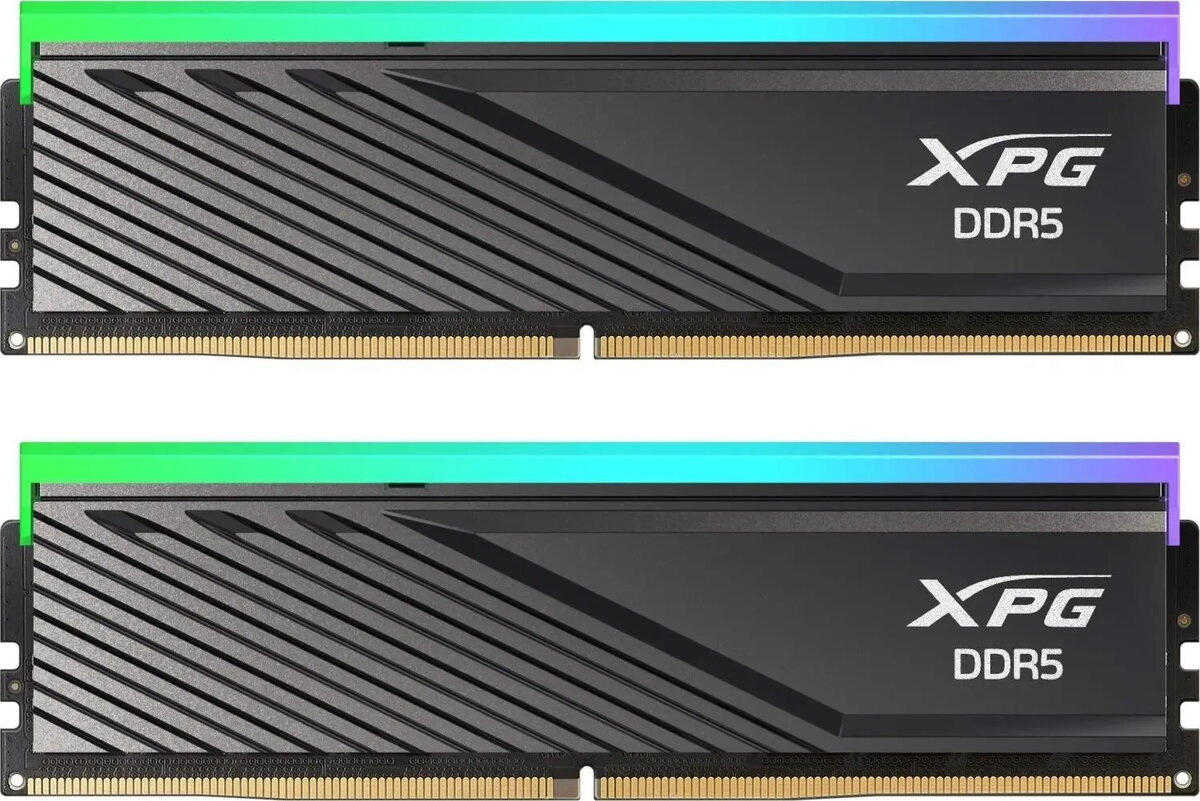
Desktop DDR5 RAM ADATA XPG Lancer Blade RGB 32GB (2x16GB) 6400 MT/s CL32 XMP/EXPO, black
ADATA XPG Lancer Blade RGB 32GB (2x16GB) DDR5 6400 MT/s CL32 is a dual-channel desktop memory kit designed for gaming rigs and high-performance systems. Operating at an effective data rate of 6400 MT/s with CAS latency CL32, this memory kit delivers elevated bandwidth and responsiveness compared with previous-generation modules. The modules feature RGB illumination integrated into a black heat spreader that combines thermal dissipation with a streamlined visual aesthetic. Built to support modern platforms, the memory includes XMP and EXPO profile compatibility for one-step overclocking and simplified configuration in compatible motherboards.
The ADATA XPG Lancer Blade RGB kit provides high transfer rates and low-latency operation suitable for demanding applications such as gaming and content creation. Its dual-module configuration enables dual-channel memory operation for improved throughput. Integrated RGB lighting allows synchronization with motherboard lighting ecosystems, while the black aluminum heat spreader improves thermal stability under sustained load. Support for XMP and EXPO profiles reduces setup time by automatically applying optimized frequency, timing, and voltage settings where supported.
Install the two modules into matching DIMM slots on a compatible desktop motherboard following the motherboard manual to enable dual-channel operation. Ensure the system is powered off and unplugged before installation, then press each module firmly until the retention clips lock. After first boot, enter the BIOS/UEFI to verify memory frequency and timings. If desired and supported by the motherboard, enable the XMP or EXPO profile to apply the factory-tested frequency and timing settings automatically. Monitor system stability after enabling profiles and run a memory test if necessary.
For optimal cooling and compatibility, install the modules with adequate airflow in the chassis and consult the motherboard QVL or manual for supported speeds. When enabling XMP or EXPO, update the motherboard BIOS to the latest version and verify power delivery capability of the platform to maintain system stability at higher memory frequencies.
{{highlightedFeature.featureTitle}}:
{{getProductFeatureValueById(product, highlightedFeature.featureId)}}
{{ productComparisonGenerationError }}