



Leave your address - as soon as the price of the product goes down, you'll know about it right away
Radio Adler CR 1918 Wi‑Fi — tabletop radio with Wi‑Fi and clock functions
In cart {{totalProductsCount}} item(s)
Your cart is empty
Radio Adler CR 1918 Wi‑Fi — tabletop radio with Wi‑Fi and clock functions
Leave your address - as soon as the price of the product goes down, you'll know about it right away
Radio Adler CR 1918 Wi‑Fi — tabletop radio with Wi‑Fi and clock functions
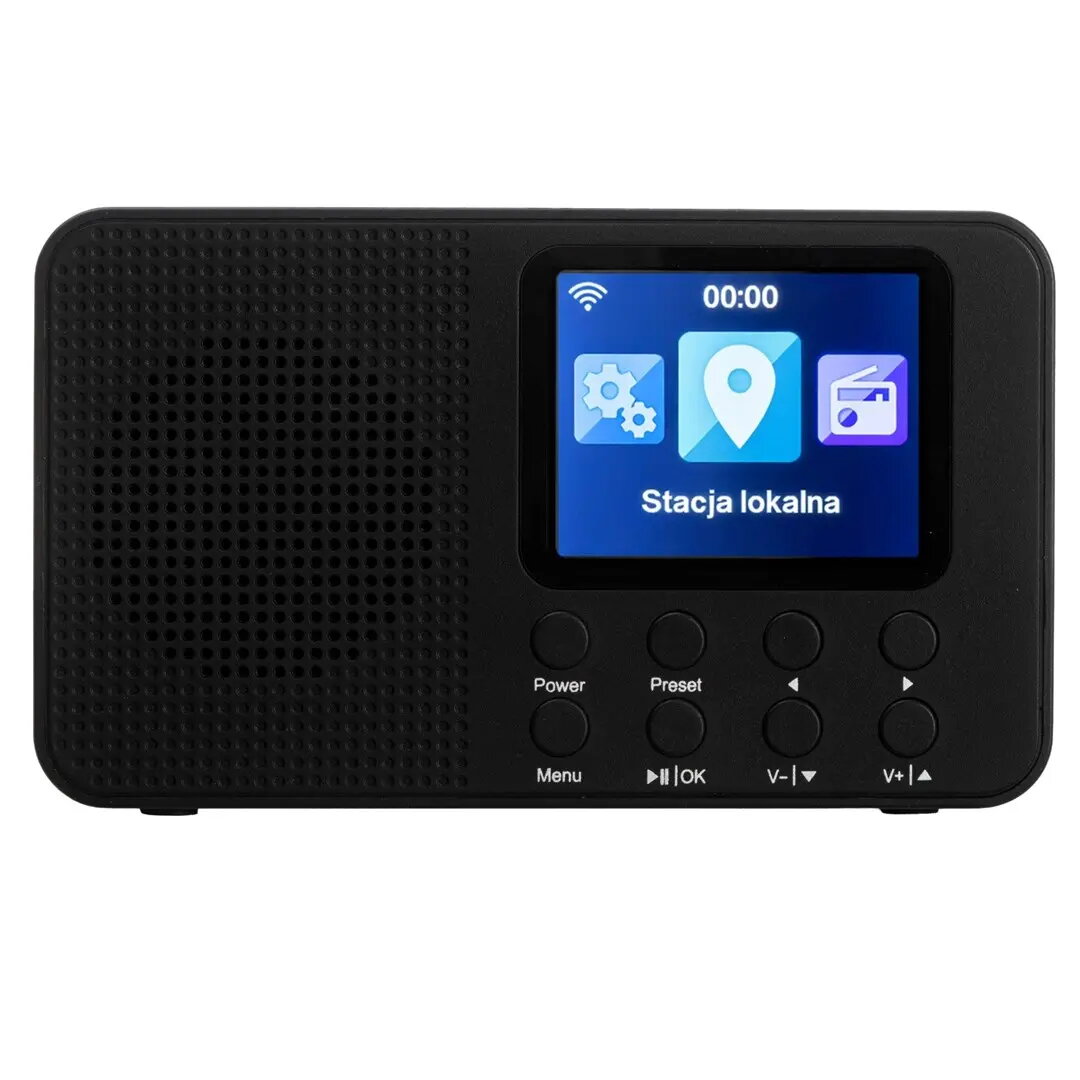
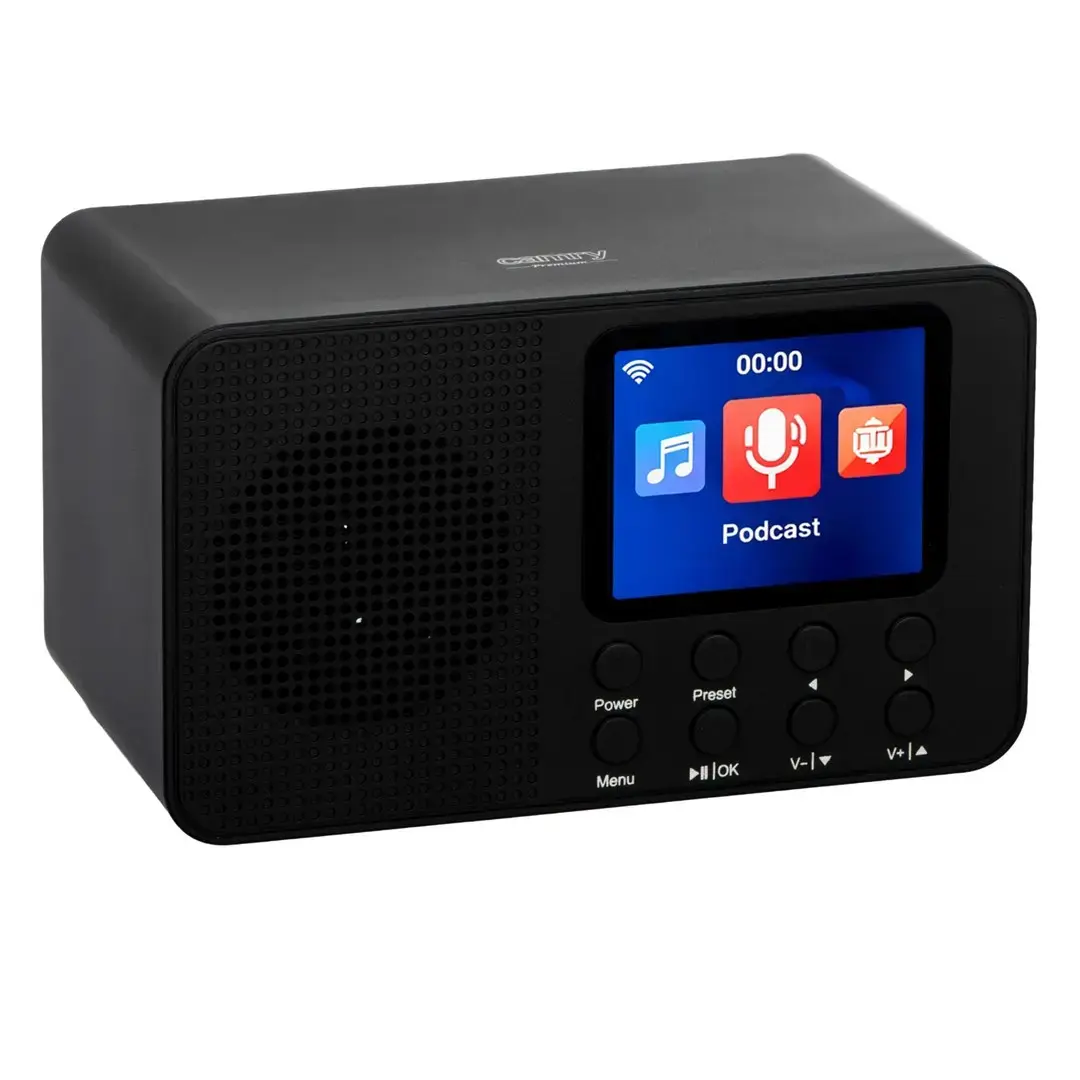
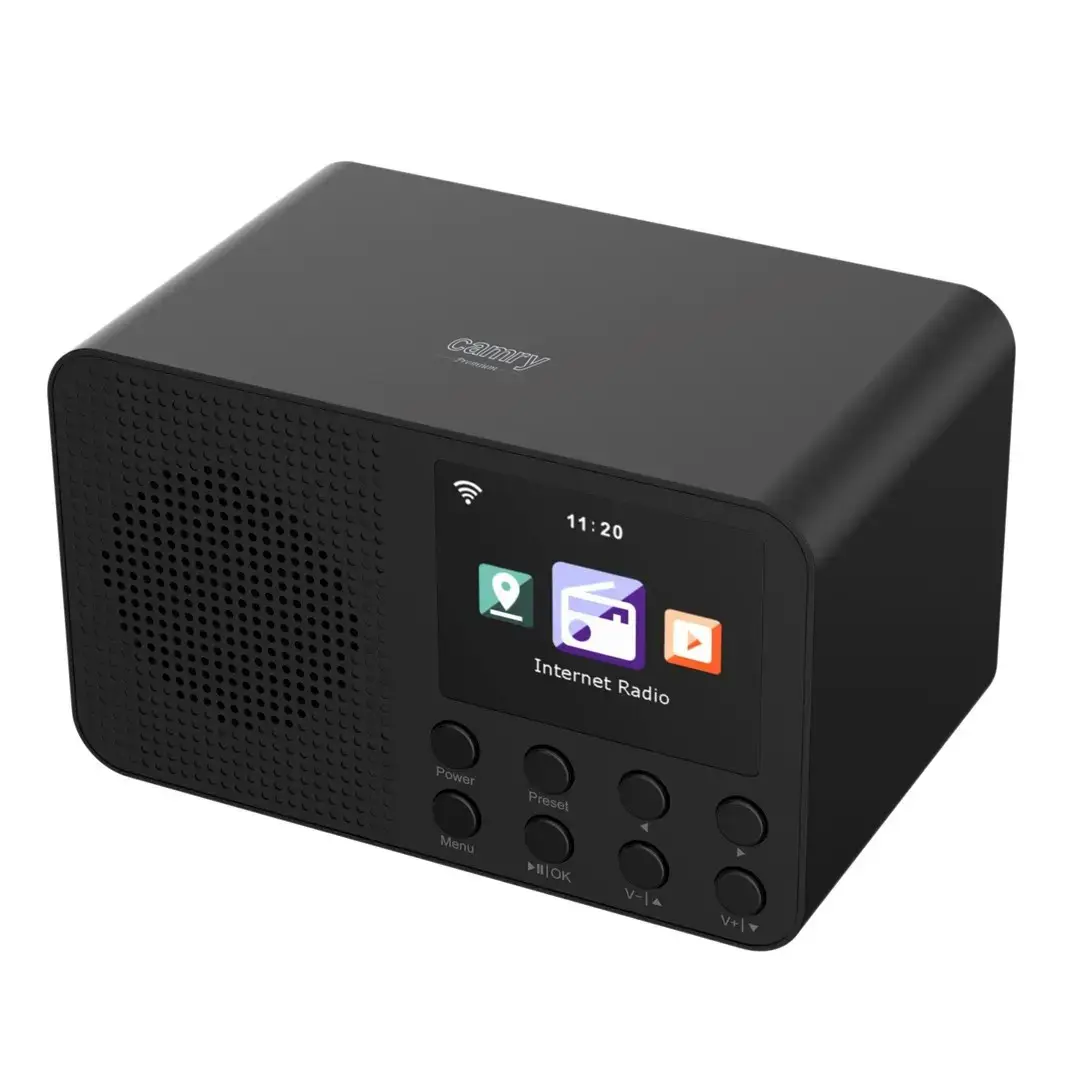
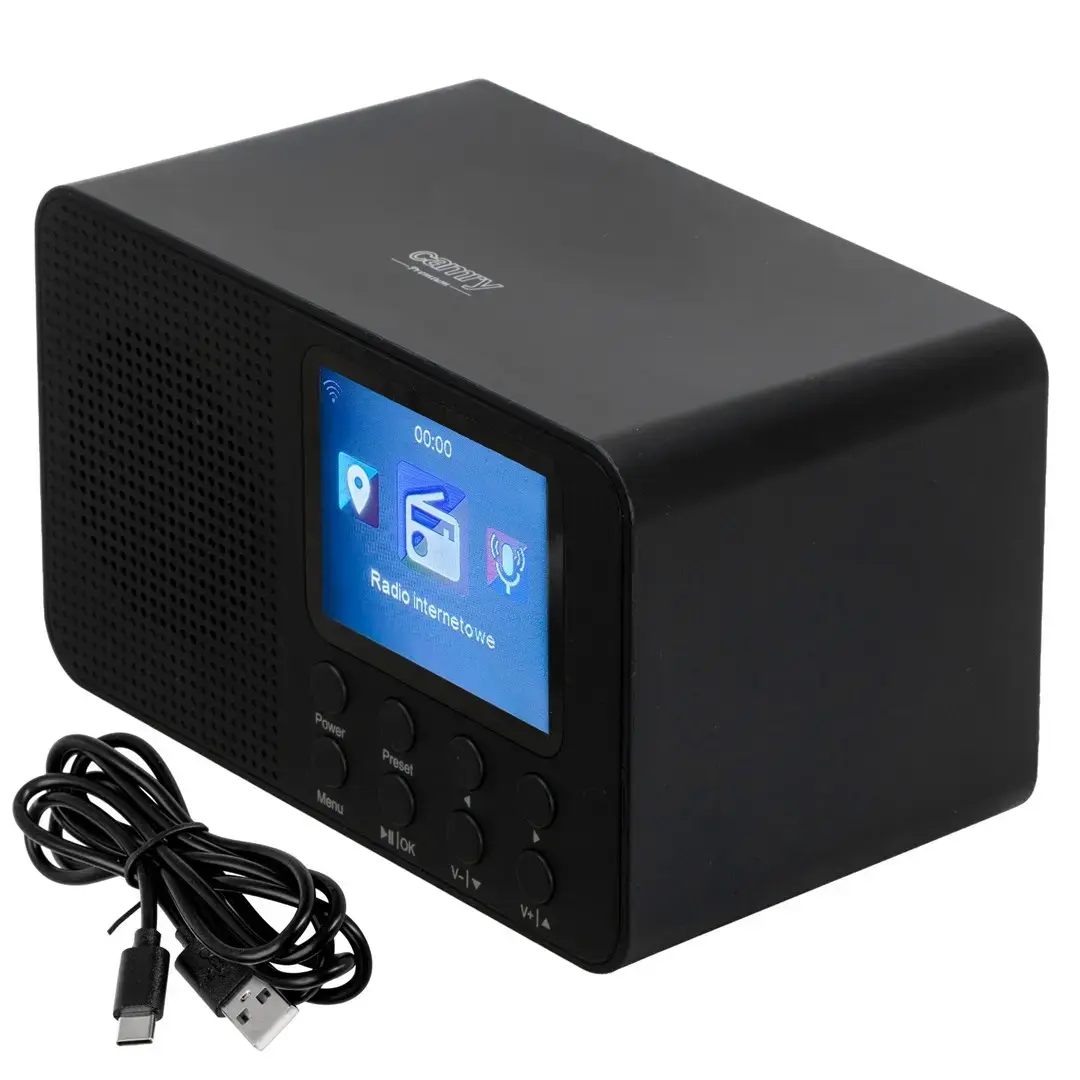
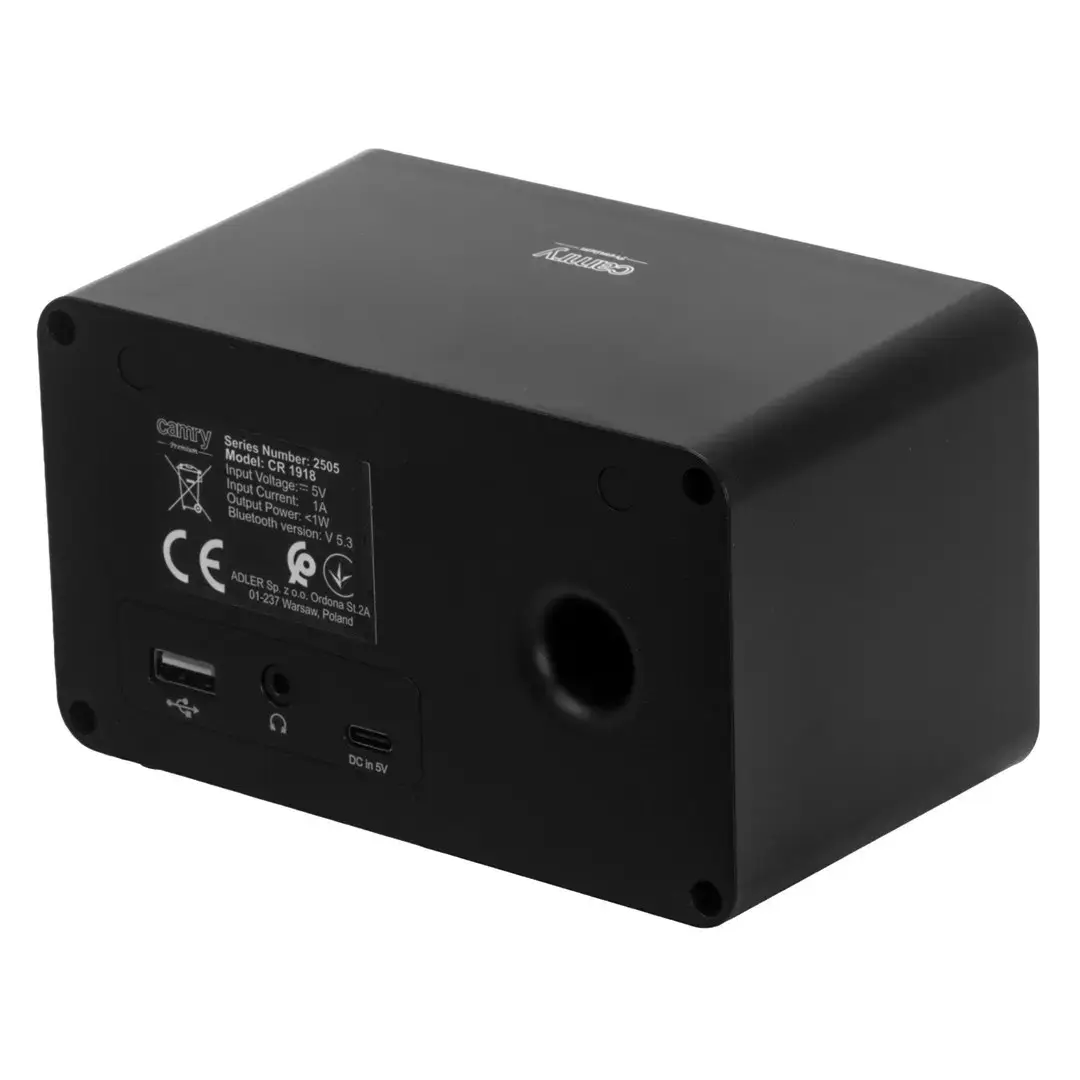
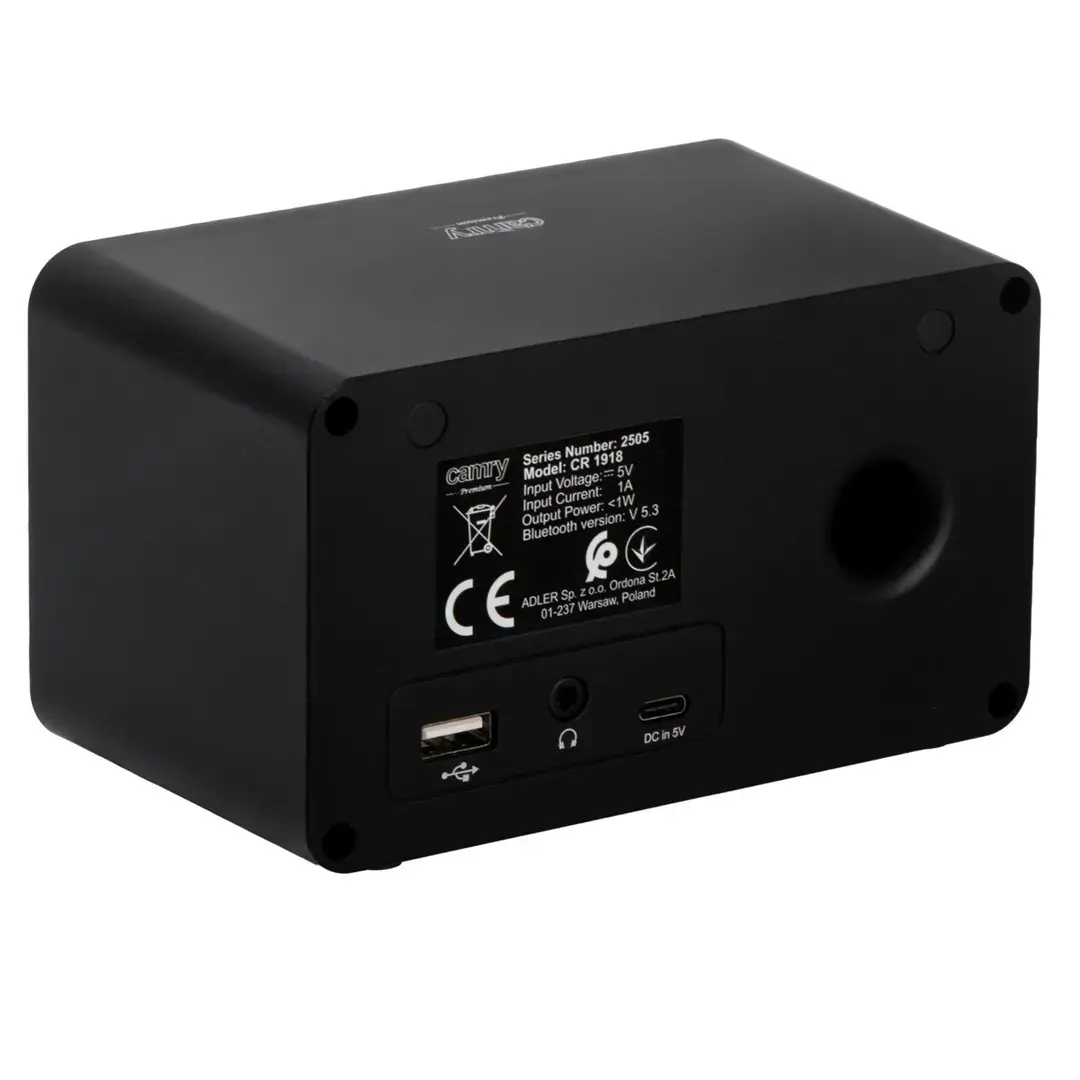
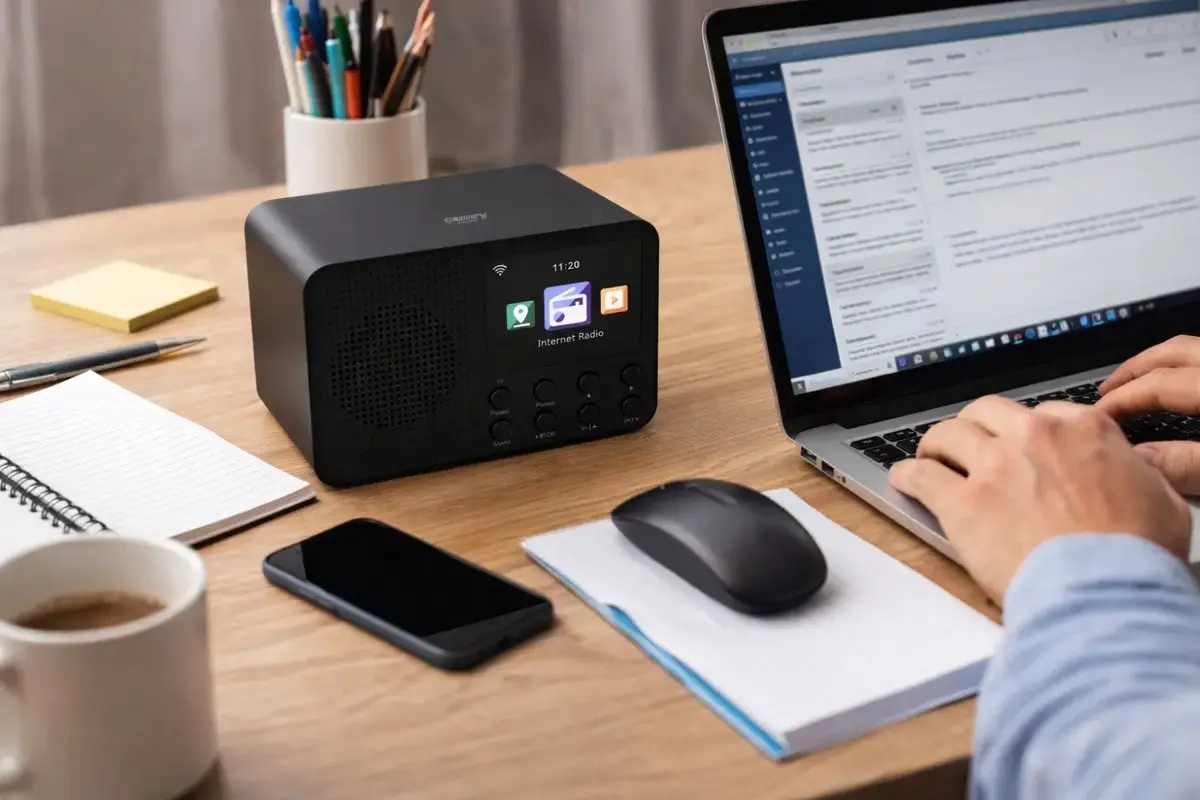
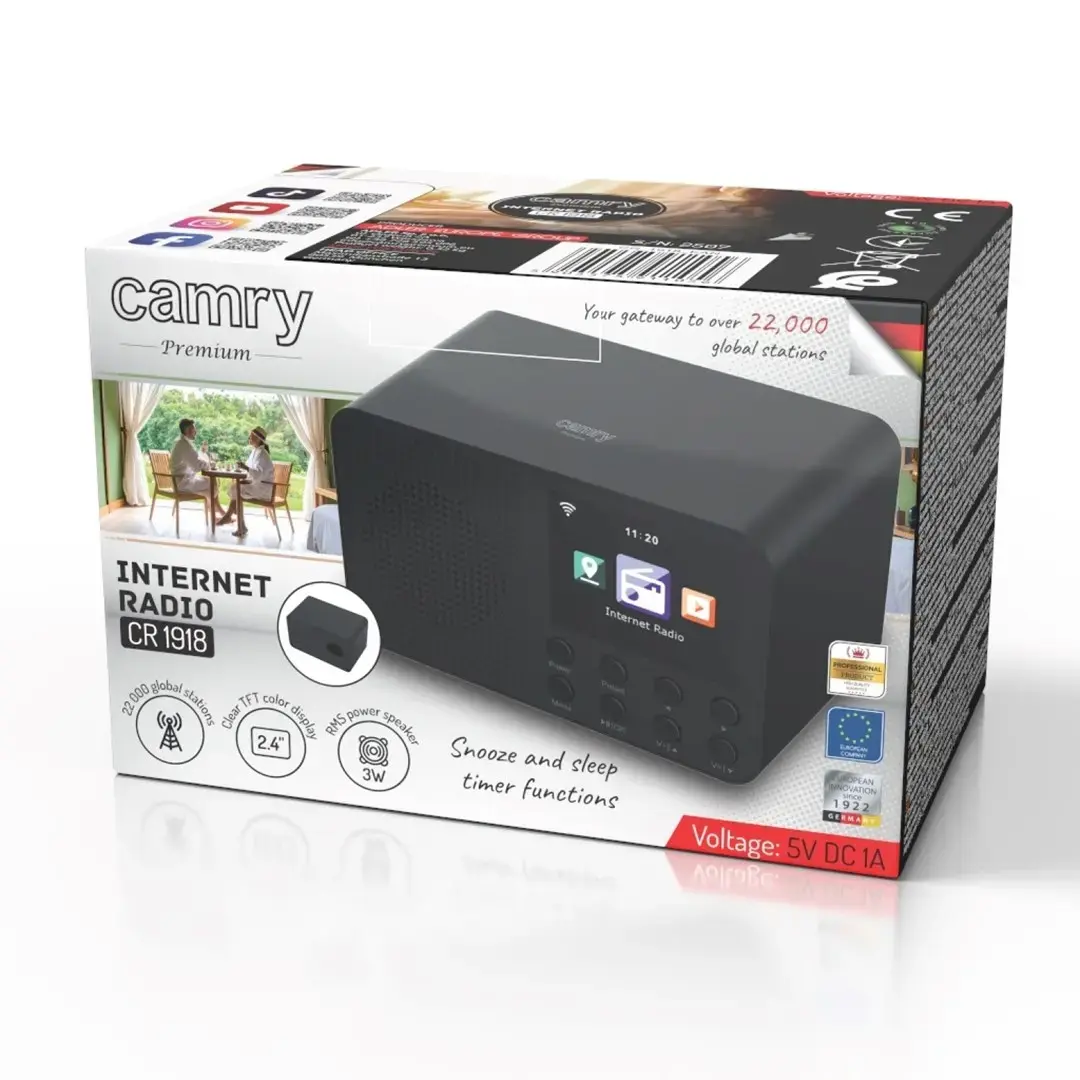
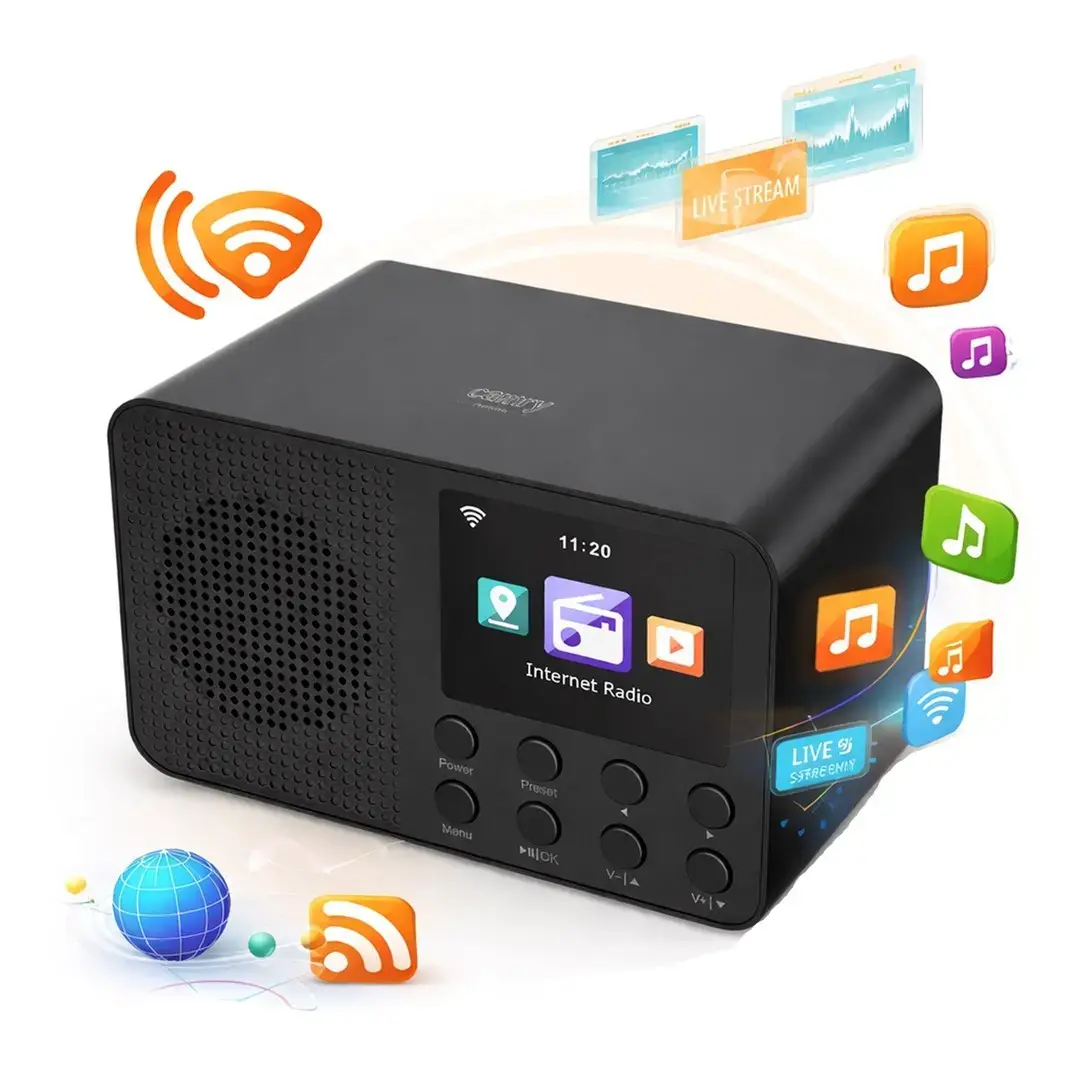
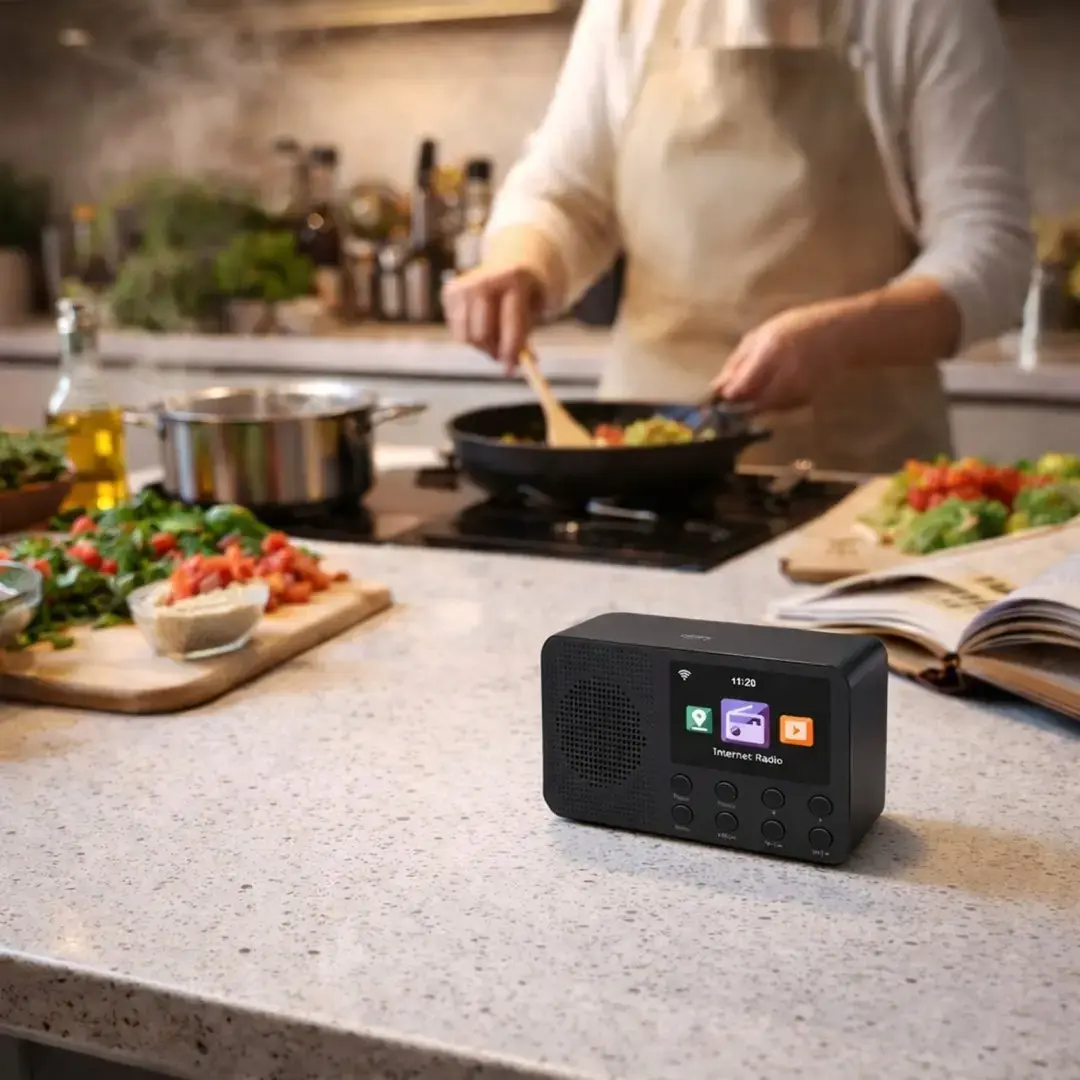
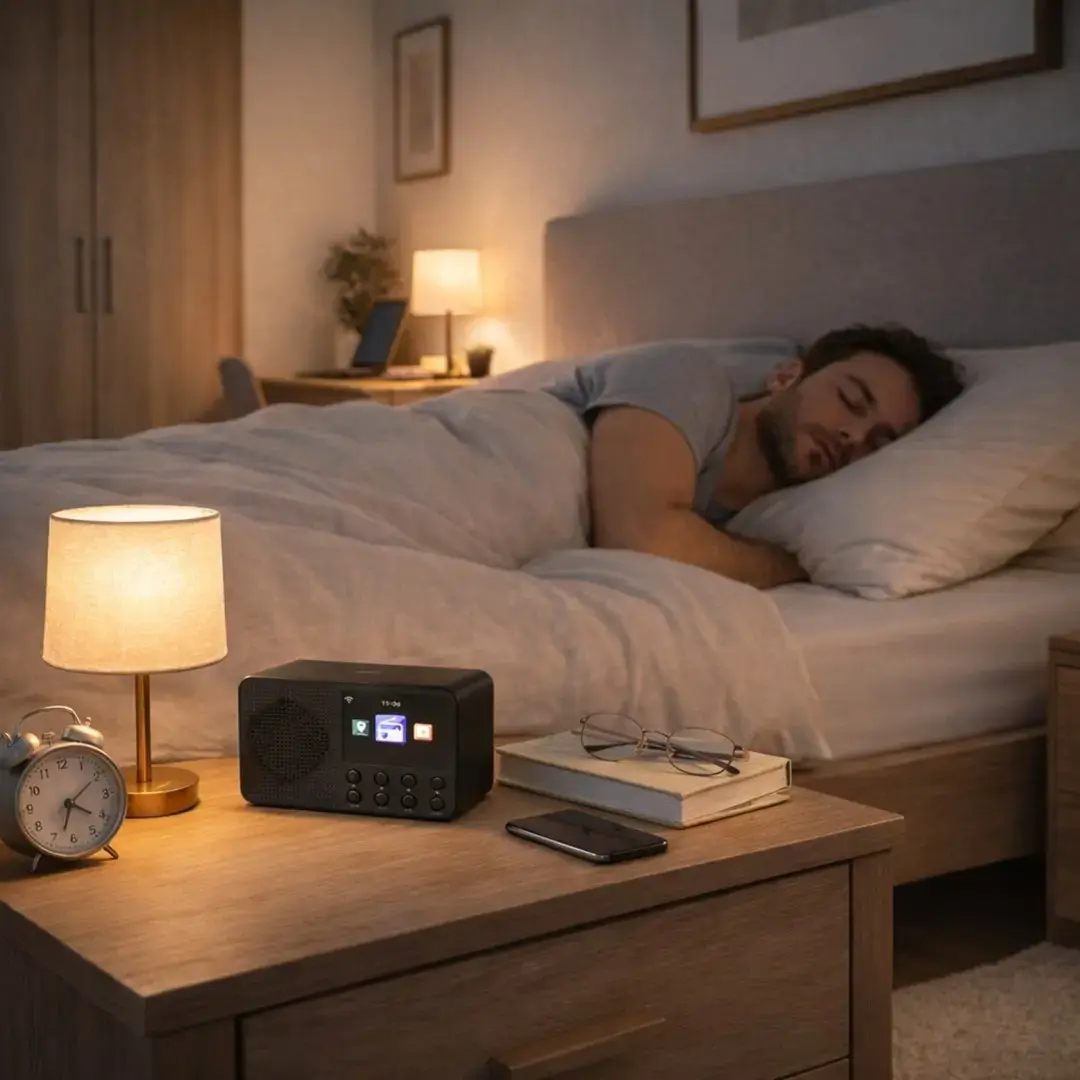
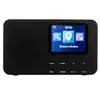
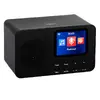
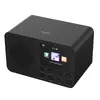
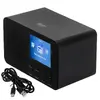
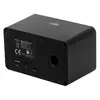
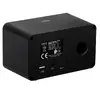
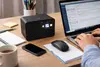
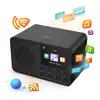
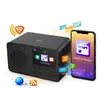
Adler CR 1918 Wi‑Fi is a tabletop radio that combines traditional radio reception with Wi‑Fi streaming and integrated clock functions. Designed for home or office use, the unit supports FM radio and access to internet audio services via a Wi‑Fi connection, while the built‑in clock provides time display and basic alarm capabilities. The compact form factor and clear front display make it suitable for placement on a bedside table, desk or shelf where radio playback and network streaming are needed.
The radio offers both terrestrial FM reception and network audio streaming through Wi‑Fi, enabling access to local stations and internet radio services. Its integrated clock and alarm features add practical daily functionality without requiring additional devices. The device’s compact tabletop design and intuitive front controls deliver straightforward operation in small living spaces or work areas. Energy usage and physical footprint are minimized by the unit’s small size and focused feature set.
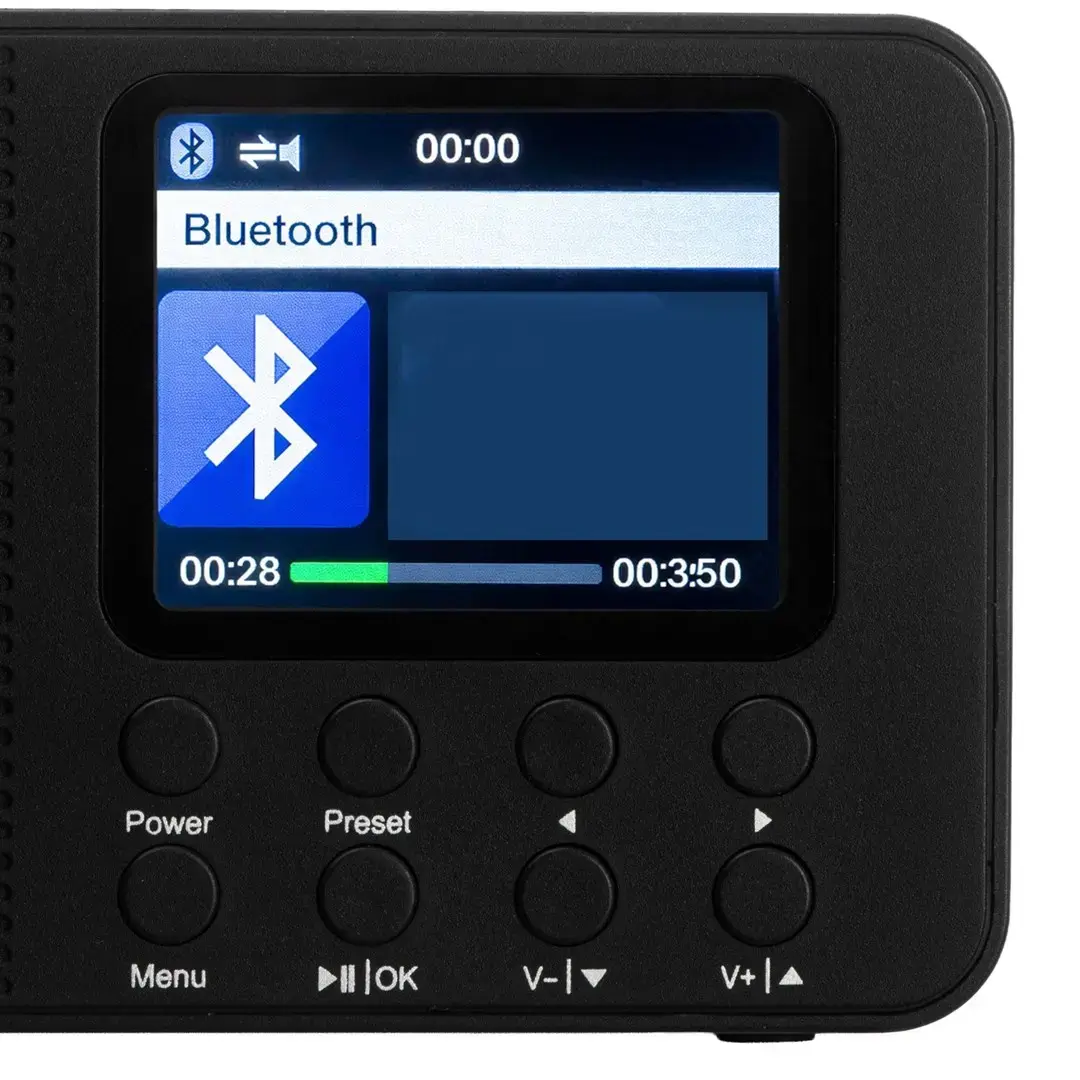
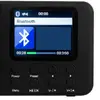
Place the Adler CR 1918 Wi‑Fi on a stable, level surface near a power outlet and within range of your Wi‑Fi network if you intend to stream internet audio. Connect the unit to power, set the local time using the front controls, and select FM mode to tune to local radio stations via the tuning controls. To use Wi‑Fi streaming, access the network setup menu from the front panel, follow the prompts to connect to your Wi‑Fi network, and choose internet radio stations or compatible streaming services available through the radio’s interface.
For best reception, position the radio away from large metal objects and sources of electrical interference. When using Wi‑Fi streaming, ensure a stable network connection and place the unit within recommended router range. Regularly check and set the clock after power interruptions, and use the alarm settings to configure wake times as needed.
{{highlightedFeature.featureTitle}}:
{{getProductFeatureValueById(product, highlightedFeature.featureId)}}