



Save time and money with our discounts!
In cart {{totalProductsCount}} item(s)
Your cart is empty
PC Case Aerocool Blade Midi Tower Black
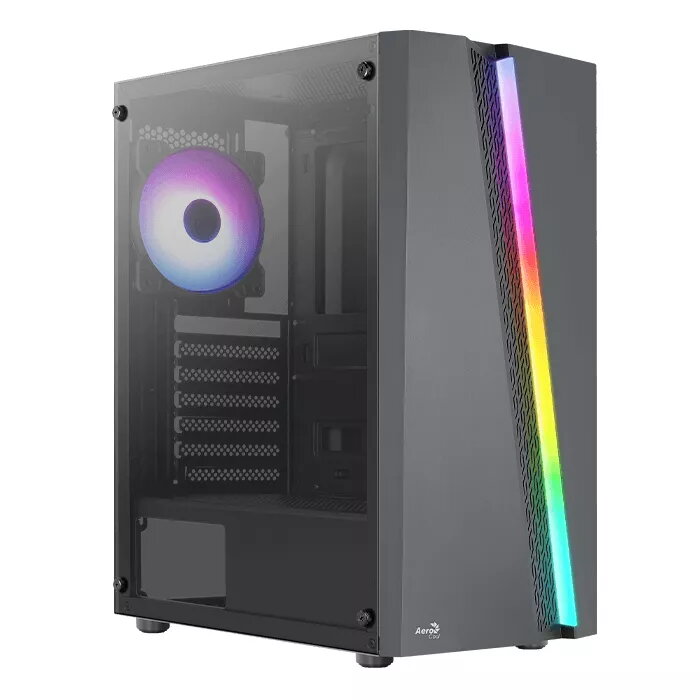
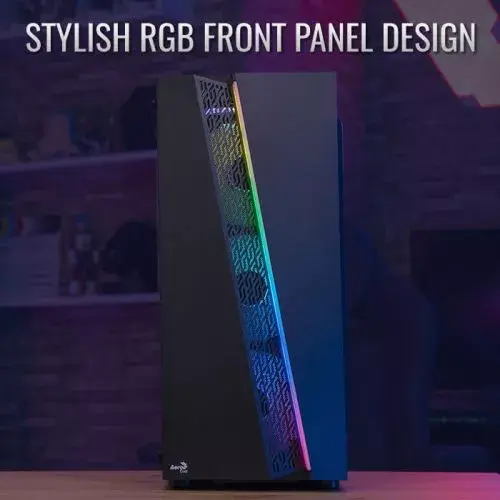
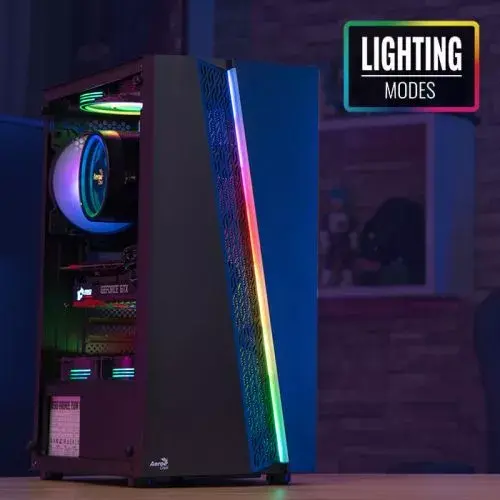
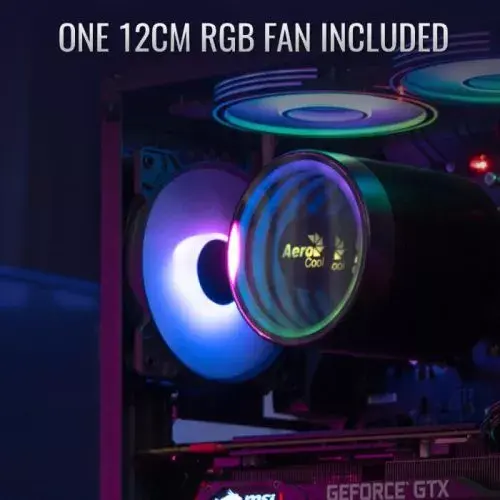
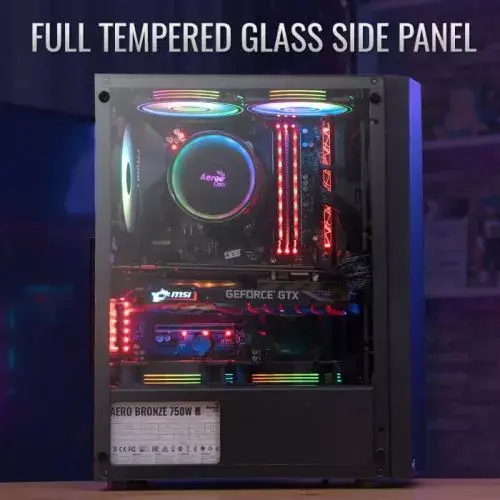
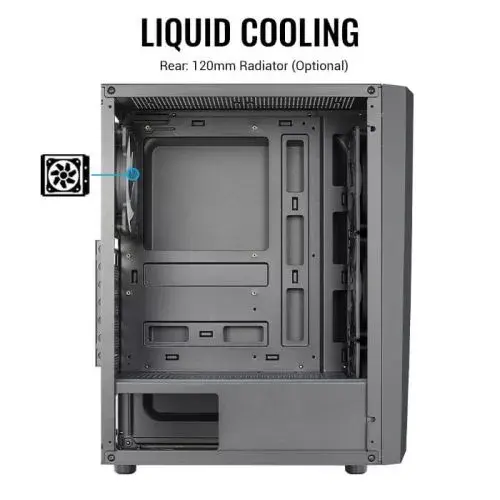
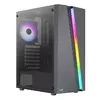
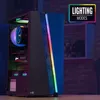
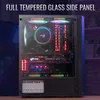
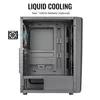
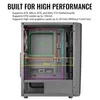
The Aerocool Blade Midi Tower Black is a mid-tower PC case with a distinctive RGB front panel and built-in lighting modes controllable via an LED button. The front panel includes air vents to improve airflow and circulation, and a full tempered glass side panel allows internal components to be displayed. The case ships with one 120 mm RGB rear fan and supports additional fan and radiator configurations for flexible cooling options.
The case combines a stylish RGB front design with practical ventilation and a full tempered glass side panel to balance aesthetics and thermal performance. Its dual-chamber layout separates the main components from the power and storage area to direct heat away from the primary chamber. Tool-friendly front I/O including USB 3.0, two USB 2.0 ports, audio and mic jacks, and an LED control button provide convenient access.
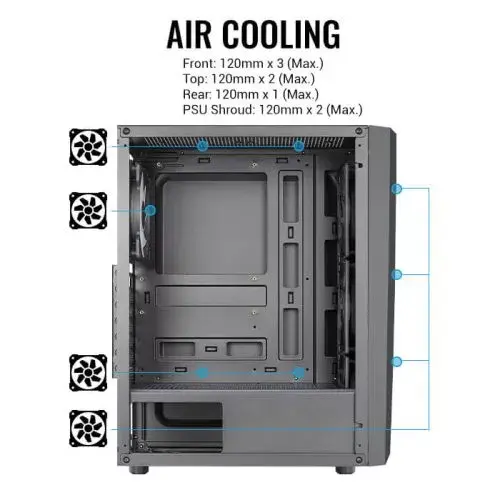
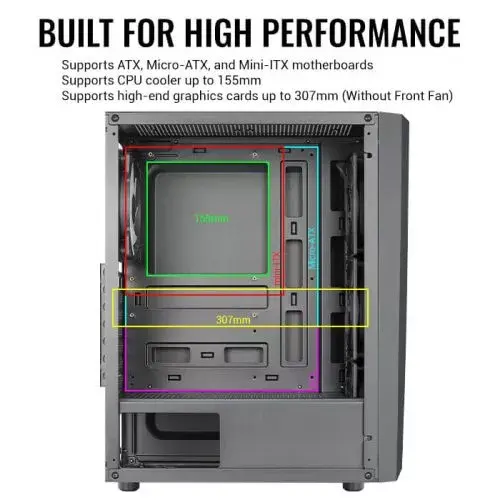
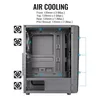
Install the motherboard (ATX, Micro-ATX, or Mini-ITX) on the mounting standoffs, fit the PSU into the rear compartment and route cables through the dual-chamber channels for cleaner airflow. Mount storage drives into the designated 3.5" or 2.5" bays and install cooling components according to available mounting points: front (up to 3 x 120 mm), top (up to 2 x 120 mm), rear (1 x 120 mm) and optional PSU shroud mounts. Connect the front-panel USB, audio, power button and LED control button to the motherboard headers following the motherboard manual.
For best cooling and compatibility, configure front intake fans first and keep cable routing tidy in the secondary chamber; if installing a long graphics card, verify GPU clearance when front fans are installed. Use the LED control button to cycle built-in lighting modes and consult the manual for specific fan and LED wiring instructions.
{{highlightedFeature.featureTitle}}:
{{getProductFeatureValueById(product, highlightedFeature.featureId)}}
{{ productComparisonGenerationError }}