
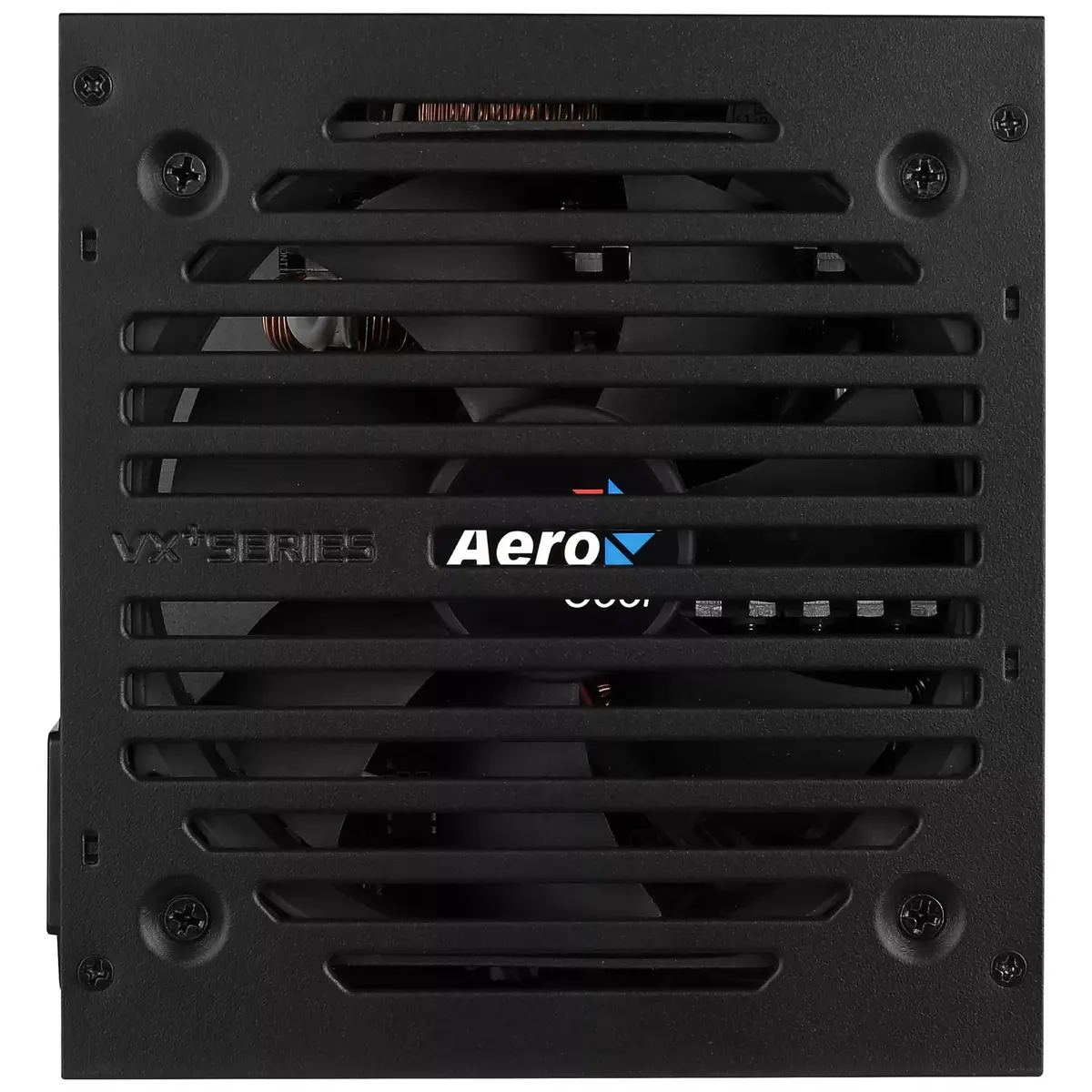
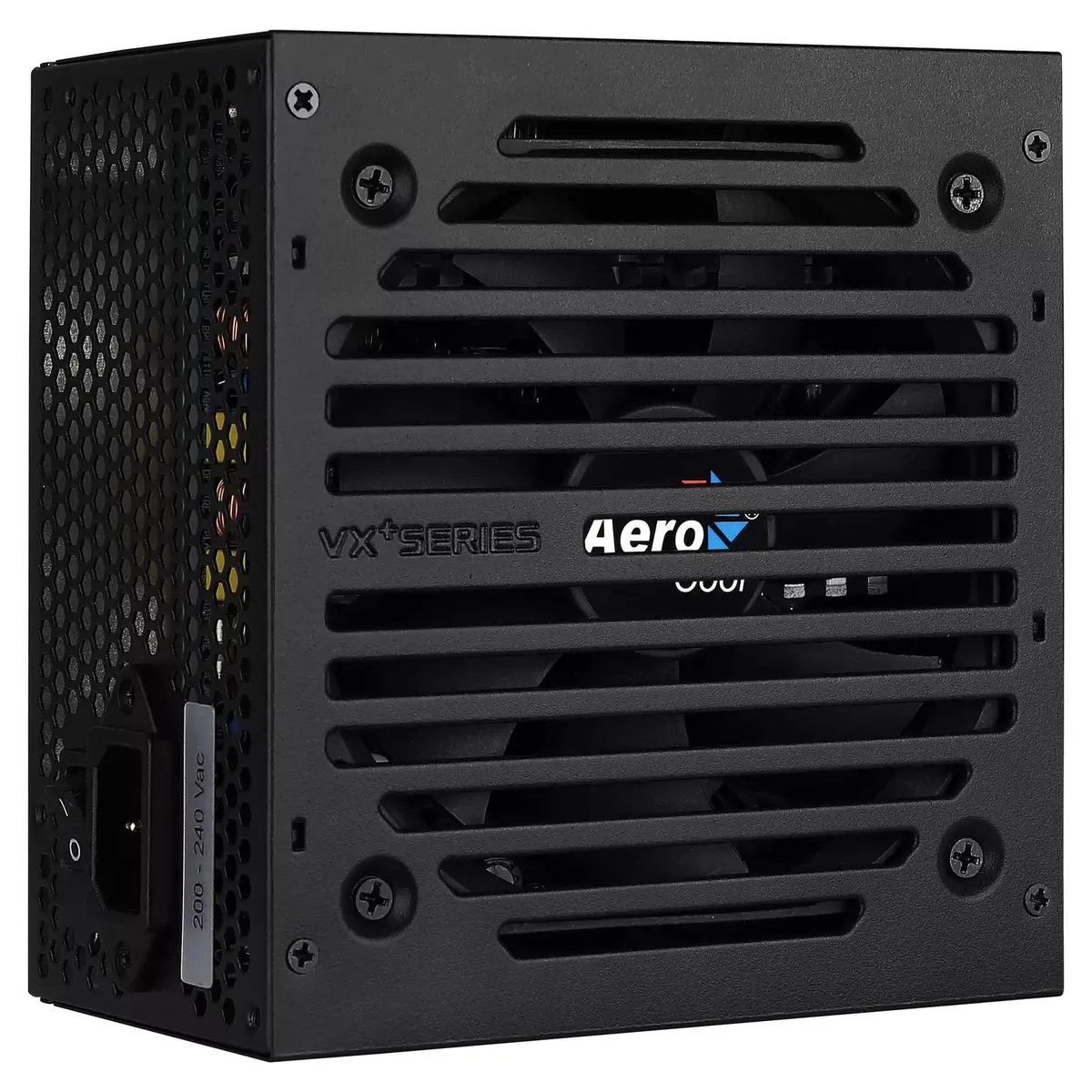
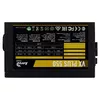
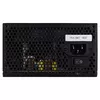
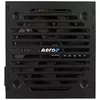
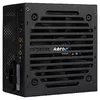
Power Supply Unit Aerocool VX PLUS 550 550W
54.99 €
{{selectedOffer && selectedOffer.price | formatAmount}}
Short description
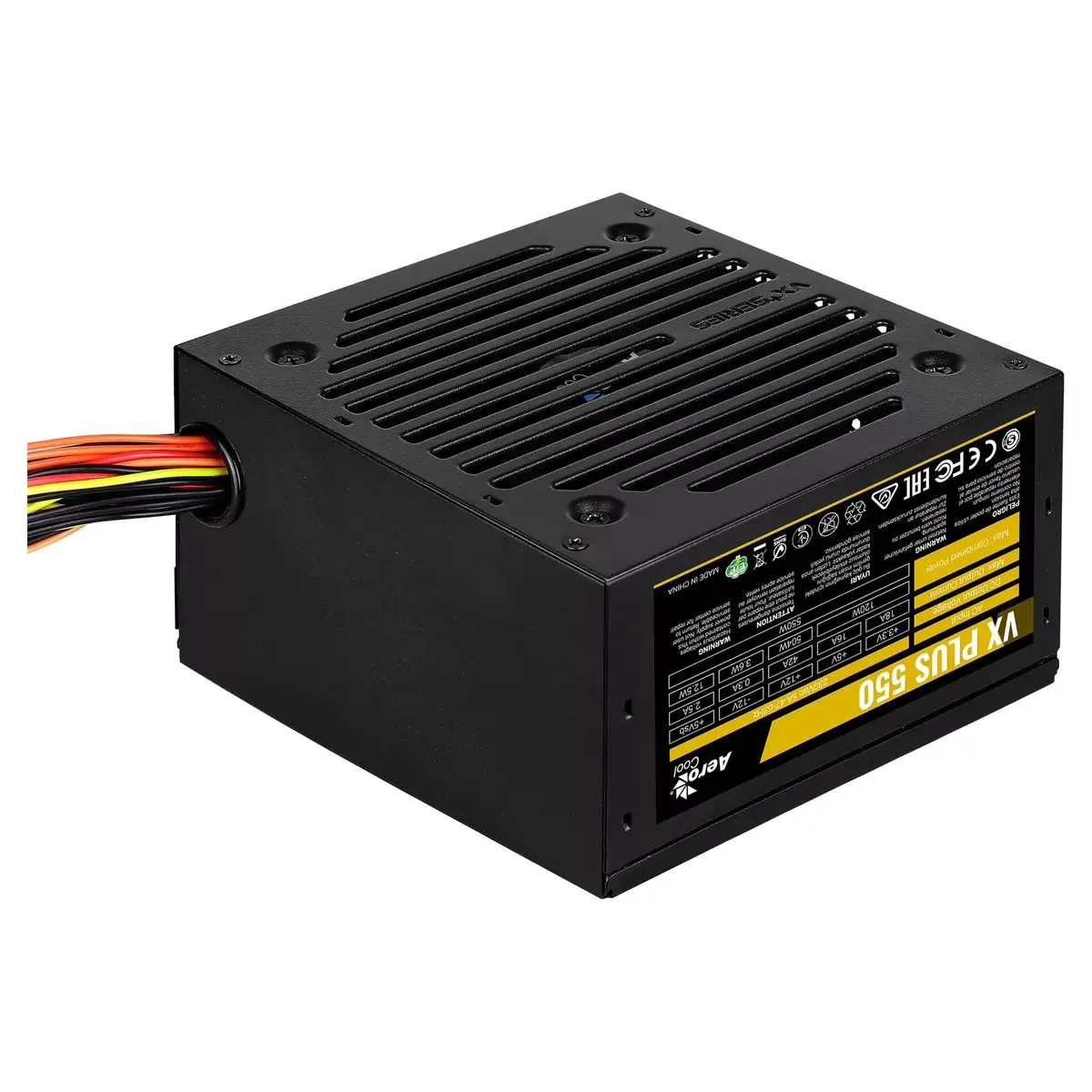
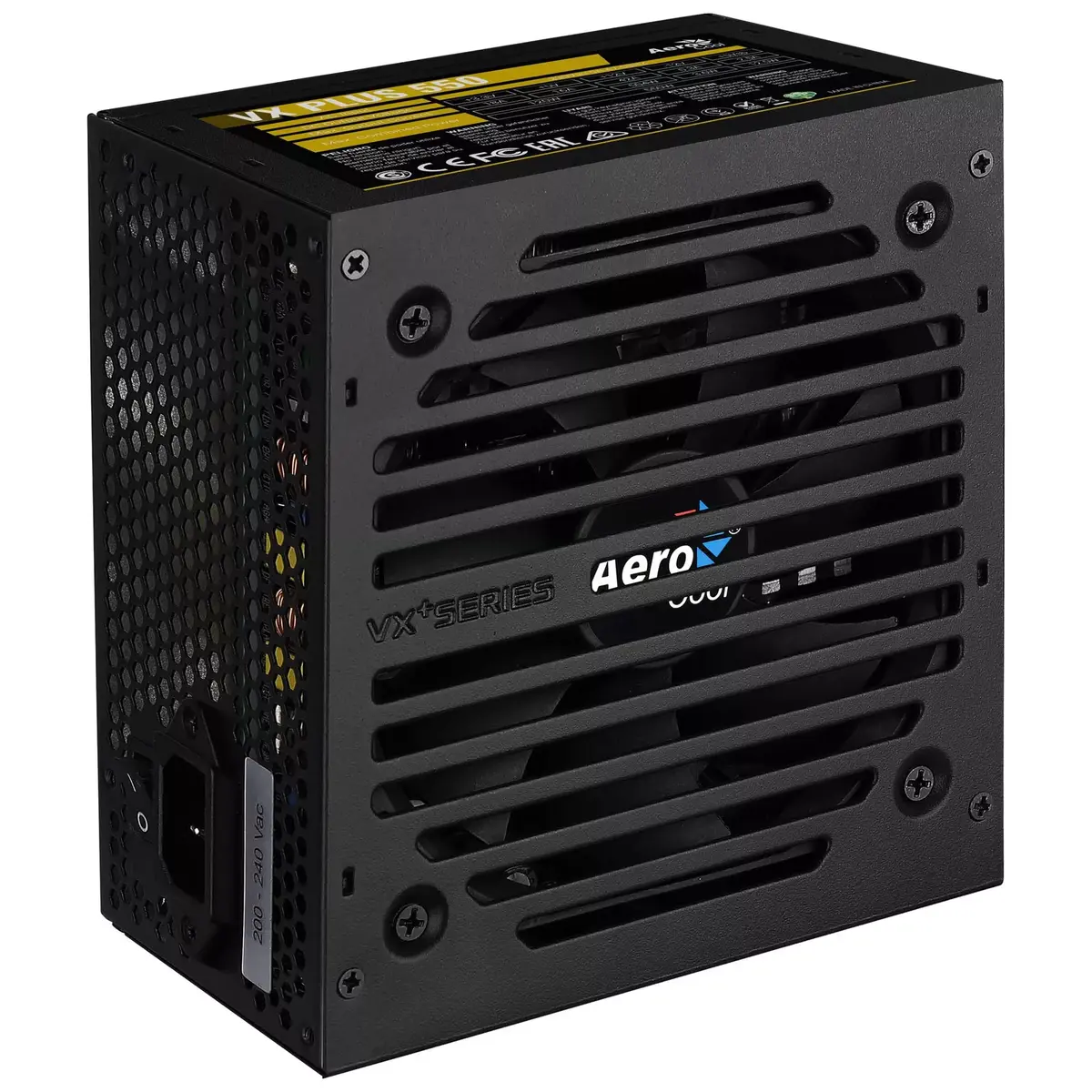
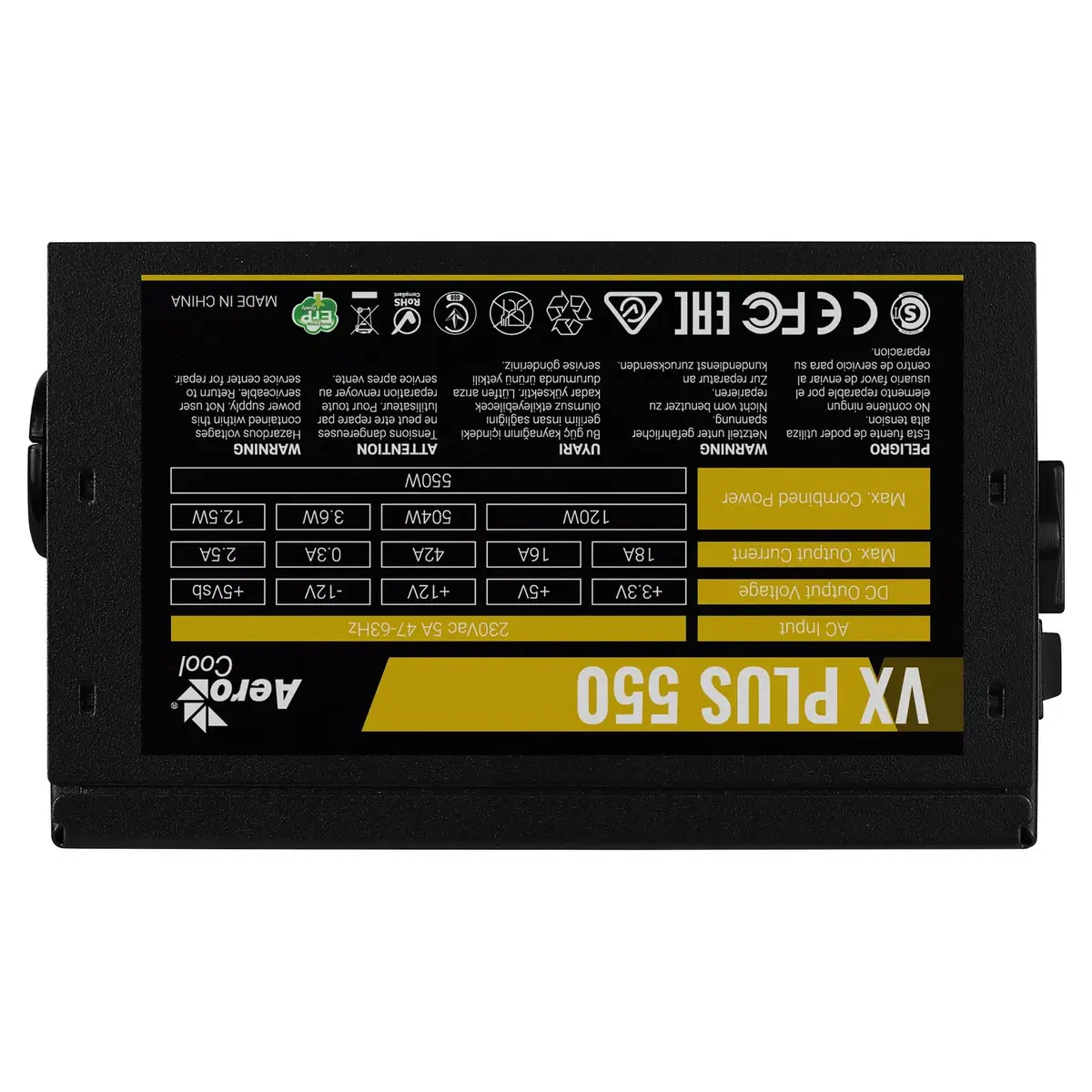
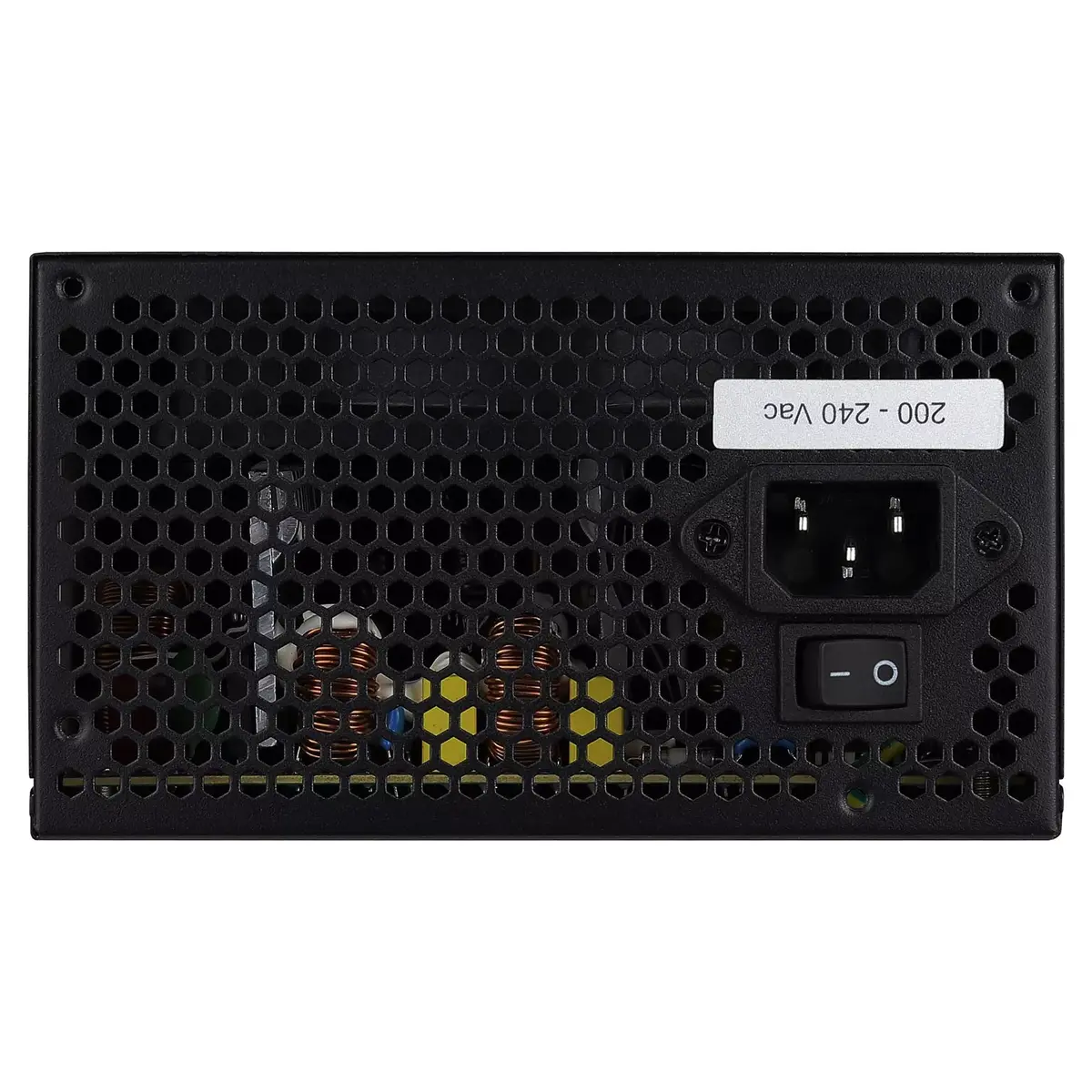
The Aerocool VX PLUS 550 power supply unit delivers a total power of 550W, suitable for PC builds. It features a 20+4 pin ATX motherboard connector, with SATA power cable lengths of 150 and 300 mm, and a PCI Express power cable length of 40 cm. The unit operates on an AC input voltage of 230V and frequency of 47-63 Hz. With active cooling and a 12 cm fan, it ensures efficient thermal management. The PSU is housed in a sleek black casing and comes in a box package.
Available for order:
27 pcs.
Warranty:
2 Years
SKU:
1830811


Cheapest delivery:
Unisend LV
Pick-up points
Unisend LV
Cost
1.79 €
Deliver
{{selectedOffer.parcelStationDeliveryString}}
Customer service center
2b. Kengaraga str., Riga, Latvia, LV-1063
13.08.2026
{{selectedOffer.officeDeliveryString}}
free
Courier Delivery
Please note that in case of a large parcel additional delivery costs may apply!
From 4.99 € (Weight: 1.36 kg)
Parcel couriers
Unisend LV / Venipak Pickup LV / Venipak Locker LV / Latvijas Pasts pakomāts / DPD Paku skapis / Omniva LV / Latvijas Pasts nodaļa
18.08.2026
{{selectedOffer.parcelStationDeliveryString}}
From 1.79 €

Payment Methods:
Bank transfer, Bank cards on-line, Apple Pay, Google Pay


