Dreame vacuums for fast and efficient cleaning!
In cart {{totalProductsCount}} item(s)
Your cart is empty
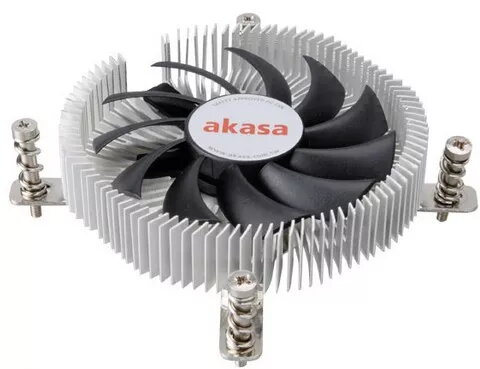
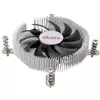
Processor Cooler Akasa AK-CC7129BP01, 75 mm fan, 600–3000 RPM, 23.45 CFM, 12 V
Akasa AK-CC7129BP01 is a compact, low-profile processor cooler with an embedded 75 mm PWM fan designed for targeted cooling in small form-factor systems. The unit delivers variable fan speeds from 600 to 3000 RPM, provides up to 23.45 CFM of airflow and a static pressure of 1.81 mmH2O, and operates at 12 V. With a slim total height of 21 mm and a design intended for Thin mini-ITX, HTPC and SFF builds, this cooler supports Intel LGA775, LGA1150, LGA1155 and LGA1156 platforms and includes pre-applied thermal interface material and spring-loaded screws for straightforward installation.
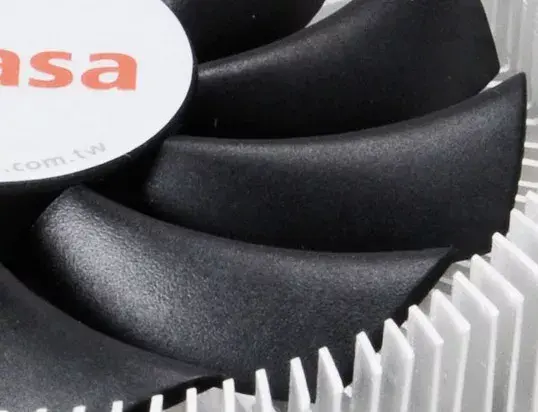
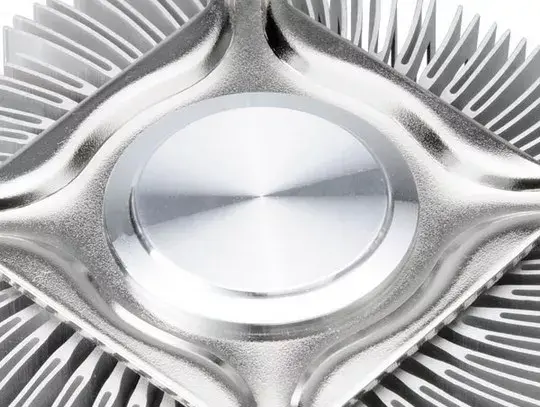
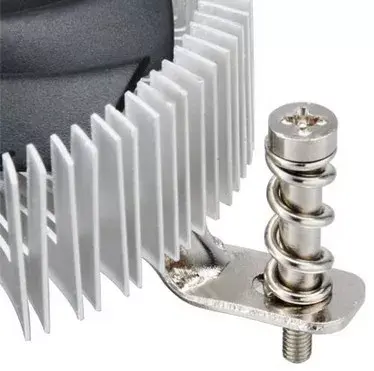
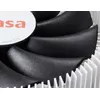
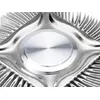
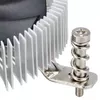
The aluminium heatsink uses multi-directional fins to maximise heat dissipation across a small surface area while the embedded 75 mm PWM fan offers a wide RPM range for balancing cooling performance and acoustic level. Twin ball bearings in the fan are specified for long service life. Pre-applied high-performance thermal compound and a motherboard backplate with spring-loaded retention screws simplify mounting and ensure secure attachment in confined chassis where space is limited.
Prepare the motherboard and CPU socket according to the motherboard manufacturer’s instructions. Position the cooler over the CPU so the pre-applied thermal compound contacts the processor heat spreader. Use the supplied motherboard backplate and the spring-loaded screws to secure the cooler firmly in place, tightening evenly to ensure uniform pressure. Connect the 3- or 4-pin fan header to a compatible PWM-capable CPU fan connector on the motherboard to allow speed control between 600 and 3000 RPM. Verify clearance in the chassis before final assembly due to the low-profile footprint.
Use this cooler in small form-factor or HTPC systems with compatible Intel sockets; enable PWM control in BIOS or motherboard software to optimise fan speed according to processor load and to balance cooling and noise. Check that case airflow complements the cooler’s orientation, and periodically clean the fan and heatsink fins to maintain thermal performance.
{{highlightedFeature.featureTitle}}:
{{getProductFeatureValueById(product, highlightedFeature.featureId)}}
{{ productComparisonGenerationError }}