Leave your address - as soon as the price of the product goes down, you'll know about it right away
Air cooler Akasa Vegas Chroma LG Processor 12 cm Black
In cart {{totalProductsCount}} item(s)
Your cart is empty
Air cooler Akasa Vegas Chroma LG Processor 12 cm Black
Leave your address - as soon as the price of the product goes down, you'll know about it right away
Air cooler Akasa Vegas Chroma LG Processor 12 cm Black
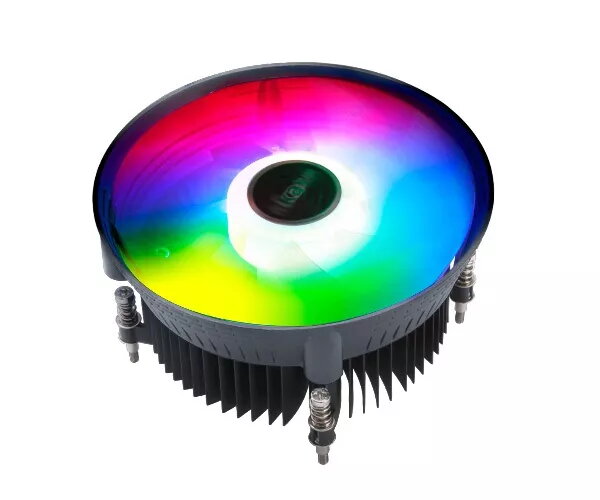
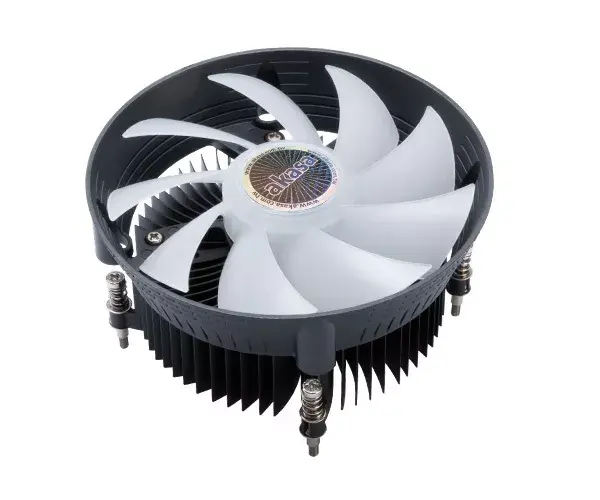
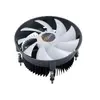
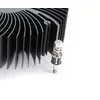
The Akasa Vegas Chroma LG Processor 12 cm Black is an air cooler engineered for compatible LG-series Intel processors. Its compact 120 mm fan and low-profile heatsink offer a balance of cooling capacity and space efficiency for small to mid-sized PC builds. The fan uses a hydraulic bearing for reduced noise and supports PWM control with two primary speed settings spanning 500–1800 RPM. Integrated addressable RGB lighting with 16.8 million colour options adds customizable illumination and can be synchronized with compatible 5V ARGB headers and lighting control software.
Designed with a funnel-shaped fan frame, the cooler directs focused airflow toward the CPU and nearby motherboard components to improve heat dissipation. The hydraulic bearing minimizes operational noise while maintaining stable rotation across the specified RPM range. Addressable RGB lighting provides extensive colour customization and can react to music or gameplay when used with supported software. The compact dimensions (120 × 120 × 59 mm) make this cooler suitable for builds where height or internal clearance is limited.
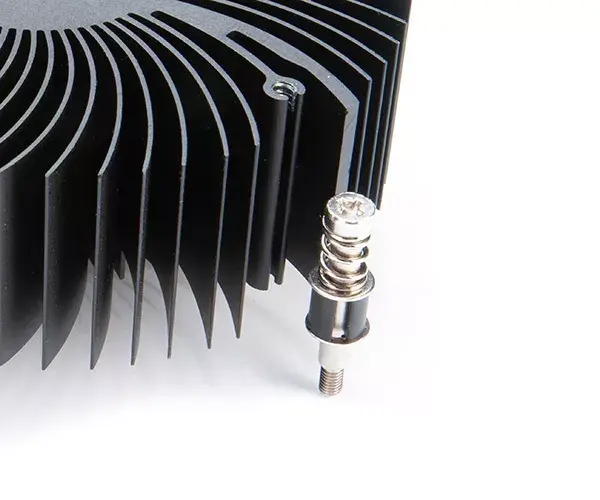
Mount the cooler onto a compatible Intel socket following the motherboard and cooler manufacturer instructions, ensuring correct alignment and secure fastening. Connect the fan’s PWM cable to the CPU_FAN or appropriate fan header to enable automatic speed control. Attach the addressable RGB connector to a 5V ARGB header on the motherboard and configure lighting through the motherboard or third-party RGB software if available. Verify clearance around RAM modules and other components before finalizing installation.
For quiet and efficient operation, enable PWM control in the motherboard BIOS or fan software and use an ARGB-compatible controller or motherboard header to manage lighting effects. Maintain adequate case airflow and periodically clean the fan and heatsink to preserve cooling performance. Confirm socket compatibility and available clearance in compact cases prior to purchase.
{{highlightedFeature.featureTitle}}:
{{getProductFeatureValueById(product, highlightedFeature.featureId)}}