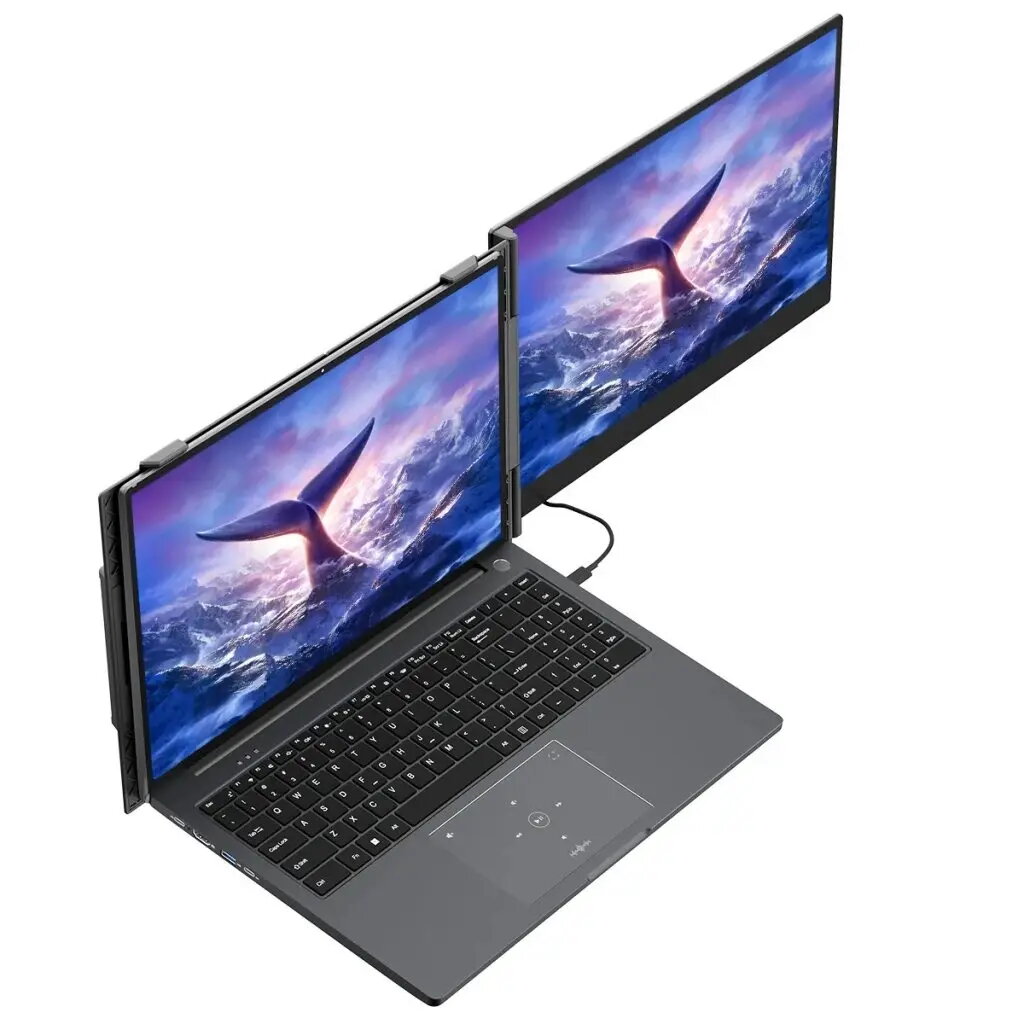
Additional LCD screen for Blackview SCM6, manufactured by ALIGATOR. This 14" IPS replacement display panel matches the original 1920 x 1080 FHD resolution and 16:9 aspect ratio to restore visual functionality for a damaged or faulty laptop or tablet screen. The panel has a 60 Hz refresh rate, 300 cd/m² brightness and built-in speakers, and connects via a single fully functional USB-C port supporting USB 3.1 and PD 3.0 (up to 20V/5A). The unit is supplied in gray color with a protective leather case and necessary cables.
Advantages
The ALIGATOR replacement panel preserves the original Full HD image quality and 16:9 viewing area while offering IPS viewing angles and a brightness level suitable for typical indoor use. Built-in speakers and a single versatile USB-C connector simplify connections and power delivery. The package includes multiple cables and a leather case to ease installation and transport.
Suitable for
- Repair or replacement of a damaged Blackview SCM6 14" display
- Restoring full display functionality after cracked glass or dead pixels
- Users who need a direct, size-compatible replacement panel
When it may not be suitable
This panel is intended as a direct replacement for the Blackview SCM6 14" model and may not be compatible with other devices that use different connectors, mounting points, or display firmware. If your device uses a different screen size, resolution, or connector type, this panel will not fit or function correctly.
Key specifications
- Screen type: IPS
- Diagonal: 14"
- Resolution: 1920 x 1080 (FHD)
- Refresh rate: 60 Hz
- Aspect ratio: 16:9
- Brightness: 300 cd/m²
- Speakers: Built-in
- Connector: 1× USB-C (USB 3.1, PD 3.0, up to 20V/5A)
- Energy efficiency class: A
- Color: Gray
- Dimensions (W×H×D): 332 × 207 × 15.6 mm
- Weight: 0.6 kg
How to use
Power off the device and remove the damaged panel following the manufacturer’s disassembly instructions. Position the ALIGATOR 14" replacement panel in the original mounting points and connect the USB-C cable to the device’s corresponding port. Ensure the connector is fully seated before powering on. After installation, verify display output, touch function (if applicable), and speaker audio. Use the supplied cables and leather case for safe handling and transport.
What to consider before purchase
- Confirm the replacement is specifically for Blackview SCM6 14" models
- Check that your device accepts a USB-C display connector and supports PD power delivery as specified
- Verify physical dimensions and mounting compatibility with your device
- Ensure touch functionality (if required) is supported by the replacement panel
Usage recommendations
Handle the LCD panel carefully, use an anti-static workspace during installation, and keep the supplied leather case for transport. If unsure about disassembly, use a qualified technician to avoid damage to the device or panel.