Powerful EcoFlow stations for energy anywhere!
In cart {{totalProductsCount}} item(s)
Your cart is empty
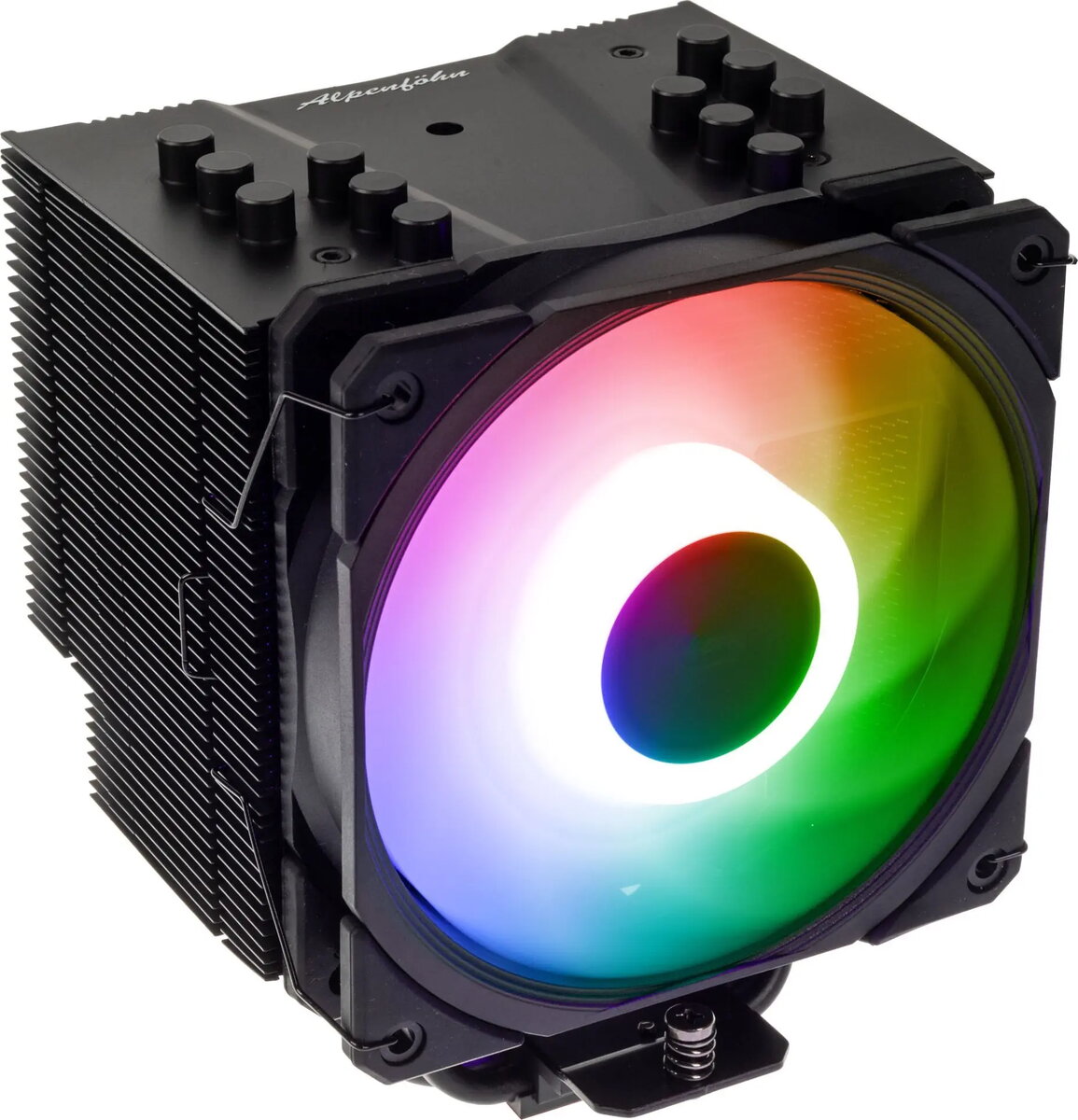
CPU cooler Alpenföhn Brocken 4 ARGB with 120mm fan, black
The Alpenföhn Brocken 4 ARGB with 120mm fan in black is a CPU air cooler that combines a tower-style heatsink with an addressable RGB fan and PWM control. It is engineered to transfer heat away from desktop processors through a stack of aluminum fins and multiple heat pipes, while the included 120mm fan provides adjustable airflow and ARGB lighting for system integration. The design focuses on compatibility with a range of CPU sockets and straightforward installation in standard mid-tower and larger cases.
The cooler offers balanced thermal performance for mainstream and mid-range processors, with a compact tower profile that optimizes clearance for memory modules and motherboard components. The PWM-controlled fan enables automatic speed adjustment according to CPU temperature, while the ARGB lighting supports synchronization with compatible motherboards and controllers. The black finish and understated styling make it suitable for systems where both functional cooling and subtle aesthetics are required.
Install the cooler by mounting the supplied bracket and backplate to the motherboard following the manufacturer’s mounting instructions for the specific CPU socket. Apply a thin, even layer of thermal paste to the CPU heatspreader, position the heatsink over the processor, and secure it with the provided screws or retention mechanism to ensure firm contact. Connect the fan’s PWM cable to the motherboard CPU_FAN header and the ARGB cable to a compatible 3-pin ARGB header or controller. After installation, verify fan operation and lighting in the system BIOS or RGB software and monitor CPU temperatures under typical workloads.
Use the Alpenföhn Brocken 4 ARGB with a properly sized case and ensure at least the recommended cooler height clearance for your chassis. Keep airflow unobstructed by arranging case fans to maintain front-to-back or bottom-to-top airflow. Clean dust from the heatsink fins and fan blades periodically to maintain cooling efficiency. For consistent thermal performance, confirm the fan is connected to a PWM-capable header and enable automatic fan control in BIOS or fan-control software.
{{highlightedFeature.featureTitle}}:
{{getProductFeatureValueById(product, highlightedFeature.featureId)}}
{{ productComparisonGenerationError }}