Powerful EcoFlow stations for energy anywhere!
In cart {{totalProductsCount}} item(s)
Your cart is empty
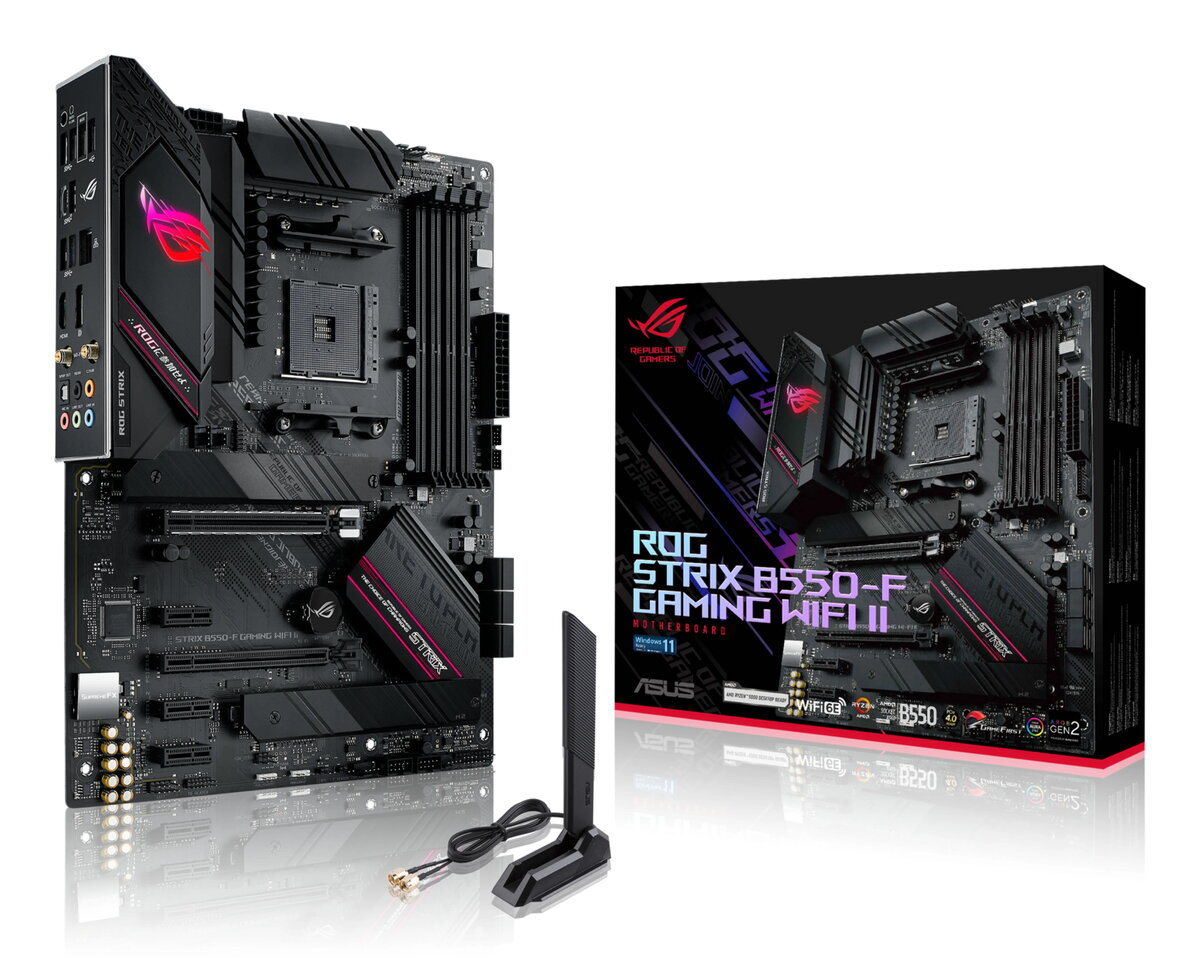
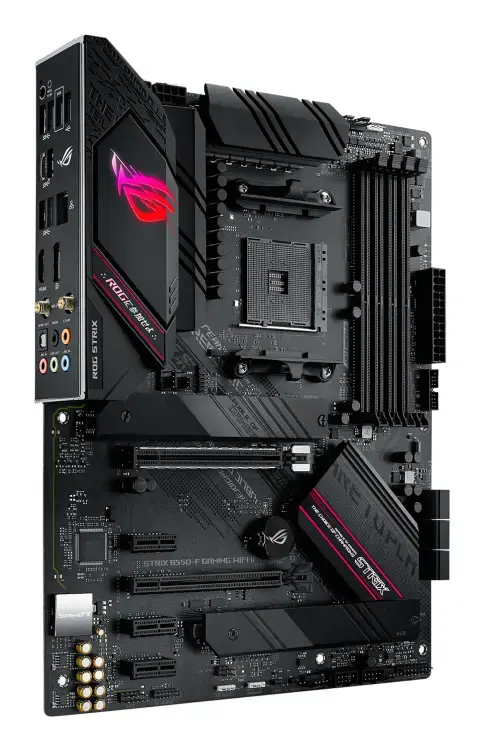
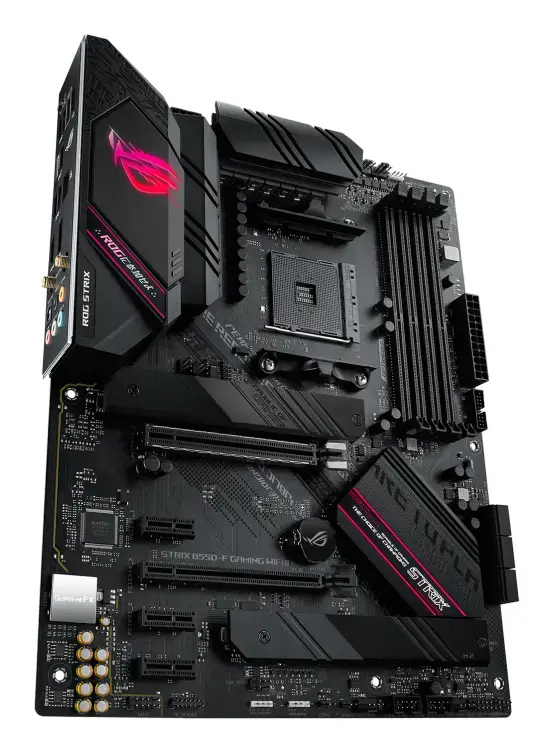
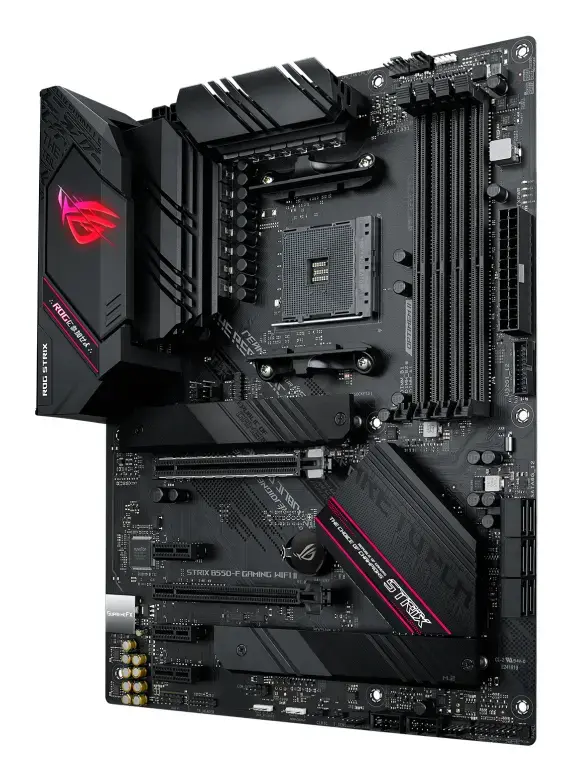
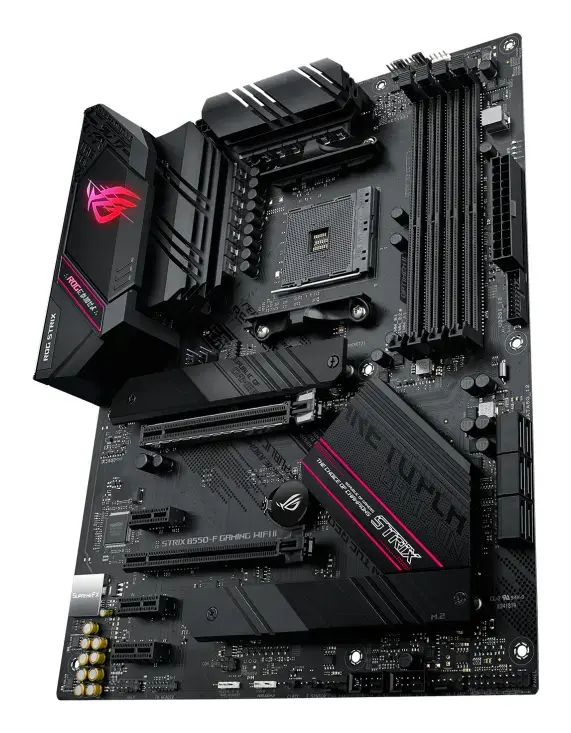
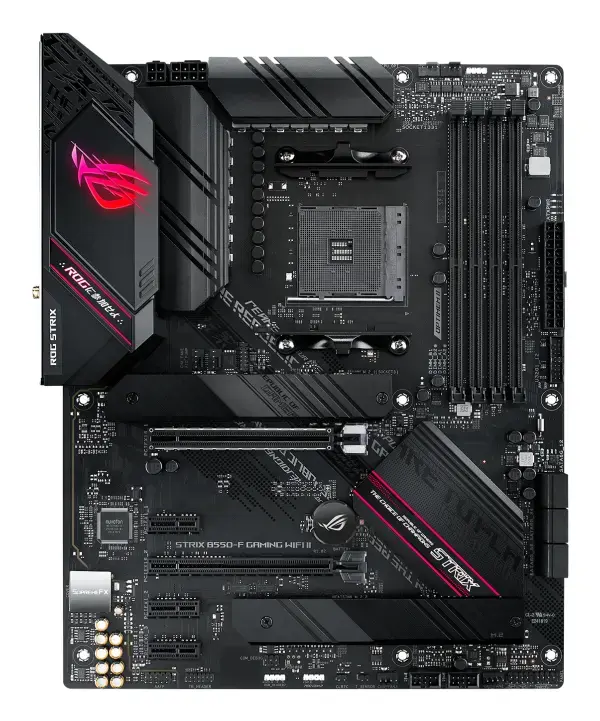
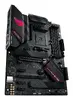
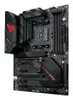
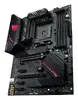
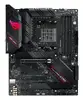
Motherboard ASUS ROG STRIX B550-F GAMING WIFI II — AMD-compatible ATX motherboard, B550 chipset, Wi‑Fi
ASUS ROG STRIX B550-F GAMING WIFI II is an ATX motherboard for AMD platforms based on the B550 chipset with built-in Wi‑Fi. Designed for desktop gaming systems and performance-focused builds, it supports modern AMD Ryzen processors on AM4, offers PCIe 4.0 support for high-speed NVMe storage, reinforced expansion slots and a suite of audio, networking and cooling features intended to provide stable operation under load.
The board combines PCIe 4.0 readiness, two M.2 slots (one supporting PCIe 4.0), and robust power delivery to support high-performance CPUs and fast storage devices. Integrated WiFi 6E and Intel 2.5 Gb Ethernet provide both fast wireless and wired networking options. ROG SupremeFX audio and software utilities such as Armoury Crate, AI networking and UEFI BIOS offer manageable system tuning and enhanced audio and network clarity. The PCB layout includes ASUS OptiMem II trace routing to improve memory signal integrity for better memory compatibility and overclocking headroom.
This motherboard is built for AM4 sockets and is not compatible with newer CPU socket types; it will not work with processors that require different sockets. If you need integrated legacy features or a smaller form factor (mATX or mini-ITX) this ATX board may be oversized for compact builds.
Install the motherboard into a compatible ATX case, connect the AM4 CPU and compatible DDR4 modules into the DIMM slots, and mount storage devices to the M.2 sockets or SATA ports. Connect power from the PSU to the 24-pin ATX and CPU power headers, attach GPU to the reinforced PCIe slot if required, and connect front-panel I/O and case fans. Use the UEFI BIOS for initial configuration and firmware updates, then install the operating system and ASUS utilities such as Armoury Crate and drivers to enable WiFi 6E, audio enhancements and RGB control.
For stable performance, use quality power supplies and cooling solutions, populate memory modules in the recommended DIMM slots for optimal dual-channel operation, and install NVMe drives in the PCIe 4.0-capable M.2 slot when maximum sequential speed is required. Keep BIOS and device drivers up to date and use Armoury Crate for centralized control of firmware, RGB and network optimizations.
{{highlightedFeature.featureTitle}}:
{{getProductFeatureValueById(product, highlightedFeature.featureId)}}
{{ productComparisonGenerationError }}