Save time and money with our discounts!
In cart {{totalProductsCount}} item(s)
Your cart is empty
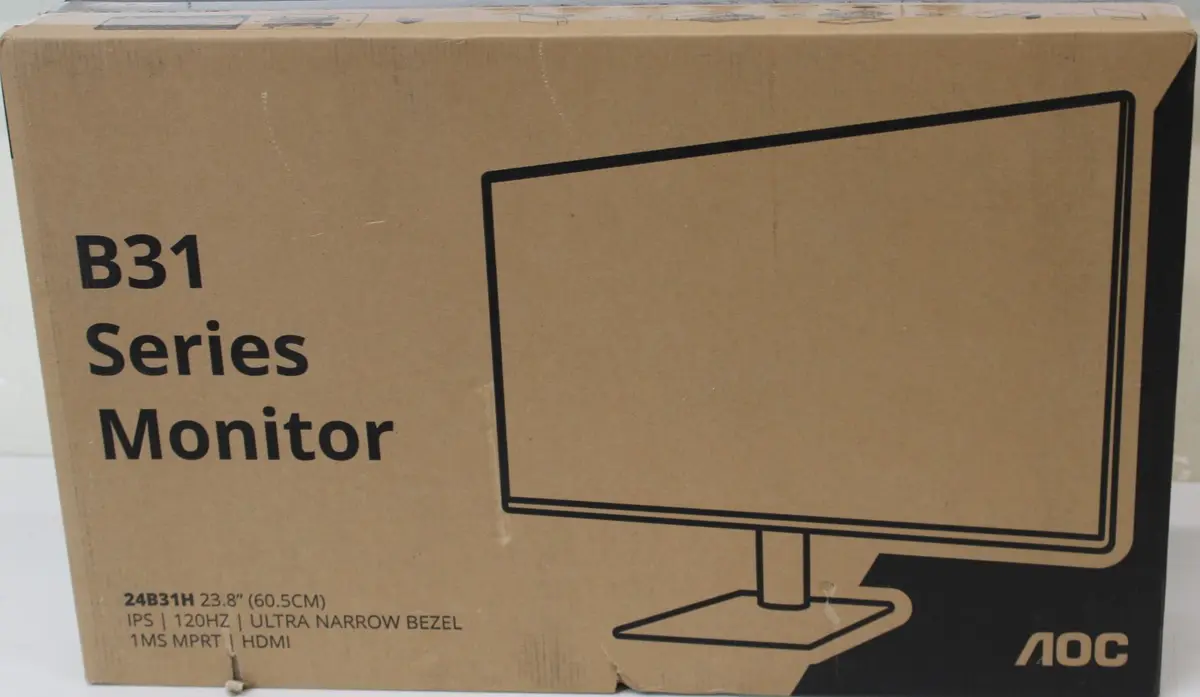
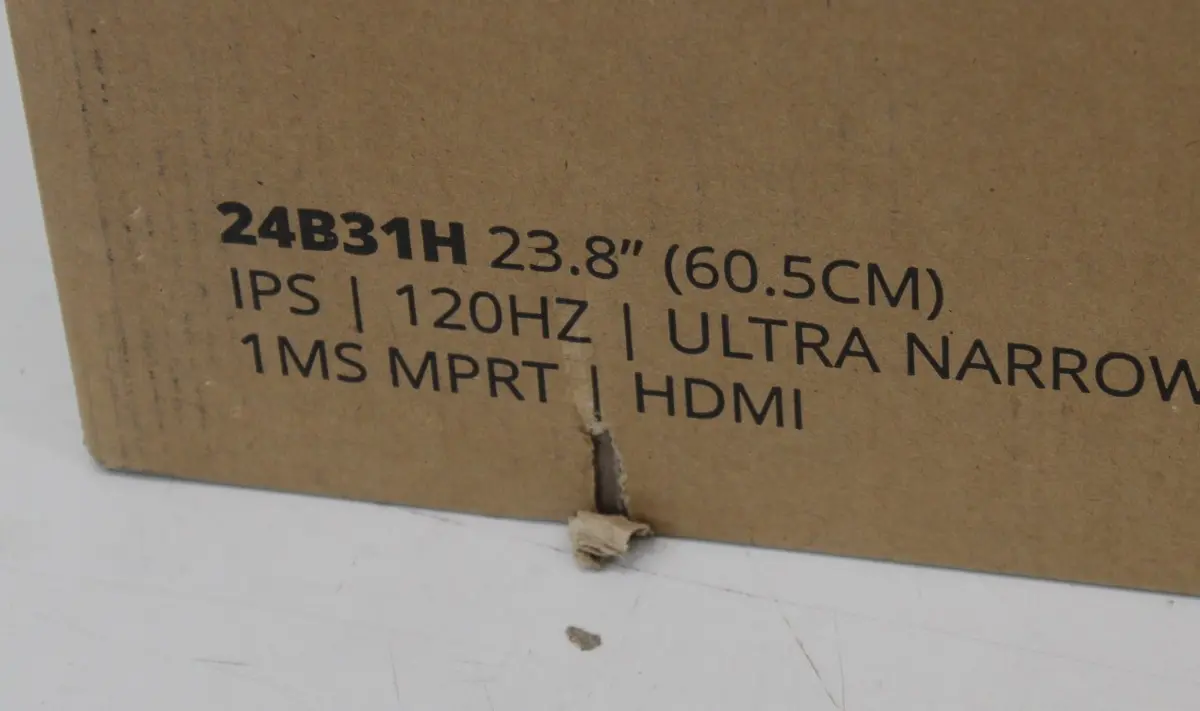
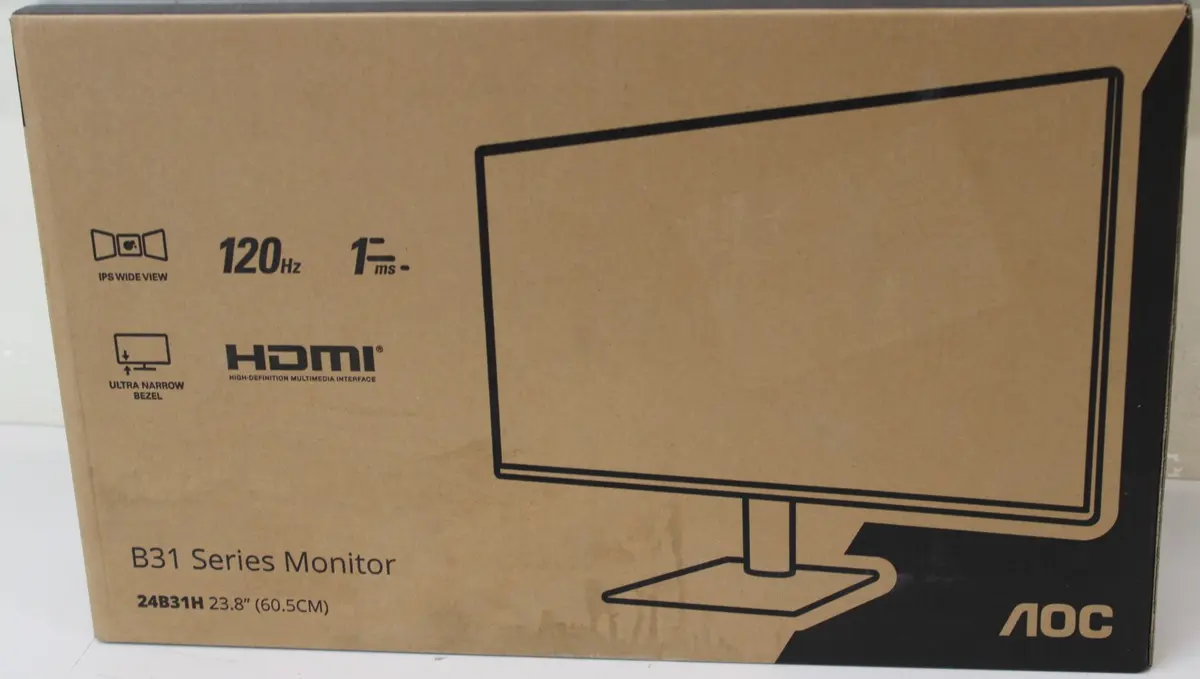
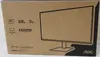
AOC 24B31H 24" IPS FHD Monitor 1920x1080 120Hz 1ms 300 cd/m² HDMI Black
The AOC 24B31H 24" IPS FHD Monitor combines reliable performance with practical design, delivering a crisp Full HD 1920x1080 resolution across its 16:9 aspect ratio. Built with an IPS panel, this monitor ensures wide 178-degree viewing angles and consistent color accuracy from virtually any perspective. It features a fast 120Hz refresh rate and a 1ms response time, minimizing motion blur and providing fluid visual transitions for everyday computing tasks, media streaming, and casual gaming. With a brightness level of 300 cd/m² and an anti-glare screen coating, it reduces eye strain and reflections in brightly lit environments, making it a versatile addition to any desk setup.
The AOC 24B31H monitor stands out with its combination of high refresh rate and rapid response time, ensuring smooth motion representation during fast-paced media playback and casual gaming sessions. The IPS panel technology guarantees vibrant colors and wide viewing angles, maintaining image integrity even when viewed from the side. Its slim profile, combined with VESA mounting capability, allows for flexible installation options whether placed on a standard desk stand or mounted on a wall. Furthermore, the integrated anti-glare coating effectively diffuses ambient light, ensuring comfortable viewing conditions throughout long working hours.
This monitor may not be suitable for professional graphic designers or video editors who require specialized wide color gamuts and higher resolutions such as 4K. Additionally, users looking for extensive ergonomic adjustments such as height adjustment or pivot rotation will need to consider alternative models or use compatible VESA mounts.
To set up the monitor, place it on a stable, flat surface using the included stand or attach it to a compatible VESA arm or wall mount. Connect the display to your computer using an HDMI cable. Plug the power supply into a standard electrical outlet and turn on the device using the power button. Adjust the display tilt angle to achieve a comfortable viewing position, and use the on-screen display menu to fine-tune brightness, contrast, and other visual settings according to your preferences.
For optimal viewing comfort, position the monitor at eye level and maintain a distance of approximately an arm's length from the screen. Clean the display surface periodically with a soft, dry microfibre cloth while the device is powered off and unplugged to prevent dust buildup and screen damage.
{{highlightedFeature.featureTitle}}:
{{getProductFeatureValueById(product, highlightedFeature.featureId)}}
{{ productComparisonGenerationError }}