
Hurry and order now – up to 50% off!
In cart {{totalProductsCount}} item(s)
Your cart is empty
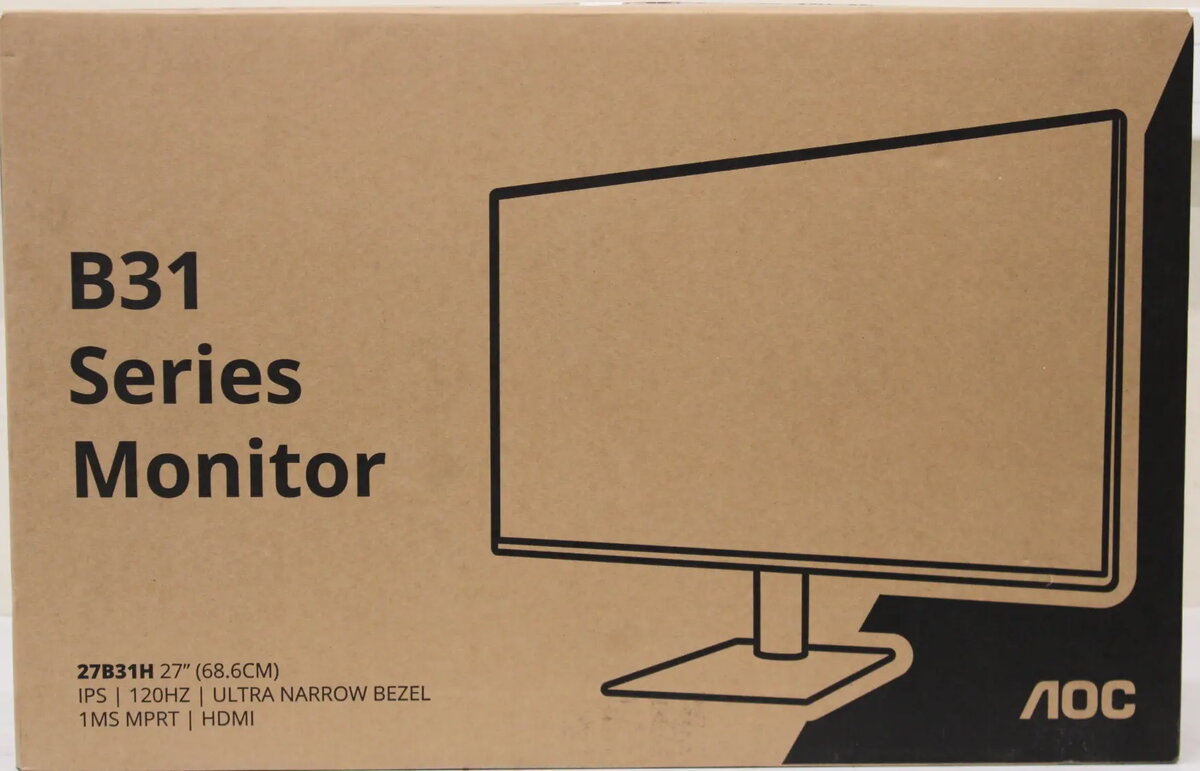
AOC 27B31H 27-inch IPS Full HD Monitor with 1920x1080 Resolution 120Hz Refresh Rate 1ms Response Time 300 cd/m² Brightness HDMI Black
The AOC 27B31H 27-inch IPS Full HD Monitor delivers sharp visuals and smooth performance for your everyday workspace and entertainment needs. Featuring a generous 27-inch display with Full HD 1920x1080 resolution, this monitor ensures crisp details and vibrant clarity across various applications. Built with an advanced IPS panel, it provides wide 178-degree viewing angles horizontally and vertically, maintaining consistent colors and contrast from almost any perspective. The display surface is treated with an anti-glare coating to minimize reflections and reduce eye strain during extended use.
This monitor is designed to elevate your viewing experience through a combination of responsive performance and visual comfort. The 120Hz refresh rate ensures smoother motion transitions and reduced motion blur compared to standard displays, while the 1ms response time allows for quick pixel reactions. The 300 cd/m² brightness level delivers a vivid picture suitable for brightly lit environments. Additionally, the inclusion of VESA mounting compatibility and tilt adjustment options allows for flexible installation and ergonomic positioning to suit your workspace.
This monitor may not meet the requirements of professional graphic designers or color-critical photo editors who need wider color gamuts beyond standard sRGB coverage. It also lacks built-in speakers and advanced ergonomic features like height adjustment, pivoting, or swivel capabilities, which might be necessary for specialized ergonomic setups.
Unpack the monitor and attach the stand securely to the display panel. Connect the monitor to your computer or media source using an HDMI cable. Plug the power supply into an electrical outlet and turn on the device. Adjust the tilt angle to achieve a comfortable viewing position. You can use the on-screen display controls to fine-tune brightness, contrast, and other visual settings according to your preferences.
For optimal viewing comfort and eye protection during long working sessions, position the monitor at eye level and maintain adequate ambient room lighting while utilizing the anti-glare properties of the screen.
{{highlightedFeature.featureTitle}}:
{{getProductFeatureValueById(product, highlightedFeature.featureId)}}
{{ productComparisonGenerationError }}