Powerful EcoFlow stations for energy anywhere!
In cart {{totalProductsCount}} item(s)
Your cart is empty
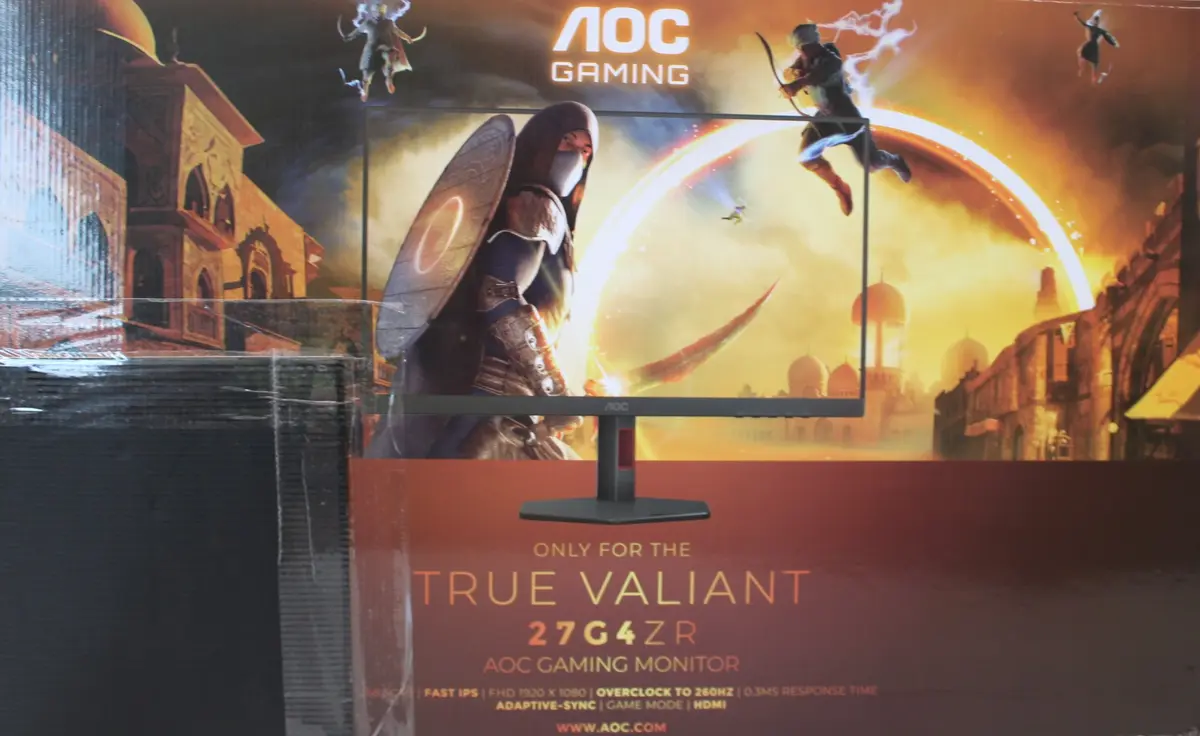
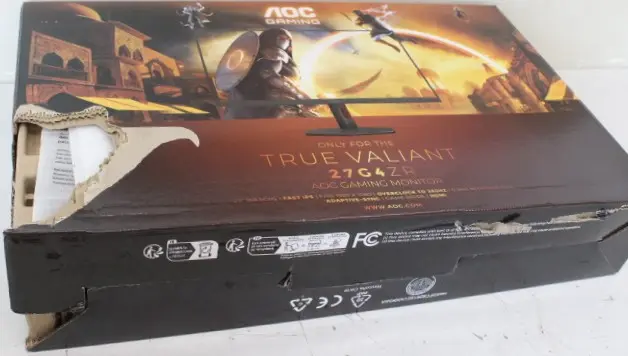
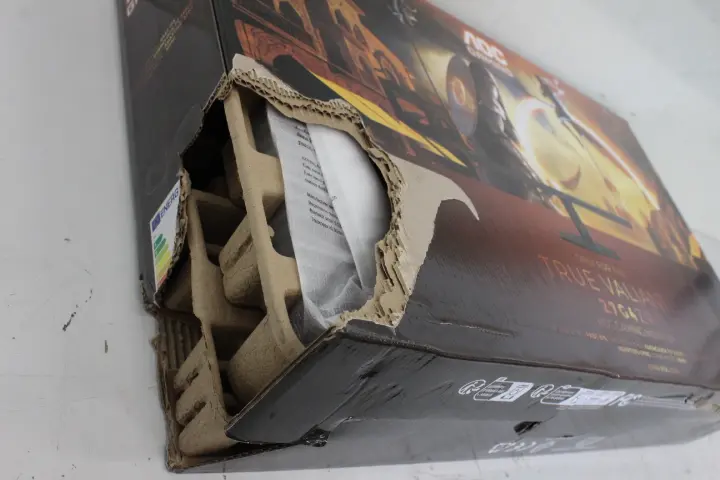
AOC Gaming 27G4ZR 27-inch Fast IPS FHD 1920x1080 Monitor 240Hz 1ms 350cd/m² HDMI DisplayPort Black
The AOC Gaming 27G4ZR 27-inch Fast IPS FHD monitor is designed to deliver responsive and clear visuals for competitive gaming and everyday desktop tasks. Featuring a Full HD 1920x1080 resolution, a high 240Hz refresh rate, and a rapid 1ms response time, this display minimizes motion blur and provides smooth frame transitions. The 350 cd/m² brightness and anti-glare screen ensure visibility in various lighting conditions, while the ergonomic stand offers full height adjustment, pivot, swivel, and tilt capabilities.
The Fast IPS panel technology ensures accurate color reproduction and wide 178-degree viewing angles, maintaining image consistency even when viewed from the side. The combination of a 240Hz refresh rate and a 1ms response time gives players a competitive edge through reduced input lag and fluid motion handling. Versatile connectivity options, including two HDMI ports and a DisplayPort, allow for easy connection to multiple devices such as PCs and consoles. Additionally, the fully adjustable ergonomic stand and VESA mounting support allow users to set up their workspace for optimal comfort during extended sessions.
This monitor may not meet the needs of professionals requiring ultra-high-definition 4K resolution for detailed photo and video editing. Users looking for integrated speakers or direct USB-C connectivity with power delivery will need to consider alternative models or external accessories.
Unpack the monitor and attach the stand securely to the panel using the provided mounting points, or mount the display onto a compatible VESA arm. Connect the power supply and plug either an HDMI or DisplayPort cable from your computer or gaming console into the corresponding port on the back of the monitor. Power on the display and adjust the settings using the on-screen menu to match your preferred brightness, contrast, and visual presets. Configure your operating system display settings to utilize the maximum 240Hz refresh rate for optimal performance.
For the best visual experience and smooth performance, ensure your graphics card drivers are up to date and connect the monitor using a high-quality DisplayPort or HDMI cable capable of handling high refresh rates at Full HD resolution.
{{highlightedFeature.featureTitle}}:
{{getProductFeatureValueById(product, highlightedFeature.featureId)}}
{{ productComparisonGenerationError }}