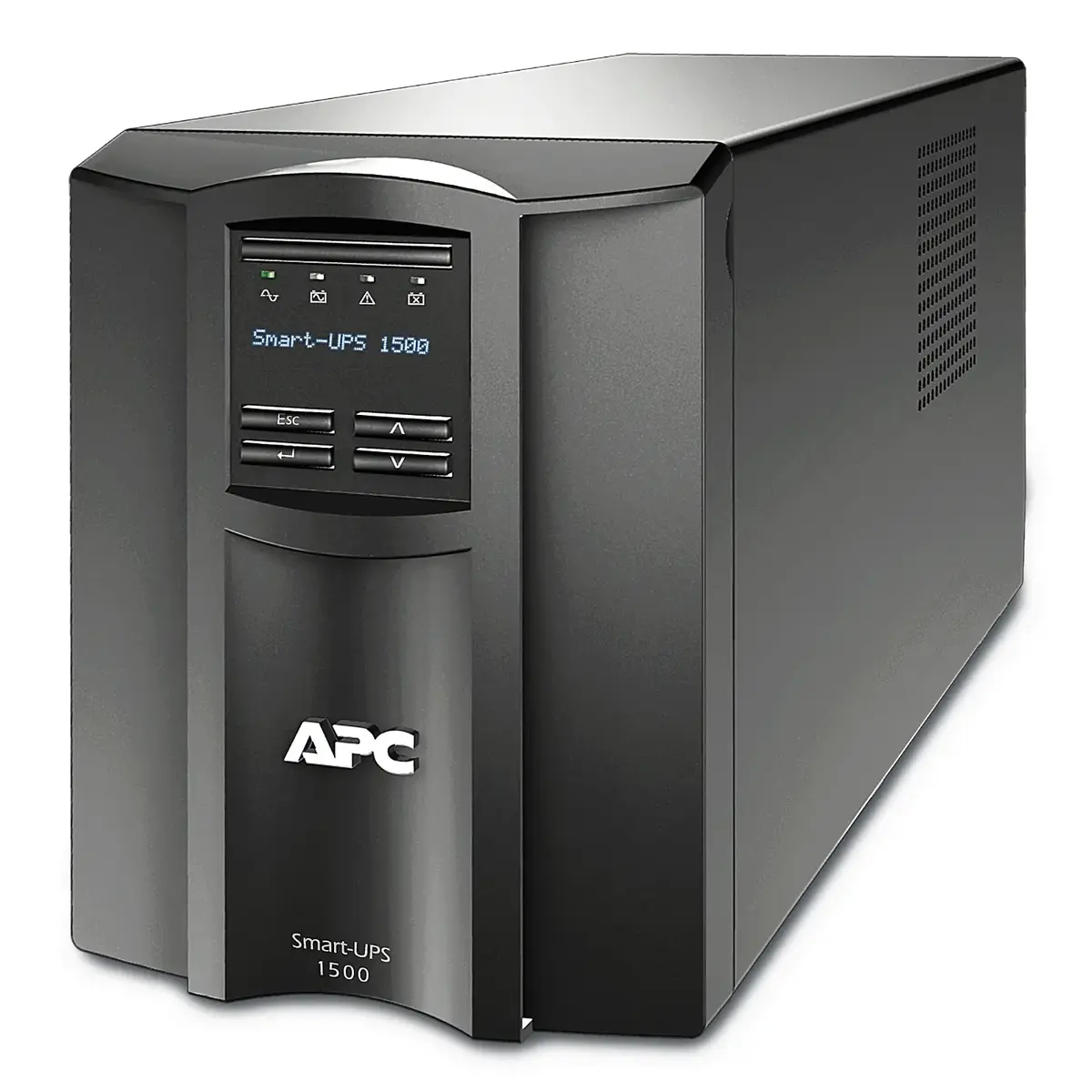
The APC Smart-UPS 1500VA LCD 230V with SmartConnect is a professional-grade uninterruptible power supply engineered to deliver reliable battery backup and advanced surge protection for critical electronic infrastructure. This unit is designed to maintain operational continuity for sensitive equipment during power outages, voltage sags, or electrical surges. Equipped with an intuitive LCD interface for real-time status monitoring and cloud-enabled SmartConnect technology, it allows for seamless remote management and proactive maintenance of your power environment.
Advantages
This uninterruptible power supply offers significant benefits for maintaining system uptime and protecting hardware investments. The integration of SmartConnect technology enables users to monitor the status of their UPS from any internet-connected device, providing alerts and firmware update notifications that simplify management. The high-capacity 1500VA output ensures that connected devices remain powered long enough to perform graceful shutdowns or continue operations during short-term disturbances. Furthermore, the clear LCD screen provides immediate visibility into power conditions, battery health, and load levels, allowing for quick diagnostics without the need for additional software.
Suitable for
- Small to medium-sized business servers
- Network switches, routers, and hubs
- Sensitive workstations and desktop computers
- Point-of-sale systems and retail hardware
- Data storage devices and external hard drive arrays
When it may not be suitable
This unit is designed for standard office or server room environments and may not be suitable for industrial settings with extreme temperatures, high humidity, or excessive dust. It is also not intended for high-draw appliances such as heaters, motors, or large medical equipment that exceed its rated power capacity.
Key specifications
- Capacity: 1500VA / 1000W
- Output voltage: 230V
- Waveform type: Pure sine wave
- Interface: Intuitive LCD display
- Connectivity: SmartConnect cloud-enabled remote monitoring
- Protection: Surge protection and battery backup
How to use
To set up the device, place it in a well-ventilated area near your equipment. Connect your critical devices to the output receptacles on the rear panel. Once connected, plug the UPS into a grounded wall outlet and power it on using the front panel button. To utilize the remote monitoring features, register the device through the SmartConnect portal using the provided instructions. The LCD interface will guide you through initial configuration settings, allowing you to customize alarm thresholds and sensitivity levels based on your local power quality.
What to consider before purchase
- Verify that the total power consumption of your connected devices does not exceed the 1000W limit.
- Ensure the installation location has adequate airflow to prevent overheating.
- Check that your wall outlet is compatible with the input plug type of the unit.
- Consider the physical dimensions and weight to ensure it fits within your rack or workspace.
Usage recommendations
Regularly check the LCD display for battery health status and perform periodic self-tests to ensure the unit is ready to provide power during an emergency. Keep the firmware updated via the SmartConnect portal to benefit from the latest security and performance enhancements.