
Filters you can trust. Pure water every day.
In cart {{totalProductsCount}} item(s)
Your cart is empty
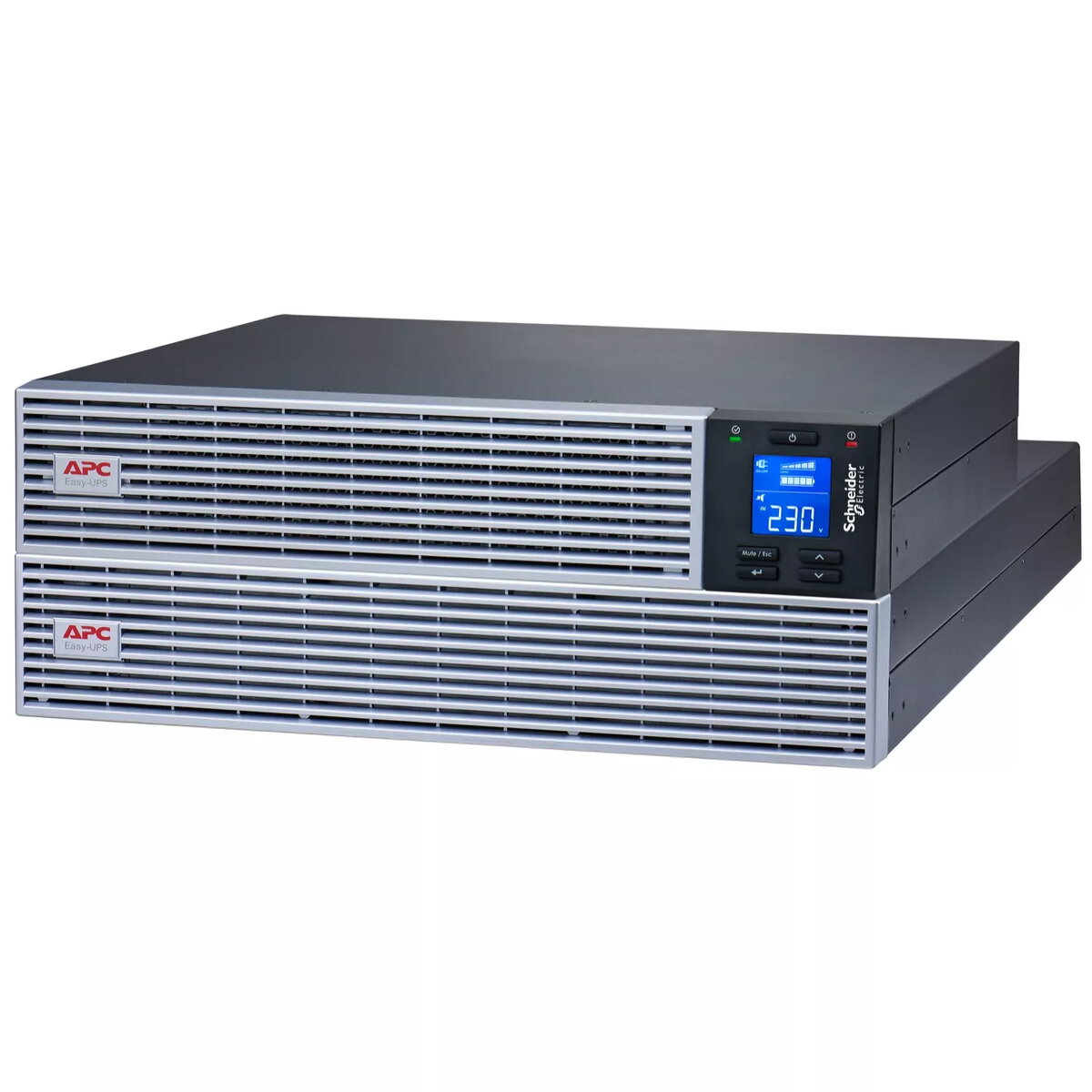
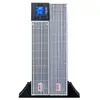
APC Easy UPS On-Line 3kVA Lithium-ion Rack/Tower 4U 230V 7 outlets
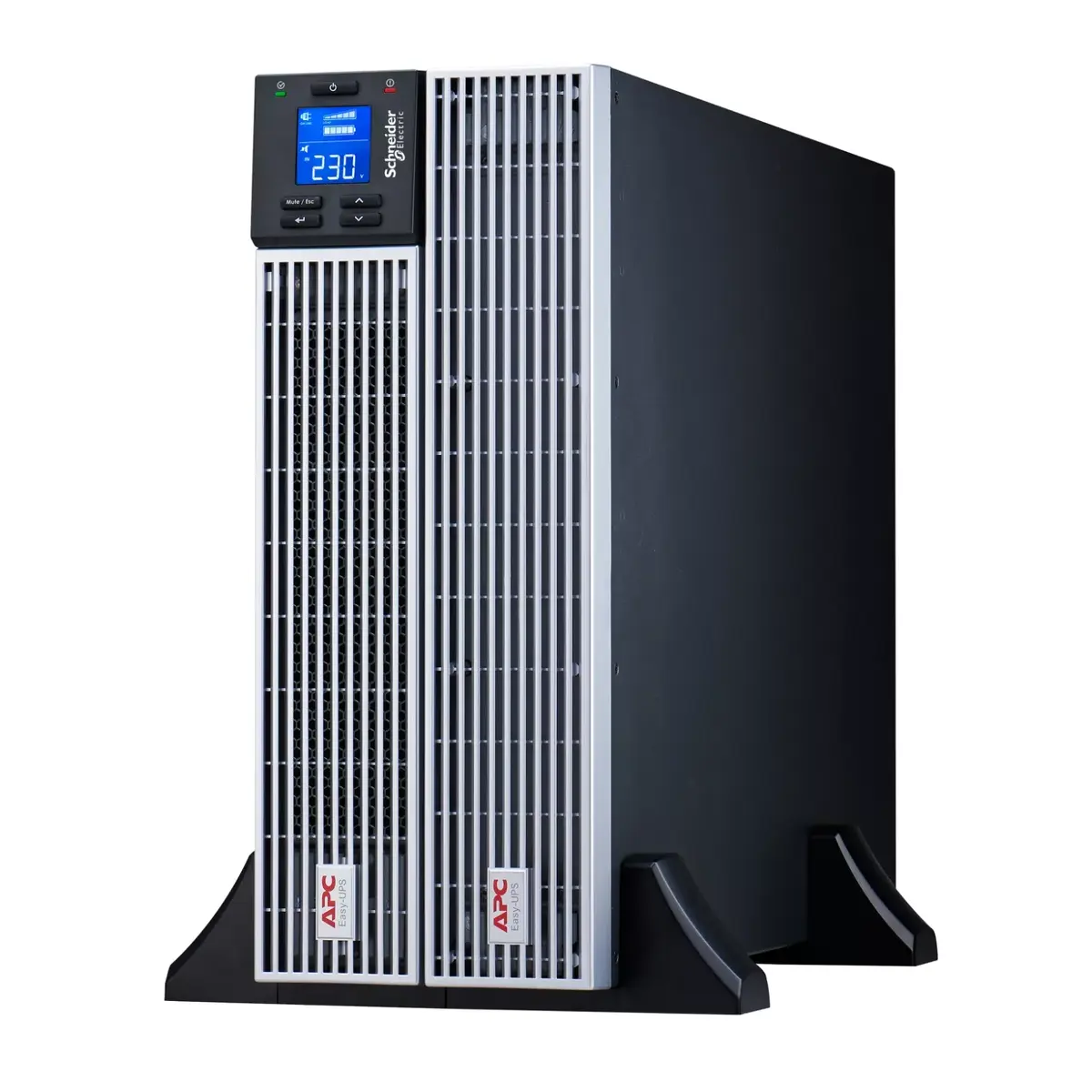
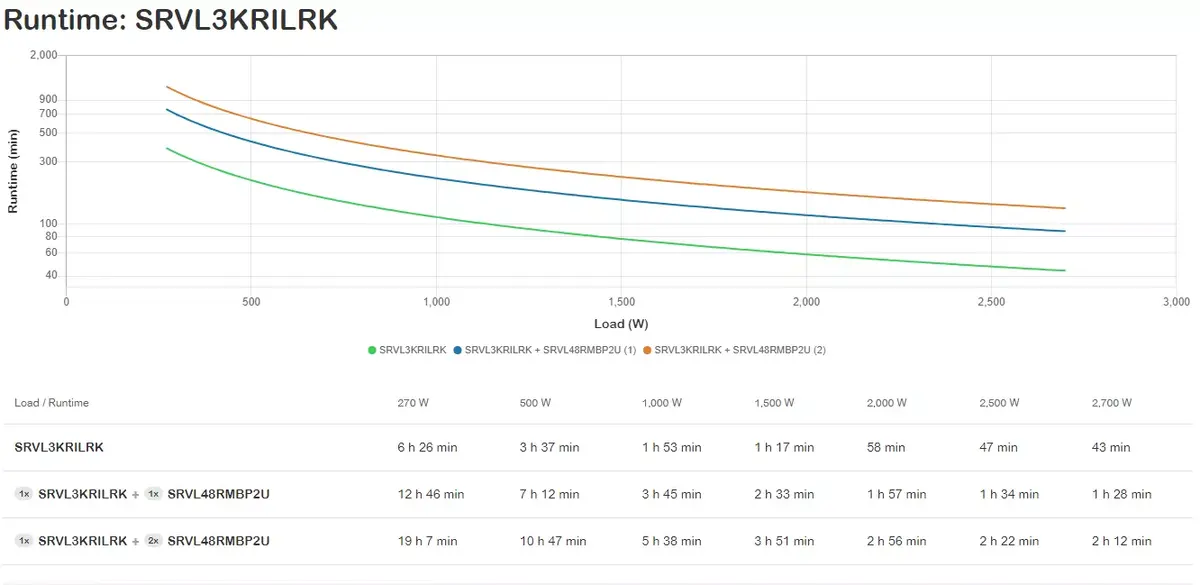
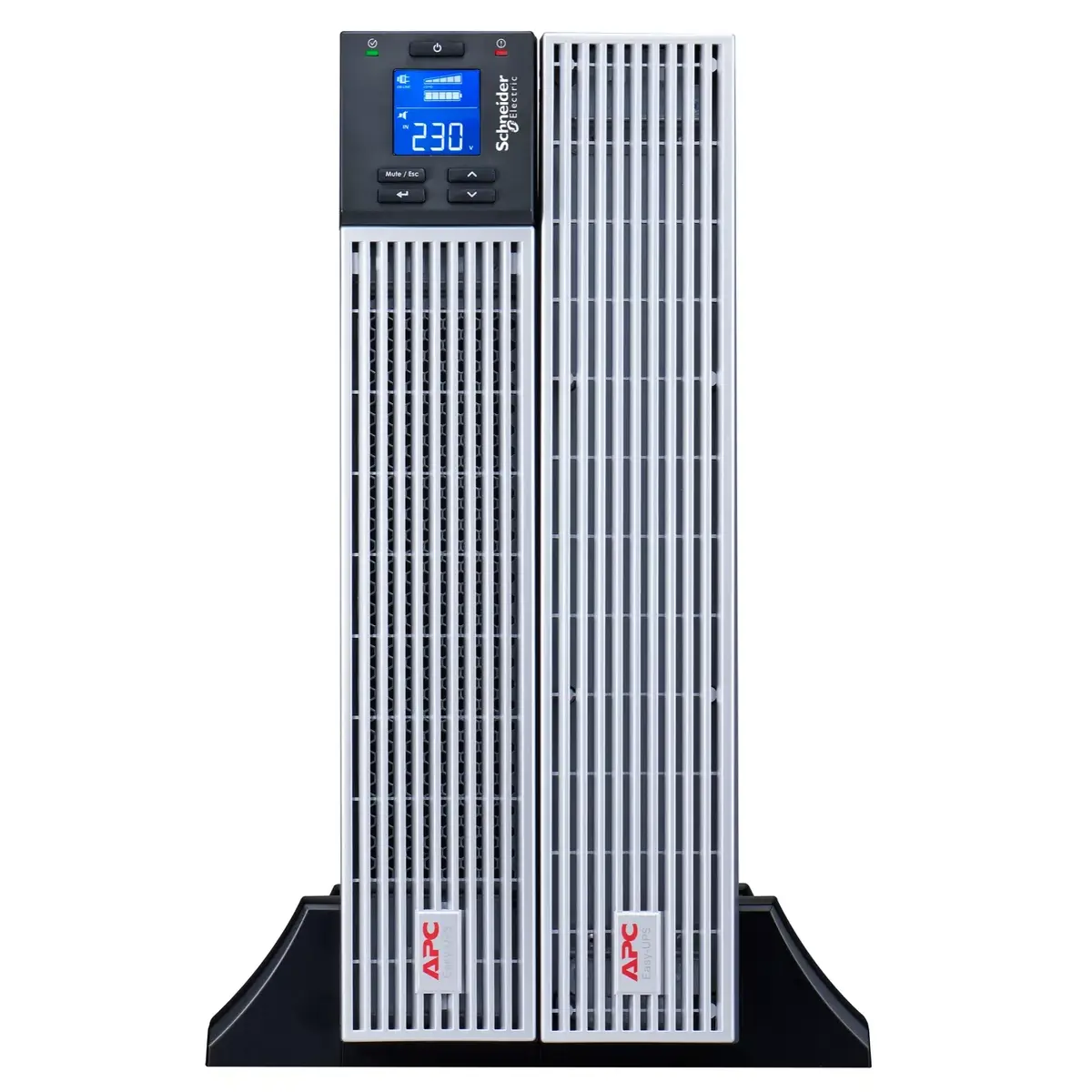
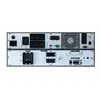
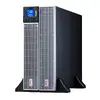
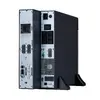
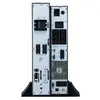
The APC Easy UPS On-Line 3kVA Lithium-ion Rack/Tower SRVL3KRILRK is a 4U double-conversion on-line UPS designed for IT professionals and network administrators who need continuous, high-quality power for critical equipment. This 230 V unit delivers 3 kVA (2.7 kW) output power, provides a pure sine wave and extended runtime thanks to integrated lithium-ion batteries, and offers a convertible rack/tower form factor with a rotatable LCD for clear status information.
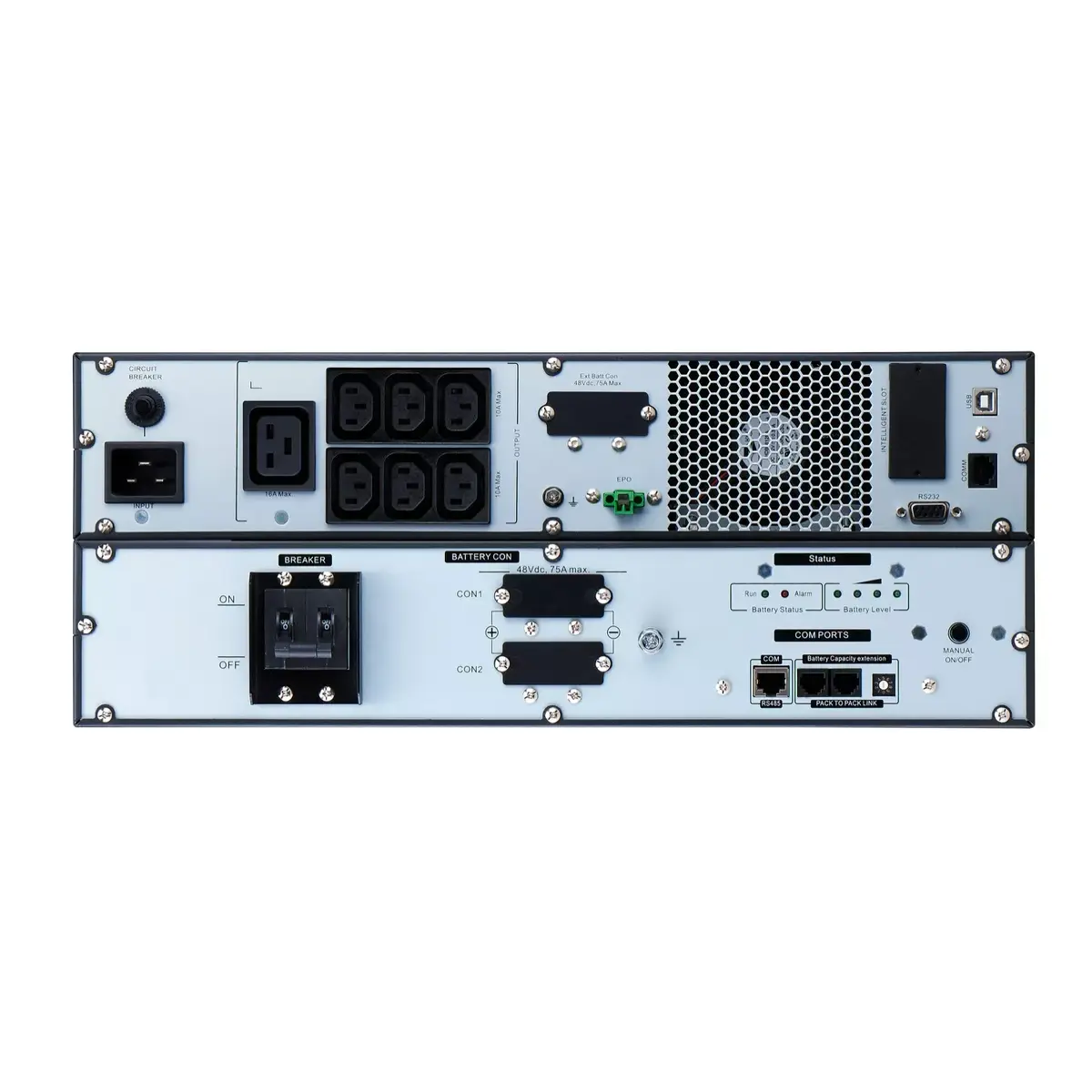
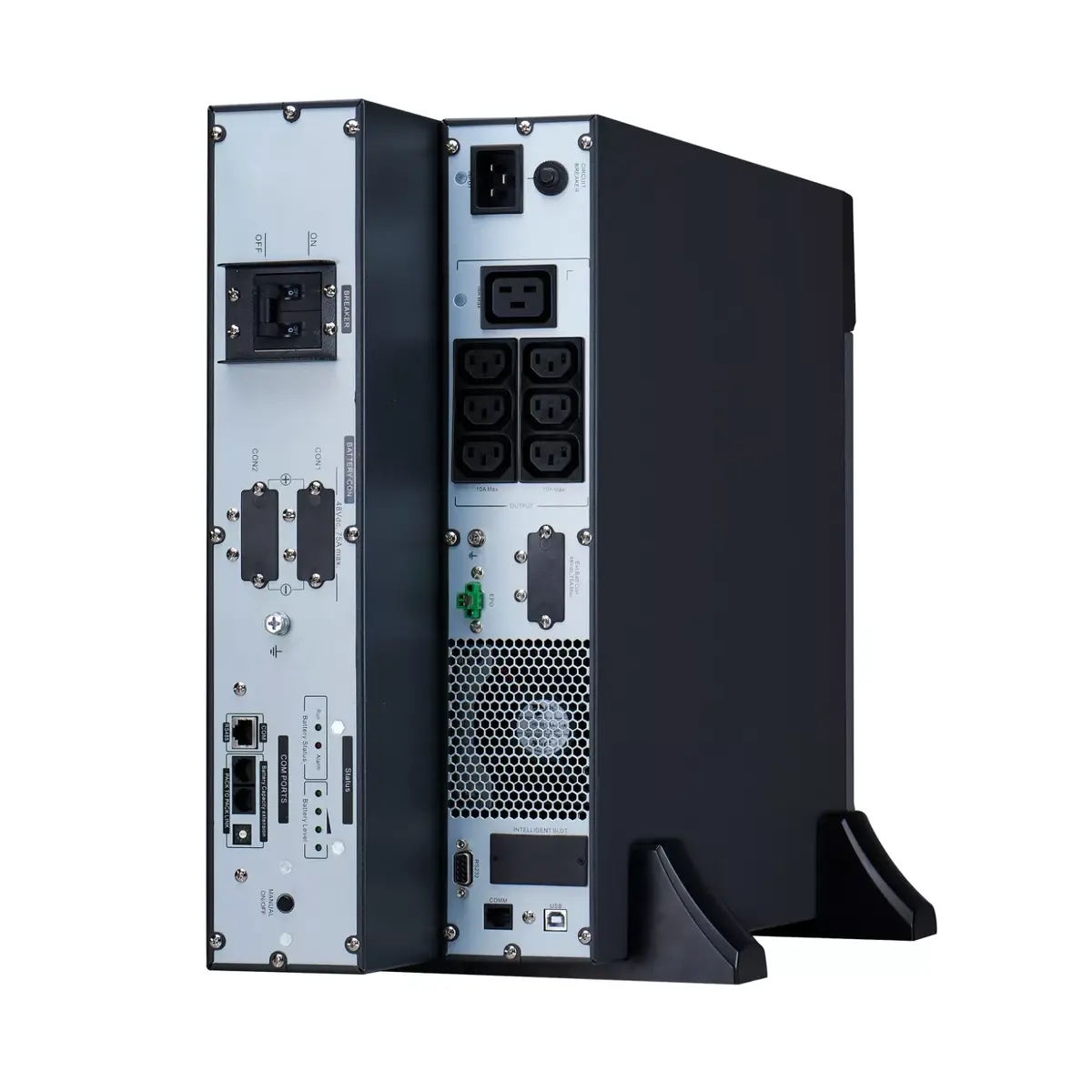
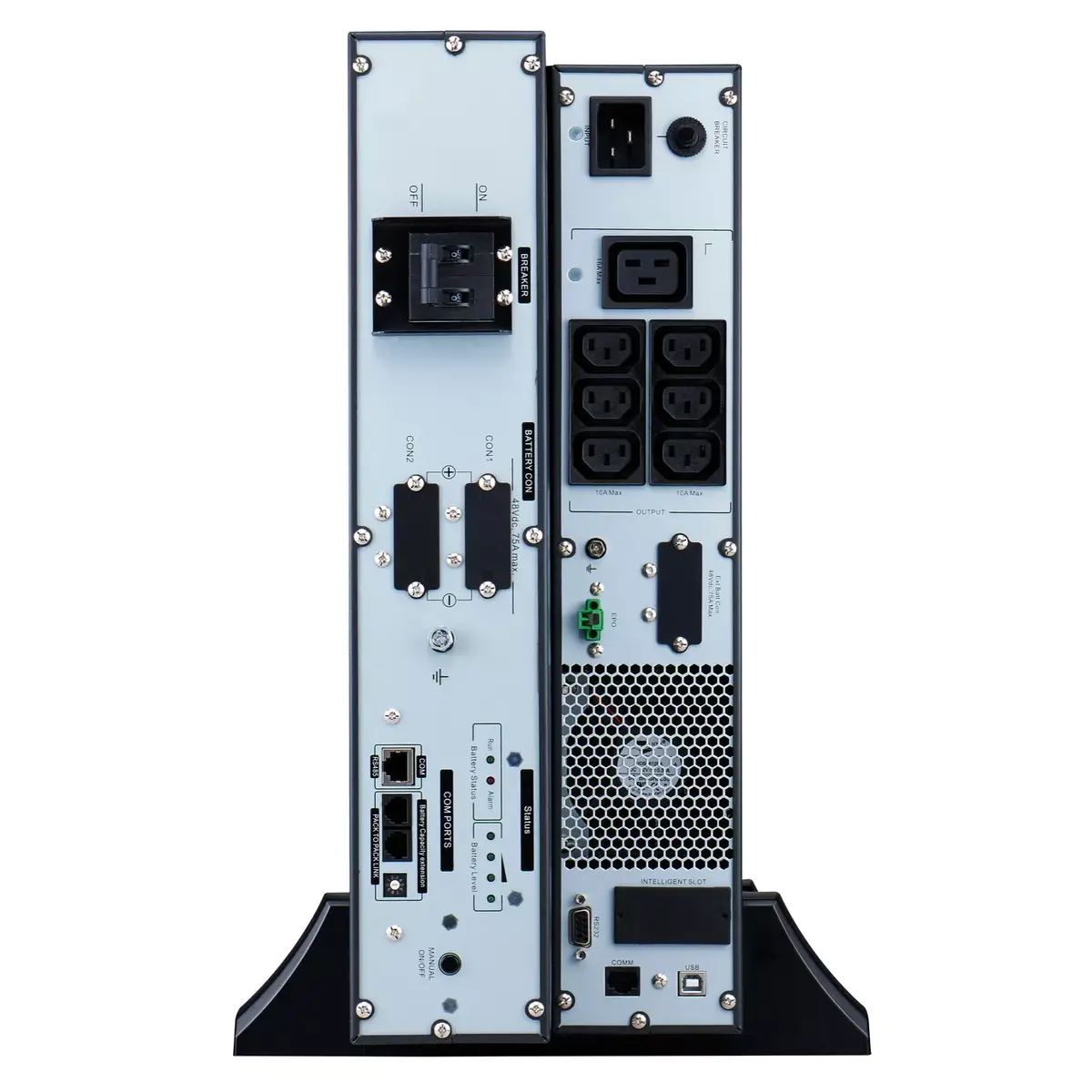
This UPS uses double-conversion on-line topology to provide consistent, clean AC power and protection against mains disturbances. The lithium-ion battery chemistry gives longer life and more compact runtime compared with traditional batteries, and the built-in automatic and manual bypass ensures uninterrupted supply to connected loads even if the UPS requires maintenance or detects an internal fault. The unit includes 7 AC outlets (6x IEC320 C13 and 1x IEC320 C19) and an IEC320 C20 input. An intelligent card slot supports optional Network Management Cards (AP9544, SRVSMB001, VGL9601l) for remote monitoring and centralized management integration.
Install the UPS in a 4U rack space or convert it to tower configuration using the supplied accessory kit. Connect the UPS input to a suitable 230 V power source using the IEC320 C20 inlet and plug critical devices into the provided IEC320 C13 and C19 outlets. If remote monitoring is required, install a compatible Network Management Card into the intelligent card slot and configure network settings per the card documentation. Use the rotatable LCD to monitor status, load, and battery runtime. Test the emergency power off (EPO) and bypass functions during commissioning to verify proper operation.
For reliable operation, locate the UPS in a temperature-controlled, ventilated environment free of dust and moisture, follow APC installation instructions, and schedule periodic battery and system checks. When integrating with EcoStruxure IT or third-party management platforms, ensure the appropriate network card and license are installed and firmware is kept up to date.
{{highlightedFeature.featureTitle}}:
{{getProductFeatureValueById(product, highlightedFeature.featureId)}}
{{ productComparisonGenerationError }}