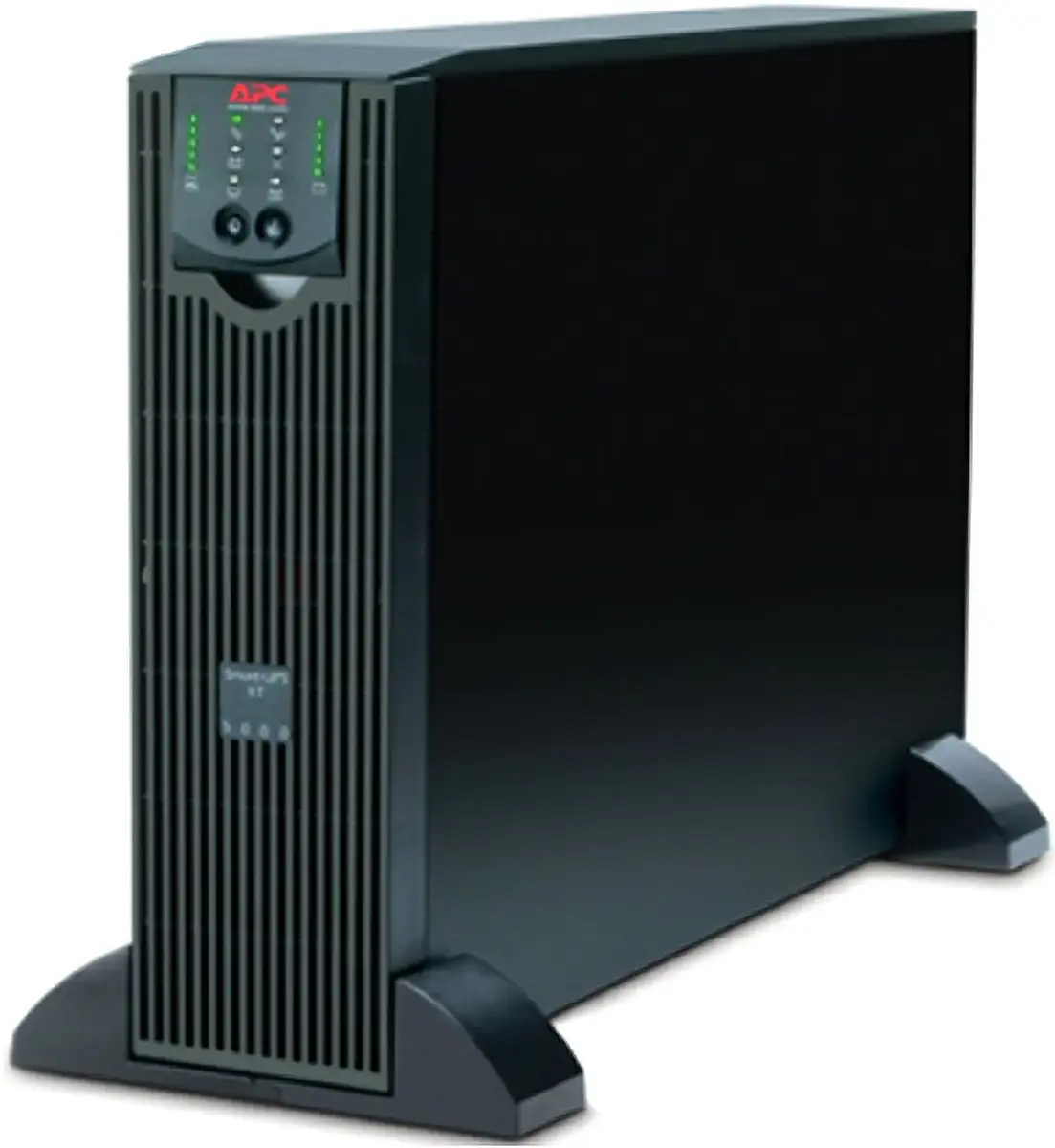
The APC Smart-UPS RT 5000VA 230V is a professional-grade double-conversion online uninterruptible power supply engineered to provide robust protection for critical server, data center, and network infrastructure. By utilizing double-conversion technology, this unit continuously regulates voltage and frequency, isolating connected equipment from power fluctuations, surges, and outages. This specific configuration comes equipped with the SURT007 extended battery pack to provide significantly longer runtime during power failures, alongside the AP9613 web management card, which enables comprehensive remote monitoring and management of the power environment.
Advantages
This UPS system offers superior power quality through its online double-conversion topology, which eliminates virtually all power disturbances. The inclusion of the extended battery pack ensures that mission-critical systems remain operational for extended periods during prolonged utility power loss. Furthermore, the integrated web management card allows IT administrators to monitor power status, receive alerts, and perform remote diagnostics from any location, enhancing operational efficiency and reducing the need for on-site maintenance. The modular design and high power density make it an ideal solution for environments where space is limited but high-performance power protection is mandatory.
Suitable for
- Critical server rooms and data centers
- Enterprise network switches and routers
- Industrial control systems
- Telecommunications equipment
- Sensitive medical or laboratory hardware
When it may not be suitable
This unit is designed for high-demand professional environments and may be overkill for standard home office setups or single desktop computers. Due to its size, weight, and electrical requirements, it is not intended for portable use or locations without appropriate power infrastructure.
Key specifications
- Capacity: 5000VA / 3500W
- Topology: Double-conversion online
- Input voltage: 230V
- Management: Integrated web management card
- Battery: Extended runtime configuration
- Form factor: Rack-mountable
How to use
Installation should be performed by qualified personnel due to the weight and electrical nature of the device. The unit is typically installed in a standard server rack. Once mounted, connect the battery pack to the main UPS unit using the provided cables. Connect your critical hardware to the output receptacles on the rear panel. After connecting to the mains power, use the management interface to configure network settings, allowing for remote access via the web management card. Always ensure the unit is placed in a well-ventilated area to maintain optimal operating temperatures.
What to consider before purchase
- Verify that your rack space can accommodate the physical dimensions and weight of the unit.
- Ensure your electrical circuit can support the power requirements of a 5000VA system.
- Confirm that your network infrastructure supports the management card protocols.
- Assess the total power draw of your equipment to ensure it falls within the 3500W limit.
Usage recommendations: Regularly test the battery health through the management interface and ensure the firmware is kept up to date to maintain security and performance. Keep the environment free of dust and maintain ambient temperatures within the manufacturer's specified range to prolong the lifespan of the internal components.