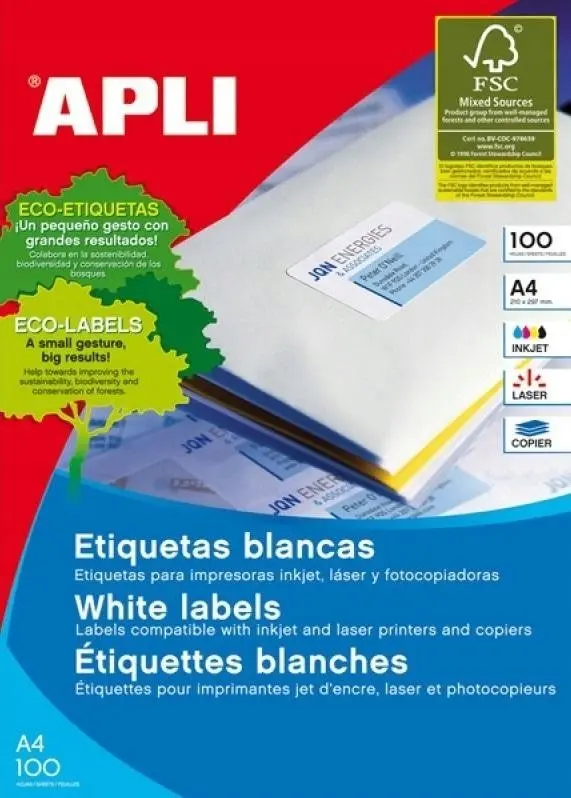
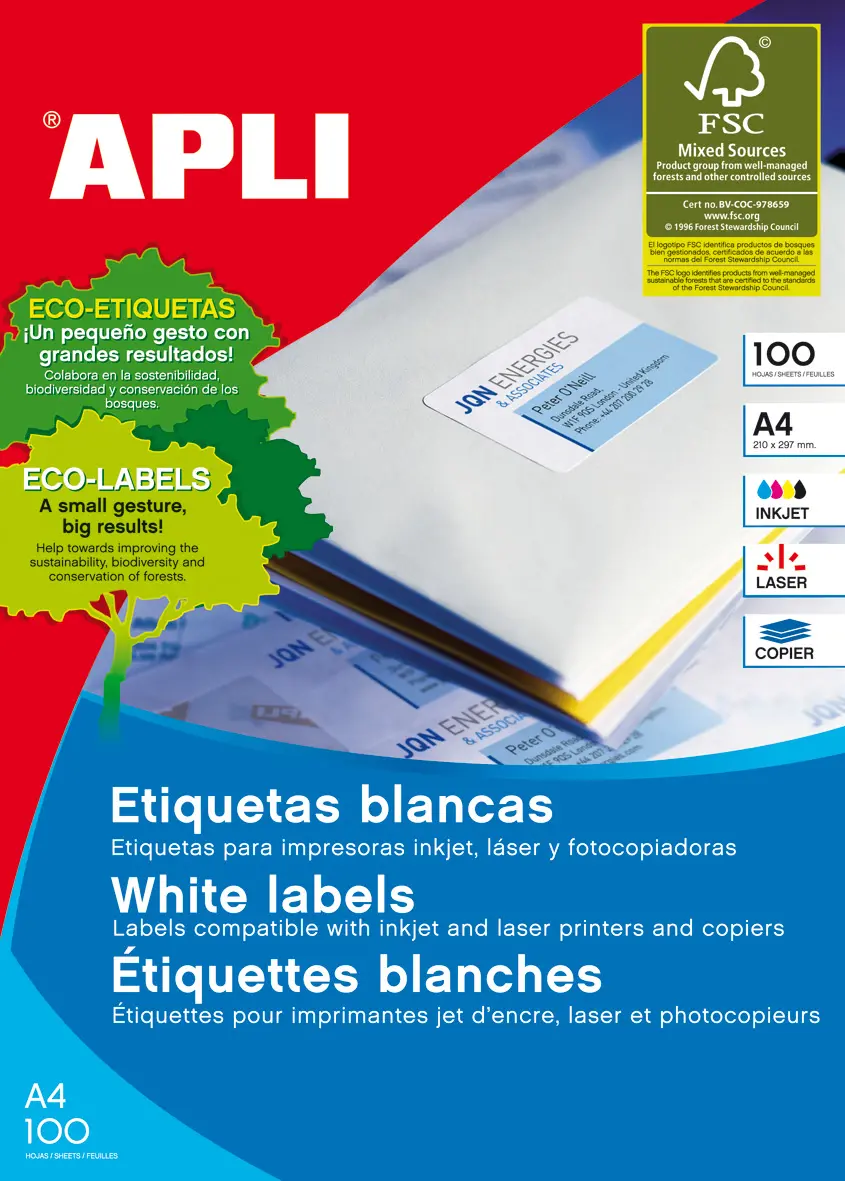
Apli 01279 white self-adhesive printer labels on A4 sheets offer a practical and versatile solution for various labeling needs. Each label measures 10.5 x 7.4 cm, providing ample space for addresses, barcodes, product information, or organizational notes. Designed with a permanent adhesive, these rectangular labels ensure reliable attachment to a wide range of smooth surfaces. With 8 labels per sheet and 100 sheets in total, the package delivers 800 labels suitable for home, office, and commercial use.
Advantages
These self-adhesive printer labels are engineered for high compatibility with standard laser printers, inkjet printers, and photocopiers, ensuring smooth feed through printing equipment without jamming. The permanent adhesive backing provides a secure hold on paper, cardboard, plastic, and glass, minimizing the risk of peeling over time. The clean white surface guarantees high contrast for printed text and graphics, resulting in clear, legible, and professional-looking labels. The straight edges give a neat finish once applied, and the layout supports efficient batch printing.
Suitable for
- Printing shipping and mailing addresses for envelopes and packages
- Organizing office files, folders, binders, and storage boxes
- Labeling products, pricing items, and adding barcode details in retail
- Sorting inventory in warehouses and archives
When it may not be suitable
These labels may not be suitable for rough, textured, or curved surfaces where permanent flat adhesives fail to bond properly. They are also not designed for outdoor environments subject to moisture, direct sunlight, or extreme weather conditions, as the paper material and standard adhesive are intended for indoor use.
Key specifications
- Label dimensions: 10.5 x 7.4 cm
- Sheet format: A4
- Label shape: Rectangular
- Color: White
- Adhesive type: Permanent
- Compatibility: Laser printers, inkjet printers, photocopiers
- Labels per sheet: 8
- Sheets per pack: 100
- Total labels per pack: 800
How to use
Before printing, select the correct label template or set custom margins corresponding to the A4 sheet layout in your document or labeling software. Load the sheets into the printer's input tray according to the manufacturer's guidelines for print-side orientation. Run a test print on a plain sheet of paper first to verify alignment. Once printed, allow the ink to dry briefly if using an inkjet printer to prevent smudging. Peel the individual label carefully from the backing paper and press it firmly onto a clean, dry, and dust-free surface.
What to consider before purchase
- Verify that your printer supports A4 sheet feeding and handles permanent adhesive labels
- Check the label dimensions to ensure they fit your specific application requirements
- Confirm that an indoor environment and permanent adhesive meet your project needs
Store the unused sheets in a cool, dry place away from direct sunlight and moisture to maintain the quality of the paper and the effectiveness of the adhesive.