
A curated selection of maximum value offers!
In cart {{totalProductsCount}} item(s)
Your cart is empty
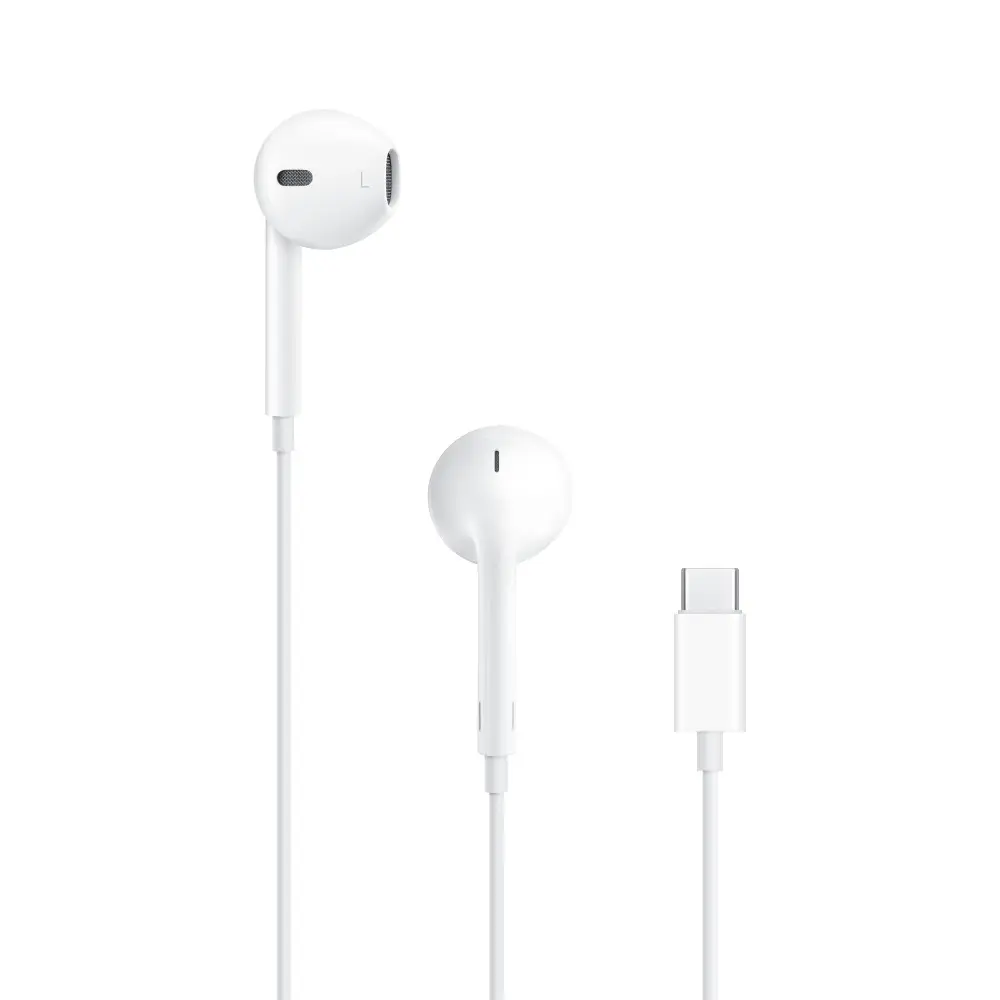
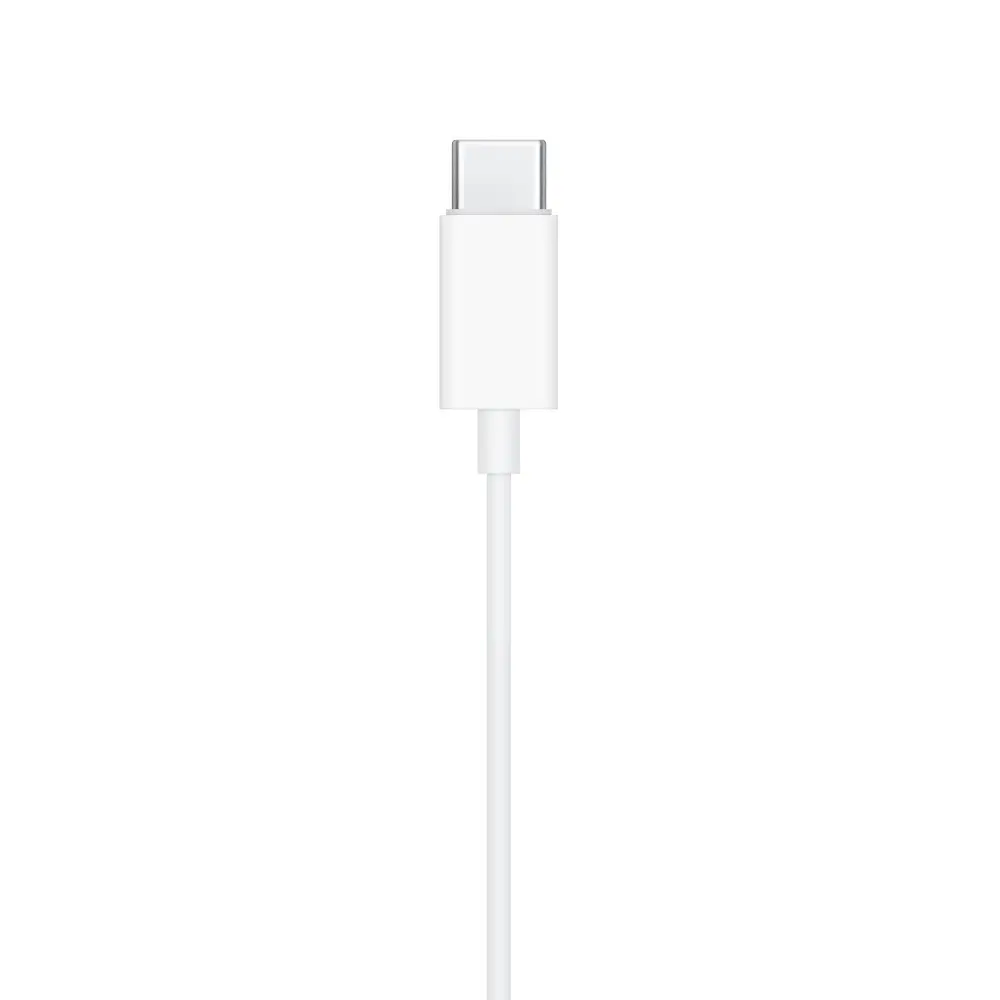
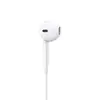
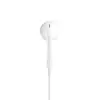
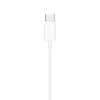
Apple EarPods Wired In-ear Headphones with USB Type-C Connection and In-line Microphone in White
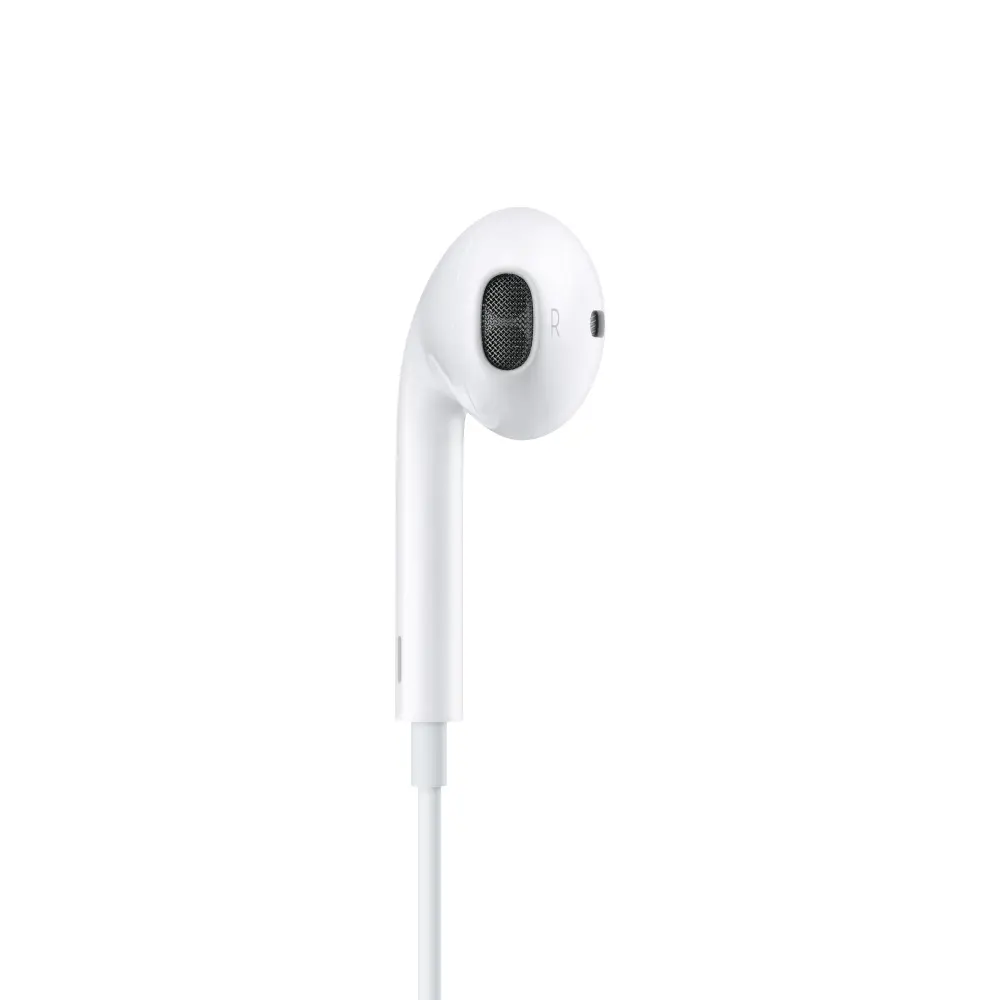
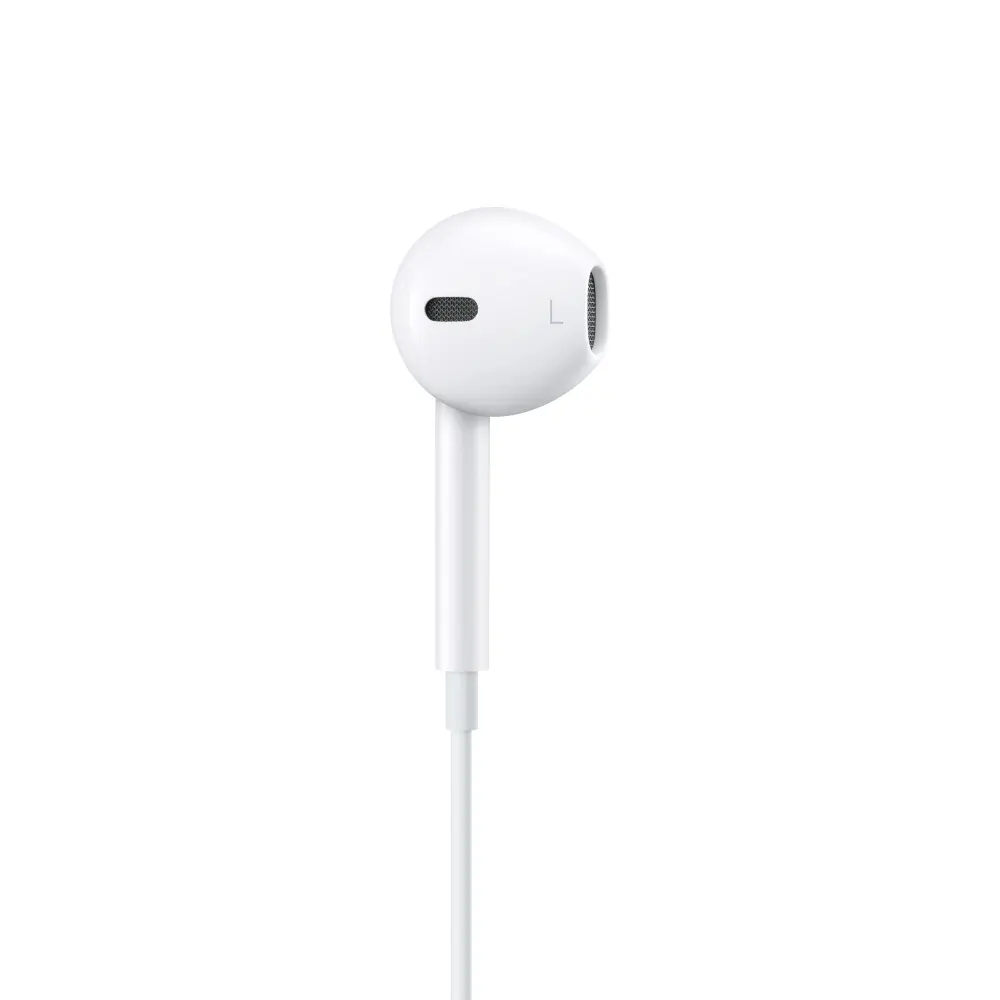
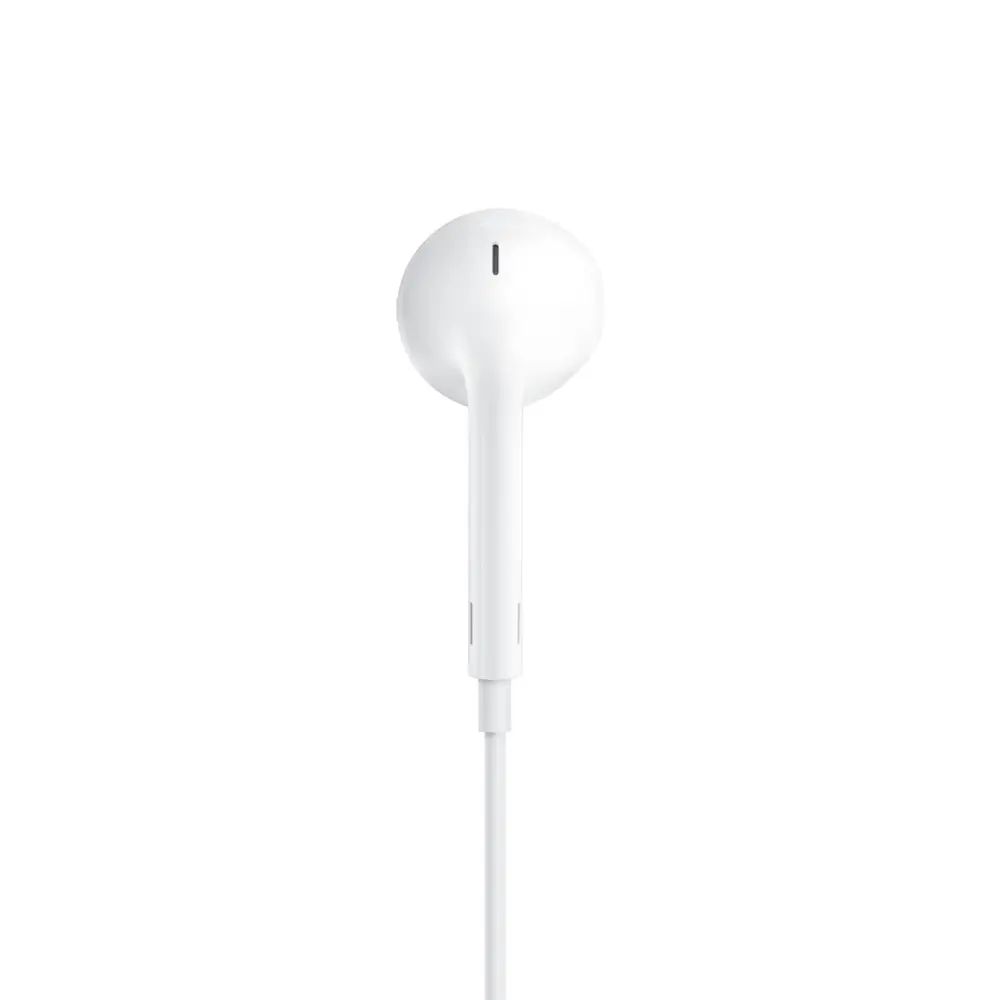
The Apple EarPods Wired In-ear Headphones with USB Type-C Connection and In-line Microphone in White deliver reliable daily audio performance for music listening and communication. Designed by Apple, these intraaural headphones feature a geometry based on the human ear, offering a comfortable fit for a wide variety of users compared to traditional circular earbuds. Engineered to maximize sound output, the built-in speakers provide deep, rich bass tones and high-quality audio playback. The wired connection ensures a stable signal without battery concerns, making these binaural white headphones a practical accessory for compatible modern devices equipped with a USB Type-C port.
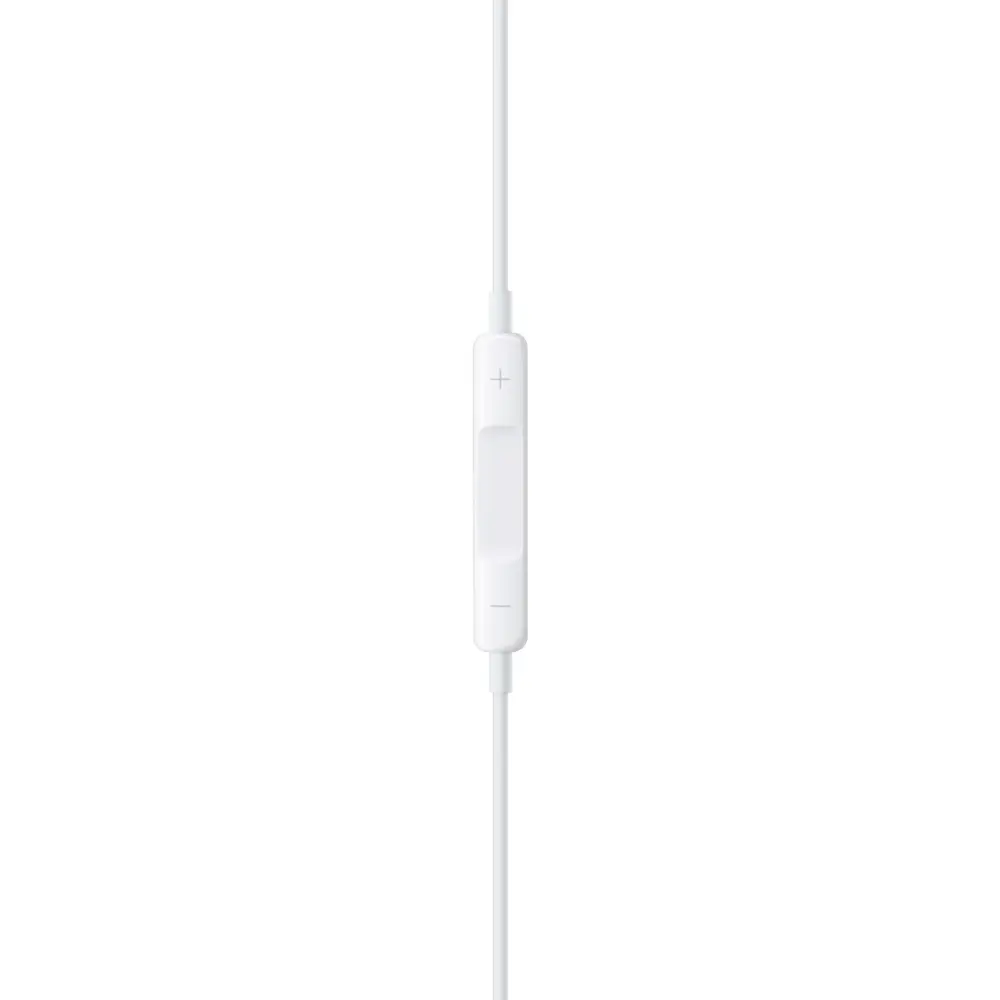
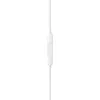
The ergonomic design conforms naturally to the ear shape, ensuring prolonged wearing comfort. Enhanced speaker architecture maximizes sound output to deliver clear audio accompanied by deep, rich bass tones. The integrated in-line microphone and remote control allow users to effortlessly manage volume, control music and video playback, and answer or end phone calls without reaching for the connected device. Additionally, the construction provides built-in protection from sweat and water, supporting daily use during various routine activities.
These headphones may not be suitable for users whose devices lack a USB Type-C audio port unless an appropriate adapter is used. Individuals who prefer over-ear or wireless Bluetooth designs may also find this wired intraaural style less aligned with their personal preferences.
Plug the USB Type-C connector directly into a compatible port on your smartphone, tablet, or computer. Insert the intraaural earpieces gently into your ears, ensuring a comfortable and secure fit. Use the integrated in-line remote to adjust volume levels, play or pause media tracks, and manage incoming or ongoing phone calls with simple button presses.
For optimal longevity and performance, keep the USB Type-C connector clean and dry, avoid pulling sharply on the cable, and store the headphones properly when not in use.
{{highlightedFeature.featureTitle}}:
{{getProductFeatureValueById(product, highlightedFeature.featureId)}}
{{ productComparisonGenerationError }}
