
Hurry and order now – up to 50% off!
In cart {{totalProductsCount}} item(s)
Your cart is empty
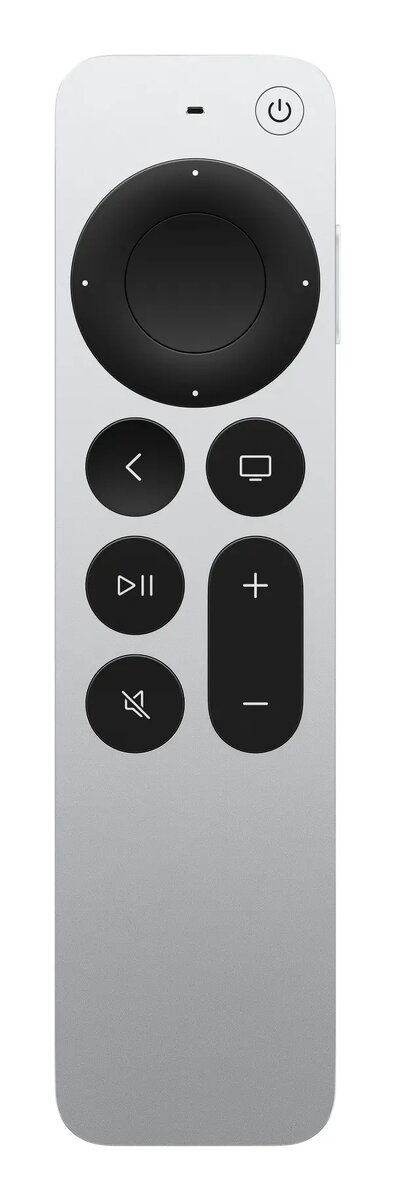
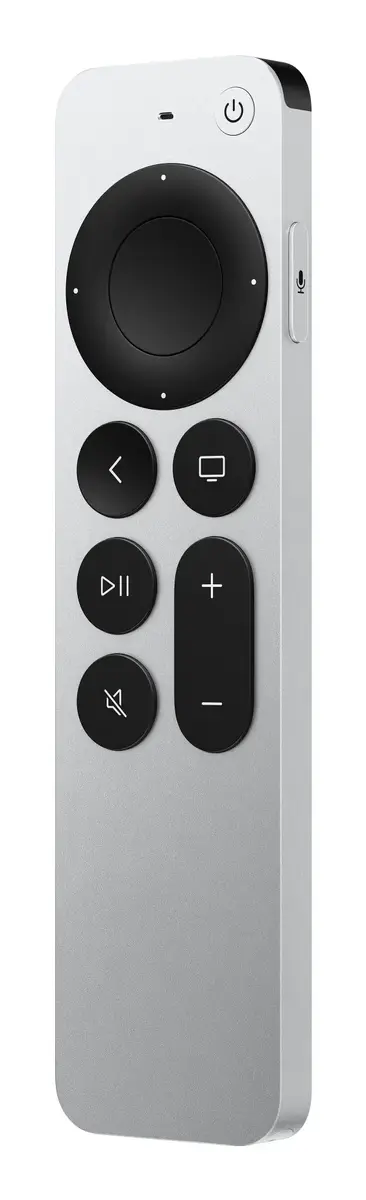
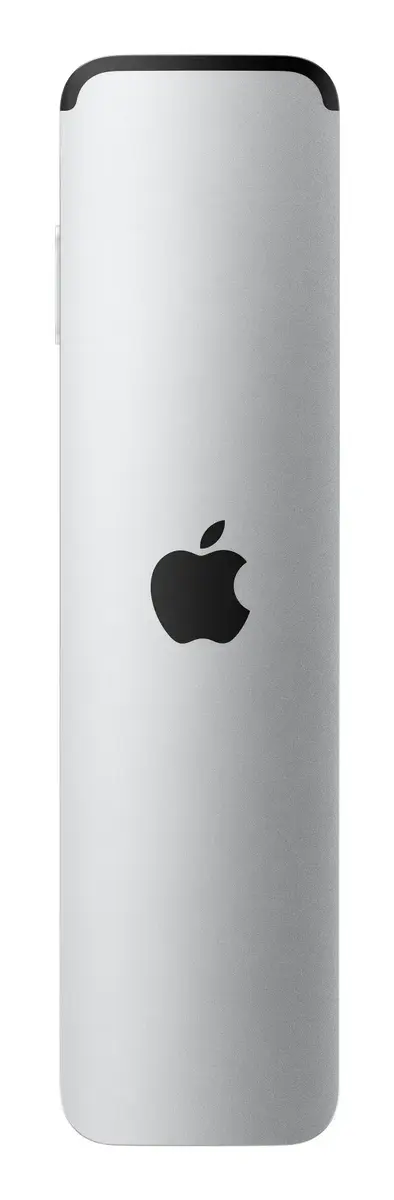
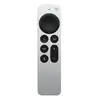
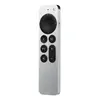
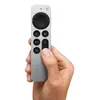
Remote control Apple Apple TV Remote — Bluetooth, press-button input, silver
The Apple TV Remote is a precision-engineered control device designed to provide seamless navigation for your Apple TV and compatible media players. Featuring a sleek silver finish and a tactile press-button interface, this remote offers a reliable and intuitive way to manage your home entertainment experience. It utilizes Bluetooth technology to ensure a stable connection with your device, allowing for responsive control from across the room without the need for a direct line of sight.
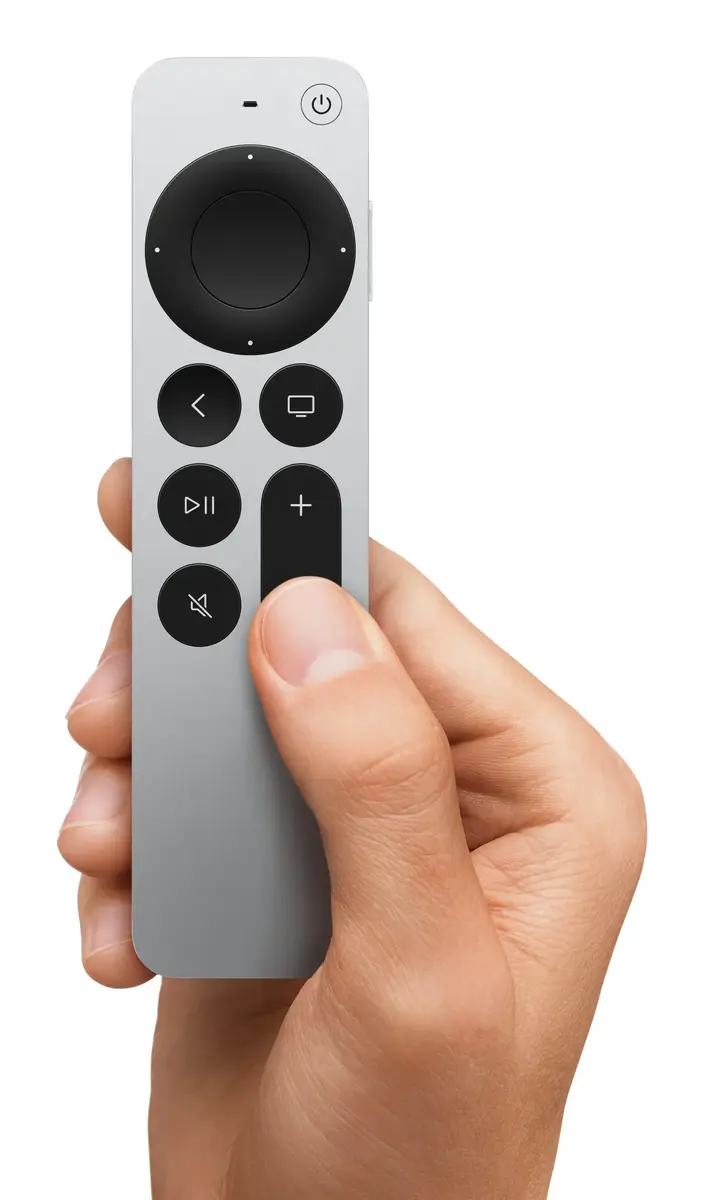
This remote control stands out due to its ergonomic design and high-quality construction, which ensures durability and comfort during extended use. The physical press-button layout provides clear tactile feedback, reducing accidental inputs and making navigation through menus, apps, and media libraries straightforward for all users. Its wireless Bluetooth connectivity eliminates the limitations of traditional infrared remotes, offering consistent performance and ease of pairing with your existing Apple hardware.
This remote may not be suitable for users who prefer touch-sensitive surfaces or gesture-based navigation, as it relies exclusively on physical button inputs. Additionally, it is specifically designed for Apple TV ecosystems and may not offer full functionality or compatibility with third-party media players or non-Apple smart home devices.
To begin using the Apple TV Remote, ensure your Apple TV is powered on and within range. Hold the remote close to the Apple TV device to initiate the pairing process. Once connected, the buttons allow you to navigate the on-screen interface, select content, and control playback settings. If the remote becomes unresponsive, ensure it is charged or that the battery is functioning correctly, and re-pair it through the settings menu on your Apple TV if necessary.
For optimal performance, keep the remote within a reasonable distance of the Apple TV and ensure no significant physical obstructions interfere with the Bluetooth signal. Regularly check for software updates on your Apple TV to maintain full compatibility and feature support for your remote.
{{highlightedFeature.featureTitle}}:
{{getProductFeatureValueById(product, highlightedFeature.featureId)}}
{{ productComparisonGenerationError }}
