
Leave your address - as soon as the price of the product goes down, you'll know about it right away
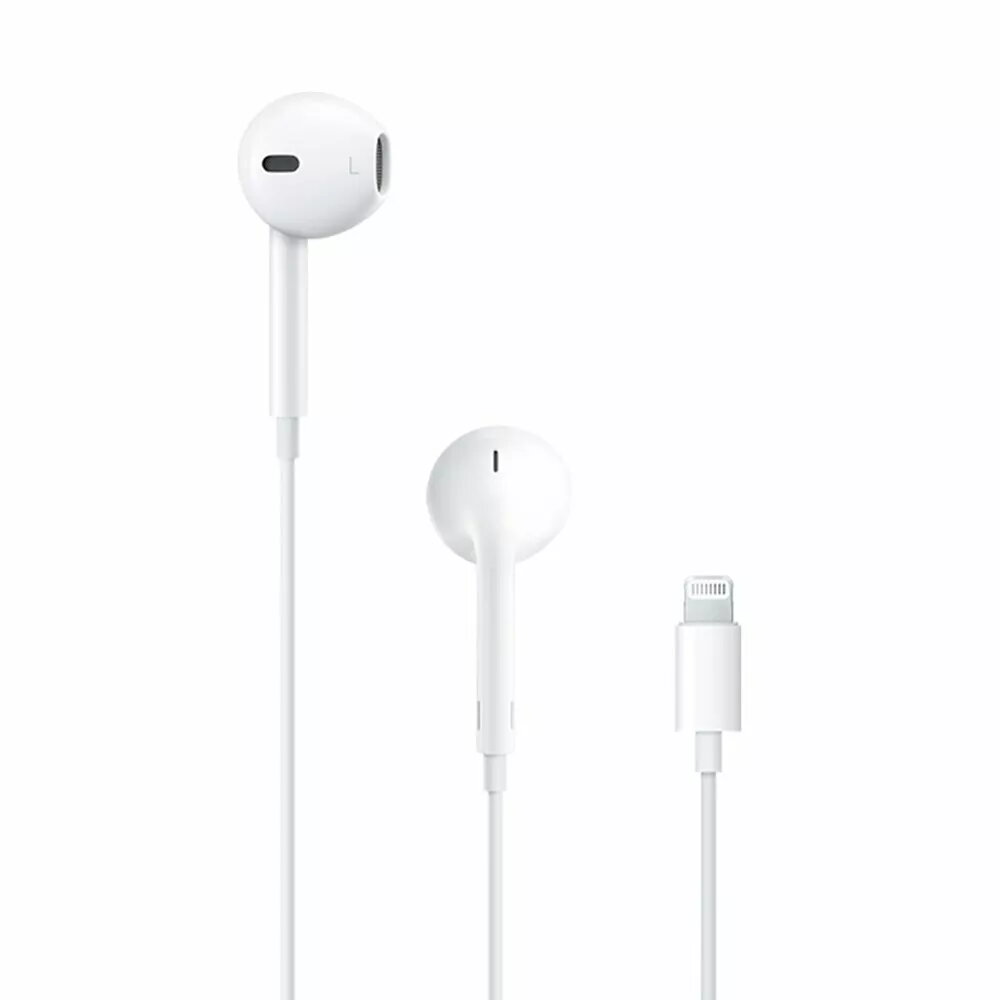
Apple EarPods MMTN2ZM/A Wired Headphones with Lightning Connector
In cart {{totalProductsCount}} item(s)
Your cart is empty
Apple EarPods MMTN2ZM/A Wired Headphones with Lightning Connector
Leave your address - as soon as the price of the product goes down, you'll know about it right away
Apple EarPods MMTN2ZM/A Wired Headphones with Lightning Connector
The Apple EarPods with Lightning connector are designed to provide a comfortable and high-quality audio experience for users of Apple devices. Unlike traditional circular earbuds, the geometry of these headphones is defined by the anatomy of the ear, making them more comfortable for more people than any other earbud-style headset. The internal speakers have been engineered to maximize sound output and minimize sound loss, resulting in high-quality audio performance.
These headphones offer a secure and stable fit that remains comfortable even during extended listening sessions. The integrated remote allows you to adjust the volume, control the playback of music and video, and answer or end calls with a simple press. The built-in microphone ensures clear voice transmission for phone calls and voice commands. Because they connect directly via the Lightning port, they provide a reliable wired connection without the need for Bluetooth pairing or battery charging.
These headphones are not suitable for devices that lack a Lightning connector, such as older Apple devices with a 3.5mm jack or non-Apple hardware, unless a specific adapter is used. They may also not be the best choice for intense physical exercise where a sweat-proof or wireless design is preferred.
To use the Apple EarPods, simply plug the Lightning connector into the charging port of your compatible Apple device. Once connected, the headphones are ready for immediate use. You can use the buttons on the inline remote to adjust volume, play or pause media, and manage incoming calls. The microphone is positioned on the cable to capture your voice clearly during conversations.
For the best audio quality and microphone performance, ensure the Lightning connector is fully inserted into your device and the microphone is not obstructed by clothing or accessories.
{{highlightedFeature.featureTitle}}:
{{getProductFeatureValueById(product, highlightedFeature.featureId)}}
