
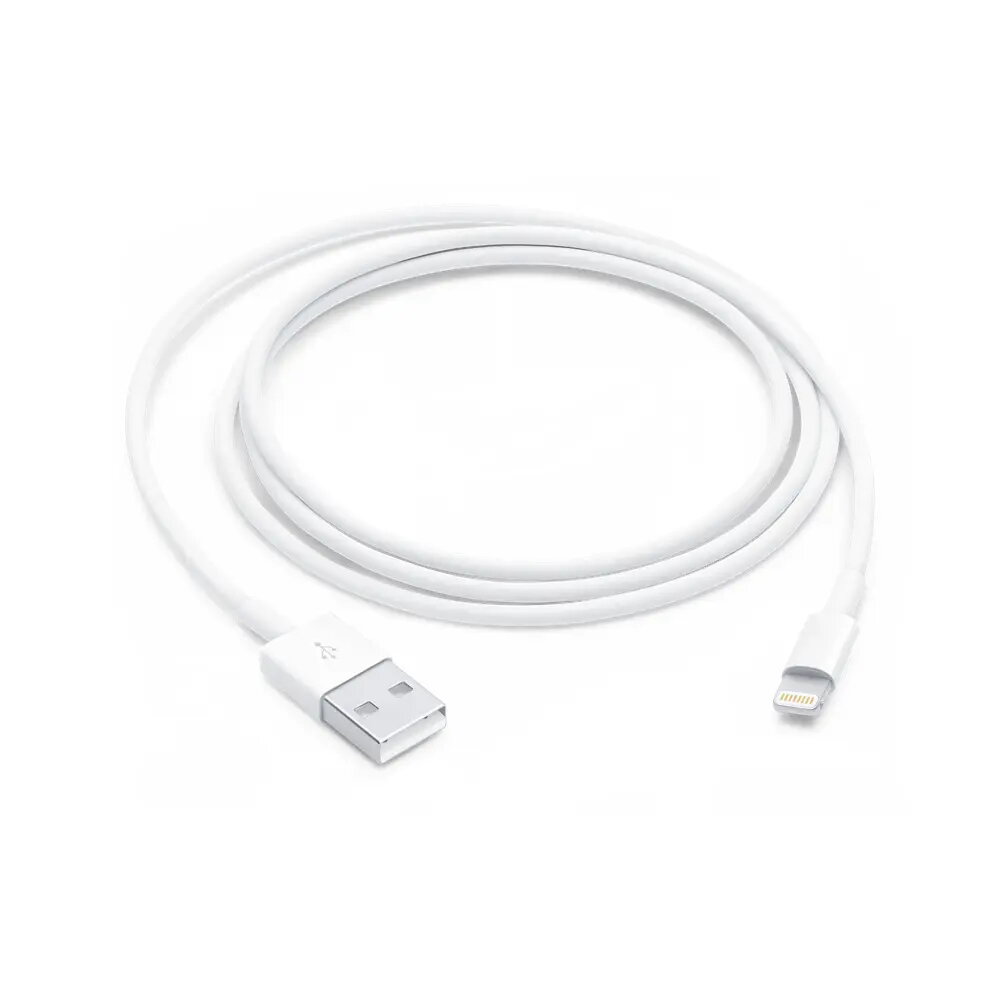
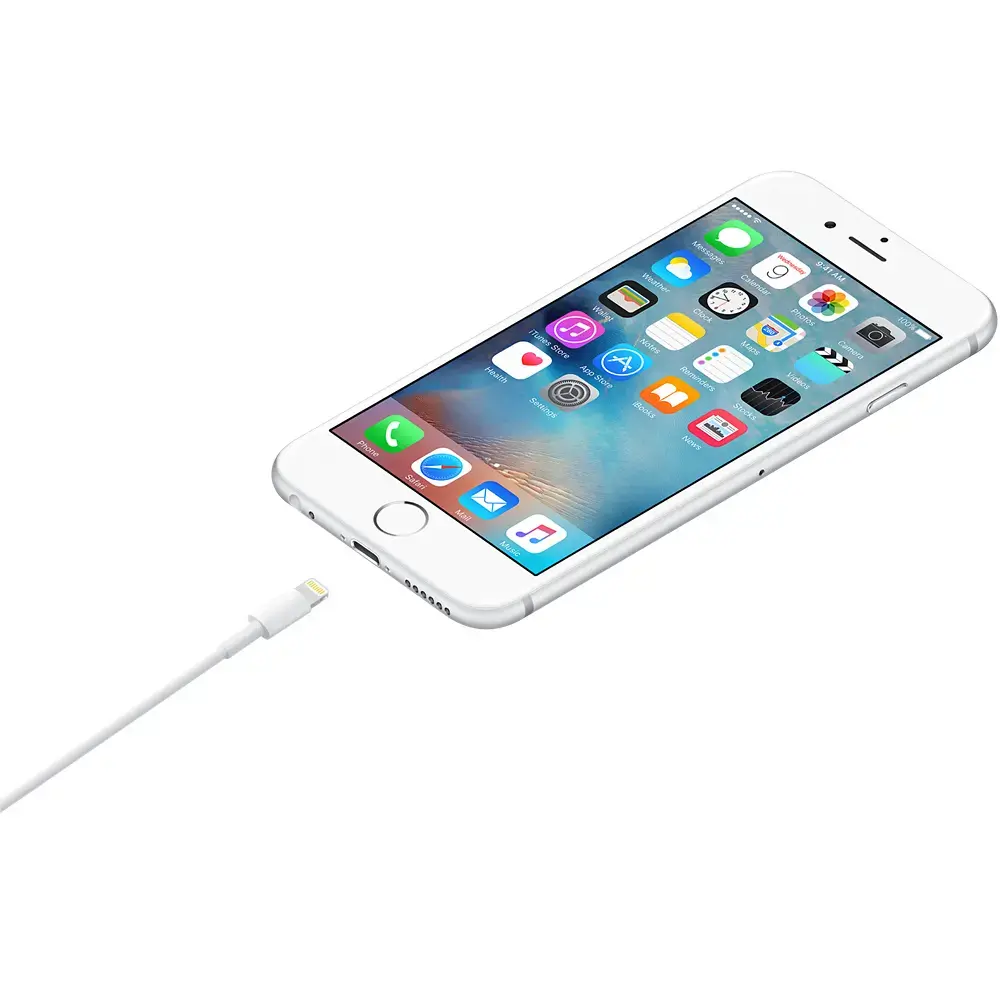
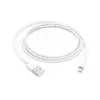
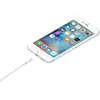
The Apple Lightning to USB-A cable is a high-quality, reliable accessory designed to connect your iPhone, iPad, or iPod to a variety of devices. Measuring 1 meter in length, this cable offers the perfect balance between reach and portability, making it an essential tool for your daily charging and data synchronization needs. With its durable construction and authentic Apple design, it ensures a secure connection and consistent performance every time you plug it in.
Advantages
This original Apple cable provides seamless compatibility with a wide range of Apple devices, ensuring that your hardware is recognized immediately for fast and stable data transfers. The robust design of the Lightning and USB-A connectors minimizes wear and tear, providing long-term reliability compared to third-party alternatives. Its 1-meter length is ideal for desktop setups, bedside charging, or use in vehicles, offering enough flexibility without creating unnecessary cable clutter.
Suitable for
- Charging iPhone, iPad, and iPod models with a Lightning port
- Syncing data between your Apple device and a computer
- Connecting to wall power adapters for home or office charging
- Using with car chargers equipped with a USB-A port
When it may not be suitable
This cable is not compatible with newer Apple devices that require a USB-C connection, such as the iPhone 15 series or newer iPad Pro models. Additionally, if you require a longer reach for your workspace, the 1-meter length may be insufficient, and you might need a longer cable or an extension.
Key specifications
- Cable length: 1 meter
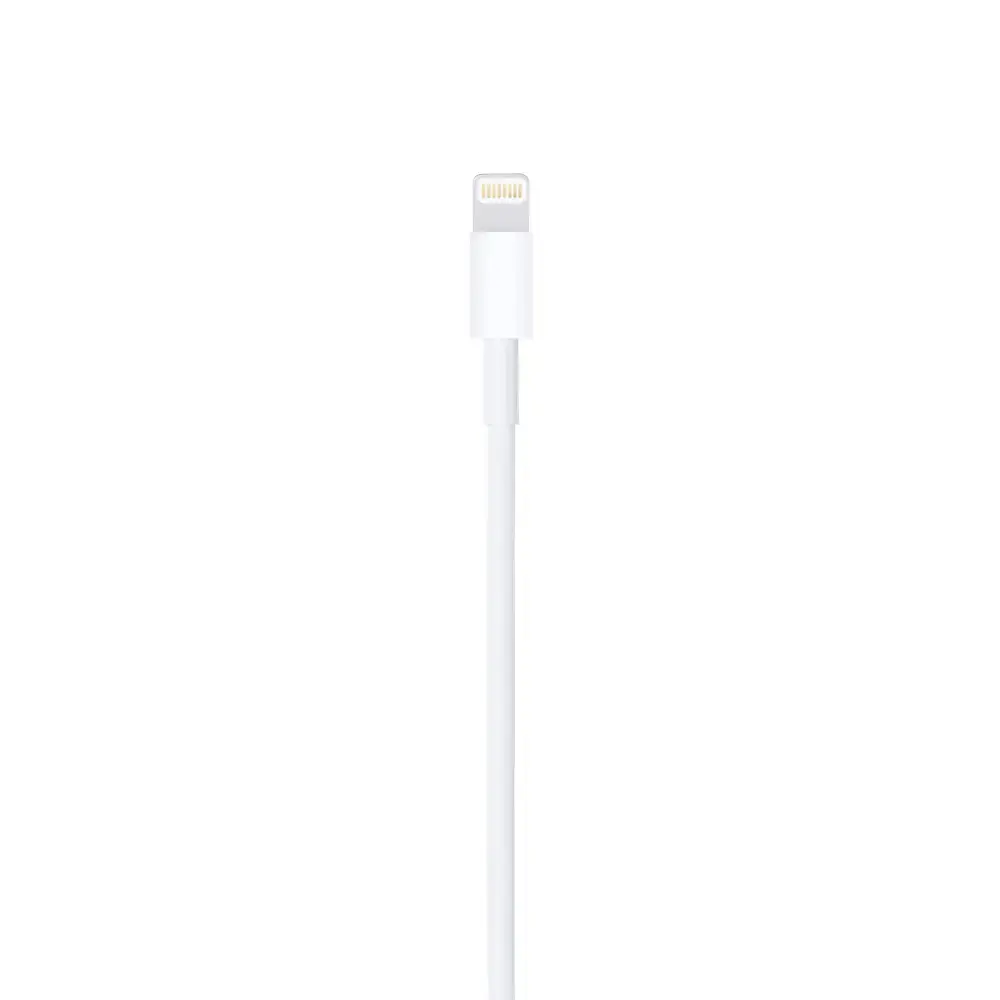
- Connector 1: Lightning (Male)
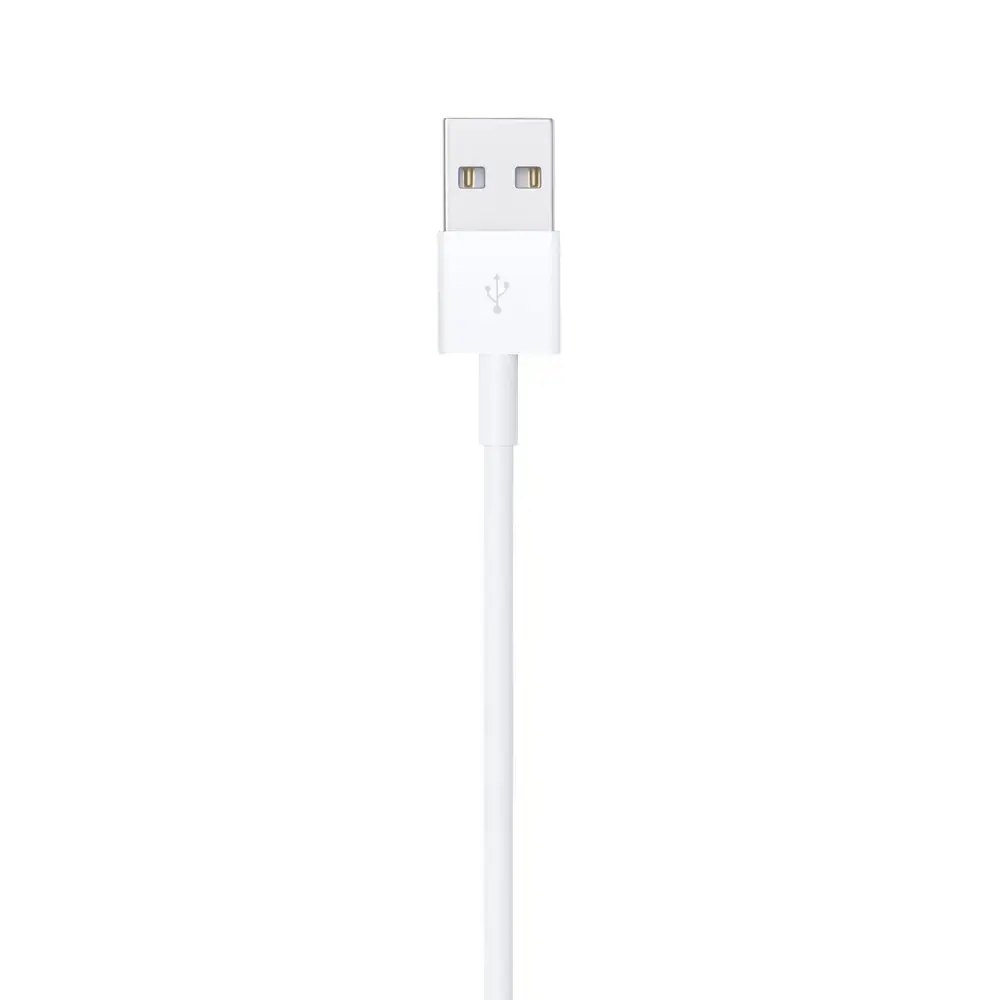
- Connector 2: USB-A (Male)
- Color: White
- Weight: 40 grams
How to use
To use the cable, simply insert the Lightning connector into the charging port of your iPhone, iPad, or iPod. Connect the USB-A end into a powered USB port on your computer, a wall power adapter, or a car charger. Once connected, your device will begin charging automatically, and if connected to a computer, it will be ready for data synchronization through your device management software.
What to consider before purchase
- Verify that your device features a Lightning port rather than a USB-C port
- Ensure your power adapter or computer has a standard USB-A port
- Consider if the 1-meter length meets your specific spatial requirements
Usage recommendations: To maintain the longevity of your cable, avoid bending the connectors at sharp angles and always pull by the connector head rather than the cable itself when unplugging your device.