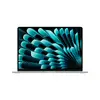
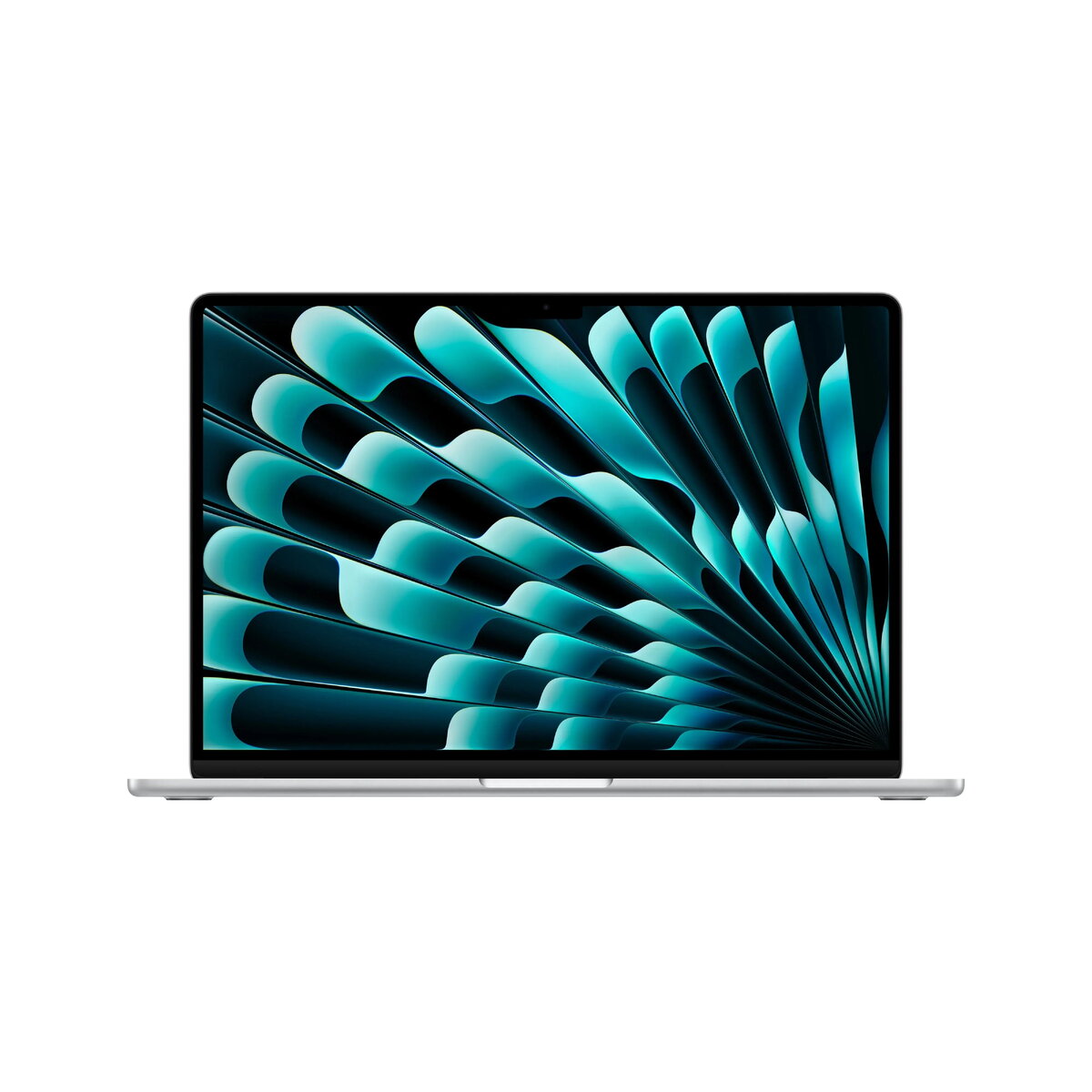
The Apple MacBook Air 15.3-inch Laptop in silver is engineered to deliver high performance for professional workflows, creative tasks, and everyday productivity. Powered by the advanced M5 processor featuring a 10-core CPU, 10-core GPU, and 16-core Neural Engine, this laptop combines processing efficiency with advanced graphics capabilities. The system includes 16GB of unified memory and a spacious 1TB solid-state drive, ensuring fast data access and ample storage space for applications, media, and documents.
Housed in a slim and durable aluminum enclosure, the device features a large 15.3-inch Liquid Retina IPS display with a resolution of 2880x1864, 500 nits of brightness, and True Tone technology for accurate color reproduction. Enhanced multimedia capabilities include a six-speaker sound system with force-cancelling woofers, support for Spatial Audio and Dolby Atmos, a three-mic array, and a 12MP Center Stage webcam. Connectivity options comprise Wi-Fi 7, Bluetooth 6, Thunderbolt/USB 4 ports, a 3.5mm headphone jack, and MagSafe 3 charging.
Advantages
The Apple MacBook Air provides exceptional processing performance and energy efficiency through its integrated M5 chip architecture, making it suitable for demanding computational tasks. The 15.3-inch Liquid Retina display offers a large and sharp workspace with high brightness and wide color support, improving visibility in various lighting conditions. Users benefit from reliable wireless connectivity standards including Wi-Fi 7 and Bluetooth 6, alongside versatile peripheral connection via Thunderbolt/USB 4 ports. The fanless design ensures silent operation even under sustained workloads, while the integrated battery delivers up to 15 hours of wireless web browsing on a single charge.
Suitable for
- Professional office work and multitasking with multiple applications
- Content creation, photo editing, and graphic design workflows
- Web browsing, media streaming, and daily communication
- Remote work and virtual meetings using advanced webcam and audio systems
When it may not be suitable
This laptop may not meet the requirements of users needing heavy 3D rendering or specialized enterprise software that lacks native ARM architecture support. Additionally, the absence of an integrated Ethernet port or memory card reader requires external adapters for wired networking and direct media ingestion.
Key specifications
- Apple M5 processor with 10-core CPU and 10-core GPU
- 16GB memory and 1TB solid-state drive storage
- 15.3-inch Liquid Retina IPS display with 2880x1864 resolution and 500 nits brightness
- Wi-Fi 7 and Bluetooth 6 wireless communication
- Two Thunderbolt/USB 4 ports, 3.5mm headphone jack, and MagSafe 3 port
- Built-in 66.5Wh lithium-polymer battery providing up to 15 hours of web browsing
- Six-speaker sound system with Dolby Atmos and three-microphone array
- 12MP Center Stage webcam and Touch ID fingerprint reader
How to use
To begin using the MacBook Air, connect the device to a compatible power source using the included USB-C to MagSafe 3 cable and a suitable power adapter. Open the lid to power on the system and follow the onscreen setup assistant to configure your language, network connection, and user account. Navigate the interface using the spacious Force Touch trackpad and type comfortably on the backlit keyboard. Manage your files and applications through the macOS operating system, and utilize the Thunderbolt ports to connect external displays or high-speed storage devices.
What to consider before purchase
- Check compatibility of your required professional applications with the macOS platform and Apple M-series processors.Ensure you have or acquire a compatible power adapter, as a charger is sold separately.Evaluate whether the available port selection meets your peripheral connectivity needs without requiring additional hubs or adapters.
Usage recommendations
Charge the battery regularly using certified power adapters and cables to maintain optimal battery health. Clean the Liquid Retina display and aluminum enclosure using a soft, lint-free cloth, avoiding abrasive cleaners or moisture near port openings. Ensure adequate ventilation around the device during intensive tasks, even though the laptop operates without a cooling fan.