Dreame vacuums for fast and efficient cleaning!
In cart {{totalProductsCount}} item(s)
Your cart is empty
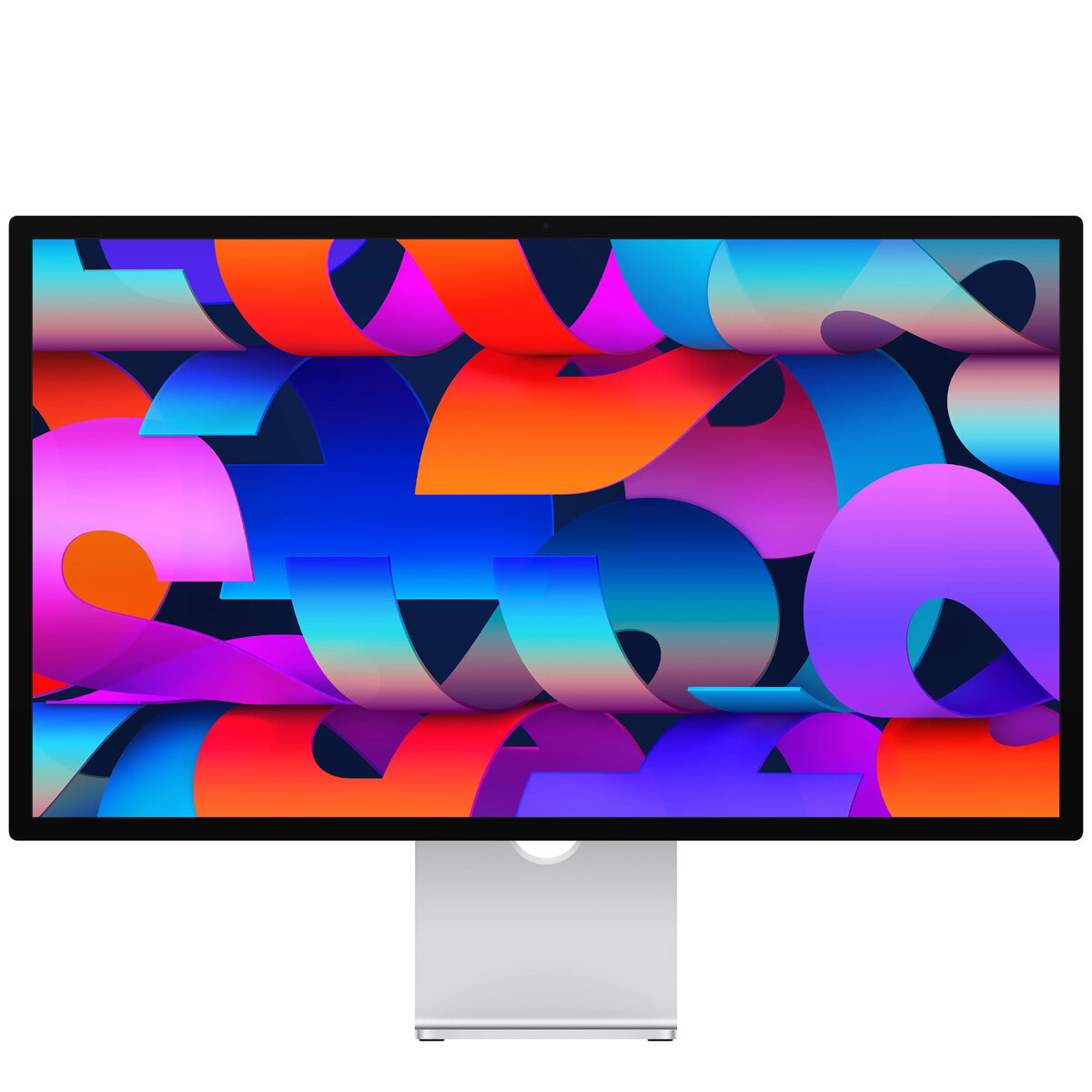
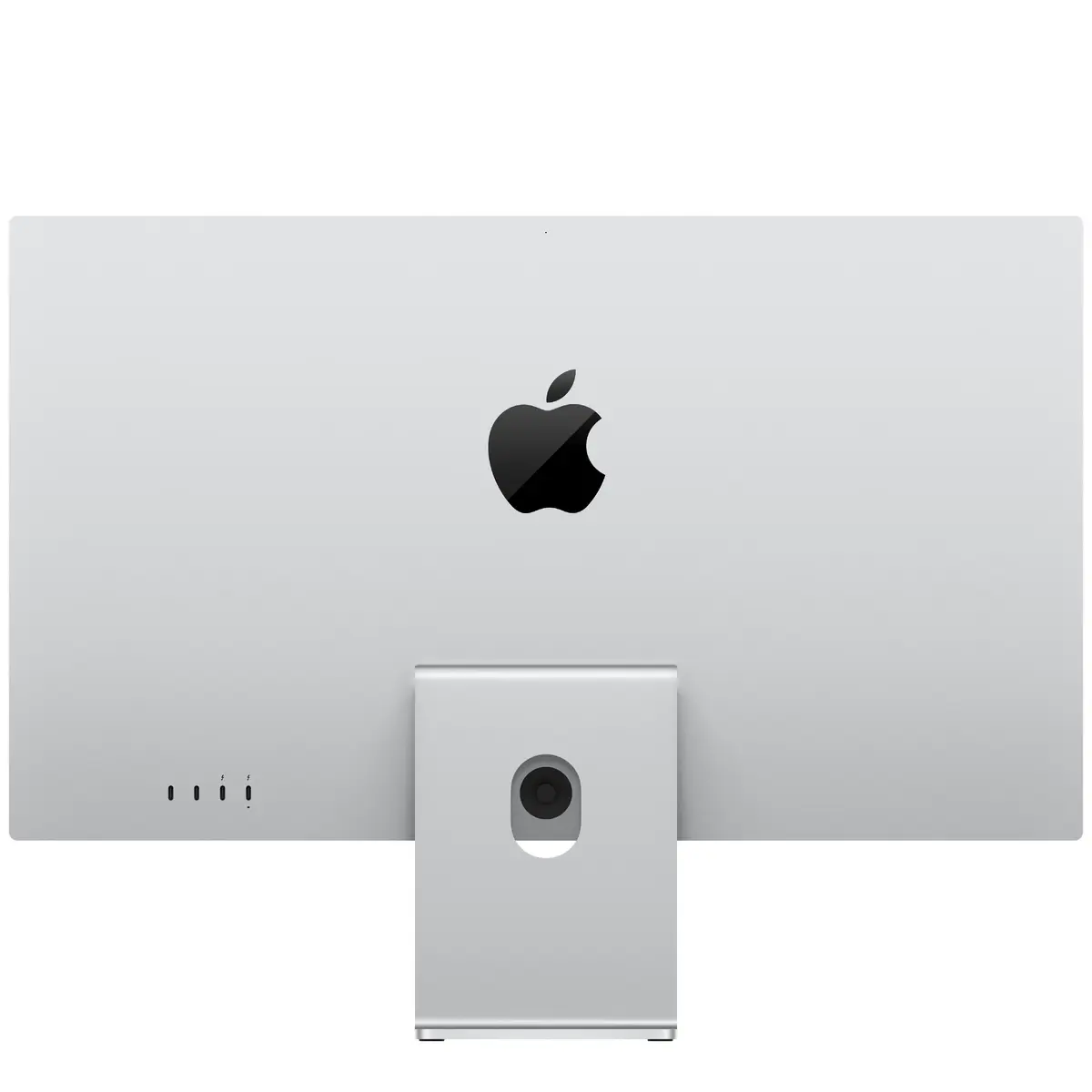
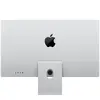
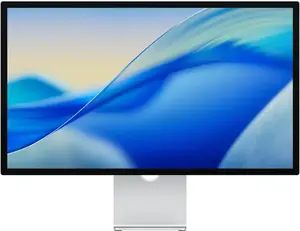
Monitor Apple Studio Display 27" 5K Ultra HD LED, Tilt-adjustable stand, Built-in speakers, USB hub, Silver
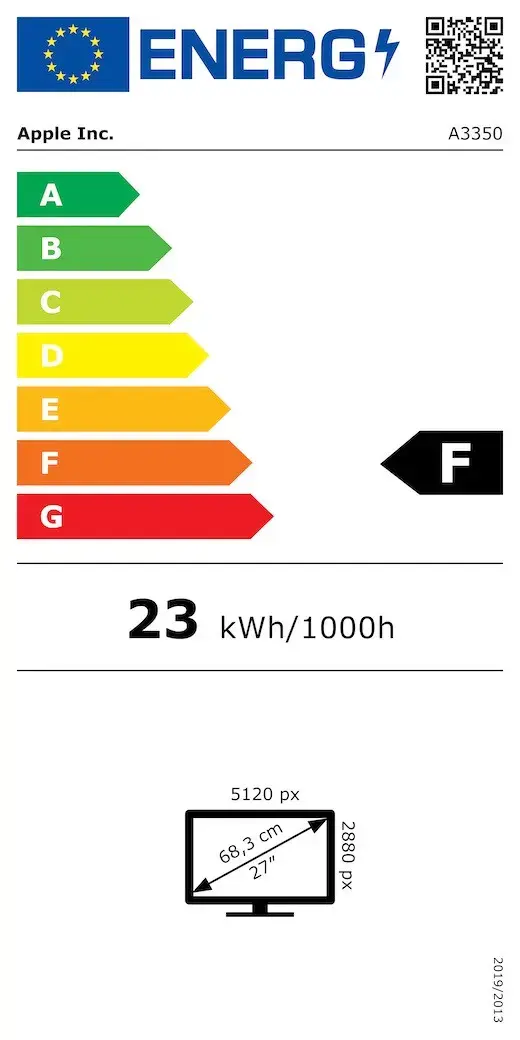
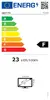
The Apple Studio Display 27" 5K Ultra HD LED is a 27-inch flat-panel monitor with a 5120 x 2880 (5K) resolution and a silver finish. Its 16:9 aspect ratio and LED display technology provide detailed imagery for photo and video editing, graphic design, and general productivity. The display integrates built-in speakers and an integrated USB hub with two USB‑C downstream ports. The tilt-adjustable stand lets you set a comfortable viewing angle. Energy class for SDR operation is F with an energy consumption of 23 kWh per 1000 hours.
The high 5K Ultra HD resolution delivers fine detail and sharp text for close work, while the LED panel maintains consistent brightness and color across the 27" screen. The built-in speakers and USB hub reduce the need for additional peripherals, and the tilt-adjustable stand supports ergonomic positioning. Silver styling provides a neutral appearance suitable for professional workspaces. Energy consumption data lets buyers compare power use against other displays.
Place the monitor on a stable desk surface and adjust the tilt to a comfortable viewing angle. Connect a host computer via the compatible video/host interface supported by the monitor (use the appropriate cable or adapter for your computer). Plug USB peripherals into the two USB‑C downstream ports to expand connectivity. Use the system or connected device settings to configure display resolution, color profile, and audio output as needed. Follow the manufacturer's safety and setup instructions included with the product for correct electrical and mechanical installation.
For accurate color-critical work, calibrate the display using a hardware colorimeter and select the appropriate color profile in your operating system or editing software. Keep firmware and host drivers up to date to ensure full compatibility with connected devices and to maintain audio and USB hub performance.
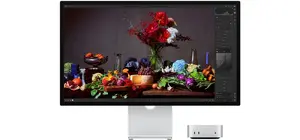
Experience a large, all‑screen 27" 5K Ultra HD display that brings content to life with vibrant color and exceptional detail. The slim, near‑edge‑to‑edge design makes the Studio Display a beautiful window into your work — ideal for photo and video editing, design, and everyday productivity on Mac. An ambient light sensor adjusts color temperature automatically for natural viewing in any environment.

Work comfortably in bright rooms: the standard industry‑leading anti‑reflective coating reduces glare for clearer text and images. For very bright environments, an optional nano‑texture glass scatters light to minimize reflections while maintaining outstanding image quality.
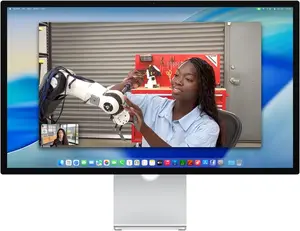
Built‑in 12MP Center Stage keeps you perfectly framed during video calls and improves low‑light performance. Unique Desk View provides a top‑down view of your workspace, while Edge Light creates a virtual ring light to illuminate your face for professional‑looking video in your favorite calling apps.

A three‑mic array with directional beamforming captures your voice clearly and reduces background noise, ensuring others hear you — not the room around you — during calls and recordings.

An updated six‑speaker setup with four force‑cancelling woofers delivers 30% deeper bass and two high‑performance tweeters for accurate mids and crisp highs. When playing Dolby Atmos content, Spatial Audio creates an immersive, cinematic soundstage for music and movies.

Studio Display includes two Thunderbolt 5 ports — one for connecting and charging your Mac laptop and a second for high‑speed accessories or daisy‑chaining displays — plus two USB‑C downstream ports to connect external drives or charge your iPhone, giving you a flexible, desktop‑friendly hub.

Designed to pair perfectly with Mac laptops and desktops, Studio Display delivers excellent image quality and a plug‑and‑play experience for creative workflows and everyday use.

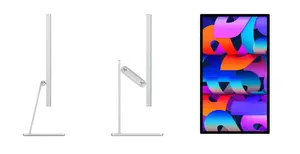
Choose the setup that fits your workspace: the standard tilt‑adjustable stand offers 30° of smooth tilt, an optional tilt‑and‑height‑adjustable stand adds 105 mm of height adjustment with a counterbalancing arm, and a VESA mount adapter supports landscape and portrait orientations with compatibility for 100×100 mm mounts.

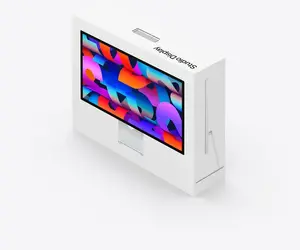
Studio Display is built with sustainability in mind: the stand uses 100% recycled aluminum, the standard glass contains 80% recycled glass, and the redesigned 100% fiber‑based box is collapsible for easier household recycling — reflecting thoughtful material choices.
{{highlightedFeature.featureTitle}}:
{{getProductFeatureValueById(product, highlightedFeature.featureId)}}
{{ productComparisonGenerationError }}
Device manufacturer code
Device manufacturer
The amount of electricity that is consumed when the product is on standby.
Energy efficiency class is a standard classification that is used all over Europe and which is understandable at first sight. Products can be efficiently compared according to classes, starting from A (the most energy efficient class), and ending with G (the most energy-intensive class). The classification of energy efficiency is based on annual energy consumption which is being calculated on the basis of several different parameters.
Popular technology that allows an electronic device to exchange data or connect to the internet wirelessly using radio waves.
An Ethernet LAN (Local Area Network) interface is present, for a wired conection via a cable.
Number of DisplayPorts. A DisplayPort is a digital display interface developed by the Video Electronics Standards Association (VESA). The interface is primarily used to connect a video source to a display device such as a computer monitor, though it can also be used to carry audio, USB, and other forms of data.
The socket for connecting headphones to the device.
HDMI (High-Definition Multimedia Interface) is a compact audio/video interface for transferring uncompressed video data and compressed/uncompressed digital audio data from a HDMI-compliant device ("the source device") to a compatible computer monitor, video projector, digital television, or digital audio device. HDMI is a digital replacement for existing analog video standards.
The number of sockets (ports) for HDMI connections. HDMI (High-Definition Multimedia Interface) is a compact audio/video interface for transferring uncompressed video data and compressed/uncompressed digital audio data from a HDMI-compliant device ("the source device") to a compatible computer monitor, video projector, digital television, or digital audio device. HDMI is a digital replacement for existing analog video standards.
Whether or not the device features a USB hub to connect more than one other device via USB.
Under which category can the device be positioned in the market, e.g. camera phone.
The product includes AMD Freesync Technology for the dynamic synchronization of the graphic card and the monitor in order to avoid screen tearing.
The device contains speaker(s) to produce sound.
A screen of a laptop, smartphone, etc., that responds to touch so you can control the interface using your fingers.
Type of supported High Definition (e.g. Full HD, 4K Ultra HD).
The technology used in the display e.g. plasma, LED.
Size of the display for this product, measured diagonally, usually in inches.
The number of distinct pixels in each dimension that can be displayed. It is usually quoted as width × height, with the units in pixels: for example, "1024 × 768" means the width is 1024 pixels and the height is 768 pixels. The higher the number of pixels, the sharper the image.
The colour e.g. red, blue, green, black, white.