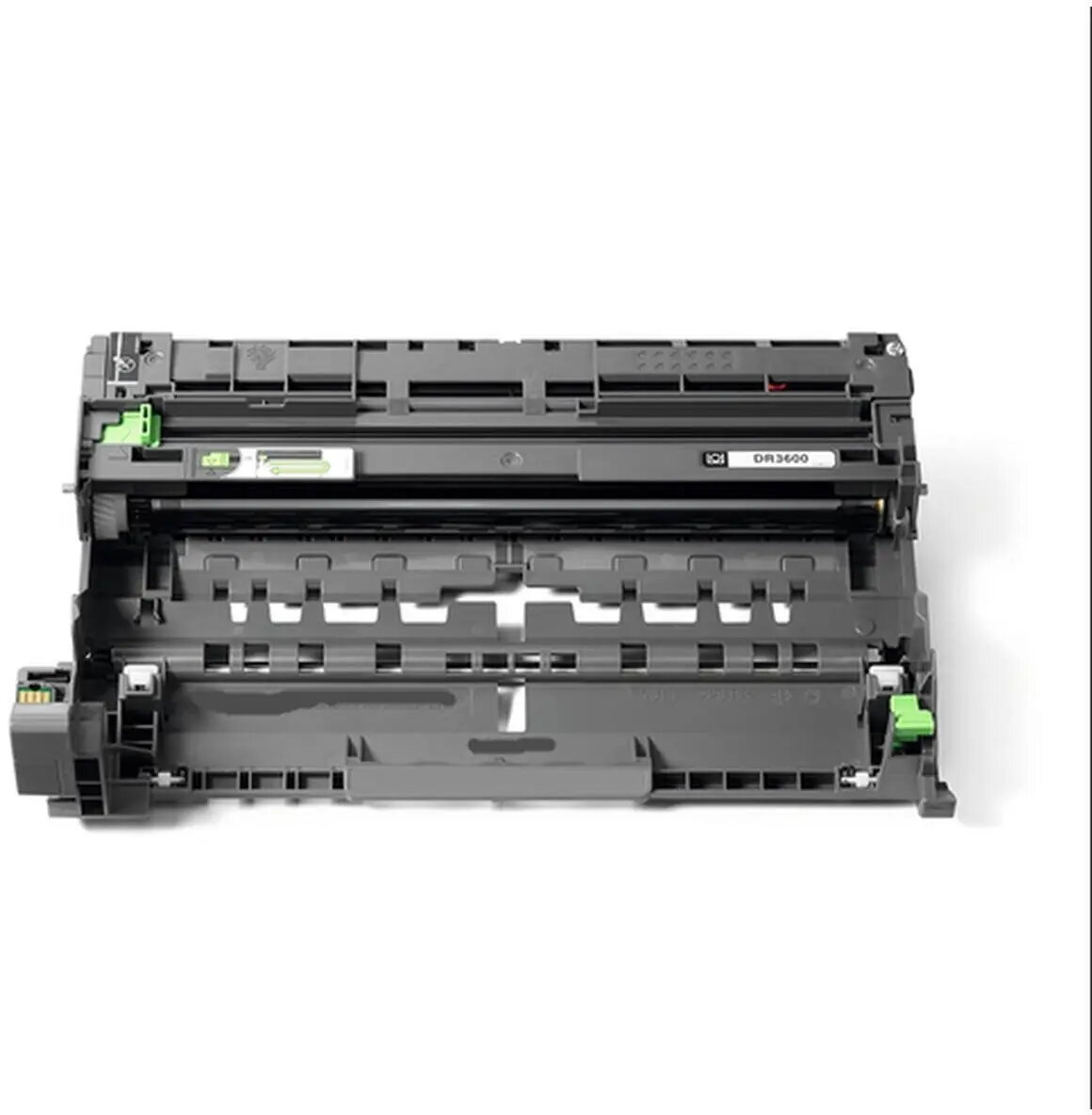
The ARMOR B.3600D-GI-N drum unit is a precision-engineered imaging component specifically designed to serve as a reliable replacement for the Brother DR3600 drum unit. This unit plays a critical role in the laser printing process by transferring toner onto the paper with high accuracy. By maintaining consistent electrical charges, it ensures that every document produced features sharp text, clear lines, and professional-grade graphics. It is built to meet the rigorous demands of busy office environments where document quality and printer reliability are essential for daily operations.
Advantages
This drum unit offers a dependable alternative to original equipment manufacturer supplies without compromising on print quality. Its robust construction ensures a long operational lifespan, reducing the frequency of maintenance interventions and helping to maintain consistent output standards. The installation process is straightforward, allowing users to replace the component quickly and resume printing tasks with minimal downtime. Furthermore, it provides a cost-effective solution for businesses looking to manage their printing expenses while ensuring that their laser printers continue to perform at an optimal level.
Suitable for
- High-volume office document printing
- Professional reports and business correspondence
- Educational materials and internal documentation
- General administrative printing tasks
This drum unit may not be suitable for users who require specialized color calibration or those using printers outside of the compatible Brother DR3600 series. It is also not intended for use in inkjet printers or devices that do not utilize laser printing technology.
Key specifications
- Compatible with Brother DR3600 laser printers
- High-precision imaging drum technology
- Designed for consistent toner transfer
- Supports sharp text and clear graphic reproduction
To install the drum unit, first ensure the printer is powered off and the front cover is open. Carefully remove the old drum unit assembly from the printer. Unpack the new ARMOR drum unit, remove any protective packaging or shipping clips, and insert it firmly into the printer housing. Once seated correctly, close the printer cover and follow any on-screen prompts on the printer display to reset the drum counter if necessary. Always handle the drum surface with care to avoid fingerprints or scratches.
What to consider before purchase
- Verify your printer model is compatible with the DR3600 drum series
- Ensure the toner cartridge is in good condition before installing a new drum
- Check if your printer requires a manual reset of the drum life counter
For the best results, it is recommended to keep the drum unit away from direct sunlight and high humidity. If print quality begins to decline, check the drum surface for dust or debris and clean it according to the printer manufacturer's maintenance guidelines.