
Powerful EcoFlow stations for energy anywhere!
In cart {{totalProductsCount}} item(s)
Your cart is empty
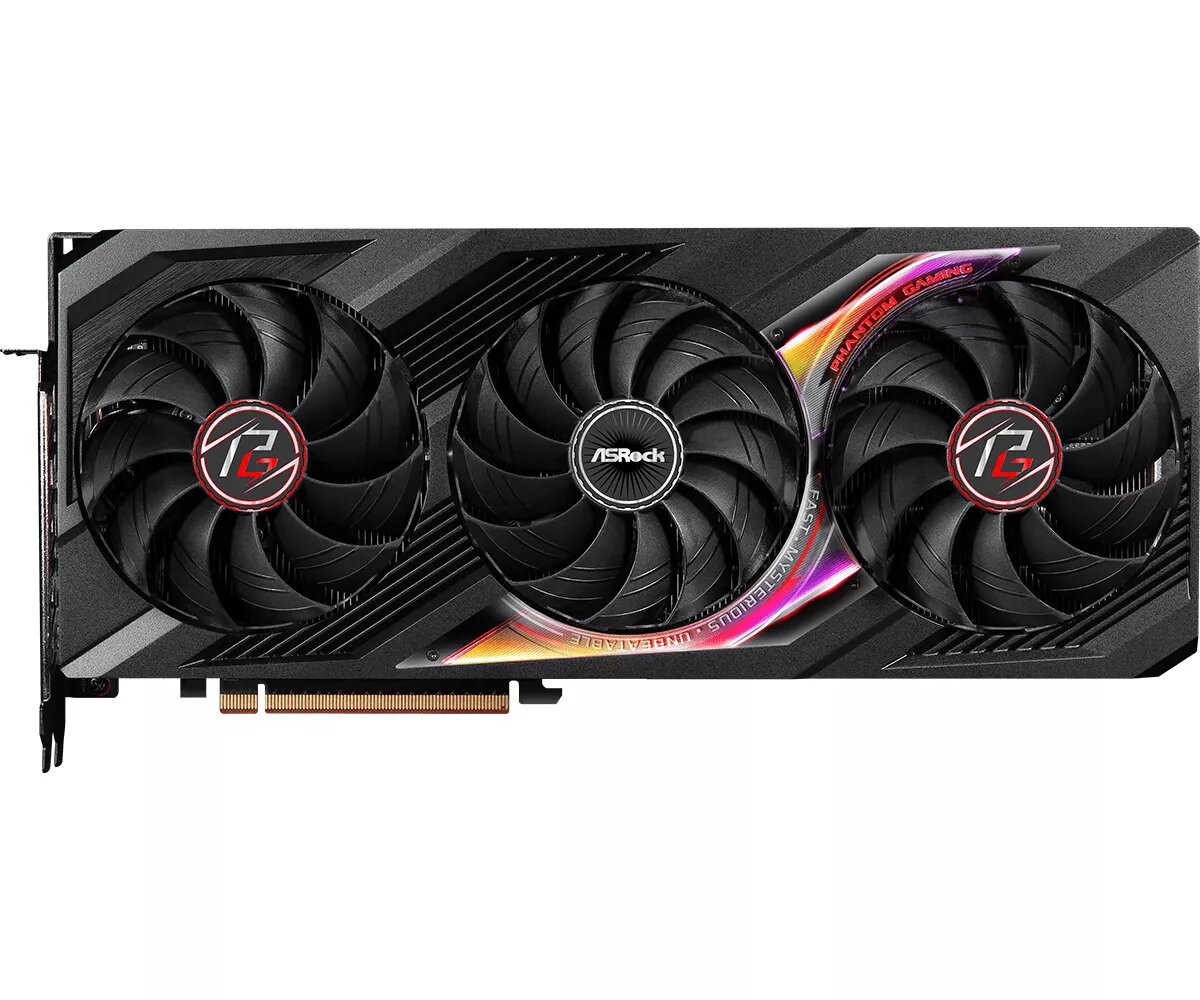
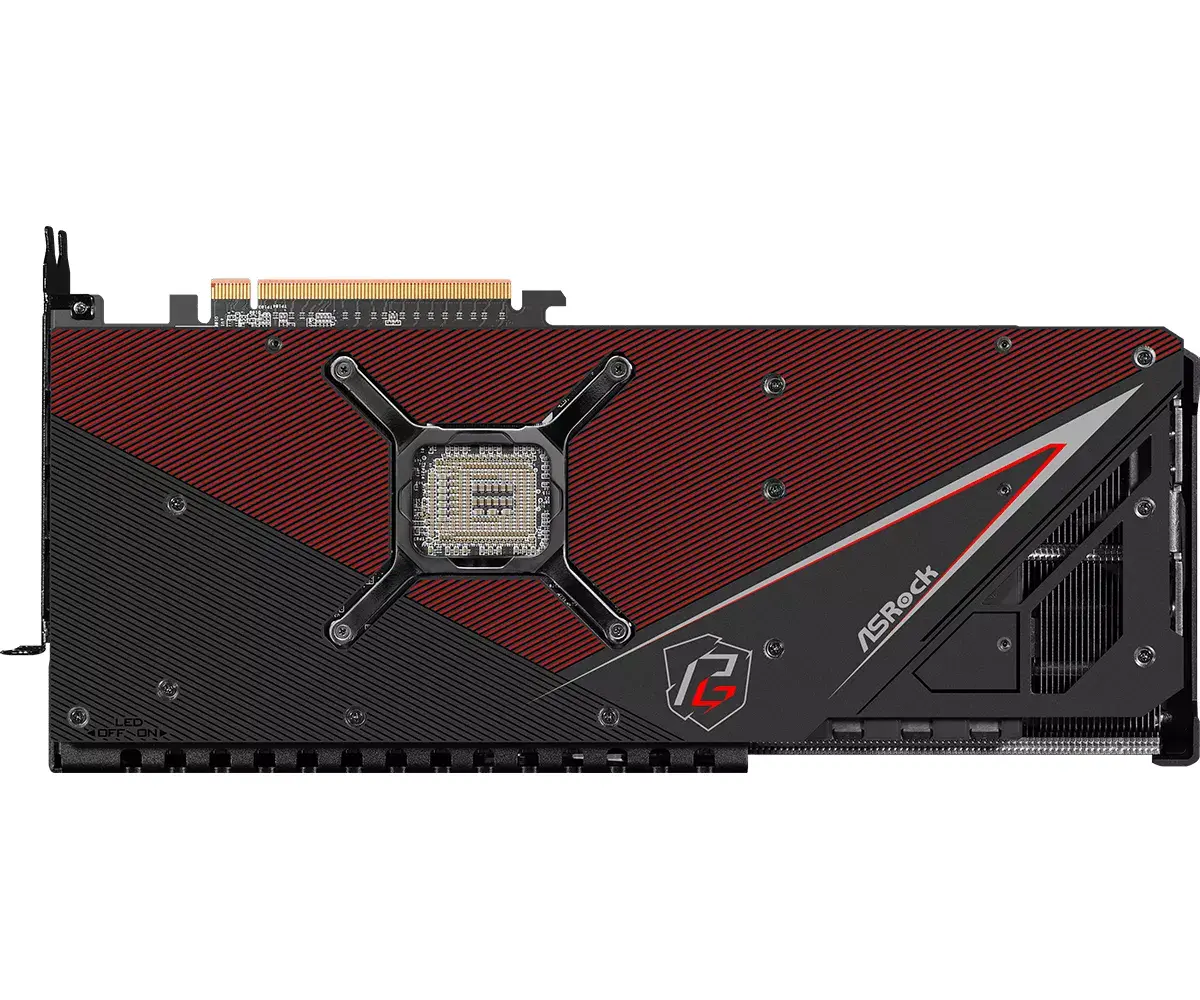
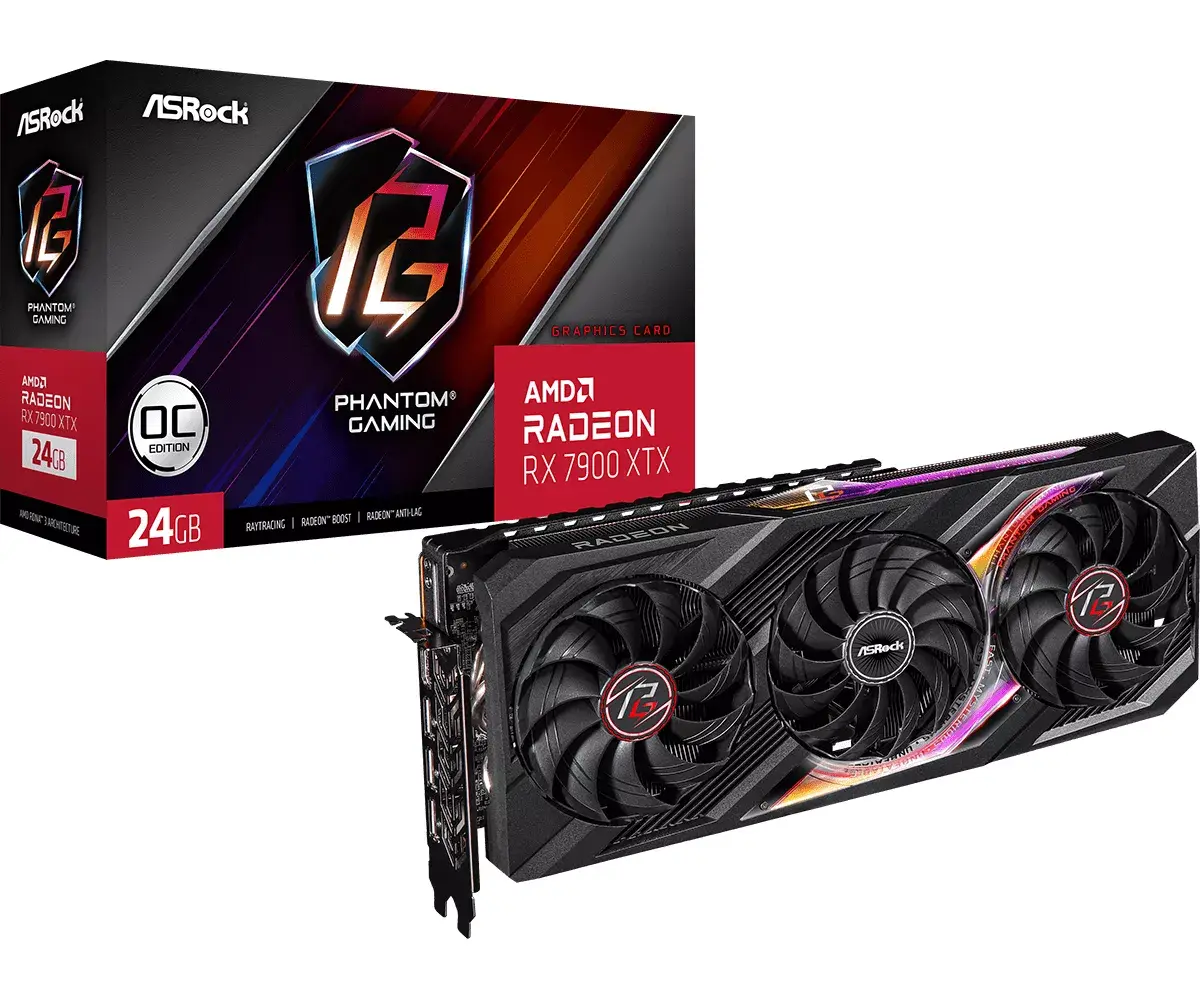
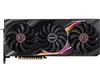
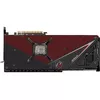
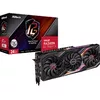
ASRock Graphics Card Radeon RX 7900 XTX 24 GB GDDR6 PCIe x16 4.0, 384-bit, 3xDP 2.1 + HDMI 2.1, 3 fans
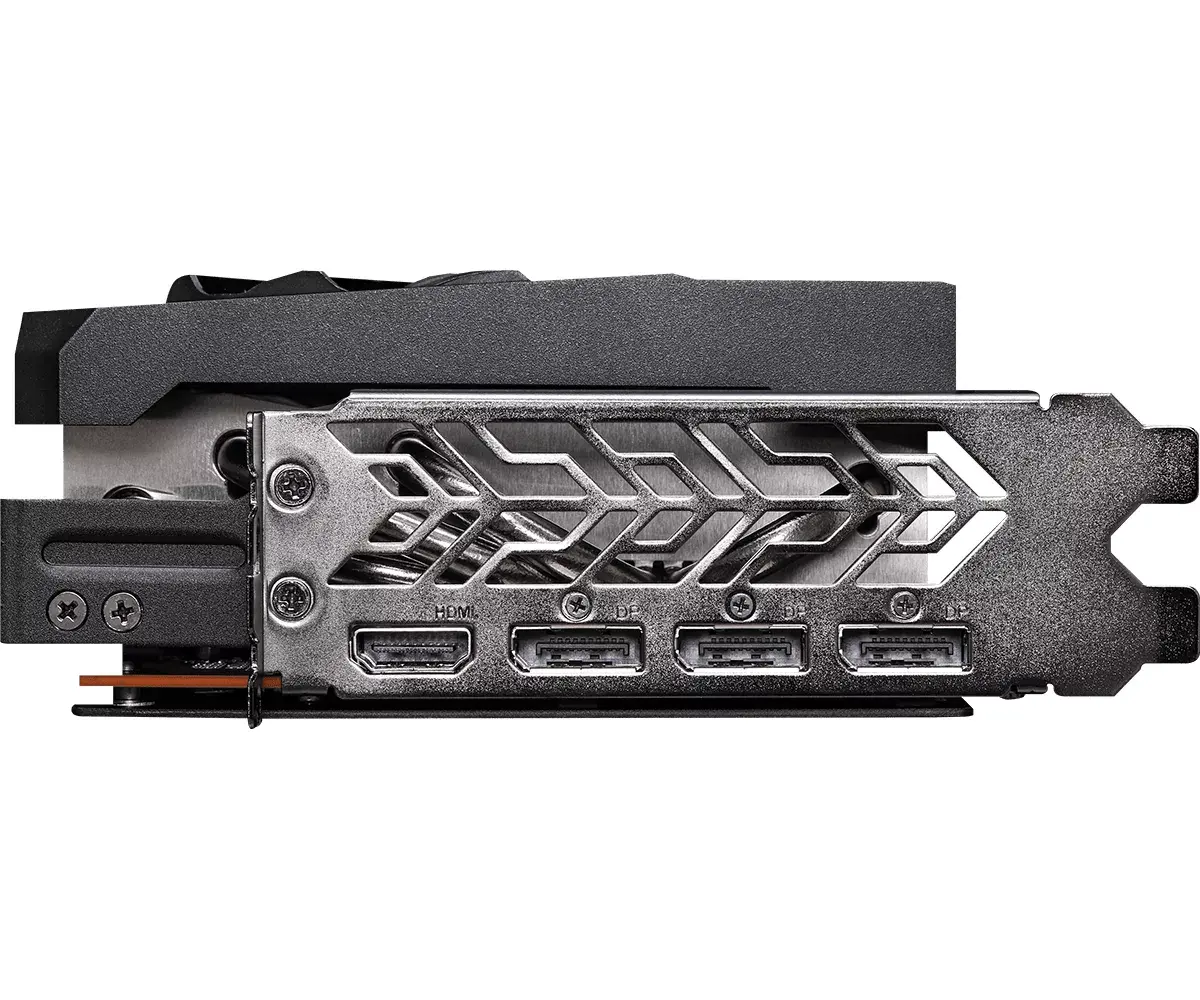
The ASRock Graphics Card Radeon RX 7900 XTX 24 GB GDDR6 PCIe x16 4.0 is a high-performance discrete GPU solution built on the Radeon RX 7900 XTX architecture. It features 24 GB of GDDR6 memory on a 384-bit bus, support for PCI Express x16 4.0, and modern graphics APIs including DirectX 12 and OpenGL 4.6. The card offers a triple-fan cooling design, three DisplayPort 2.1 outputs and one HDMI 2.1 output, and is targeted at high-resolution gaming, content creation and GPU-accelerated workloads with a maximum supported resolution of 7680×4320.
The combination of a 24 GB GDDR6 frame buffer and a 384‑bit memory bus delivers large memory capacity and wide bandwidth for texture-heavy workloads and large datasets. The Radeon RX 7900 XTX GPU with thousands of stream processors and boost clock capability provides strong rasterization and compute performance for modern titles and professional tasks. A three-fan cooling system helps maintain operating temperatures under load, while multiple DisplayPort 2.1 and HDMI 2.1 outputs support high refresh rates and high resolutions on multiple monitors. PCIe x16 4.0 compatibility ensures the card can use available platform bandwidth on recent motherboards.
This graphics card requires a substantial power supply and system compatibility: the manufacturer recommends a minimum system power supply of 1000 W and three 8‑pin auxiliary power connectors, which may exceed the capacity of many compact or older systems. Its physical dimensions and multi-slot design (2.8 slots) mean it may not fit in small form-factor or low-clearance cases.
Install the card into a PCI Express x16 4.0 slot on a compatible motherboard, ensuring the system is powered off and the PSU disconnected. Secure the card in the case and connect the three 8‑pin power connectors from a sufficiently rated power supply. After booting the system, install the latest AMD drivers from the vendor or ASRock support page to enable full feature and performance support, including DisplayPort 2.1 and HDMI 2.1 capabilities. Configure display settings and resolution in the operating system or graphics driver control panel to match monitor capabilities.
For stable operation and longevity, maintain adequate case airflow around the triple-fan cooler, use quality PCIe power cables from the PSU, and keep GPU drivers up to date. When planning multi-monitor or high-refresh-rate setups, match cable and monitor specifications to the card's DisplayPort 2.1 / HDMI 2.1 outputs.
{{highlightedFeature.featureTitle}}:
{{getProductFeatureValueById(product, highlightedFeature.featureId)}}
{{ productComparisonGenerationError }}
