
Save time and money with our discounts!
In cart {{totalProductsCount}} item(s)
Your cart is empty
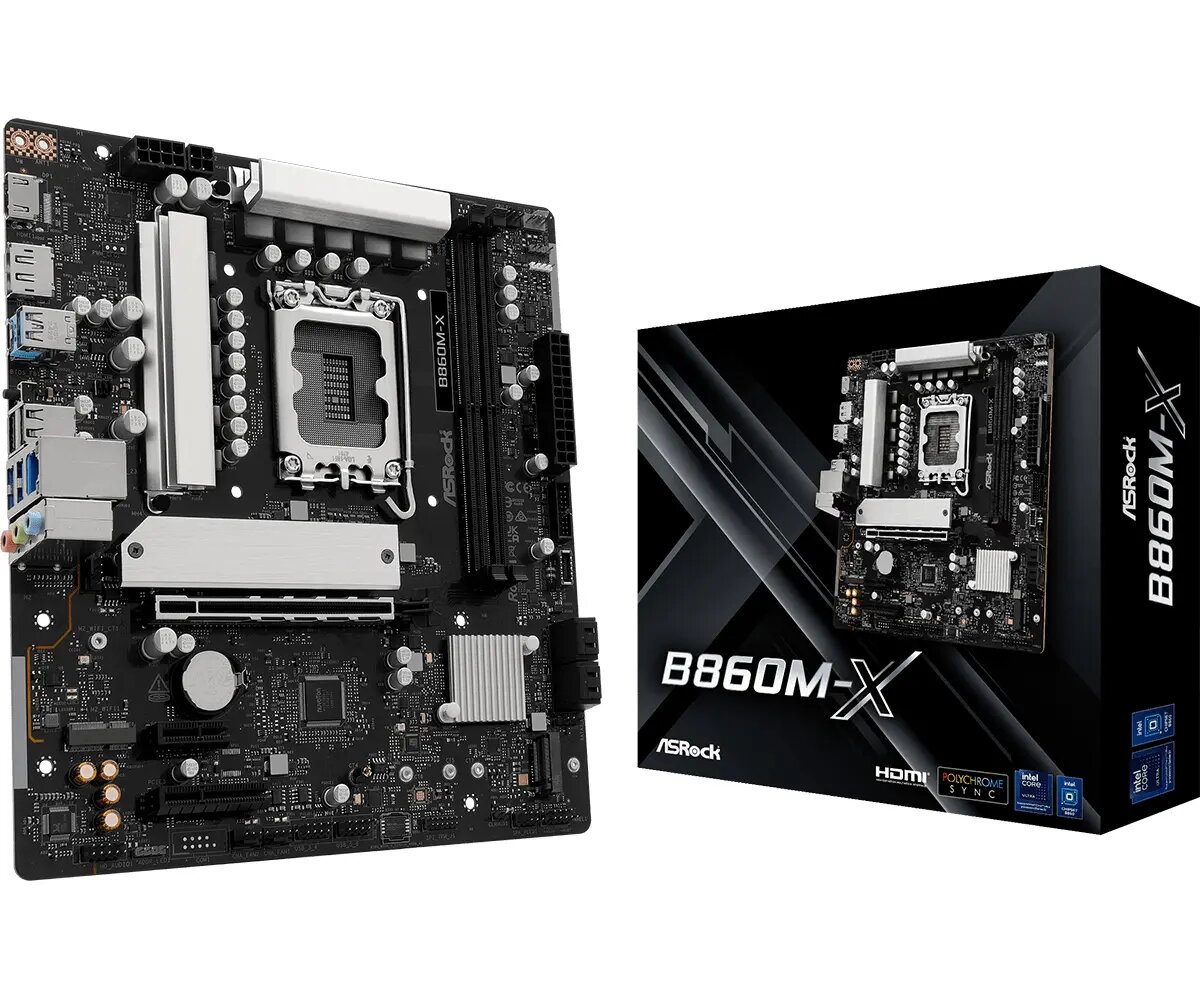
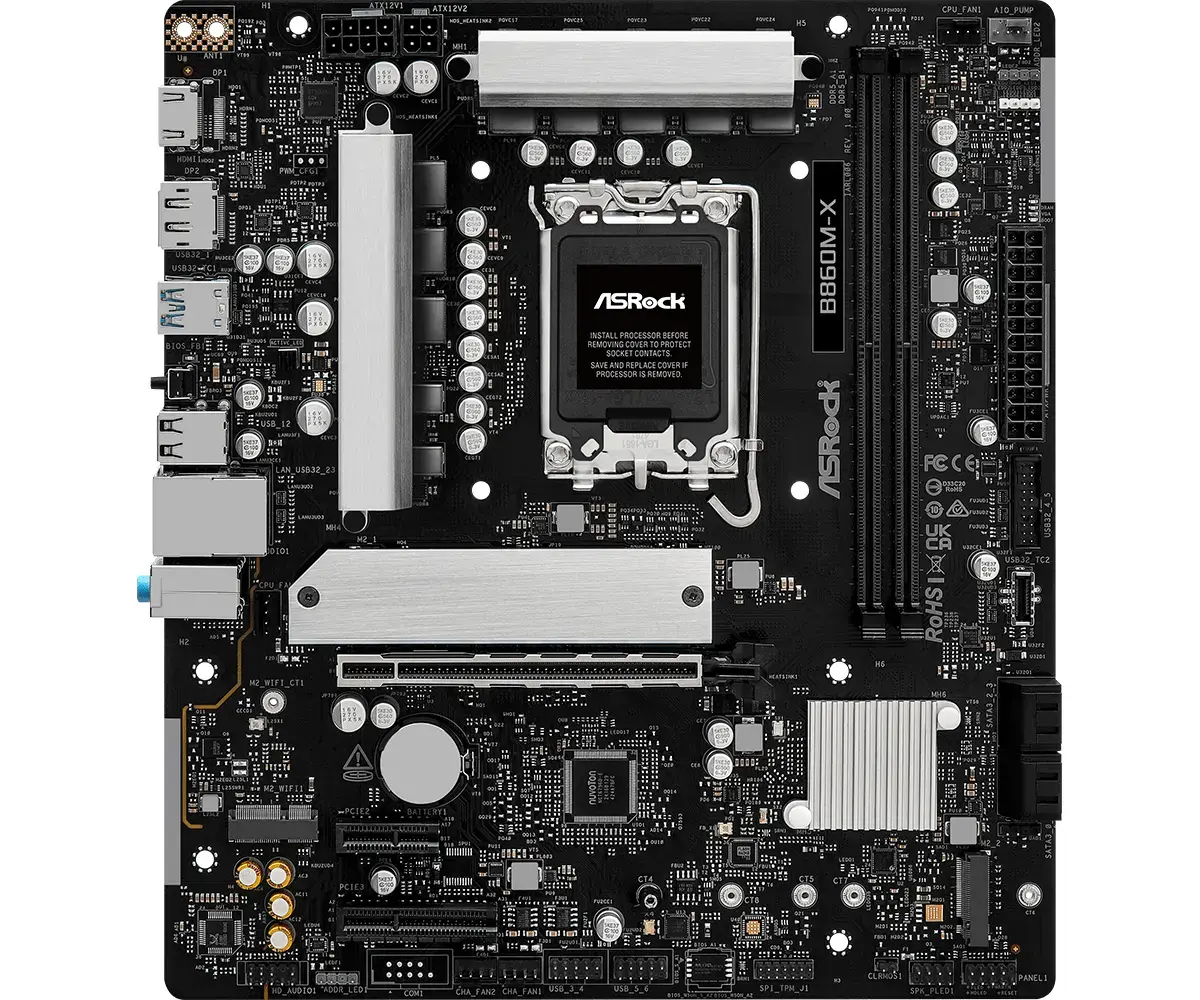
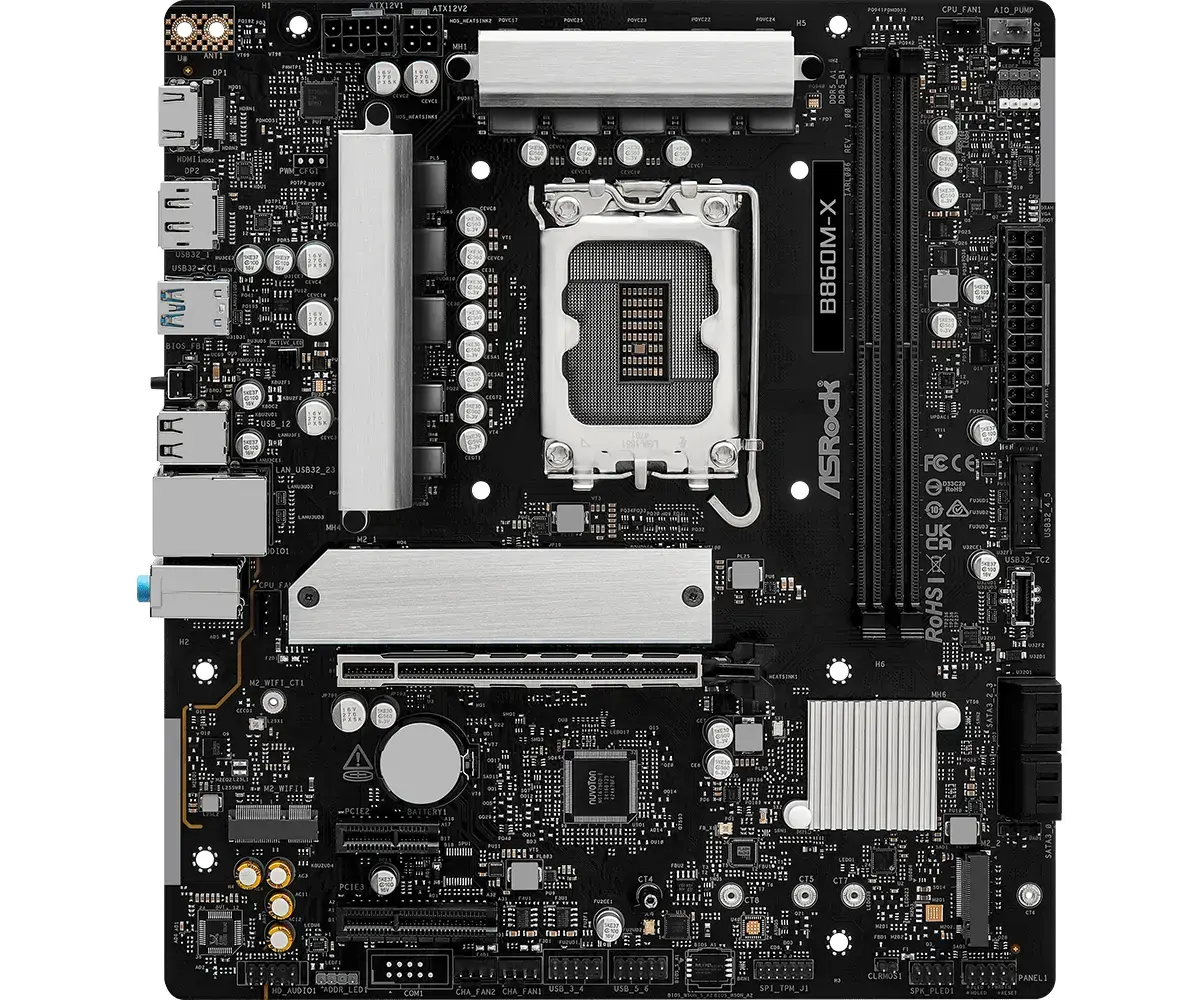
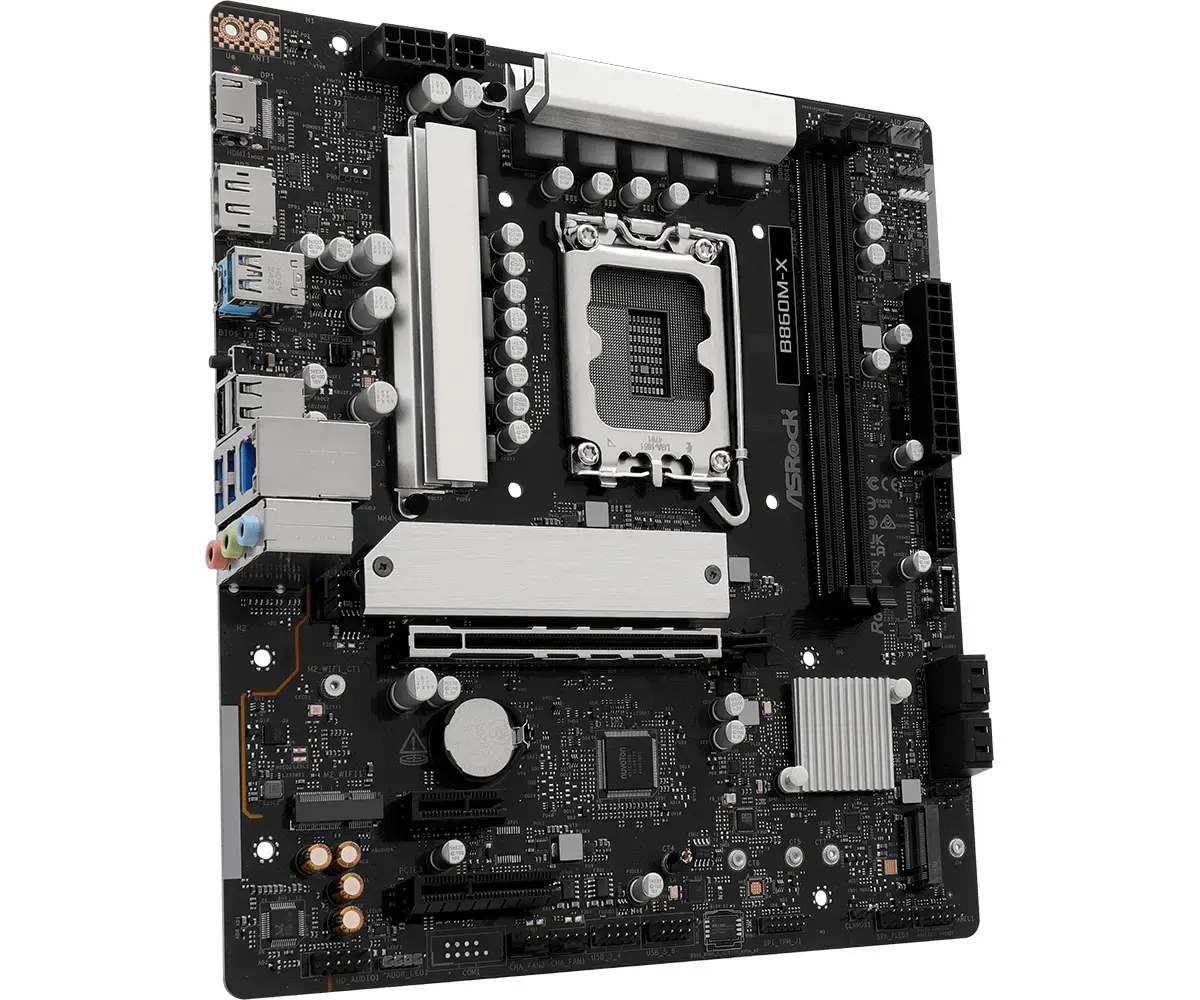
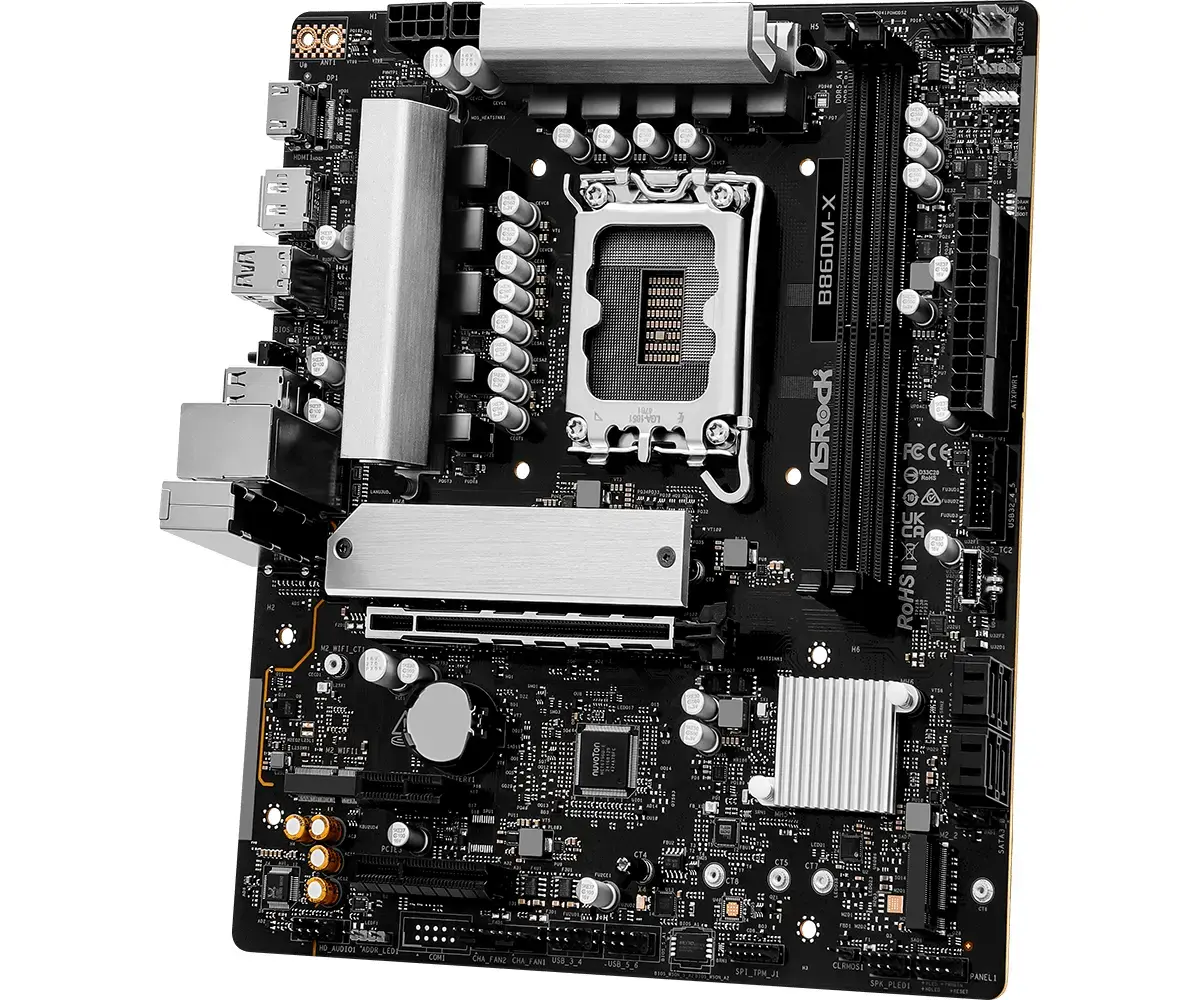
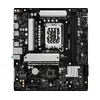
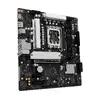
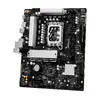
Motherboard Asrock B860M-X Intel B860 LGA 1851 micro ATX DDR5 128GB
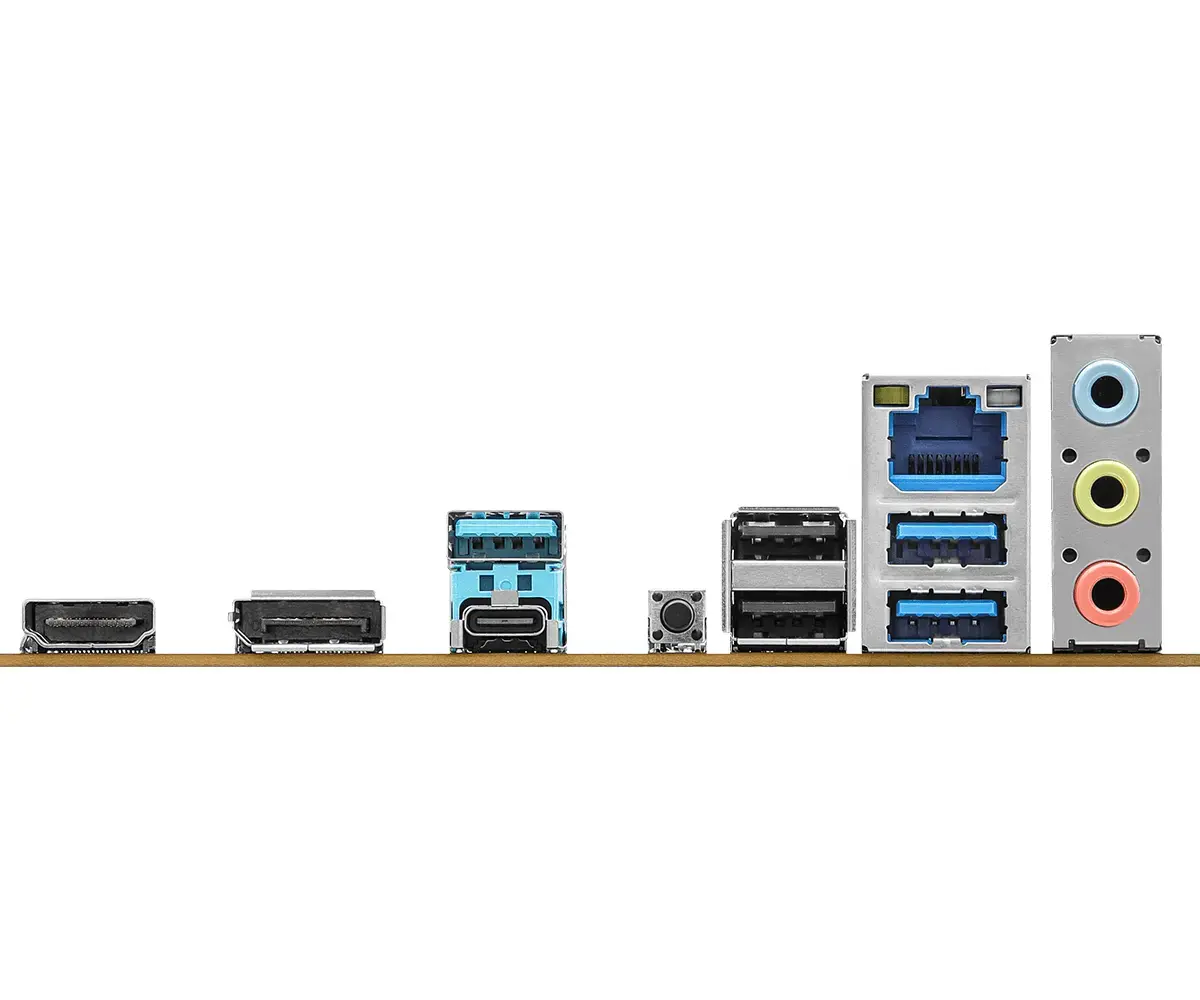
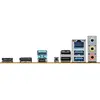
The ASRock X-Series microATX motherboard delivers a compact, balanced solution for users who need reliable performance and versatile features. Designed to support Intel Core Ultra Processors (Series 2) on LGA1851, the board accommodates DDR5 memory, modern storage options including a PCIe Gen5 Blazing M.2 slot, and dual graphics outputs (HDMI + DisplayPort). Built with a 6-layer PCB and an aluminum heatsink, it targets stable signal integrity, improved thermal management, and efficient power delivery for everyday computing and professional workloads.
The 6-layer PCB enhances signal stability and energy efficiency, which helps lower operating temperatures and supports aggressive DDR5 memory overclocking. Native support for Intel XMP and AMD EXPO profiles simplifies memory overclocking when compatible modules are installed. The PCIe Gen5 Blazing M.2 slot offers up to 128 Gb/s bandwidth for next-generation NVMe SSDs. An aluminum heatsink improves heat dissipation under heavy load. Integrated 2.5 Gb/s LAN increases network throughput compared with standard Gigabit Ethernet. Onboard and addressable RGB headers plus SignalRGB and Polychrome RGB compatibility enable synchronized lighting across compatible components. The board also provides convenient features such as Auto Driver Installer and BIOS Flashback for easier setup and firmware updates.
Install an Intel Core Ultra (Series 2) processor into the LGA1851 socket, insert up to two DDR5 DIMMs according to the dual-channel slot recommendations, and mount storage devices to the appropriate M.2 or SATA connectors. Connect power and front/rear USB devices, then attach display via HDMI or DisplayPort. Use the Auto Driver Installer (preinstalled LAN driver) to update remaining drivers: install the Auto Driver Installer, run driver updates, and reboot. To update firmware, use BIOS Flashback by placing the BIOS file on a USB drive and following the board’s BIOS Flashback procedure—no CPU or memory required for the update.
For best results, use Intel XMP or AMD EXPO-capable DDR5 modules when enabling XMP/EXPO profiles, install a high-performance NVMe SSD to leverage PCIe Gen5 bandwidth, and maintain adequate case airflow to maximize thermal performance from the aluminum heatsink and ensure system stability.
{{highlightedFeature.featureTitle}}:
{{getProductFeatureValueById(product, highlightedFeature.featureId)}}
{{ productComparisonGenerationError }}
