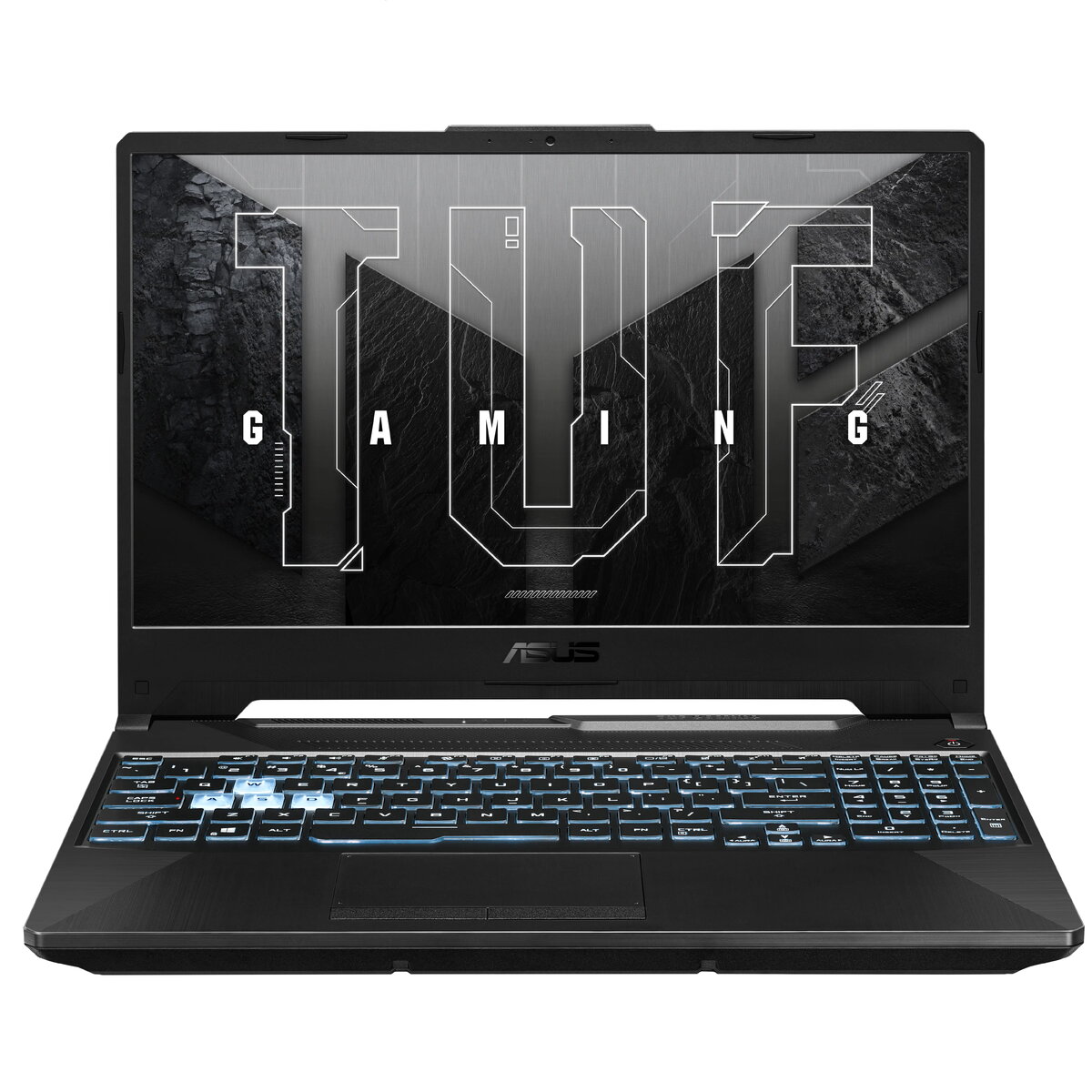
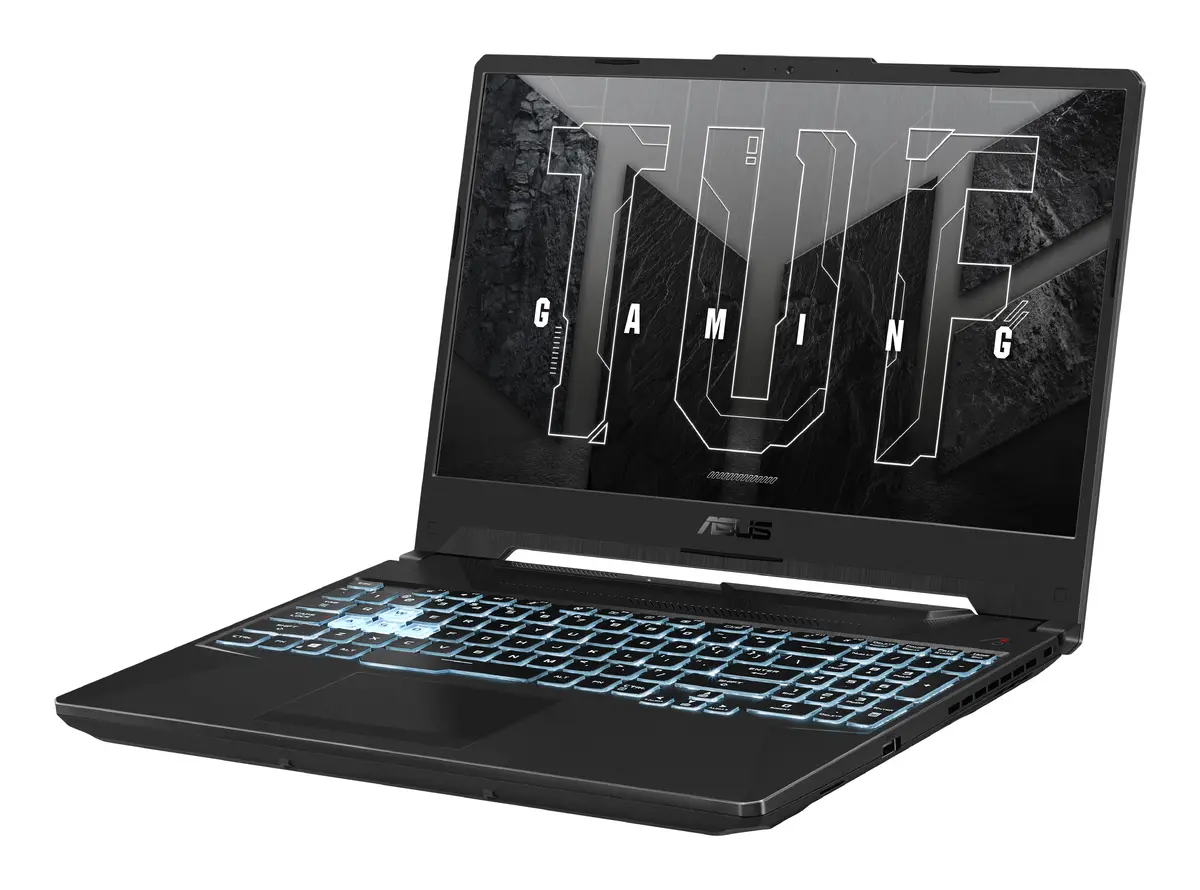
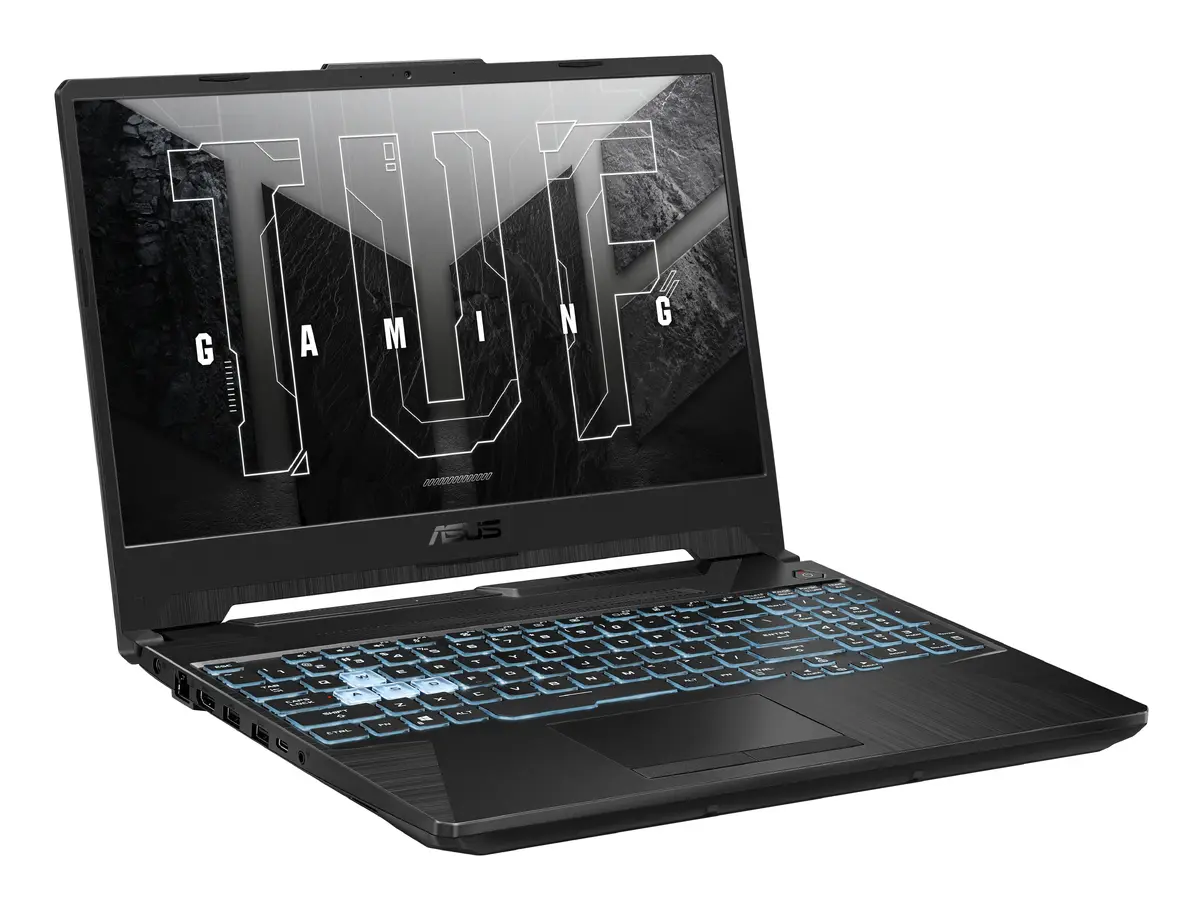
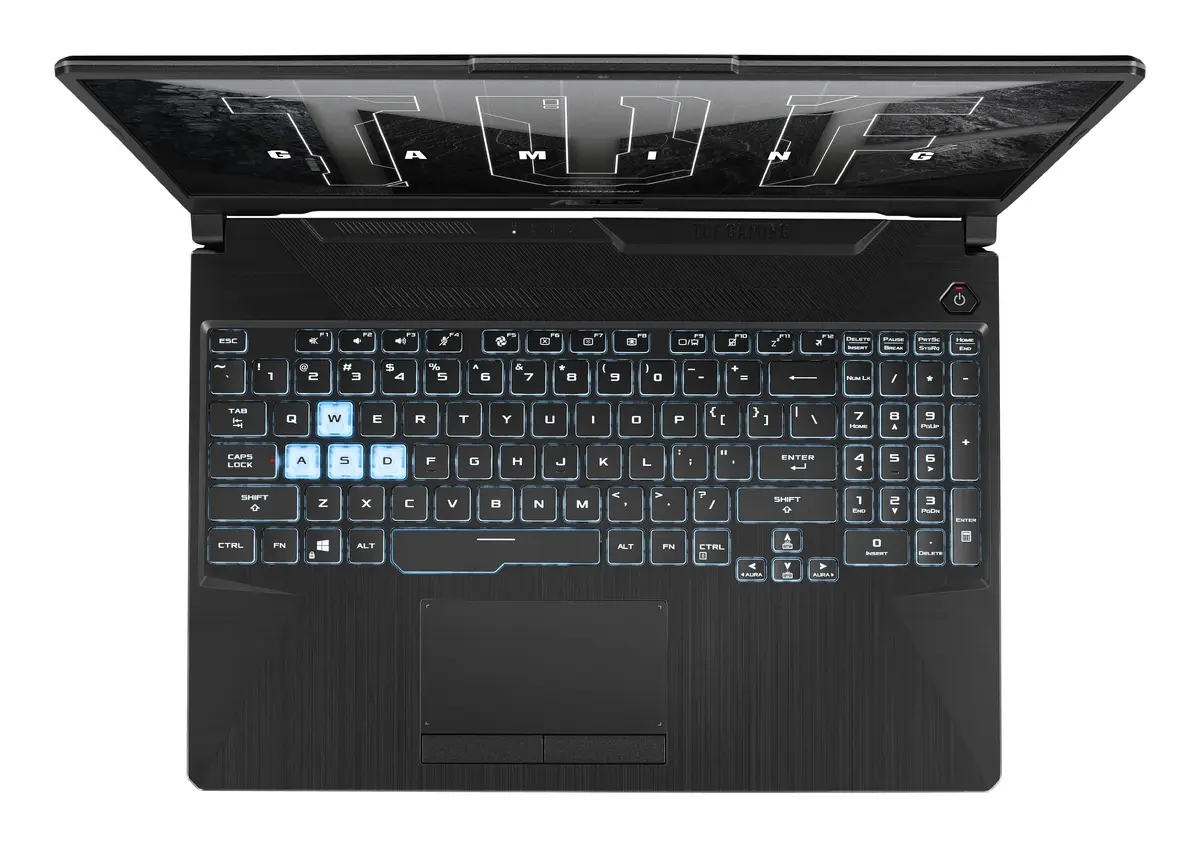
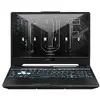
-
Contrast ratio (typical):
-
1000:1
-
Processor model:
-
7445HS
-
Weight:
-
2.3 kg
-
Bundled software:
-
Xbox Game Pass for PC_3 months (*Terms and exclusions apply. Offer only available in eligible markets for Xbox Game Pass for PC. Eligible markets are determined at activation. Game catalog varies by region, device, and time.)
-
Internal memory type:
-
DDR5-SDRAM
-
Wi-Fi standards:
-
Wi-Fi 6 (802.11ax)
-
Battery technology:
-
Lithium-Ion (Li-Ion)
-
Pointing device:
-
Touchpad
-
Audio system:
-
DTS Audio Processing
-
Memory slots:
-
2x SO-DIMM
-
Form factor:
-
Clamshell
-
AC adapter input voltage:
-
100 - 240
-
AC adapter frequency:
-
50 - 60
-
AC adapter output voltage:
-
20
-
AC adapter output current:
-
9 A
-
AC adapter power:
-
180 W
-
Display diagonal:
iagonal of the visible part of the screen expressed in centimeters and inches.
-
15.6 "
-
Numeric keypad:
-
Yes
-
Processor manufacturer:
-
AMD
-
Built-in microphone:
-
Yes
-
Optical drive type:
-
No
-
Bluetooth version:
-
5.3
-
Number of battery cells:
-
3
-
AC adapter included:
-
Yes
-
Ethernet LAN:
-
Yes
-
Cable lock slot:
-
Yes
-
Display brightness:
-
250 cd/m²
-
Maximum internal memory:
-
64 GB
-
Antenna type:
-
2x2
-
L2 cache:
-
6 MB
-
Display resolution:
-
1920 x 1080
-
Width:
-
359 mm
-
Depth:
-
256 mm
-
Product colour:
-
Black
-
L3 cache:
-
16 MB
-
Number of built-in speakers:
-
2
-
Bluetooth:
-
Yes
-
Processor family:
-
AMD Ryzen 7
-
USB 2.0 ports quantity:
-
0
-
Ethernet LAN (RJ-45) ports:
-
1
-
Memory clock speed:
-
5600 MHz
-
Operating system installed:
-
Windows 11 Home
-
Total storage capacity:
-
512 GB
-
HDMI ports quantity:
-
1
-
Trusted Platform Module (TPM):
-
Yes
-
Ethernet LAN data rates:
-
10, 100, 1000
-
Touchscreen:
-
No
-
HDMI version:
-
2.1
-
SSD interface:
-
PCI Express 4.0
-
SSD capacity:
-
512 GB
-
Height (front):
-
22.8 mm
-
Height (rear):
-
24.5 mm
-
Trial software:
-
1-month trial for new Microsoft 365 customers
-
Processor cores:
-
6
-
Password protection type:
-
BIOS, User
-
Processor threads:
-
12
-
Maximum refresh rate:
-
144 Hz
-
Operating system architecture:
-
64-bit
-
Number of SSDs installed:
-
1
-
Memory form factor:
-
SO-DIMM
-
Processor boost frequency:
-
4.7 GHz
-
Battery capacity:
-
48 Wh
-
Discrete graphics card model:
-
NVIDIA GeForce RTX 3050
-
Discrete graphics memory type:
-
GDDR6
-
Market positioning:
-
Gaming
-
Combo headphone/mic port:
-
Yes
-
On-board graphics card:
-
Yes
-
Anti-glare screen:
-
Yes
-
Keyboard backlit:
-
Yes
-
Processor frequency:
-
3.55 GHz
-
Memory layout (slots x size):
-
1 x 16
-
Internal memory:
-
16 GB
-
Native aspect ratio:
-
16:9
-
HD type:
-
Full HD
-
Storage media:
-
SSD
-
Front camera:
-
Yes
-
Product type:
-
Laptop
-
Front camera resolution:
-
1280 x 720
-
Cable lock slot type:
-
Kensington
-
Colour gamut:
-
62.5 %
-
Panel type:
-
IPS-Level
-
Password protection:
-
Yes
-
Colour name:
-
Graphite Black
-
Discrete graphics card memory:
-
4 GB
-
Processor cache type:
-
L2 & L3
-
SSD form factor:
-
M.2
-
USB 3.2 Gen 1 (3.1 Gen 1) Type-A ports quantity:
-
3
-
USB 3.2 Gen 1 (3.1 Gen 1) Type-C ports quantity:
-
0
-
USB 3.2 Gen 2 (3.1 Gen 2) Type-A ports quantity:
-
0
-
USB 3.2 Gen 2 (3.1 Gen 2) Type-C ports quantity:
-
1
-
Mobile network connection:
-
No
-
Top Wi-Fi standard:
-
Wi-Fi 6 (802.11ax)
-
Discrete graphics card:
-
Yes
-
NVMe:
-
Yes
-
USB Type-C DisplayPort Alternate Mode:
-
Yes
-
Front camera HD type:
-
HD
-
Keyboard backlit colour:
-
RGB
-
Total SSDs capacity:
-
512 GB
-
Discrete GPU manufacturer:
-
NVIDIA
-
RGB colour space:
-
sRGB
-
Power adapter barrel connector:
-
6.0
-
Processor generation:
-
AMD Ryzen 7000 Series
-
On-board GPU manufacturer:
-
AMD
-
Keyboard backlit zone:
-
1-zone RGB
-
USB Type-C charging port:
-
No