




JBL speakers and headphones for pure and deep sound!
In cart {{totalProductsCount}} item(s)
Your cart is empty
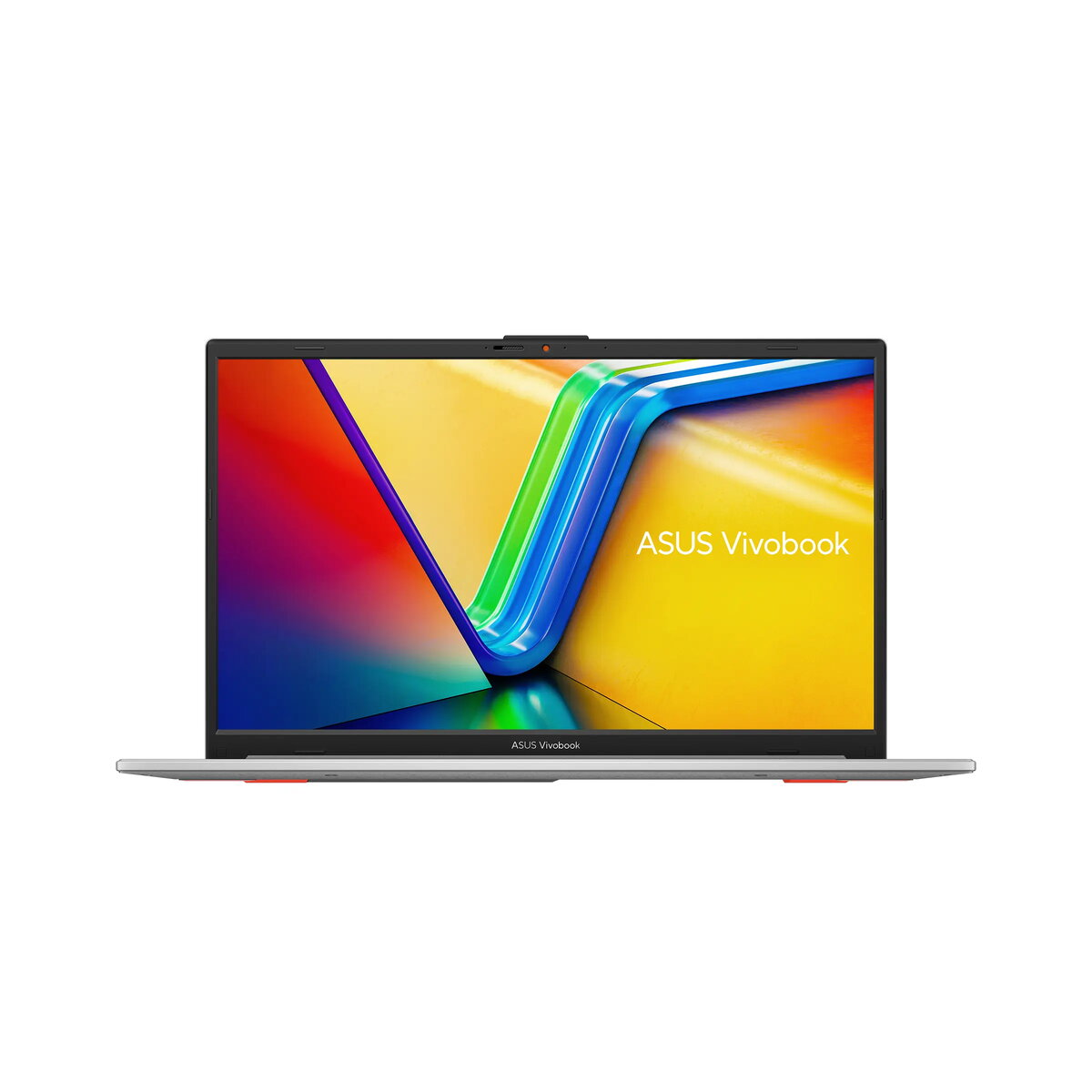
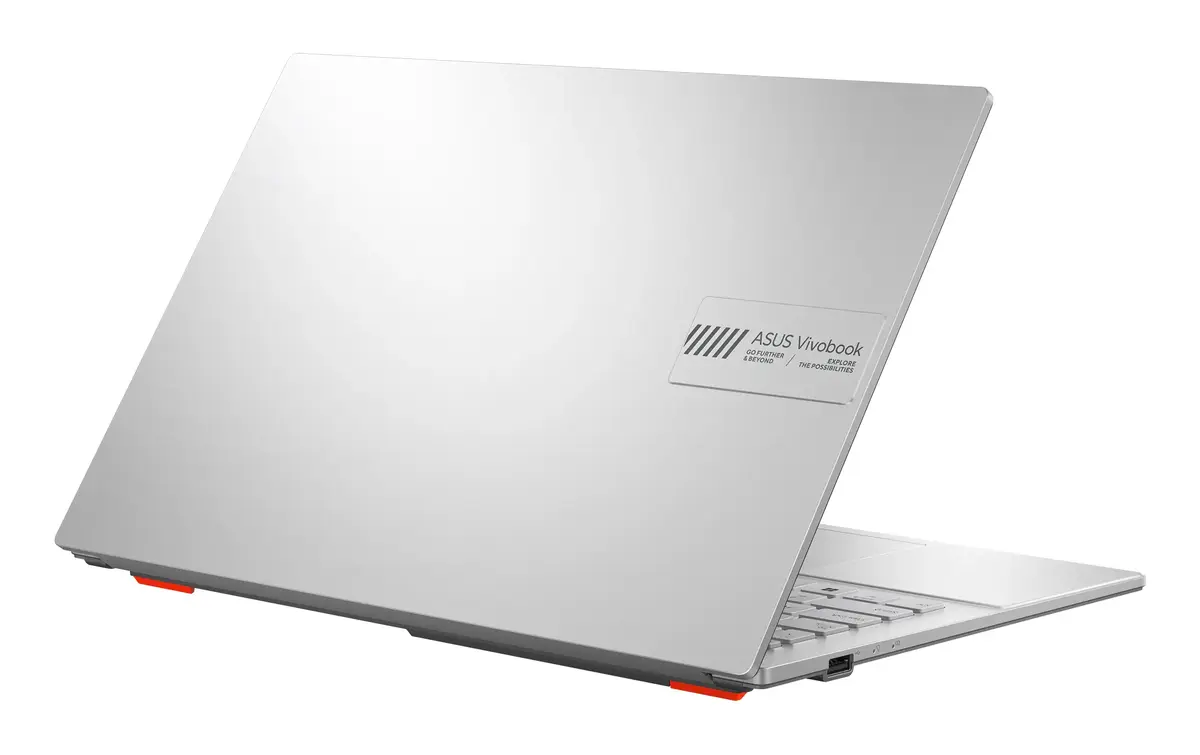
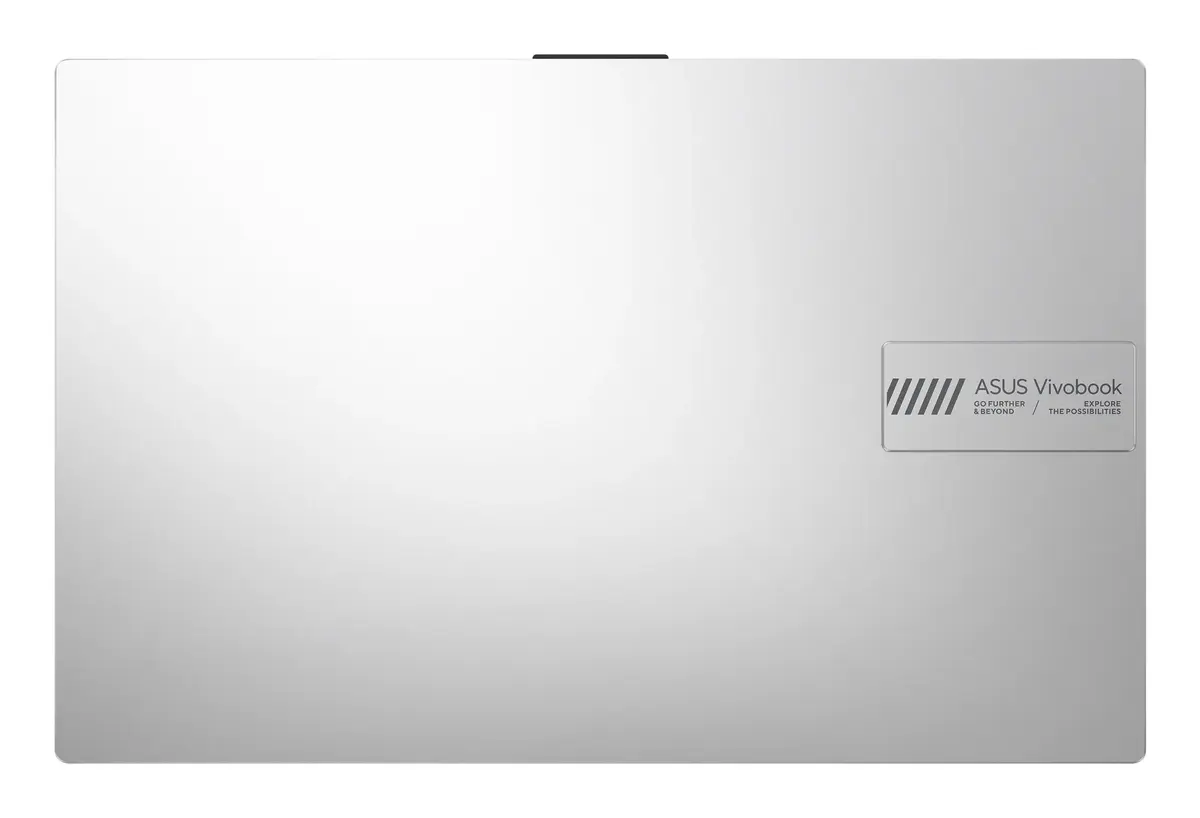
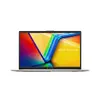
Asus Vivobook Go 15 E1504GA-WS35 Laptop, 15.6" Full HD, Intel Core i3-N305, 8GB RAM, 256GB SSD, Windows 11 Home in S mode, Silver
The Asus Vivobook Go 15 E1504GA-WS35 is a versatile and portable clamshell laptop designed to support your daily computing needs. Featuring a 15.6-inch Full HD display with a resolution of 1920 x 1080 pixels, it provides a clear and crisp visual experience for work, study, and entertainment. Powered by an Intel Core i3-N305 processor and equipped with 8GB of DDR4 RAM, this device ensures smooth performance for everyday applications. The sleek silver chassis houses a 256GB SSD, offering fast access to your files and programs, while the pre-installed Windows 11 Home in S mode provides a secure and streamlined operating environment.
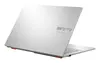
This laptop stands out due to its lightweight and compact design, making it an ideal companion for users who are frequently on the move. The inclusion of a 180-degree lay-flat hinge allows for flexible viewing angles and easy collaboration, while the physical webcam shield enhances user privacy. With its efficient Intel processor and reliable memory configuration, the device handles multitasking with ease. The Full HD LED-backlit display delivers vibrant images, and the overall build quality ensures a durable and professional experience for both students and office professionals.
This laptop is not intended for high-performance tasks such as professional video editing, 3D rendering, or playing modern, graphics-intensive video games. Due to the 256GB storage capacity, users with large media libraries or extensive software collections may need to consider external storage solutions.
To begin using your Asus Vivobook Go 15, simply open the lid and press the power button. Follow the on-screen instructions to complete the initial Windows setup, including connecting to your Wi-Fi network and signing in with a Microsoft account. The laptop comes with Windows 11 Home in S mode, which focuses on security and performance by allowing apps from the Microsoft Store. You can navigate the interface using the integrated touchpad and keyboard. The 180-degree hinge can be adjusted by gently pushing the screen back until it lies flat on your desk, which is useful for sharing content with others.
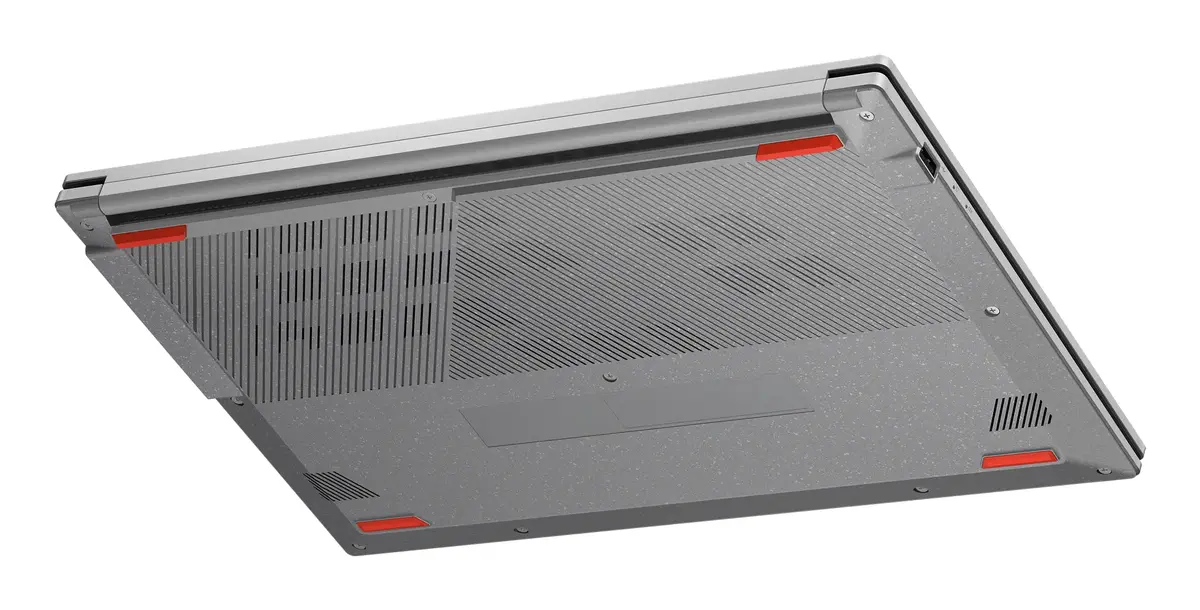
To maintain optimal performance and battery health, keep the laptop on a flat, stable surface to ensure proper ventilation. Regularly update your system software through the Windows Update settings to ensure the latest security patches are installed.
{{highlightedFeature.featureTitle}}:
{{getProductFeatureValueById(product, highlightedFeature.featureId)}}
{{ productComparisonGenerationError }}
