
Hurry and order now – up to 50% off!
In cart {{totalProductsCount}} item(s)
Your cart is empty
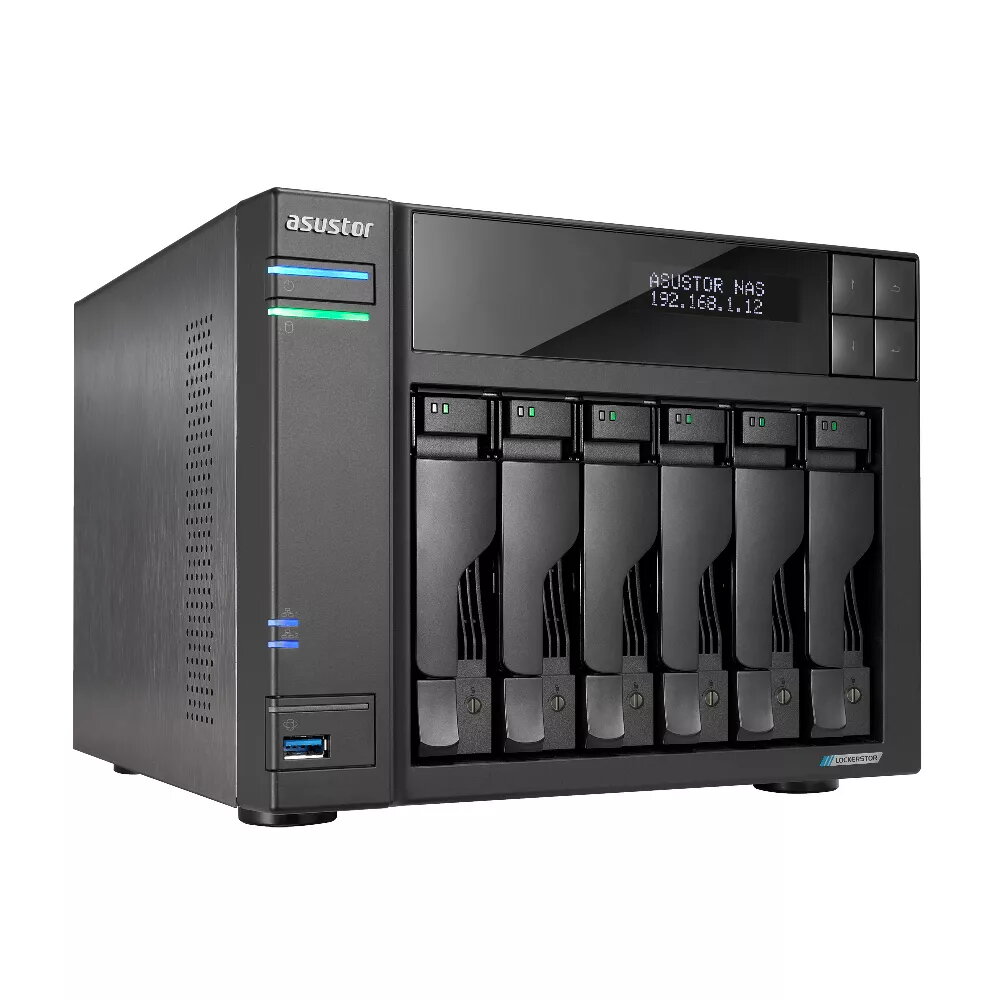
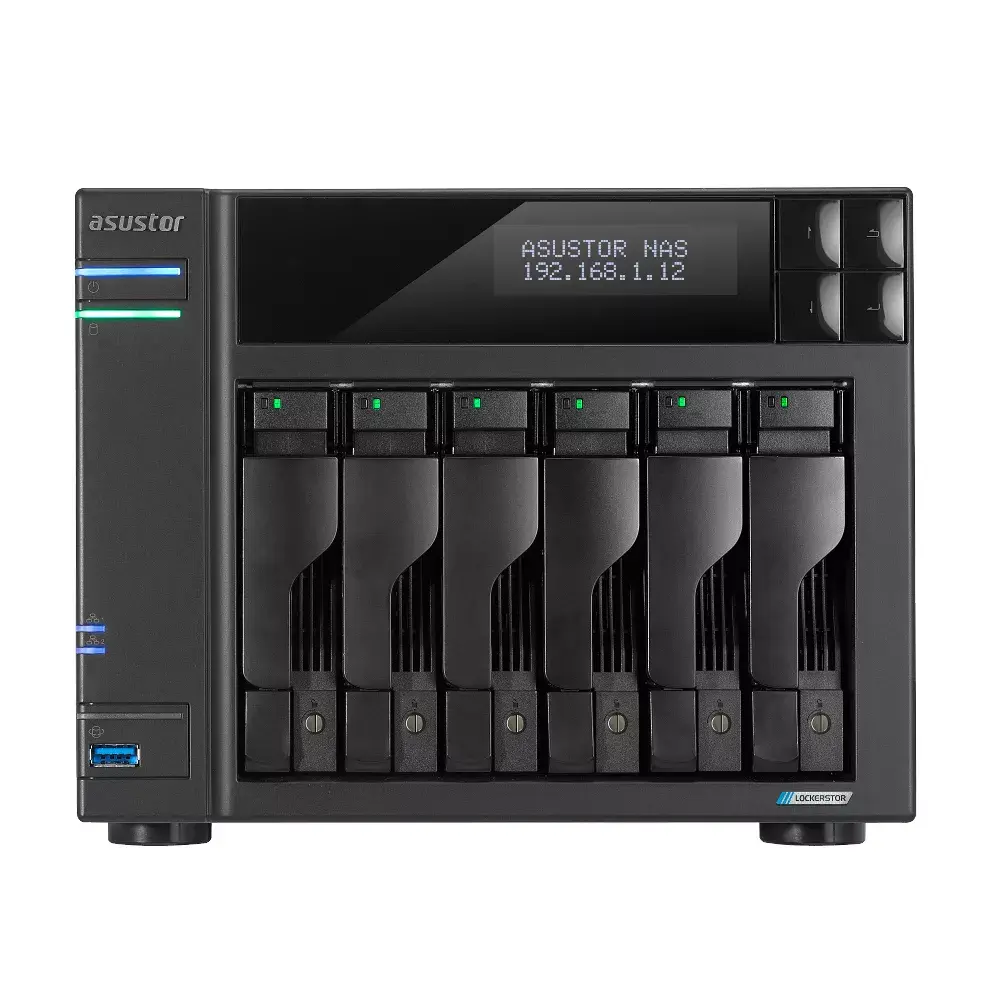
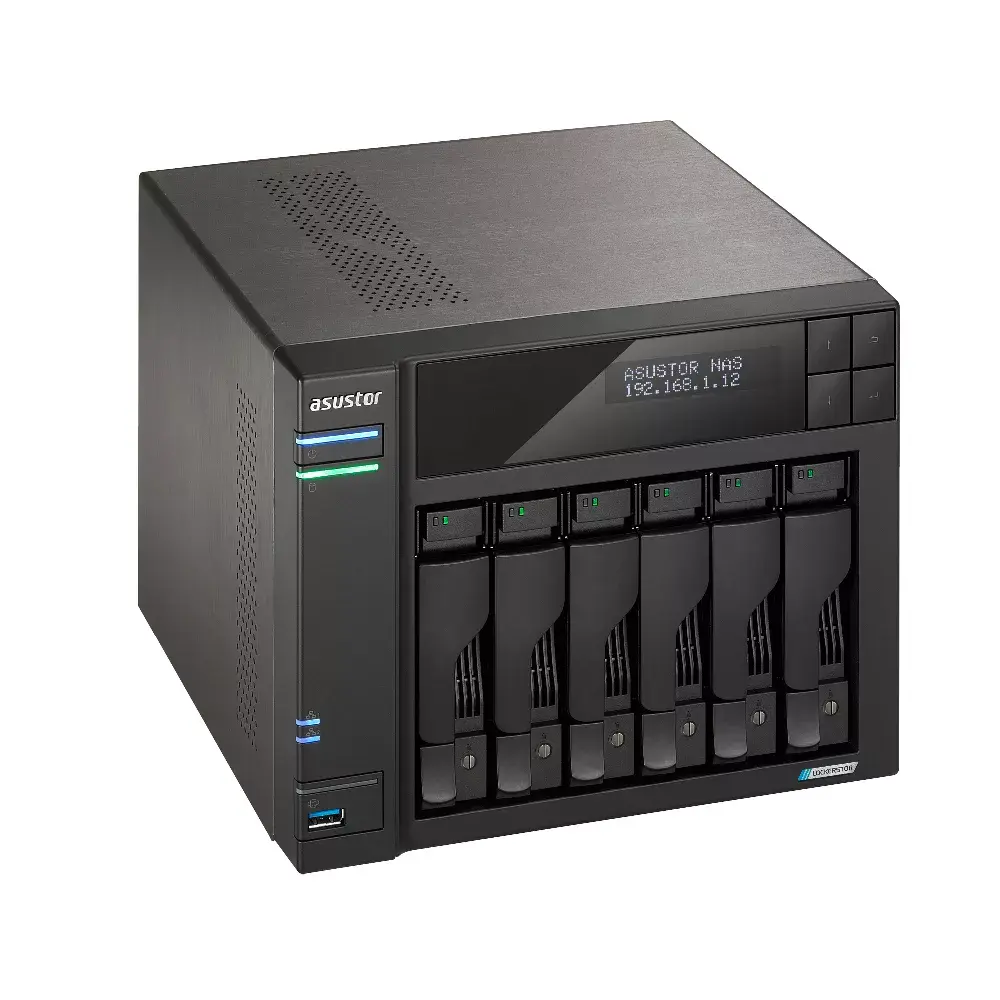
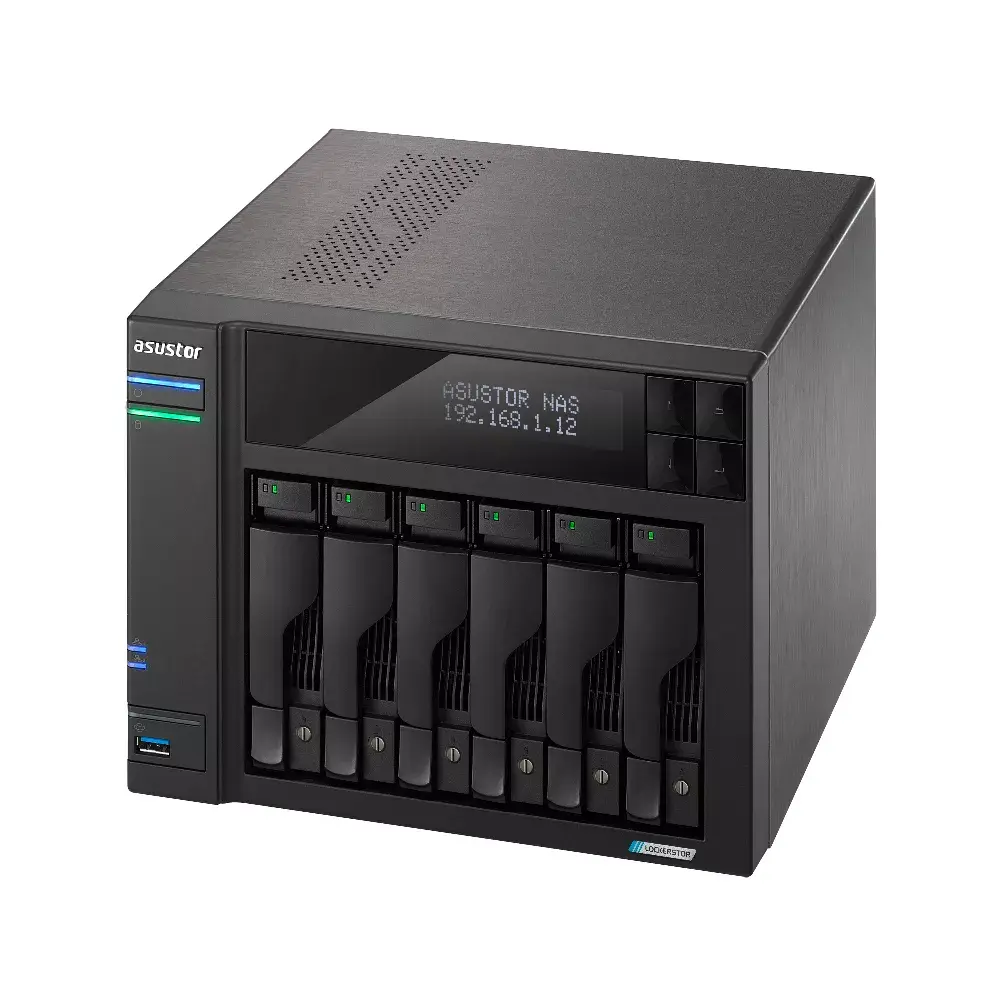
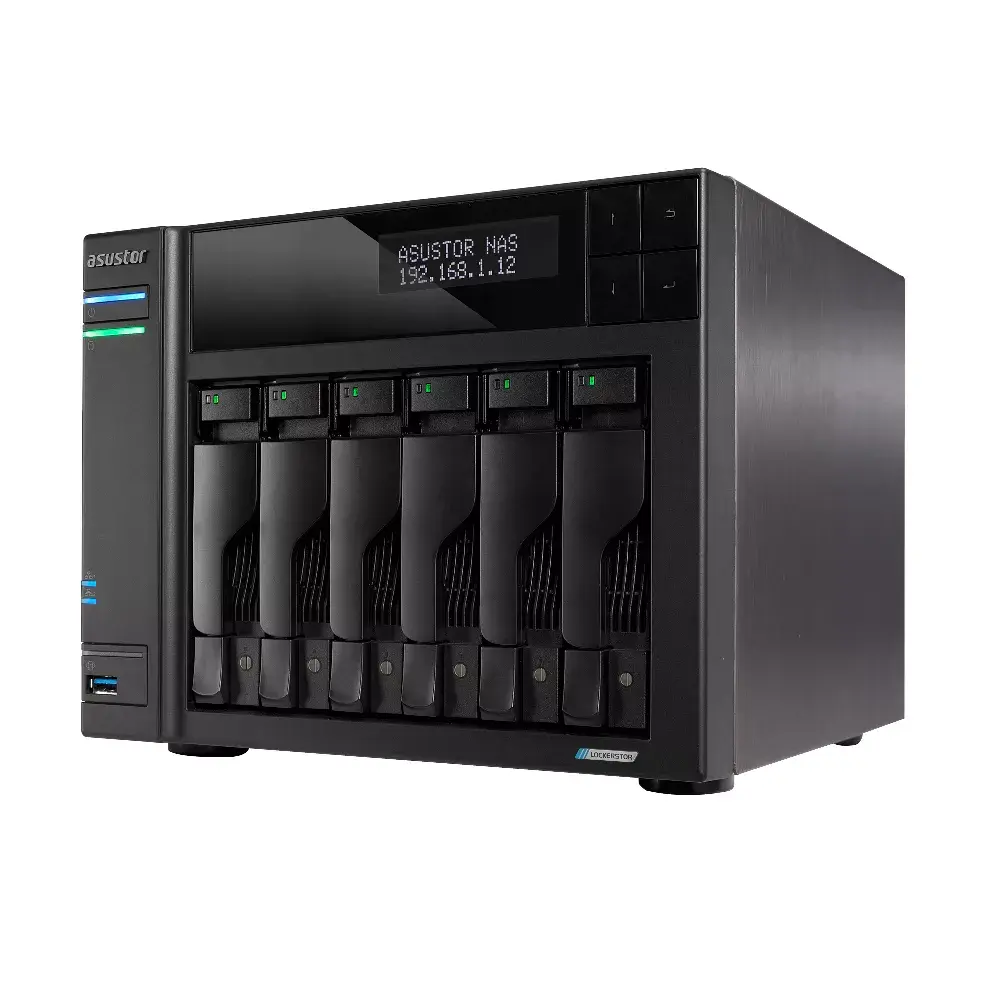
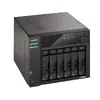
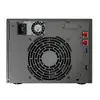
NAS Asustor LOCKERSTOR 6 Intel Celeron N5105 8GB DDR4 HDD
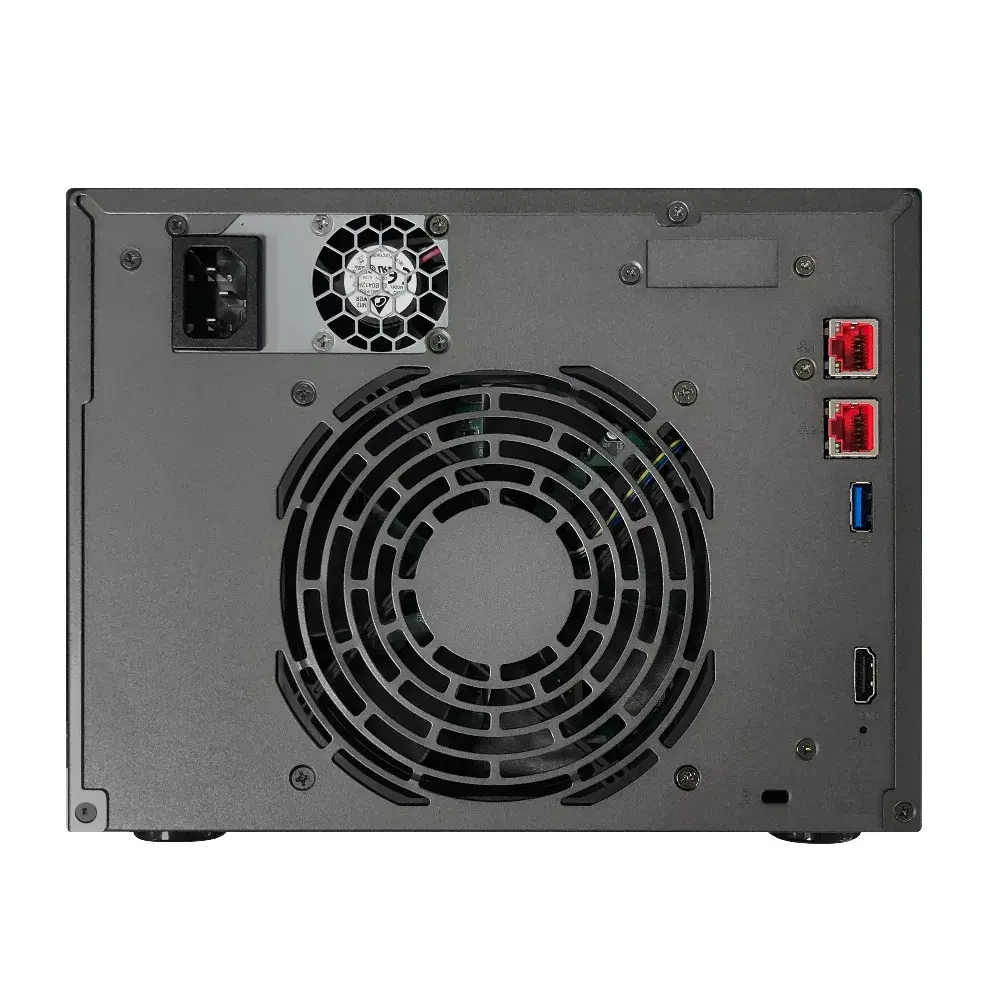
The Asustor LOCKERSTOR 6 is an enthusiast-grade desktop NAS with six drive bays, powered by the Intel Celeron N5105 quad-core CPU and 8 GB DDR4 RAM. Designed for home and small office environments, it supports both HDD and SSD storage, RAID configurations and runs Asustor's ADM operating system. The device includes four M.2 slots, a PCIe slot for optional 10-Gigabit Ethernet upgrades, and fast 2.5-Gigabit Ethernet connectivity to support content creation, collaboration and media streaming workflows.
The LOCKERSTOR 6 combines a modern Jasper Lake Intel Celeron N5105 processor with DDR4-2933 memory and enhanced network options to deliver improved performance over previous-generation Celeron systems. Four onboard M.2 slots provide flexible caching or storage expansion, while the PCIe slot supports 10-Gigabit Ethernet cards for higher network throughput. Additional features include USB 3.2 Gen 2x1 ports for up to 10 Gbps transfer rates and an optimized chassis design with extra ventilation to maintain cooling when multiple SSDs are installed.
Install hard drives or SSDs into the six drive bays and configure RAID according to your storage and redundancy needs via the ADM interface. Optionally populate the four M.2 slots for caching or additional storage, or install a 10-Gigabit Ethernet card in the PCIe slot to increase network throughput. Connect the device to your network using the onboard 2.5-Gigabit Ethernet port, attach external devices to the USB 3.2 Gen 2x1 ports, then complete initial setup through Asustor's ADM web interface or mobile apps to create user accounts, shared folders and backup tasks.
For optimal performance in collaborative media workflows, use SSDs or a mixed HDD/SSD configuration with M.2 caching enabled, and consider adding a 10-Gigabit Ethernet card via the PCIe slot if your network infrastructure supports higher bandwidth. Ensure adequate ventilation around the NAS when multiple SSDs are installed to maintain thermal stability.
{{highlightedFeature.featureTitle}}:
{{getProductFeatureValueById(product, highlightedFeature.featureId)}}
{{ productComparisonGenerationError }}
