
JBL speakers and headphones for pure and deep sound!
In cart {{totalProductsCount}} item(s)
Your cart is empty
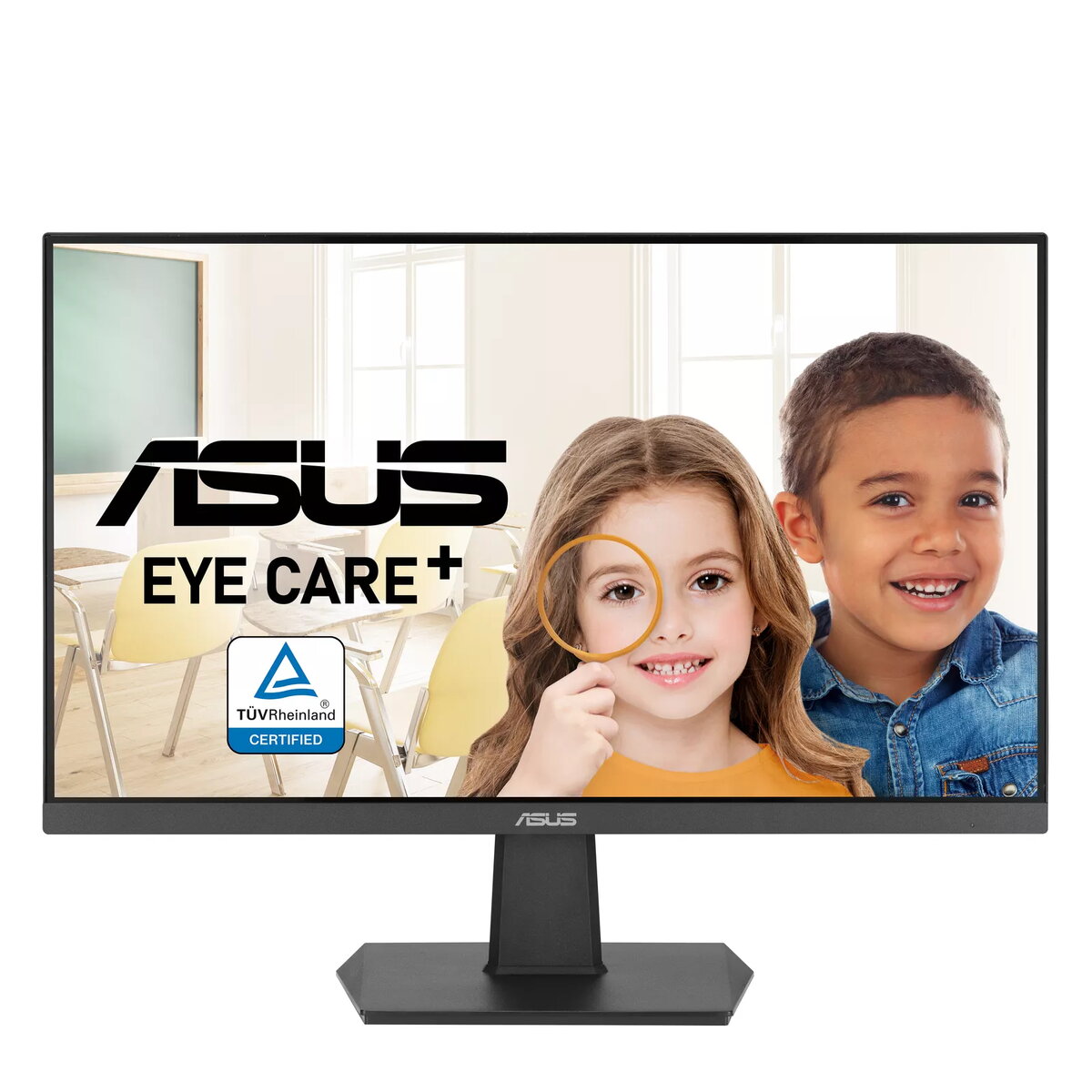
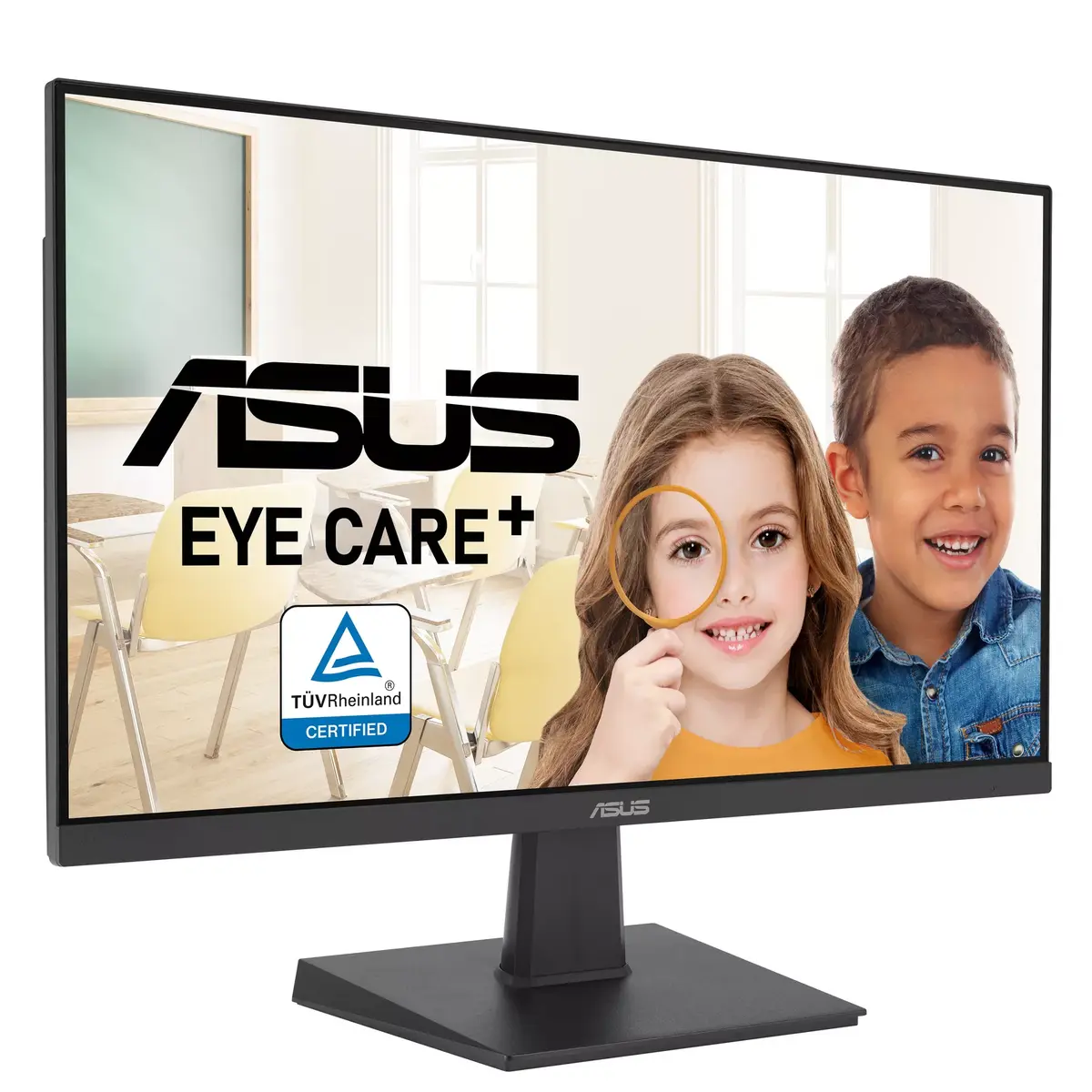
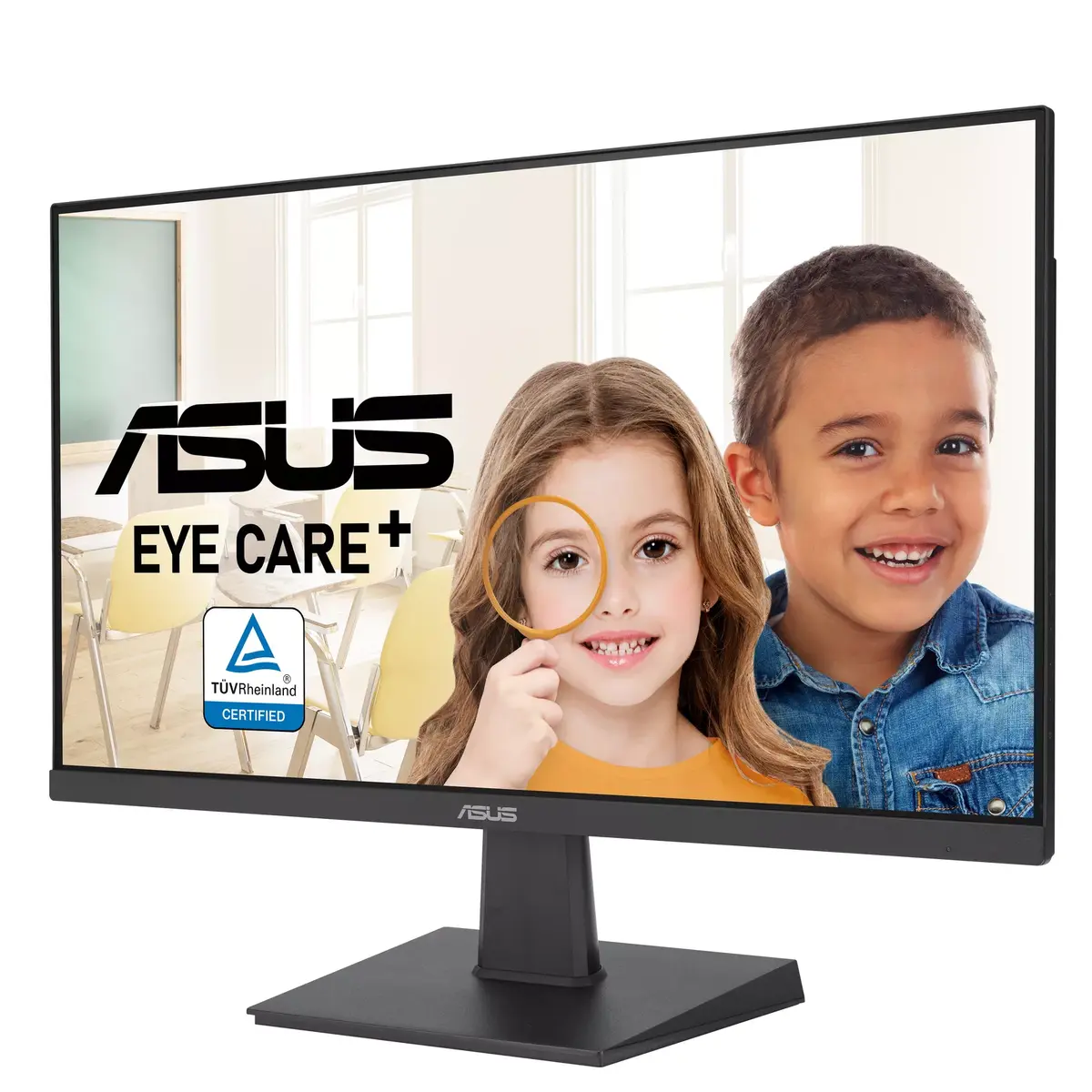
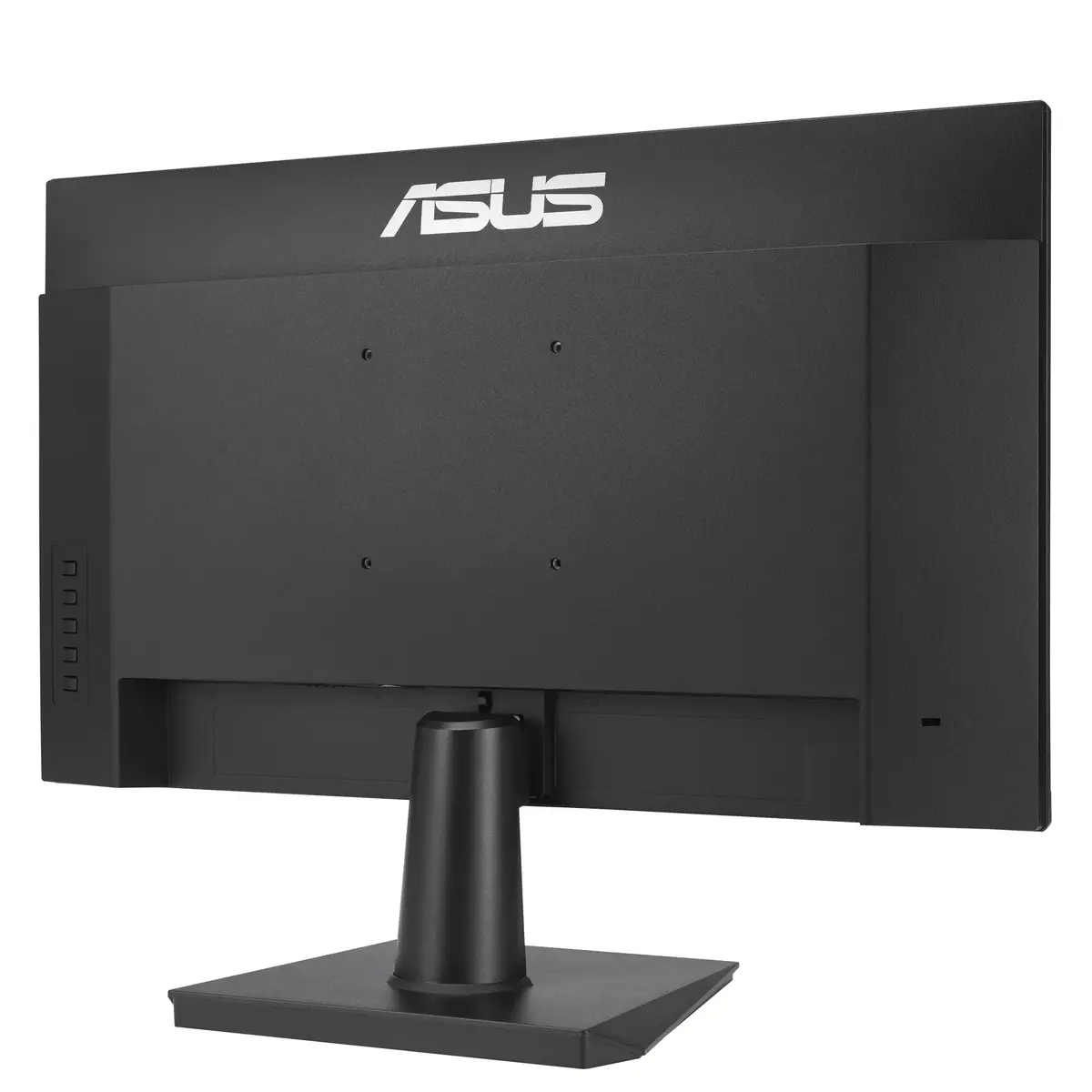
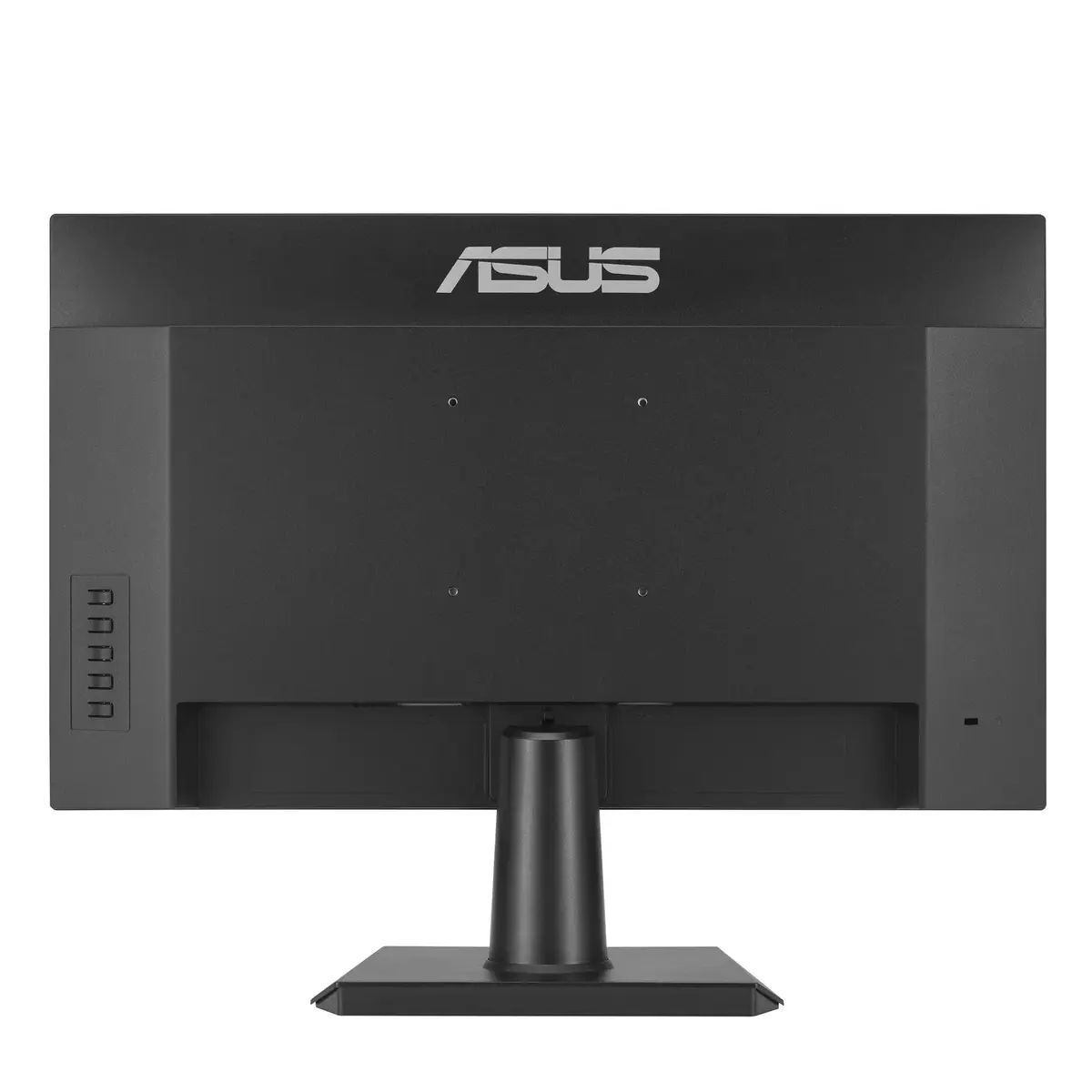
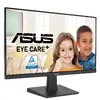
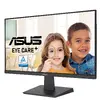
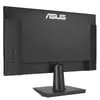
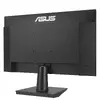
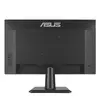
27" ASUS VA27EHF IPS LCD monitor, Full HD 1920x1080, 1 ms, 178° viewing angles, VESA, Black
The 27" ASUS VA27EHF is a 27-inch IPS LCD monitor with Full HD 1920 x 1080 resolution, a 1 ms response time (MPRT) and 178°/178° wide viewing angles. The flat-panel display delivers 250 cd/m² typical brightness and a 1300:1 typical contrast ratio. Designed for general office work, multimedia and casual gaming, the monitor supports VESA mounting and comes in a black finish. Additional features include a 100 Hz refresh rate with Adaptive‑Sync for smoother motion and ASUS Eye Care technologies such as TÜV Rheinland-certified Flicker‑Free and Low Blue Light filters for reduced eye strain.
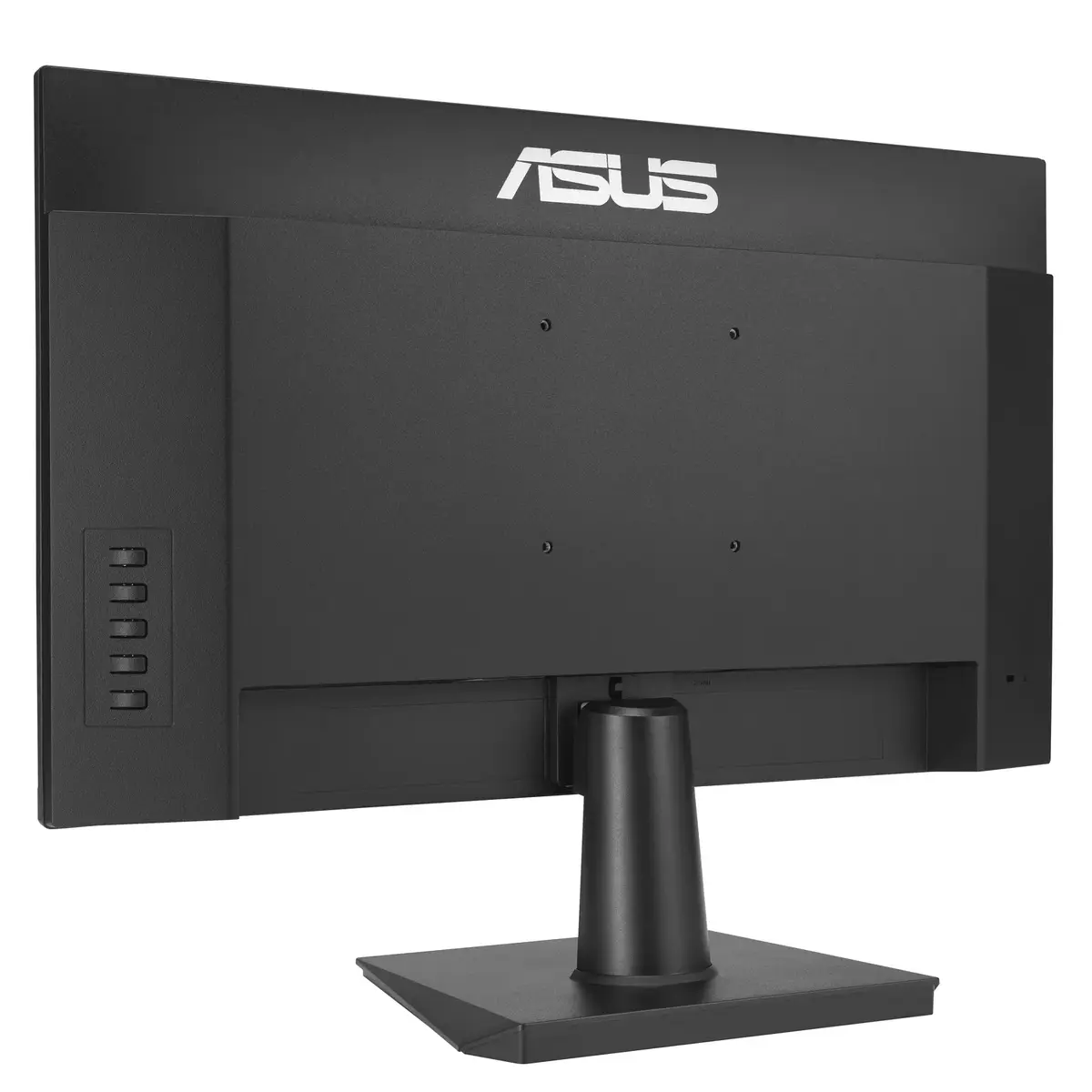
The IPS panel provides consistent colours and wide viewing angles, while the Full HD resolution offers clear 1920 x 1080 detail suitable for everyday tasks and media. A 100 Hz refresh rate together with Adaptive‑Sync reduces tearing and makes motion appear smoother compared with standard 60 Hz panels. Fast 1 ms MPRT response helps minimise smearing in fast-moving scenes. The monitor’s frameless design supports near-seamless multi-monitor setups, and VESA compatibility allows flexible mounting options. Built-in eye care features certified by TÜV Rheinland aim to reduce flicker and blue light exposure during extended use.
Place the monitor on a stable desk mount or attach it to a compatible VESA arm or bracket. Connect the video source using the available input ports on the monitor (use a cable that matches your graphics output and supports 1920 x 1080 at 100 Hz). Power on the monitor and use the on‑screen display (OSD) to select the input, adjust brightness, contrast and colour settings, and enable Adaptive‑Sync if supported by your GPU. Use the OSD Blue Light Filter and Flicker‑Free modes to reduce eye fatigue for long viewing sessions. Position the screen at eye level and at a comfortable viewing distance to optimise ergonomics.
For the smoothest experience in video and casual gaming, use a graphics output and cable that support a 100 Hz refresh rate and enable Adaptive‑Sync on both the monitor and the GPU. Reduce screen brightness and enable the Low Blue Light filter for prolonged use to minimise eye strain. When arranging multiple monitors, use the frameless edges for a close alignment and ensure adequate airflow around the chassis to maintain energy efficiency.
{{highlightedFeature.featureTitle}}:
{{getProductFeatureValueById(product, highlightedFeature.featureId)}}
{{ productComparisonGenerationError }}
Device manufacturer code
Device manufacturer
iagonal of the visible part of the screen expressed in centimeters and inches.
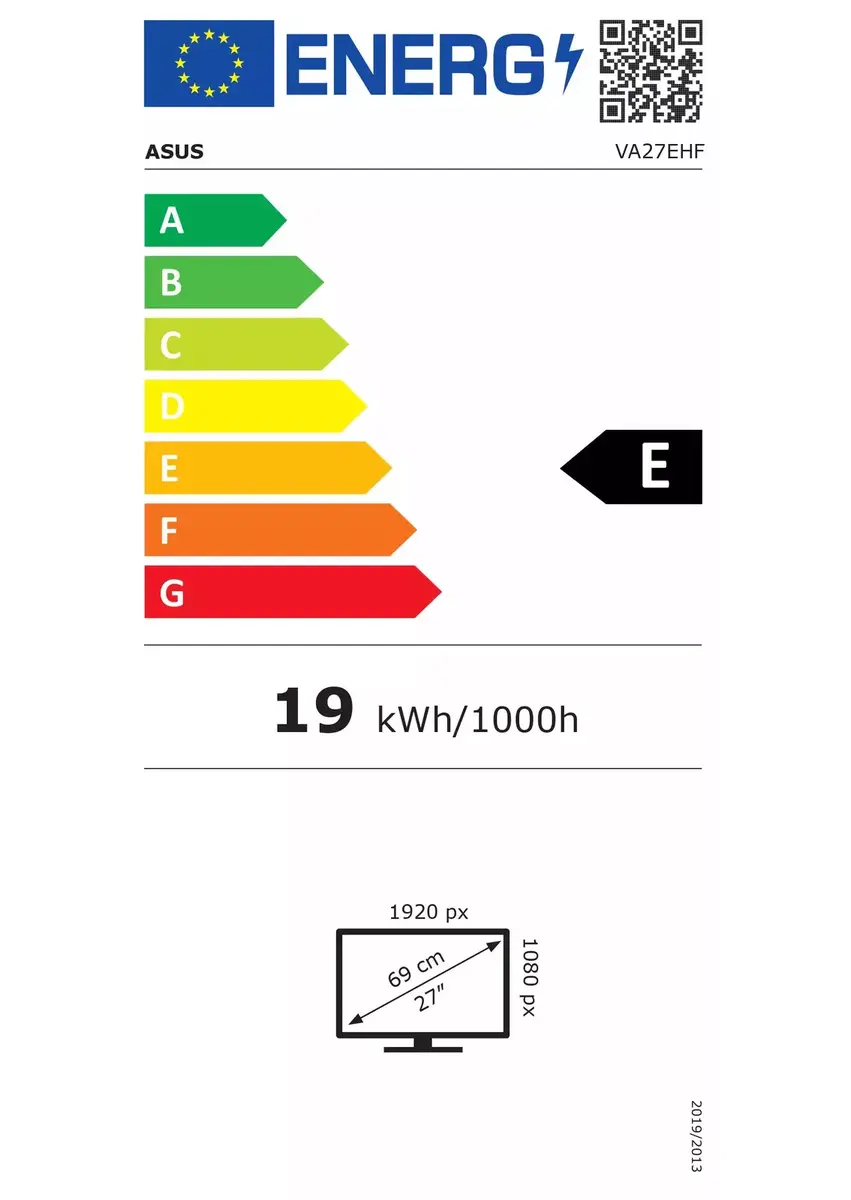
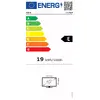
Energy efficiency class is a standard classification that is used all over Europe and which is understandable at first sight. Products can be efficiently compared according to classes, starting from A (the most energy efficient class), and ending with G (the most energy-intensive class). The classification of energy efficiency is based on annual energy consumption which is being calculated on the basis of several different parameters.
Power consumption in switched-on state expressed in W.
