
Dreame vacuums for fast and efficient cleaning!
In cart {{totalProductsCount}} item(s)
Your cart is empty
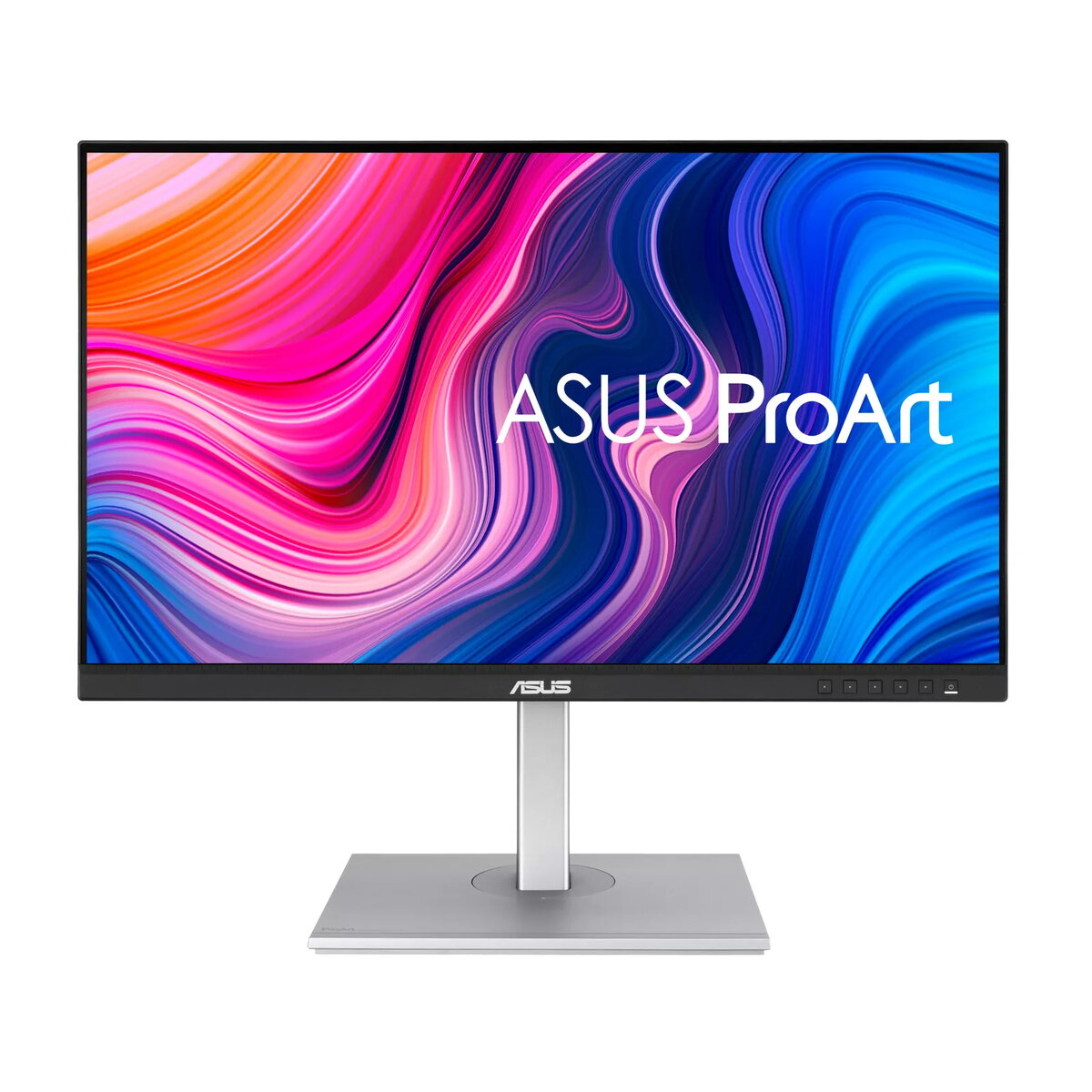
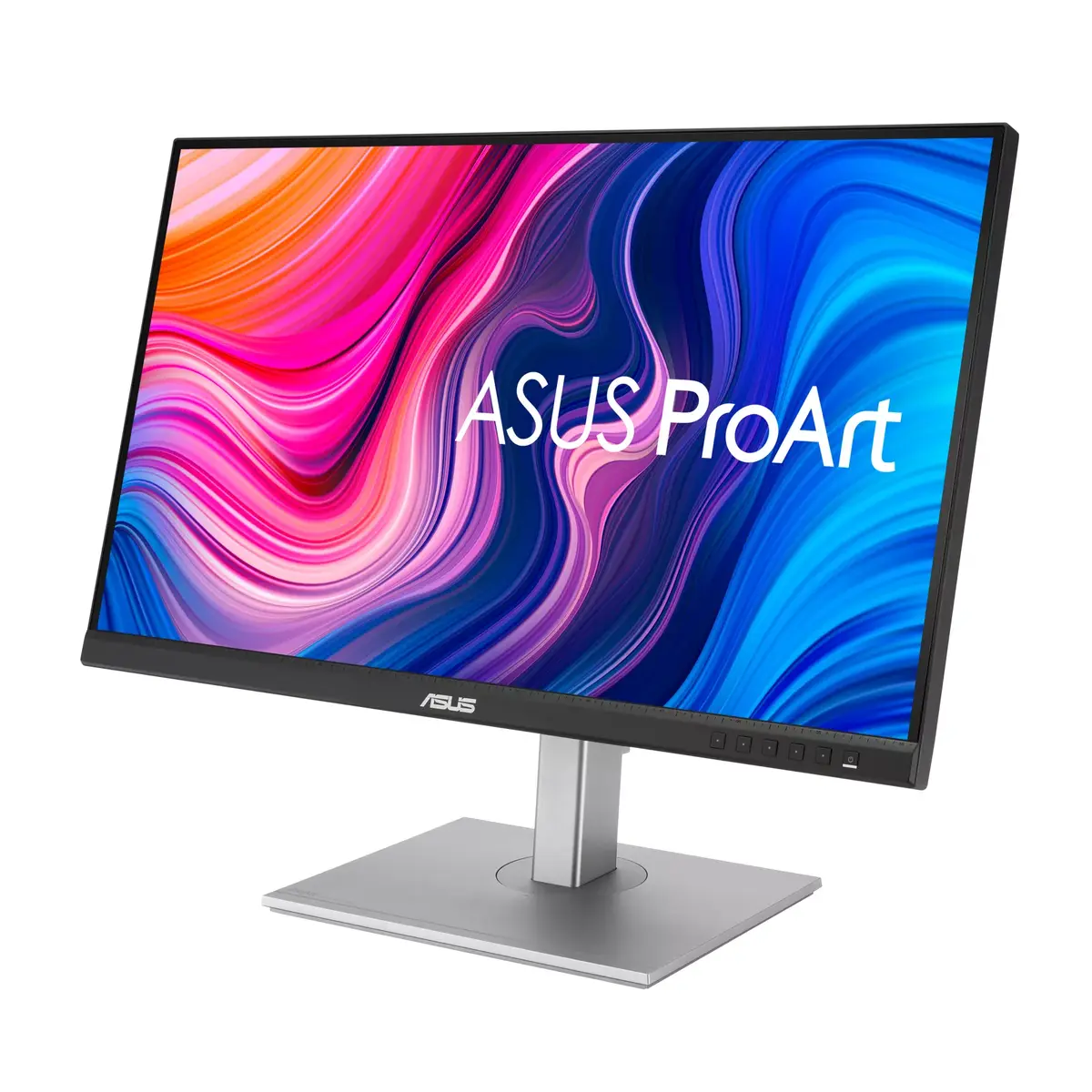
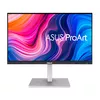
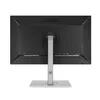
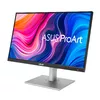
Monitor ASUS ProArt PA278CV 27" Quad HD LED 2560 x 1440
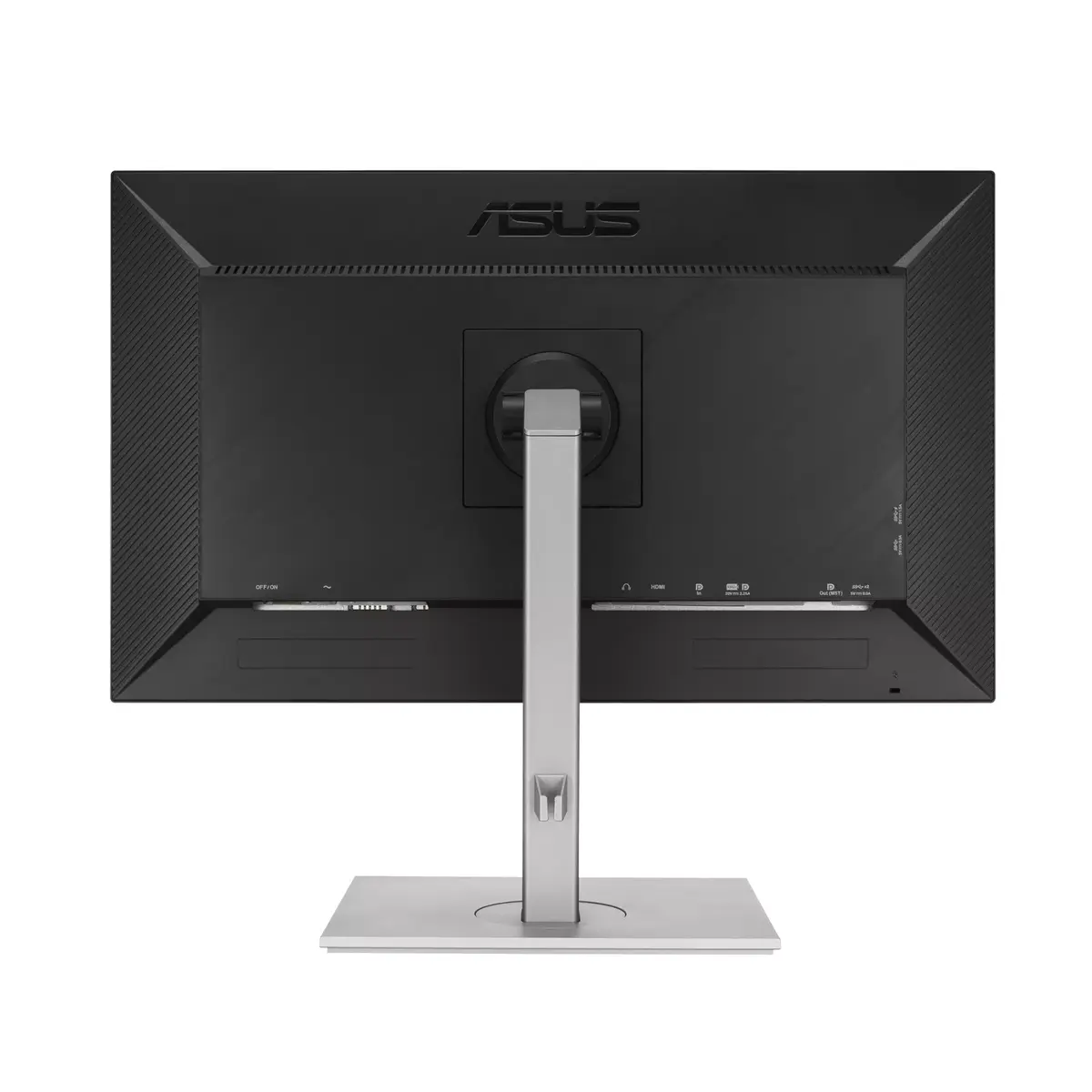
The ASUS ProArt PA278CV is a 27-inch Quad HD LED monitor with 2560 x 1440 resolution and an IPS panel that delivers wide 178° viewing angles and accurate color reproduction. Factory-calibrated and Calman Verified, the display provides industry-standard 100% sRGB and 100% Rec. 709 coverage with support for wider gamuts, and a typical brightness of 350 cd/m². The monitor combines a flat-screen design, built-in speakers and a USB hub with USB-C that supports DisplayPort, data transfer and up to 65W power delivery. Physical ergonomics include height adjustment, tilt, swivel and pivot, plus VESA mounting for flexible installation.
The ProArt PA278CV offers precise color accuracy out of the box (factory-calibrated and Calman Verified) with ∆E < 2 and full 100% sRGB/100% Rec. 709 coverage, enabling reliable color-critical work. Its IPS panel and Quad HD resolution provide sharp detail and consistent viewing from wide angles. The integrated USB-C port combines video, data and 65W power delivery in a single cable, while the built-in USB hub and speakers reduce desktop clutter and simplify peripheral connections. An ergonomic stand with height, tilt, swivel and pivot adjustments plus VESA support allows comfortable, adaptable workstation setups.
This monitor is geared toward color-accurate workflows and general productivity rather than fast-paced competitive gaming; its 5 ms response time and typical 1000:1 contrast ratio are not optimized for esports where very high refresh rates and ultra-low response times are preferred. Users who require HDR performance beyond basic SDR brightness levels should consider displays specifically rated for high dynamic range and higher peak luminance.
Connect your computer using the USB-C port to carry video, data and power over a single cable when supported, or use HDMI / DisplayPort as alternatives. Use the on-screen display and ProArt Palette to fine-tune hue, temperature and gamma, or select ProArt Preset modes for quick color-gamut switching. Adjust the stand for comfortable viewing height, tilt, swivel or pivot to portrait mode for long documents. Place peripherals on the USB ports of the monitor to access them through the integrated hub when a host device is connected.
For consistent color results, allow the monitor to warm up for at least 30 minutes before critical color work and use its factory calibration settings or a hardware calibrator if you require a specific color profile. Use the USB-C connection to reduce cable clutter and enable power delivery when your device supports it, and switch to pivot mode for vertical layouts such as coding or long-document review.
{{highlightedFeature.featureTitle}}:
{{getProductFeatureValueById(product, highlightedFeature.featureId)}}
{{ productComparisonGenerationError }}
Device manufacturer code
Device manufacturer
iagonal of the visible part of the screen expressed in centimeters and inches.
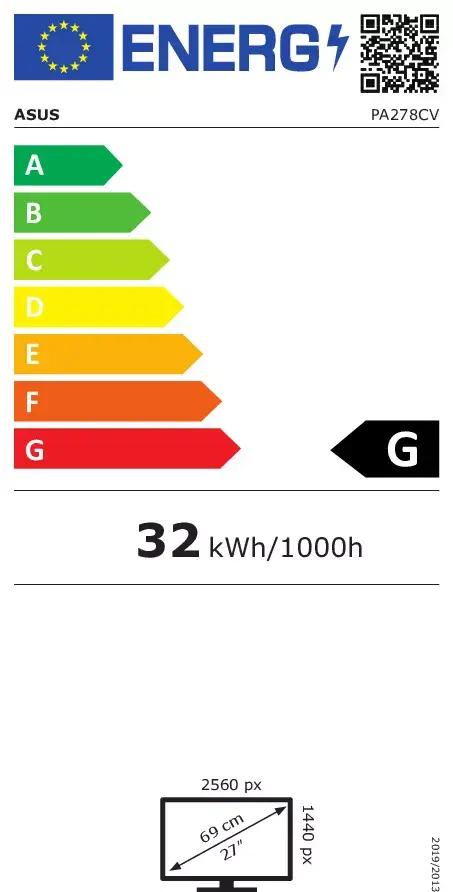
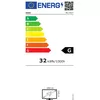
Energy efficiency class is a standard classification that is used all over Europe and which is understandable at first sight. Products can be efficiently compared according to classes, starting from A (the most energy efficient class), and ending with G (the most energy-intensive class). The classification of energy efficiency is based on annual energy consumption which is being calculated on the basis of several different parameters.
Power consumption in switched-on state expressed in W.
