
JBL speakers and headphones for pure and deep sound!
In cart {{totalProductsCount}} item(s)
Your cart is empty
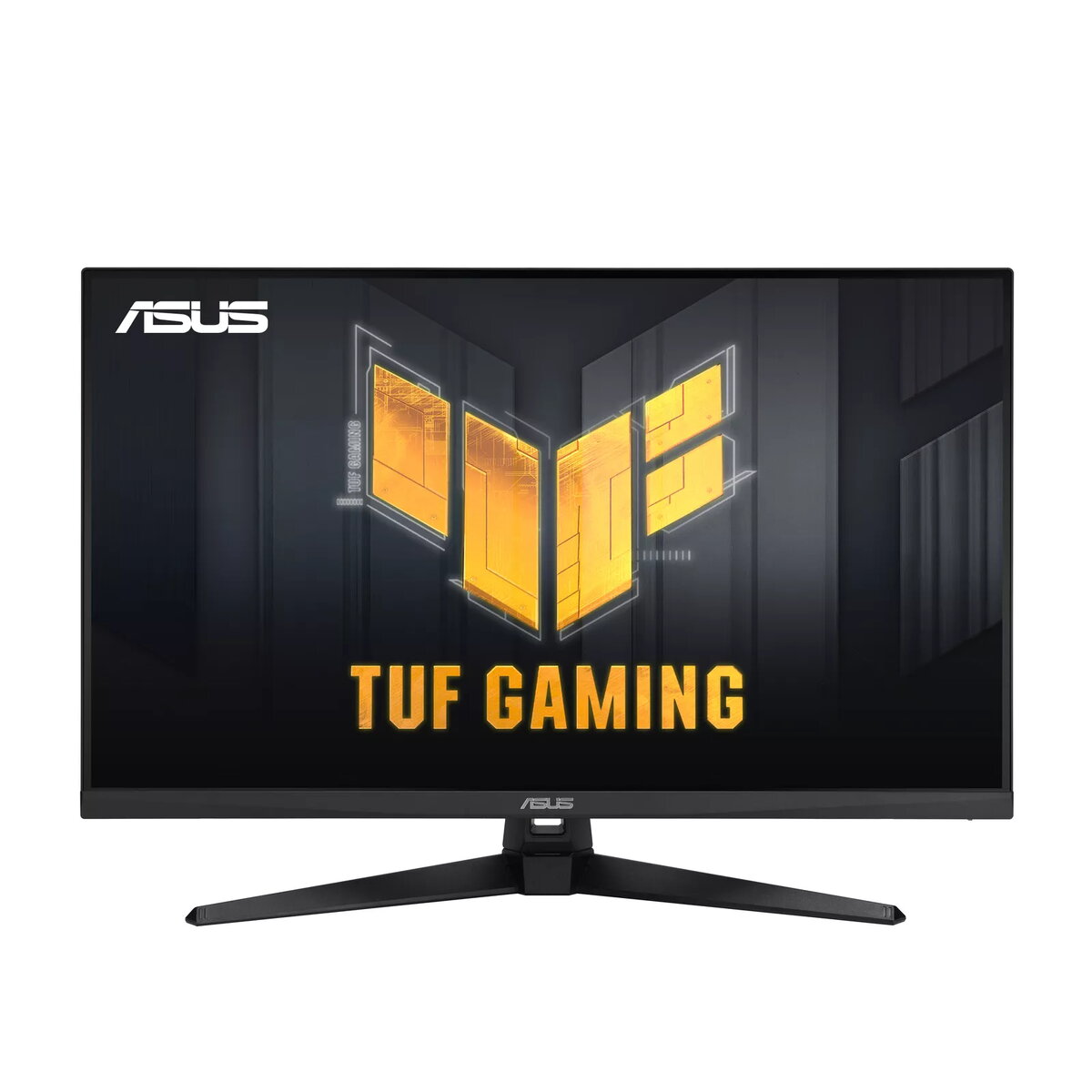
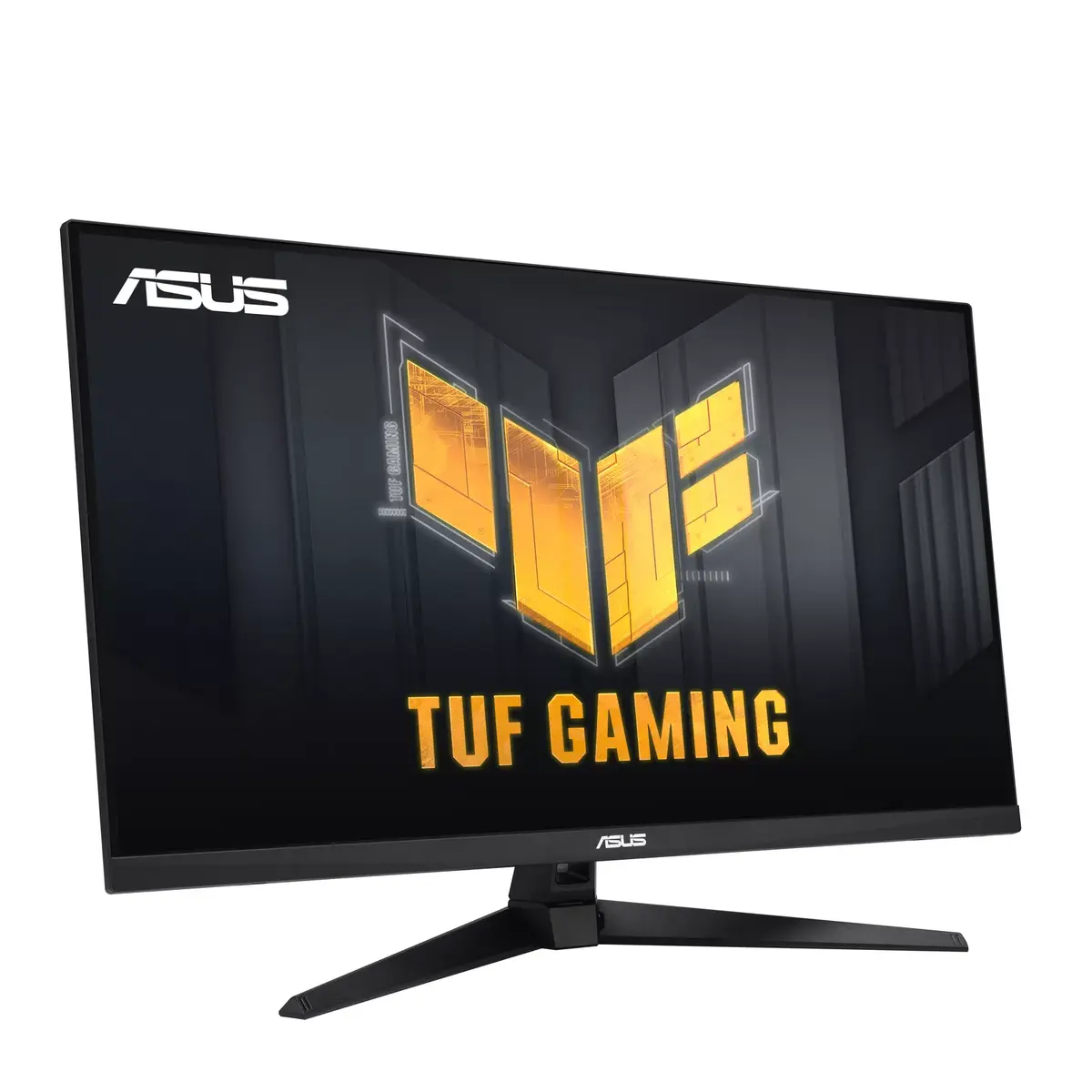
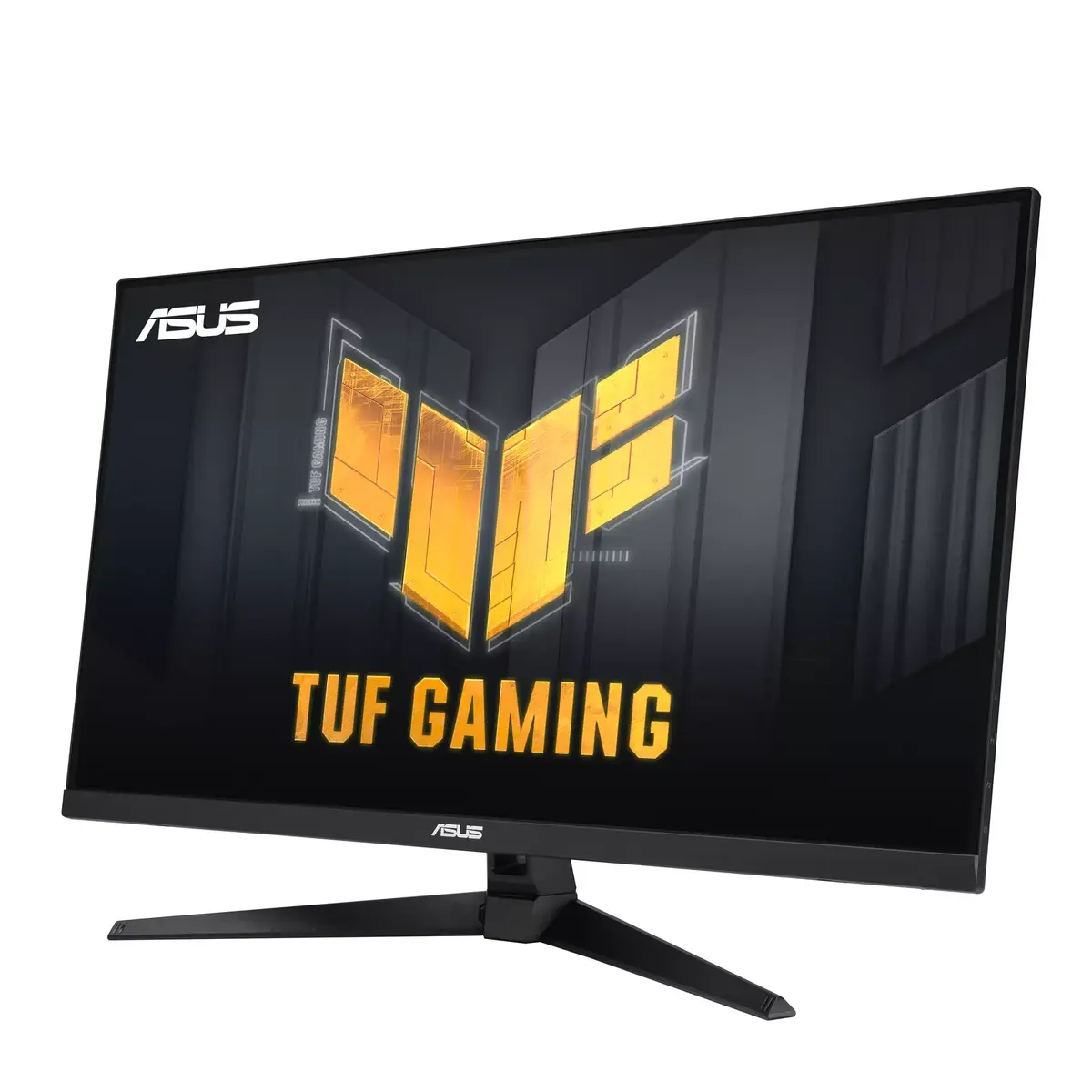
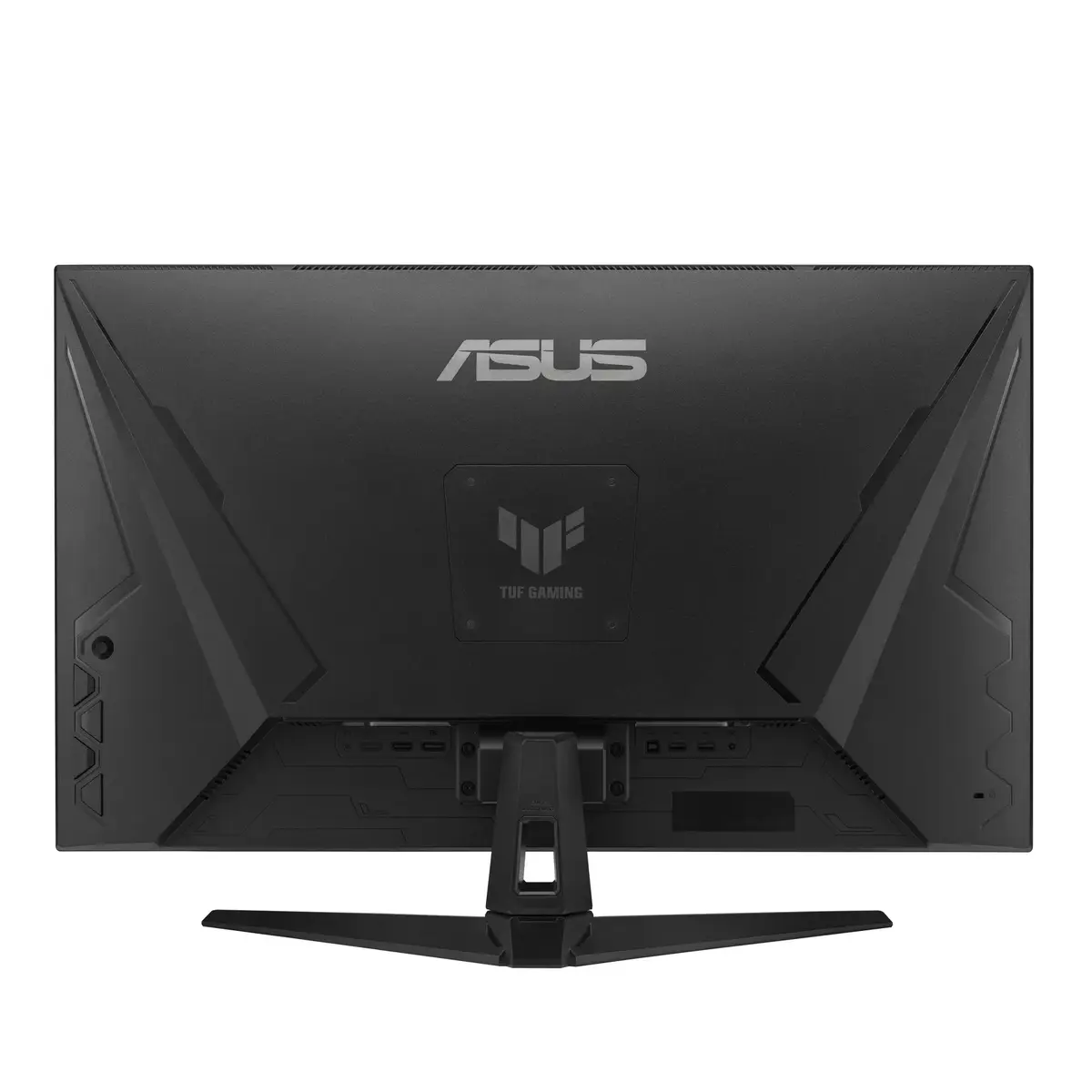
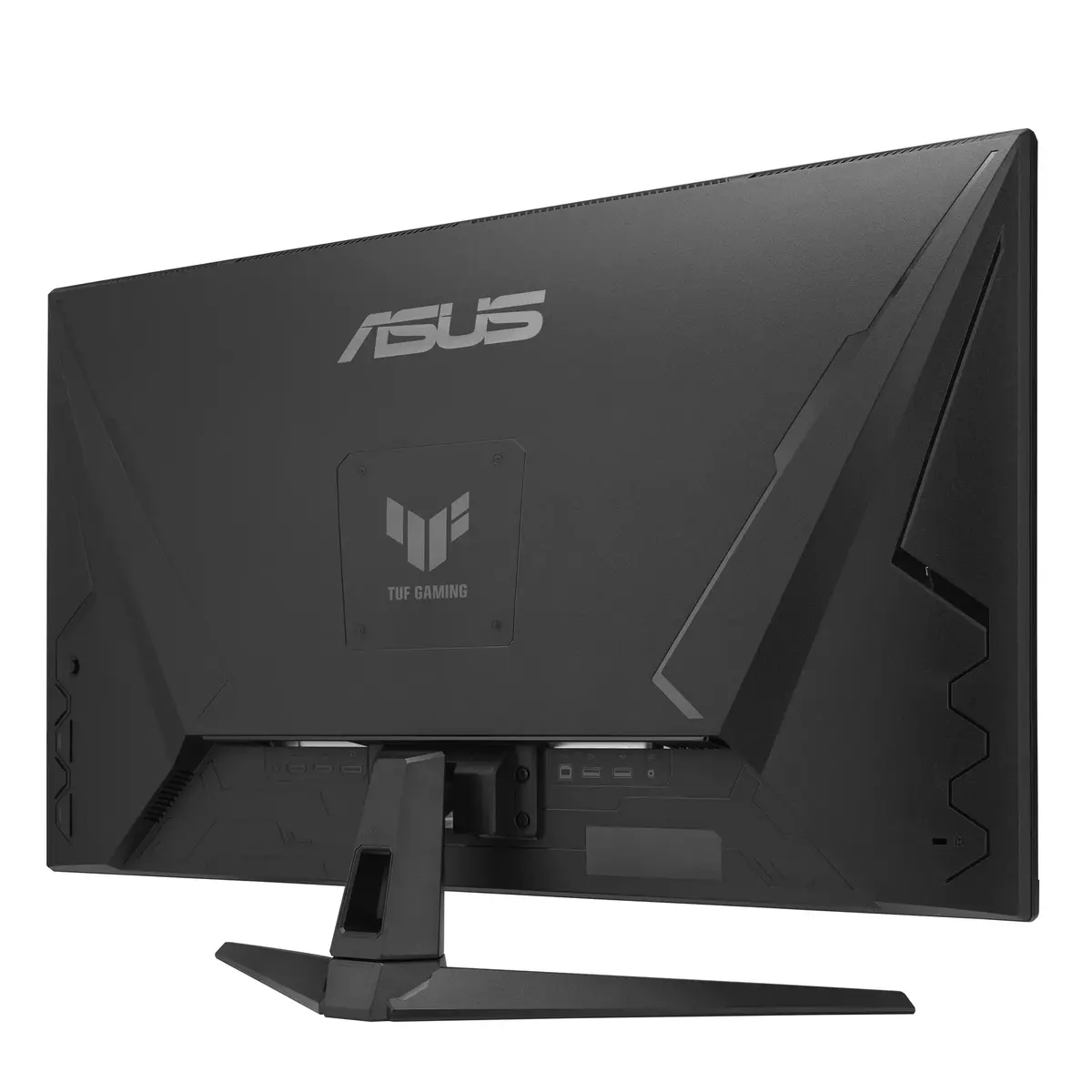
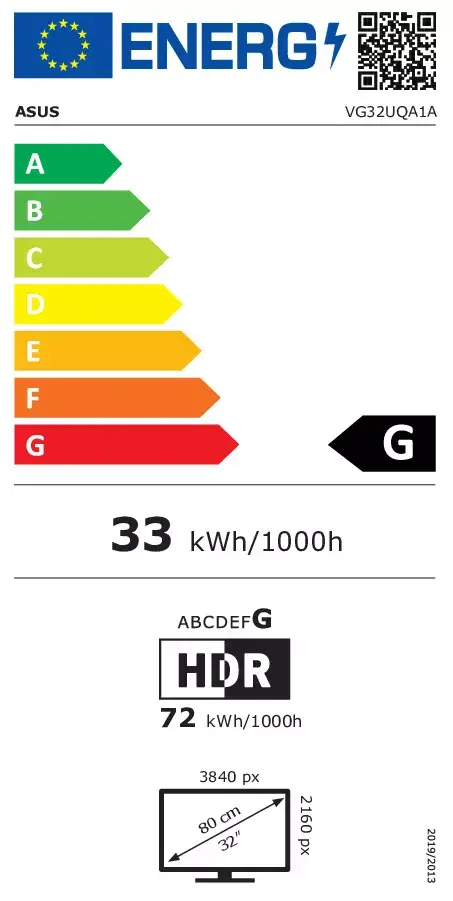
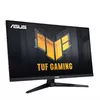
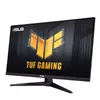
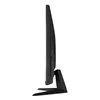
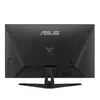
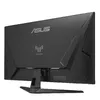
ASUS TUF Gaming VG32UQA1A monitor 31.5" 4K Ultra HD Matt 3840 x 2160
The ASUS TUF Gaming VG32UQA1A is a 31.5-inch 4K UHD gaming monitor (3840 x 2160) with a matte VA panel, 1 ms (MPRT) response time and an overclockable refresh rate up to 160 Hz. It supports Display Stream Compression (DSC) over DisplayPort 1.4 for full-resolution 4K@160 Hz on PCs and native 4K@120 Hz via HDMI 2.1 for compatible consoles, with AMD FreeSync Premium and ELMB Sync for reduced tearing and motion blur. The monitor delivers high dynamic range (DisplayHDR 400) and a wide 120% sRGB gamut, and includes built-in speakers, a USB 3.2 Gen 1 hub and VESA mounting support.
The VG32UQA1A combines high resolution and fast refresh capabilities to provide smooth, low-latency gameplay and detailed imagery. ELMB Sync and Variable Overdrive reduce ghosting and adapt to changing frame rates, while DSC and HDMI 2.1 ensure full-bandwidth 4K output for both PCs and next-gen consoles. Its HDR support, 120% sRGB coverage and 400 cd/m² typical brightness improve color and contrast for games and multimedia. Ergonomic tilt adjustment, integrated speakers and multiple connectivity options make the monitor easy to integrate into gaming setups.
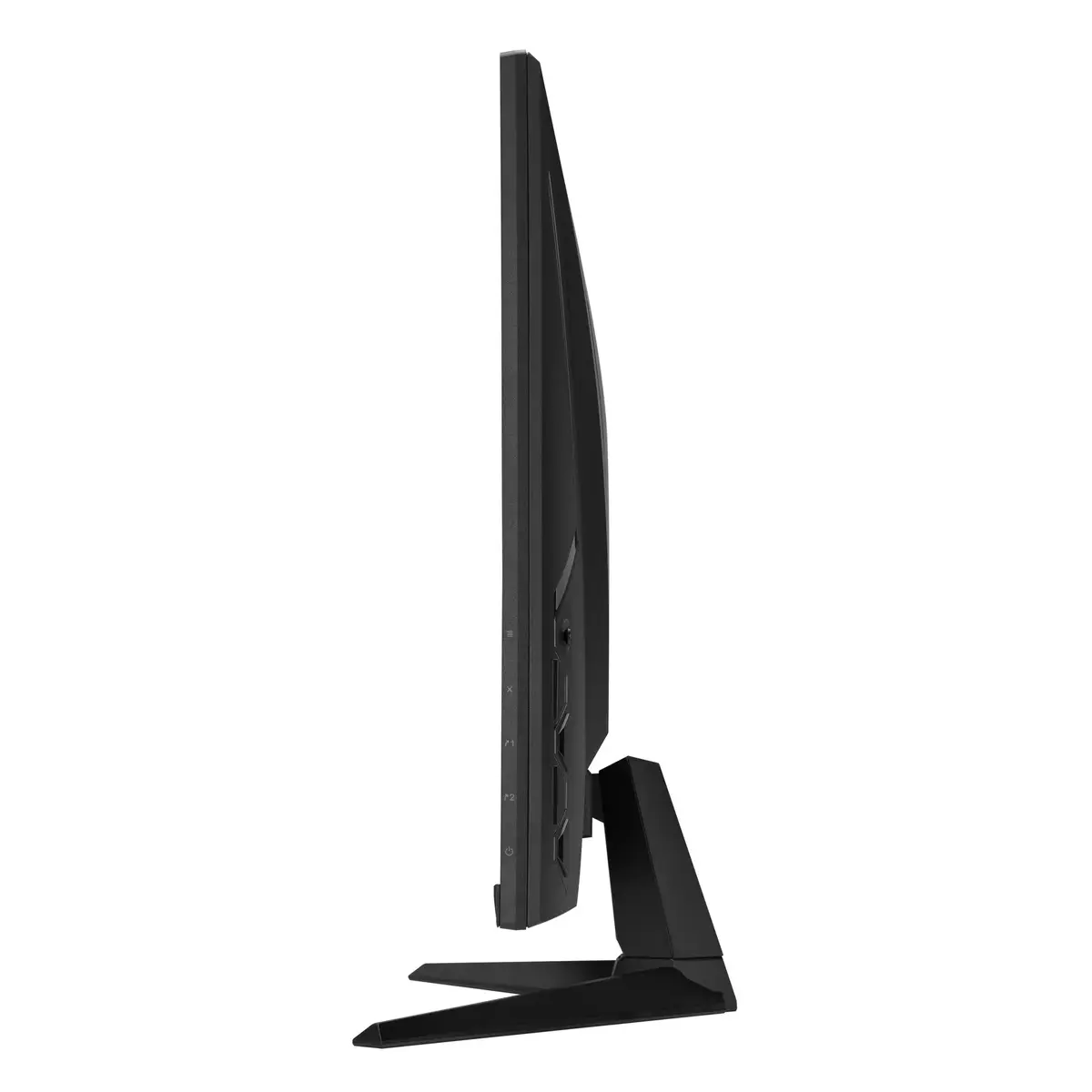
Connect the monitor to a PC using DisplayPort 1.4 to enable 4K@160 Hz with DSC or to a console via HDMI 2.1 for native 4K@120 Hz. Enable Adaptive-Sync/FreeSync and ELMB Sync in the on-screen display or through ASUS DisplayWidget Lite to reduce tearing and motion blur. Adjust Variable Overdrive based on frame rate behavior to balance ghosting and overshoot. Use the tilt adjustment to set a comfortable viewing angle and mount the display on a VESA arm if preferred.
For best results in PC gaming, use a compatible graphics card with DisplayPort 1.4 and enable DSC for full-resolution 4K at high refresh rates. On consoles, connect via HDMI 2.1 and enable VRR/Auto Low Latency mode. When using ELMB Sync, test different overdrive levels to find the optimal balance between motion clarity and artifacting. Use low-blue-light and flicker-free modes to reduce eye strain during long sessions.
{{highlightedFeature.featureTitle}}:
{{getProductFeatureValueById(product, highlightedFeature.featureId)}}
{{ productComparisonGenerationError }}
