
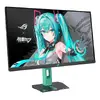
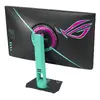
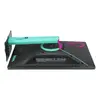
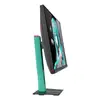
Hurry and order now – up to 50% off!
In cart {{totalProductsCount}} item(s)
Your cart is empty
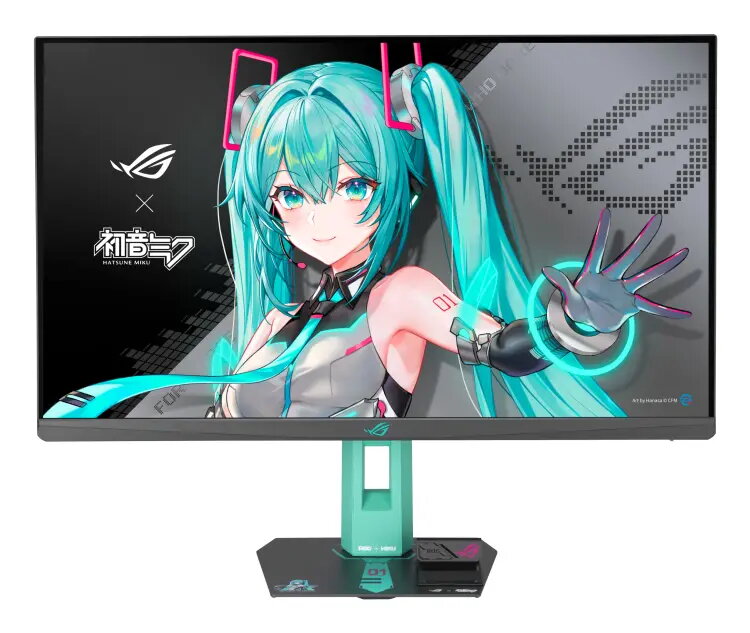
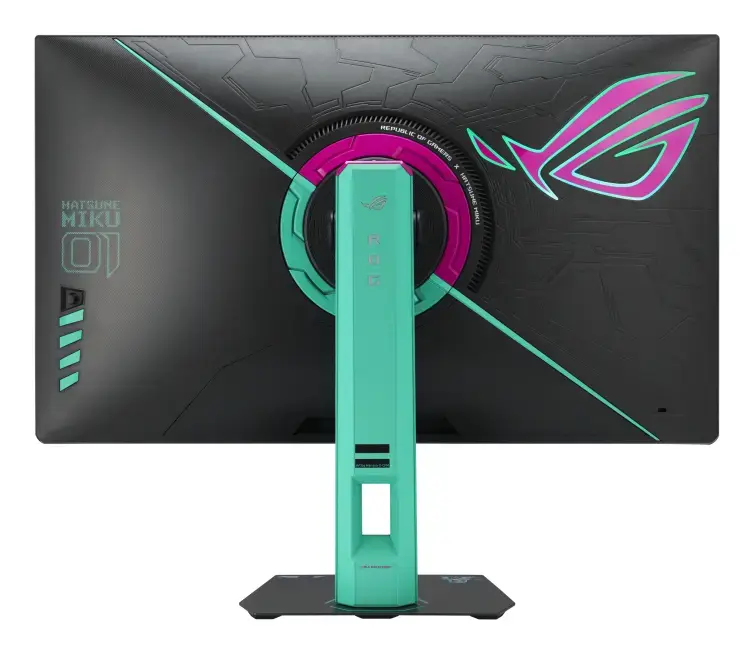
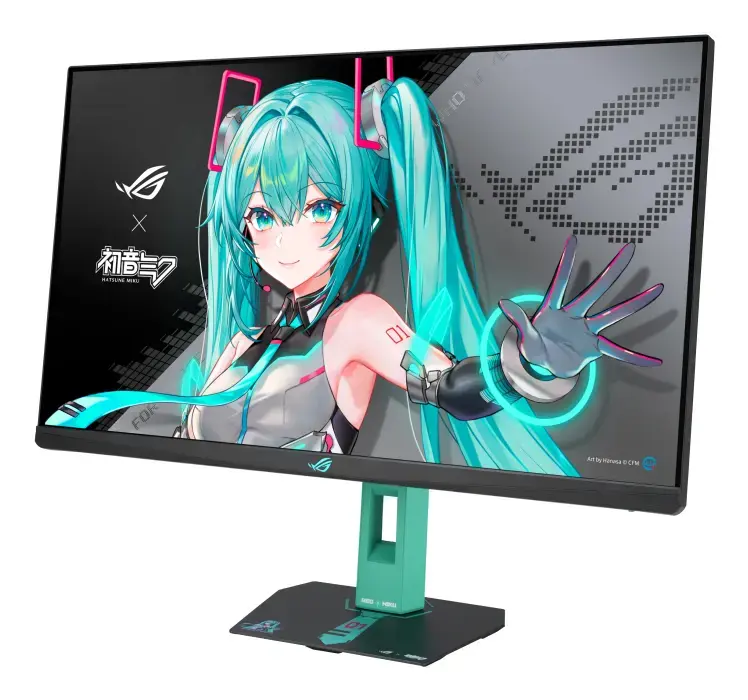
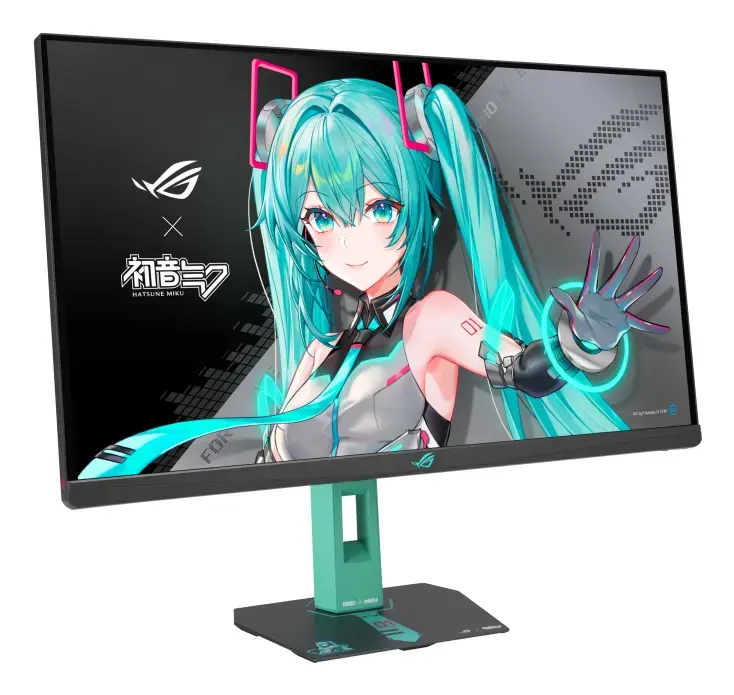
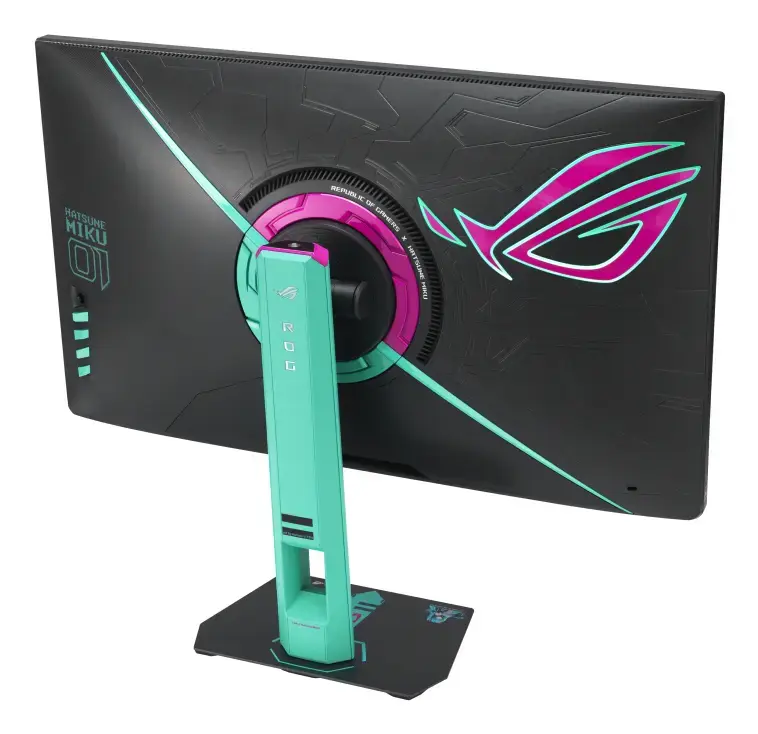
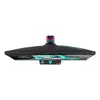
27" ASUS ROG Strix XG27ACMEG-G Hatsune Miku Edition gaming monitor, 2560×1440 WQHD, 1 ms, 16:9, 178°
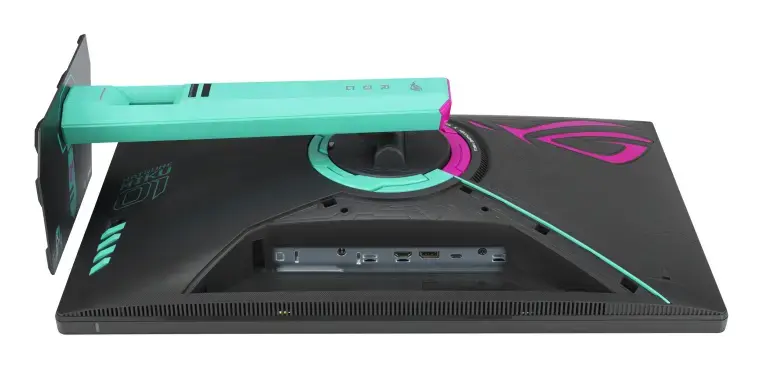
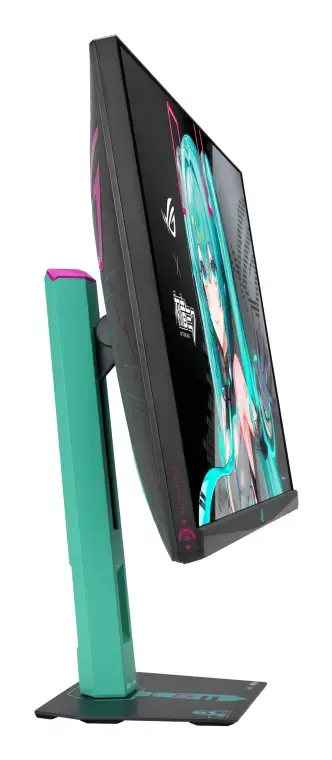
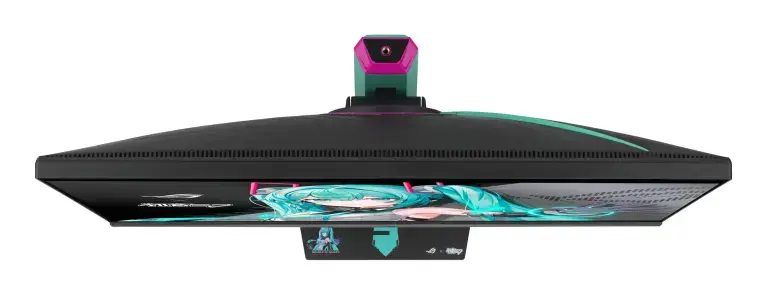
The ASUS ROG Strix XG27ACMEG-G Hatsune Miku Edition is a 27-inch (68.6 cm) Wide Quad HD (2560 x 1440) Fast IPS gaming monitor that combines ROG performance with Hatsune Miku–inspired multicolour styling. It offers an ultrafast 260 Hz (OC) refresh rate, a minimum 0.3 ms response time with ASUS Fast IPS technology, HDR support, and compatibility with NVIDIA G-SYNC and AMD FreeSync technologies. The monitor includes DisplayWidget Center for easy on-screen adjustments, USB Type-C with DisplayPort Alt Mode for simplified connectivity, VESA mounting and height adjustment for ergonomic positioning.
This monitor provides a high refresh rate and low response time for smooth competitive gameplay and reduced motion blur. ELMB SYNC (Extreme Low Motion Blur Sync) lets you use motion blur reduction together with variable refresh rate to minimize ghosting and tearing. The USB Type-C port supports DP Alt Mode to reduce cable clutter, while DisplayWidget Center simplifies configuration using a mouse. The co-branded Hatsune Miku design pairs distinctive aesthetics with standard ROG build features such as HDR, wide viewing angles (178°/178°) and VESA mount compatibility.
Place the monitor on a stable surface or mount it using a compatible VESA arm. Connect a video source via DisplayPort, HDMI, or USB Type-C (use DP Alt Mode on supported devices). Use the DisplayWidget Center application or the on-screen display controls to configure refresh rate, ELMB SYNC, HDR and colour settings. For competitive gaming, enable the highest supported refresh rate and ELMB SYNC together with adaptive sync to reduce latency and visual artefacts. Adjust height and tilt for a comfortable viewing angle.
Для стабильной работы при 260 Гц убедитесь, что ваша видеокарта и кабели поддерживают требуемую пропускную способность; при подключении по USB Type-C проверьте поддержку DP Alt Mode на устройстве. Для минимизации размытия и разрывов изображения включите ELMB SYNC вместе с адаптивной синхронизацией и используйте корректные игровые профили в DisplayWidget Center.
{{highlightedFeature.featureTitle}}:
{{getProductFeatureValueById(product, highlightedFeature.featureId)}}
{{ productComparisonGenerationError }}
Device manufacturer code
Device manufacturer
iagonal of the visible part of the screen expressed in centimeters and inches.
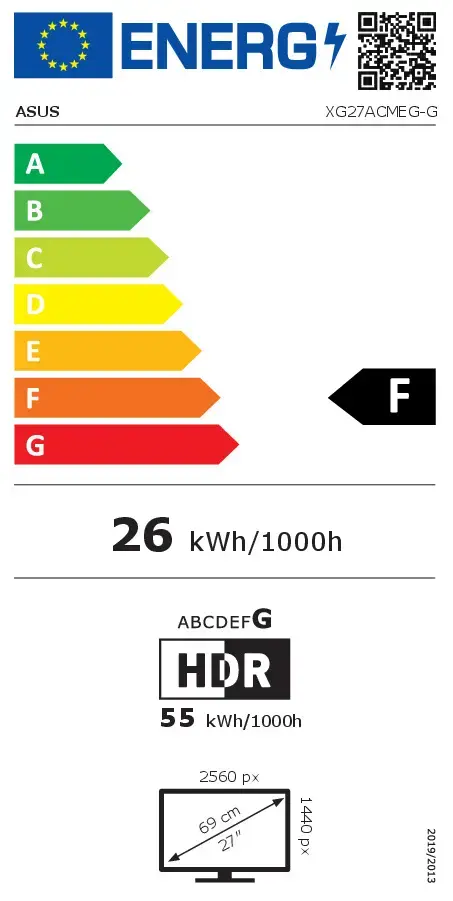
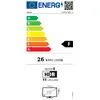
Energy efficiency class is a standard classification that is used all over Europe and which is understandable at first sight. Products can be efficiently compared according to classes, starting from A (the most energy efficient class), and ending with G (the most energy-intensive class). The classification of energy efficiency is based on annual energy consumption which is being calculated on the basis of several different parameters.
Power consumption in switched-on state expressed in W.
