


Filters you can trust. Pure water every day.
In cart {{totalProductsCount}} item(s)
Your cart is empty
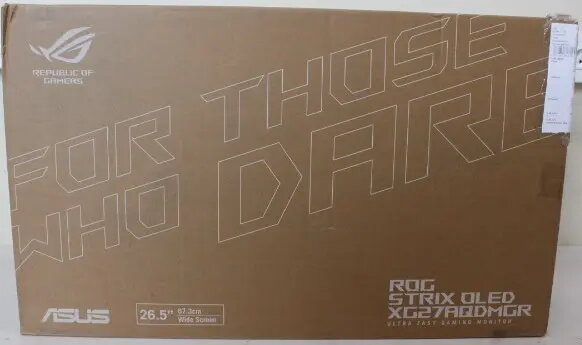
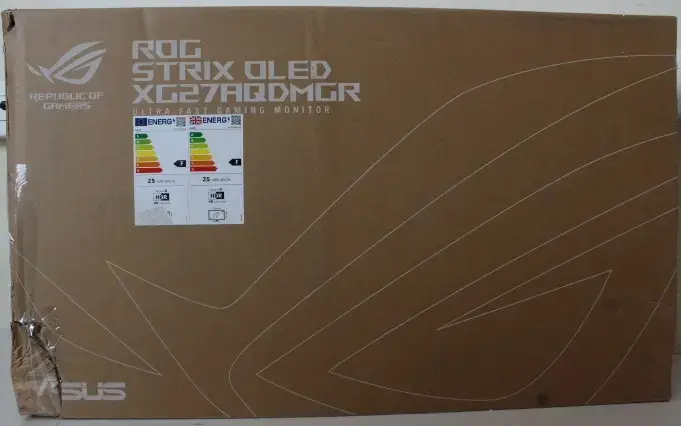
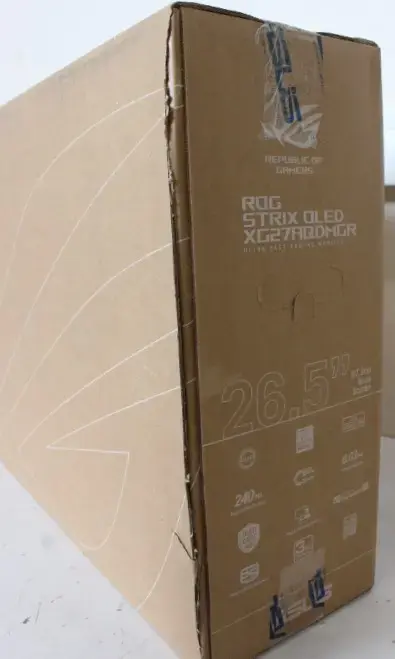
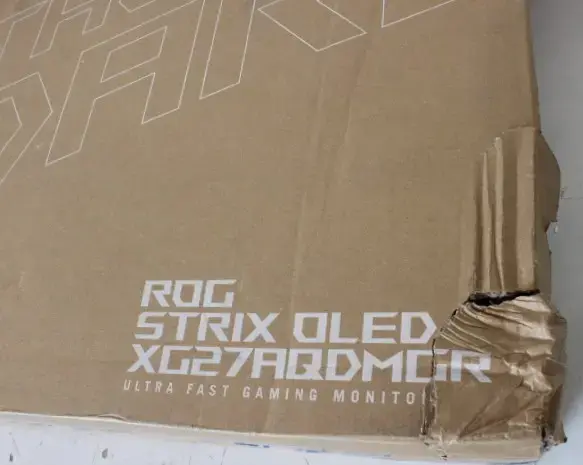
Asus ROG Strix XG27AQDMGR Gaming Monitor 26.5" WOLED 2560x1440 240Hz 0.03ms HDMI DisplayPort
The Asus ROG Strix XG27AQDMGR is a high-performance 26.5-inch gaming monitor engineered to deliver an immersive visual experience. Utilizing advanced WOLED panel technology, this display provides exceptional contrast and deep blacks, ensuring that every detail in your games is rendered with precision. With a 2560x1440 resolution and a rapid 240Hz refresh rate, it offers fluid motion and sharp imagery, making it an ideal choice for competitive gaming and high-fidelity media consumption.
The primary strength of this monitor lies in its ultra-fast 0.03ms response time, which virtually eliminates motion blur and ghosting, providing a significant advantage in fast-paced titles. The glossy display surface enhances color vibrancy and clarity, resulting in a more vivid picture compared to standard matte screens. Furthermore, the high peak brightness of 1300 cd/m² ensures that HDR content appears striking and lifelike, while the wide 178-degree viewing angles maintain color consistency from almost any position.
This monitor may not be the best choice for users who require extensive ergonomic adjustments, as it lacks height, tilt, pivot, and swivel capabilities. Additionally, those who primarily use their monitor for long-duration static office work might prefer a different panel technology to avoid potential concerns related to long-term OLED usage.
To set up the Asus ROG Strix XG27AQDMGR, connect your PC or console using a high-quality HDMI or DisplayPort cable to ensure full support for the 240Hz refresh rate. Once connected, navigate to your operating system's display settings to select the native 2560x1440 resolution and set the refresh rate to 240Hz. If you prefer a wall-mounted or arm-mounted setup, you can utilize the 100x100mm VESA interface on the back of the unit.
To maintain the longevity of the WOLED panel, it is recommended to utilize the monitor's built-in screen protection features and avoid leaving static images on the screen for extended periods.
{{highlightedFeature.featureTitle}}:
{{getProductFeatureValueById(product, highlightedFeature.featureId)}}
{{ productComparisonGenerationError }}
